Is it safe to compress images online? What happens to your photo
Is it safe to compress images online? Yes, when the tool says in writing how it handles your photo and deletes it on a clock you can check. Here are the questions worth asking any tool, and our answers, with the mechanism behind each. Part of the image compressor.
By Sahadat HusainUpdated 10 min readProduct

Is it safe to compress photos online? The short answer
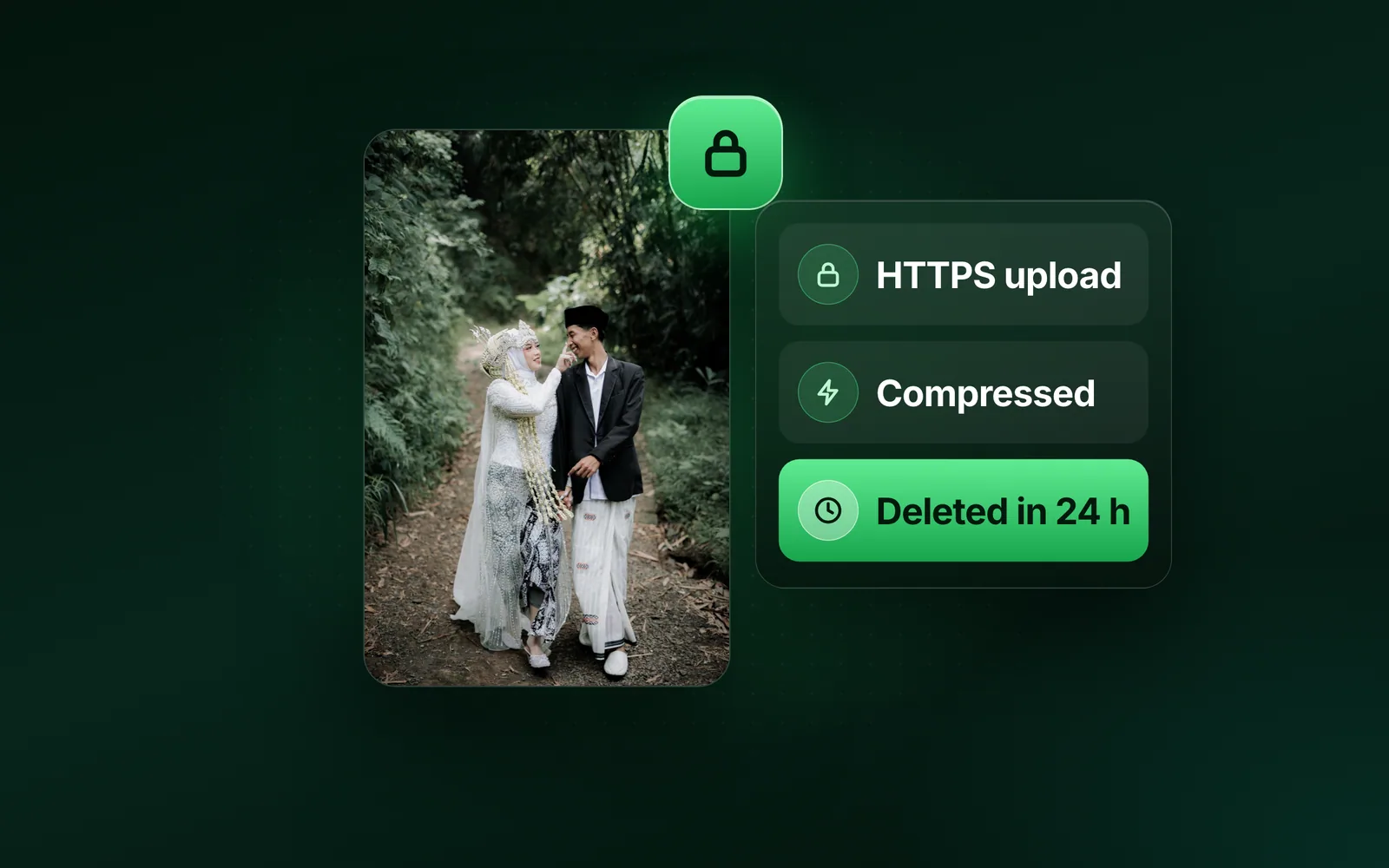
It is safe when the tool does four things and says so in writing: sends the file over HTTPS, deletes it on a clock you can check, keeps no copy for training or anyone else, and strips the camera metadata from the result. Below is how to check any tool, then what happens to a photo in our image compressor, in order, from the drop to the deletion.
Is an online image compressor safe? 6 questions to ask
Does the file leave your device at all?
Some tools compress inside the browser and upload nothing. They are the right choice for a file you would not email. The trade is speed on a phone, the formats they can write, and the size of file they can hold in memory. A tool that uploads should say so plainly.
Is the upload encrypted?
Look for https in the address bar on every page, the tool included. Without it the photo crosses the network readable by anyone in between.
How long is your photo kept, and what deletes it?
A number of hours, written down, is the minimum. Better is the mechanism: a job that runs and a storage rule behind it. "Deleted after processing" with no clock is a promise nobody can check.
Who can see your photo while it is stored?
Is the result on a public address anyone can guess, or behind a signed link that expires? Does a person ever open files, or is the pipeline automated end to end?
Is your photo used to train AI, or for anything else?
Training a model, building a dataset, sharing with a partner. The policy should say never, in those words. A policy that is silent on training is not a no.
What happens to the EXIF and GPS data?
A phone photo carries the camera, the date and often the GPS position. Compression alone does not remove any of it. The tool should strip it from the result by default and let you keep it on purpose.
What happens to your photo, step by step
Blinkimg uploads. A server does the work, which is what lets a phone compress 50 photos at once and a laptop hand over a 400-megapixel file. So the six questions apply to us in full, and the rest of this page answers them with the actual path a file takes.
Drop
Signed address
HTTPS, 15 min
Storage
Cloudflare R2
gone within 24 h
Worker
Boston, or Cloud Run
memory only
Signed link
Fetched for you
an hour at most
Sweep
Every 15 minutes
past expiry: gone
Step one: the upload goes straight to storage over HTTPS
When you drop a file, the page asks our API for a signed upload address and sends the bytes straight to our object storage over HTTPS. The API never handles the file; it hands out a one-time address that works for that file, at that size, for fifteen minutes. The storage is Cloudflare R2, and the upload is given an expiry the moment it is recorded, early enough that the sweep deletes it within 24 hours.
Step two: a worker does the job
A job row is created and queued. One of our workers, on our own servers in Boston, picks it up, reads the file from storage, runs the engine (sharp on top of libvips, with the format’s own encoder), and writes the result back to storage on the upload’s own clock: a result never outlives the photo it came from. When our servers are busy, a job may run instead on Google Cloud Run in Northern Virginia, where the file is held in memory for the seconds the job takes and is never written to disk; the result still goes to the same storage.
- Metadata is stripped by default. Camera model, editing history, the GPS position, comments and anything hidden after the picture do not travel into the result unless you ask to keep them. To do only that step, use remove EXIF data.
- The orientation is honoured first. A phone photo that relies on the EXIF orientation tag is rotated into place before the tag is dropped, so nothing comes out sideways.
- Heavy images stay on our own servers. Anything at 24 megapixels and above is never sent to the overflow instances, because they could not hold the working set.
Step three: you download through a signed link
The result is reachable only through a signed link the page fetches for you, good for an hour at most and never past the file’s own expiry. There is no public address for a result and no listing to browse. The link expires within the hour, and the file is deleted within 24 hours of the upload whether you downloaded it or not.
Step four: a sweep every 15 minutes deletes expired files
A job runs every 15 minutes on a queue of its own, finds every upload and result past its expiry, deletes the objects from storage and marks the rows expired, all of them in the one pass. Files expire early enough that the sweep after them still lands inside the 24 hours, even if it starts a few minutes late. That job is the promise. The storage bucket also carries a rule that deletes objects a day after they are created, but that rule is the backstop for anything the sweep missed, not the mechanism: object storage counts in days and cannot honour an exact 24 hours.
What is kept after the file is gone
| Record | What it holds | Kept |
|---|---|---|
| Job row | Formats, sizes before and after, settings, timing, any error, and who asked: the account, the visitor id and the network address | 30 days |
| File name and fingerprint | The name the file had, and a hash of its bytes, in the job row | Until the file is deleted |
| Upload record | Its size and the network address | 30 days |
| Usage ledger | One row per finished image: when, which surface, bytes, credits | Kept as the billing record, also after an account is deleted, with no name or email left on it; the network address goes from every row at 30 days |
| Free-use counters | Images this hour and today, per visitor | They expire on their own |
| Dedupe key | A fingerprint of the original, so a repeat upload reuses the result | 23 hours |
None of those contains the image. The fingerprint is a hash: it can tell that two uploads are the same file, and nothing else. It sits in the dedupe key and in the job row, and both go within the source file’s own day, with the file’s name, so a repeat upload the next day is a fresh job and a month-old job row names no photo.
What never happens to your image
- No image or result is used to train a model, ours or anyone else’s.
- No person opens your files: the pipeline is automated end to end. The one exception is a file you send us yourself with a support question, which we open to answer you, then delete.
- Nothing about a file goes to an advertiser, a partner or an analytics service.
- No copy of the image is kept past its day: not a thumbnail, not a copy, not a backup of the bucket. The records above hold sizes and timings, never the picture.
Do online image compressors keep your photos?
For a while, and the good ones say how long. TinyPNG is run by Tinify B.V. in the Netherlands; its terms say uploaded images are “temporarily stored, optimized and deleted within 48 hours”, and that request logs holding the IP address and a fingerprint of the file are deleted within 31 days. iLoveIMG’s security page says processed files are deleted automatically within two hours. Ours is within 24 hours of the upload, with the sweep named, and 30 days for a job row that holds sizes, timings and the network address, but never the file, and after the first day not its name. A browser-only tool keeps nothing because it receives nothing.
Is it safe to compress sensitive documents online?
Use a tool that never uploads, or software on your own machine. That is the honest answer for a passport scan, a contract or anything under an NDA, and it is what our own checklist says. For everything else, the path above is the whole of what happens to a photo here. Without an account you get 50 images a run (10 of them conversions at most) and 30 MB a file, the same pipeline with a smaller door, and the privacy policy says all of it again, with the records an account adds.
Questions
- Is it safe to compress images online?
- It is safe with a tool that uploads over HTTPS, deletes the file on a stated clock, keeps no copy for training or sharing, and strips the camera metadata. Check the policy for those four things. For a file you would not email, use a tool that runs in the browser and uploads nothing.
- Are online image converters safe?
- The same test applies as for compressors: HTTPS, a stated deletion clock, no training and the metadata stripped. A converter handles the same file the same way. On Blinkimg a conversion is a job like any other, and the file and its result are deleted within 24 hours of the upload.
- Are my images stored on Blinkimg?
- For the job, yes: the file goes to our object storage over HTTPS, a worker reads it, and the result is written back. Both are deleted within 24 hours of the upload by a sweep that runs every 15 minutes, and no copy of the image is kept after that.
- Does compressing an image remove EXIF and GPS data?
- Not by itself. Metadata sits in its own part of the file, and a compressor can keep it or drop it. Blinkimg strips camera metadata, the GPS position included, from every result by default and keeps it only when you choose to. The orientation tag is applied to the pixels first.
- Can the people who run the site see my images?
- No. Nobody looks at them and no person opens your files: the pipeline is automated from the upload to the deletion. The one exception is a file you send us yourself with a support question, which we open to answer you, and then delete.
- Can someone else download my result?
- Only with the signed link the page fetched for you, which is good for an hour at most and never past the file’s own expiry. Results have no public address and no listing. When the file is deleted, every link to it stops working.
- Is TinyPNG safe to use?
- Its terms say uploaded images are temporarily stored, optimized and deleted within 48 hours, and that request logs with the IP address and a fingerprint of the file are deleted within 31 days. That is a clear, checkable policy; judge it with the same six questions as any other tool.
- Can you compress an image without uploading it?
- Yes, with software on your own computer or a tool that runs entirely in the browser; both keep the file on your device. Blinkimg does upload, because a server can do more with a photo, and it wipes every file automatically within 24 hours of the upload.