
Every image tool, measured
Image tools are the small jobs a picture needs before it goes anywhere: crop it, resize it, rotate or flip it, fit it to a size a form demands. Here are 11 editor tools and 34 named sizes, each its own page, the editor already set to the job and the result measured on a real file. Free, no signup, and we keep nothing.
- Free, no signup
- Edits run in your browser
- We keep no images


Edit an image online: every tool
The editor verbs first, then the named sizes. Every card is a page with the tool opened on that job.
Edit
14 pages- Crop image
Exact handles, locked ratios, social sizes. Your crop arrives optimised.
- Resize image
Type exact pixels or tap a preset; the result comes out compressed.
- Rotate image
Quarter turns both ways plus a straighten dial with auto-zoom.
- Flip image
Mirror horizontally or vertically in one tap, save an optimised copy.
- Crop image to square
Opens with 1:1 pressed. Each platform's square size, with its source.
- Change aspect ratio of image
Lock 16:9, 9:16, 4:3, 3:2 or 2:3 and crop, never stretch. Platform sizes sourced.
- Add border to image
A white, black or any-colour line drawn inside the frame. The pixel size stays.
- Grayscale image
Opens with Mono pressed: true luminance grey, Silvertone and Noir beside it.
- Pixelate image
Drag a box over a face, a plate or a name. It turns to blocks before anything is sent.
- Highlight part of an image
Drag a box around what matters and the rest dims under 55% black.
- Remove EXIF data
Stripped by default on every download, and upright: the pixels turn before the tag goes.
- Resize PNG
The PNG resizer takes a PNG to the width and height you type, in pixels, cm, mm or inches, and gives a PNG back: the output is set to PNG before you drop, so a transparent logo stays see-through.
- Crop PNG
Crop PNG images here and the see-through parts stay see-through: the output is set to PNG before you drop, and the editor opens on Crop.
- Resize JPG
Resize JPEG photos to the width and height you type, in pixels, cm, mm or inches, and get a JPG back: the output is set to JPG before you drop.
Named sizes
34 pages- Passport size photo
A passport size photo is an ID photo cut to the frame a form states: 35 × 45 mm in the UK, France and India.
- 2×2 inch passport photo
The editor opens on a 2 × 2 passport photo: 2 × 2 inches square, 600 × 600 pixels at 300 DPI, the size the State Department states for a printed US passport photo.
- 600×600
The editor opens on an exact 600 × 600 passport photo square, the shape the DS-160 states in pixels, with Min file size at 54 KB, the online renewal's floor.
- 35×45 mm
The editor opens on a 35 × 45 mm photo frame, 413 × 531 pixels at 300 DPI, the size gov.uk and service-public.gouv.fr state for passports and ID cards.
- 50×70 mm (Canada)
The editor opens on the printed Canadian passport photo size, 50 × 70 mm, 591 × 827 pixels at 300 DPI.
- 40×50 mm
The editor opens on a 40 × 50 mm photo frame, 472 × 591 pixels at 300 DPI, the size Hong Kong's Immigration Department states for the HKSAR passport.
- A4
Resize an image to A4 exactly: the editor opens on an A4 frame, 2480 × 3508 pixels at 300 DPI.
- NEET photo
The NEET photo size in the NTA bulletin is a format and a KB window, not a pixel size: a passport size JPG between 10 and 200 KB with 80% face on white.
- Resize in cm
Resize an image in cm when the size comes from a lab order, a frame or a template: they state centimetres, and a file only has pixels.
- Resize in mm
Resize an image in mm for labels, stickers and document forms: they state their size in millimetres, and a file only has pixels.
- Resize in inches
Resize an image in inches for a lab order, a frame or a Letter-size flyer: they state inches, and a file only has pixels.
- 4×6 in
The 4x6 photo size is 4 × 6 inches, 1200 × 1800 pixels at 300 DPI, the print Walgreens calls its most popular and Shutterfly the most common.
- 1920×1080
Resize an image to 1920 × 1080 for a wallpaper, a slide, a video frame or a form that says the number.
- Instagram
Resize an image for Instagram and keep the whole photo: the editor opens on 1080 × 1350 with Fit on, the picture inside Instagram's portrait post size on a white fill, nothing cut.
- WhatsApp DP
The editor opens on a safe WhatsApp DP size, a 640 × 640 square with Fit on, so the whole photo shows on a white fill and nothing is cut.
- YouTube banner
The editor opens on 2560 × 1440, the YouTube banner size its help page recommends for channel art, cropped to 16:9.
- YouTube thumbnail
The editor opens on 1280 × 720, the 16:9 YouTube thumbnail size every creator knows, cropped to the shape.
- Facebook cover
The editor opens on 851 × 315, the Facebook cover photo size Meta's help page says loads fastest on a Page, cropped to the shape.
- LinkedIn banner
The editor opens on 1584 × 396, the LinkedIn banner size its help page recommends for the profile background, cropped to 4:1.
- X header
The editor opens on 1500 × 500, the 3:1 Twitter header size X's Help Center recommends and every guide gives, cropped to the strip you choose.
- Discord PFP
The editor opens on our Discord PFP size, a 512 × 512 square with Fit on, so a wide screenshot or a tall drawing fits whole on a white fill.
- Resize for TikTok
TikTok's help page states one TikTok profile picture size, a minimum of 20 × 20 pixels, and no recommended one.
- 1000×1000
Resize an image to 1000 × 1000 pixels for a product listing, a visa photo or a profile picture.
- 512×512
Resize an image to 512 × 512 for an app icon, a web app, a sticker or a profile photo.
- 64×64
Resize an image to 64 × 64 for a favicon, a Windows app icon, a Minecraft server icon or a 64 × 64 LED panel.
- 1024×576
Resize an image to 1024 × 576, the 16:9 frame for Stable Video Diffusion, a WordPress Large copy or a slide.
- 1080×1920
Resize an image to 1080 × 1920, the upright Full HD frame, for a full-screen ad, an app screenshot or a phone wallpaper.
- 1280×720
Resize an image to 1280 × 720, the 720p HD frame, for a TV banner, a video reference, a Zoom background or a thumbnail.
- 1024×1024
Resize an image to 1024 × 1024 for an Apple app icon, an AI image or a profile photo.
- 500×500
Resize an image to 500 × 500 pixels for a marketplace listing, a shop logo or an avatar.
- 400×400
Convert to 400 × 400 pixels, the profile photo size X recommends and LinkedIn's minimum.
- 150×150
Resize an image to 150 × 150 pixels for a thumbnail, a video watermark or a small icon.
- 4:5 ratio
The 4:5 aspect ratio is 4 wide for every 5 tall, a portrait shape: 1080 × 1350 in pixels, the shape of an 8 × 10 print.
- 9:16 ratio
The 9:16 ratio is 9 wide for every 16 tall, the full-screen shape of stories, reels and short videos: 1080 × 1920 in pixels.
The rest of the site, one link each
The tools sit beside the three things the engine does: compress, convert, and fit a file to a size.
- Image compressorSmaller file, same picture.
- Reduce image size in KBAny KB target, never over.
- Image converterJPEG, PNG, WebP, AVIF, both ways.
- Image resizerExact width and height in pixels.
- Passport size photoUS, UK, Canada and India sizes.
- Social media image resizerPost, banner and profile sizes.
Questions, answered
Short answers about the tools as a set; each tool page answers its own.
What image tools are on this page?
Are the online image tools free?
Can I edit an image online without installing anything?
What happens to my images?
Can I run a tool on many images at once?
Still have a question?
Ask us. A person reads it.
Guides
The longer answers, with the same measured numbers, on the blog.
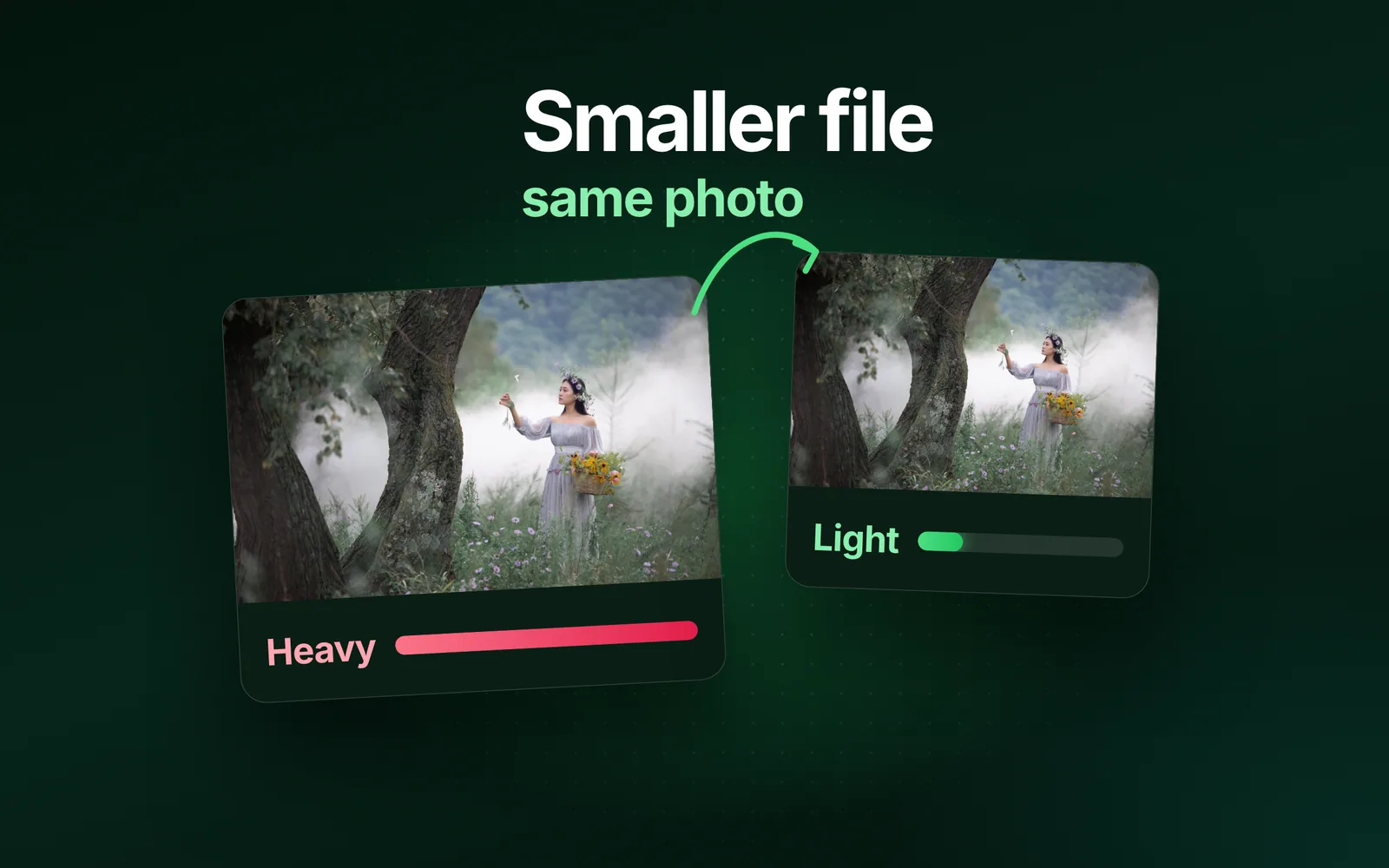
- GuidesHow to reduce image file size on any deviceHow to reduce image file size: give the image fewer pixels, save it at a lower quality, or save it in a newer format.
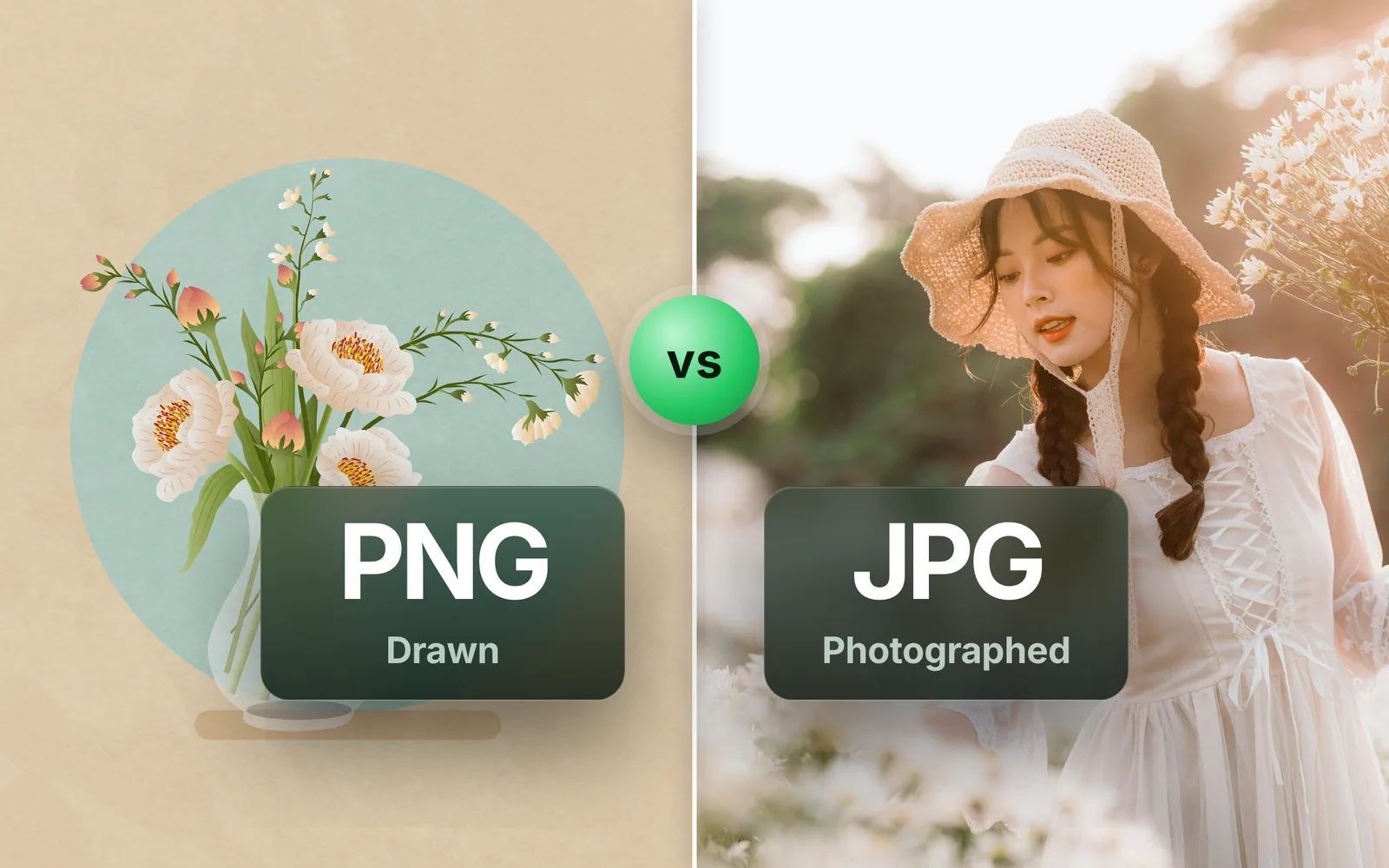
- FormatsPNG vs JPG: which is better for photos, screenshots and logosPNG vs JPG comes down to one rule: PNG for anything drawn, JPG for anything photographed.
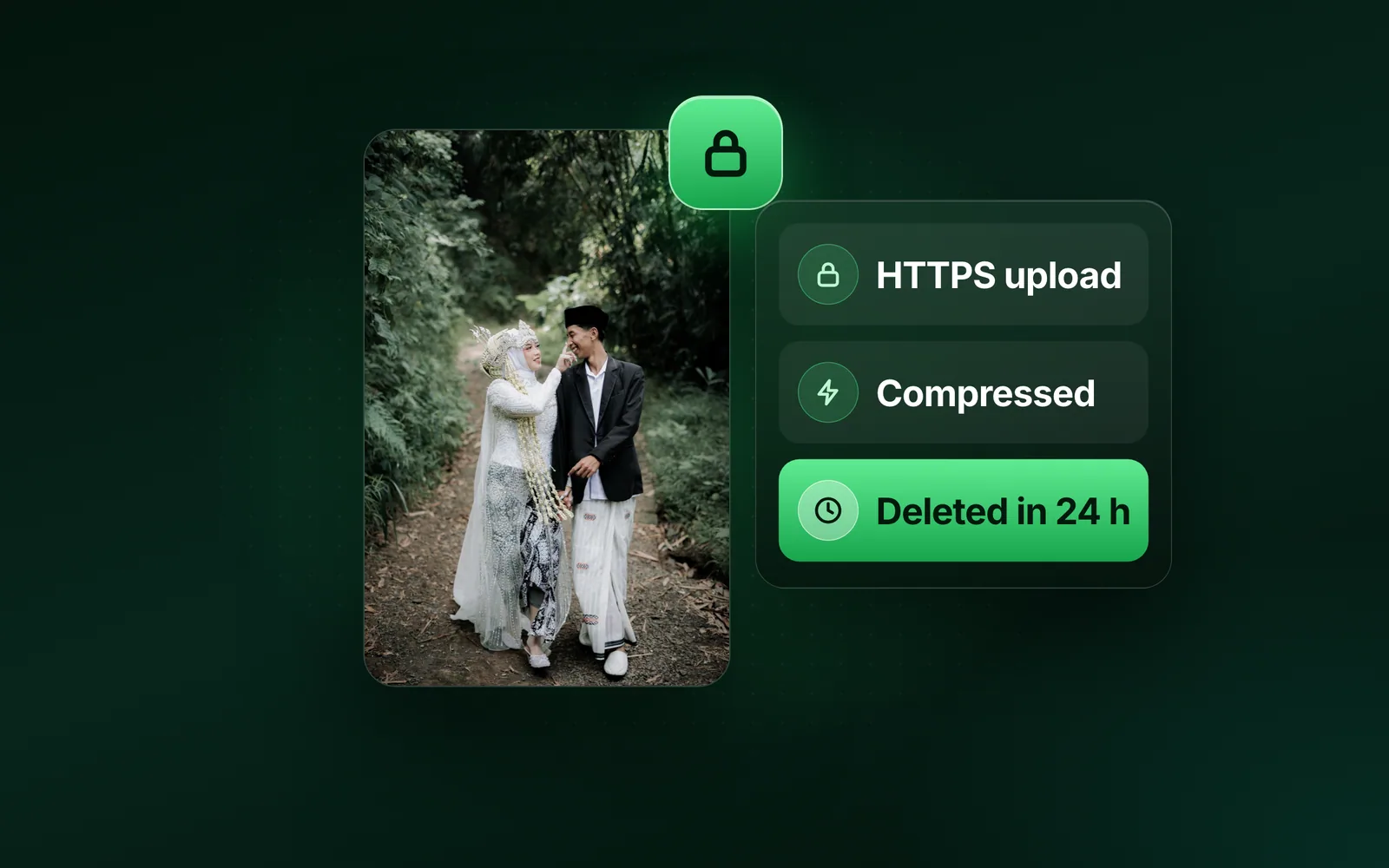
- ProductIs it safe to compress images online? What happens to your photoIs it safe to compress images online?
Go further with Pro
Ad-free, files up to 90 MB, the faster lane and 1,500 API credits a month, from $2.5 a month. The free tool stays free.
Get Pro