
The Blinkimg blog
Guides, format comparisons and engineering notes, every figure measured on the same engine you use.

Recent articles
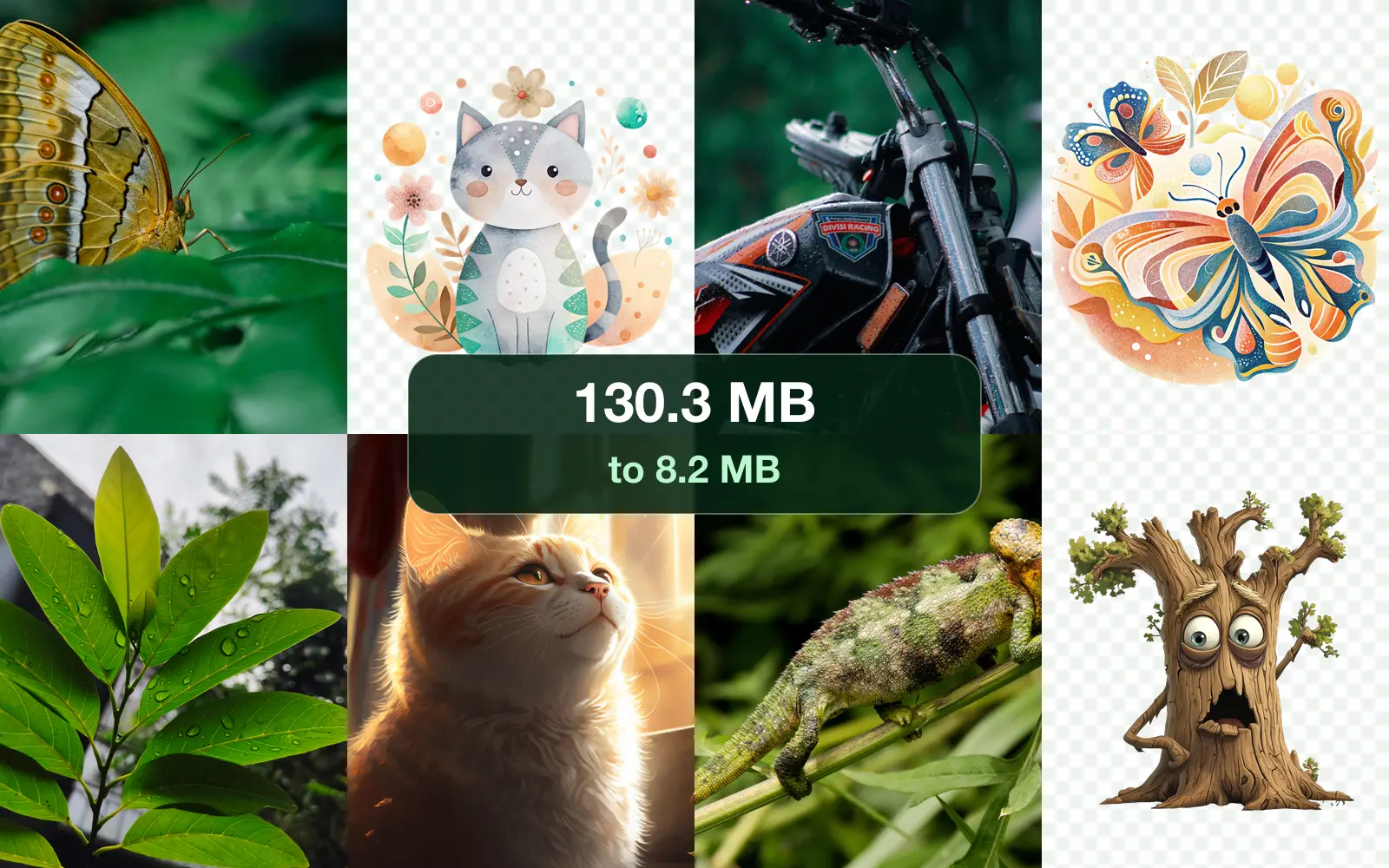
- GuidesEmail, Compress, GmailHow to compress photos for email: 20 images, measuredTo compress photos for email, resize them to about 1920 pixels on the long side and save them as JPG. We tried it on 20 real images: the email went from 130.3 MB to 8.2 MB, under every provider's limit.Sahadat Husain
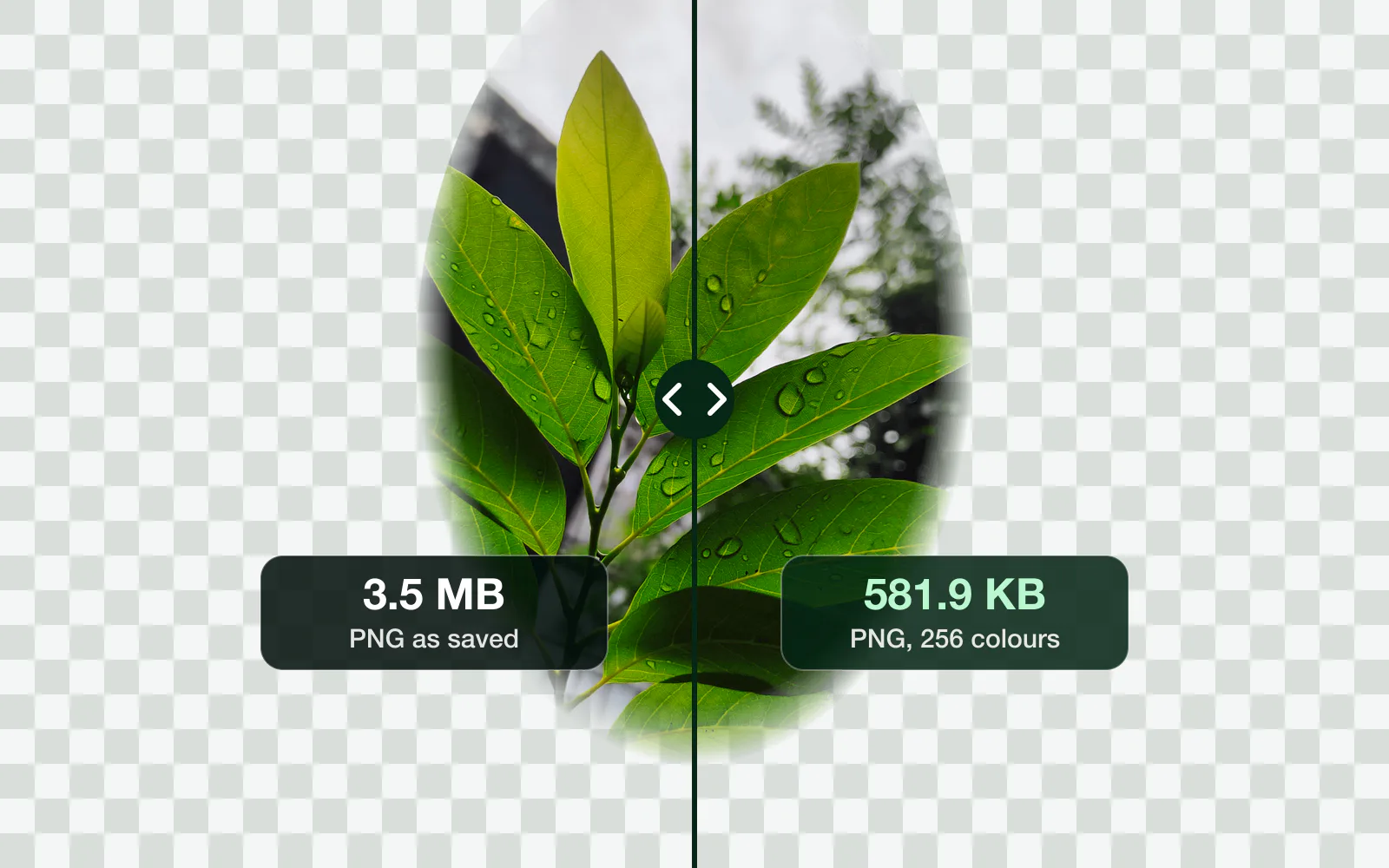
- GuidesPNG, Compress, File sizeHow to make a PNG file smaller: 5 fixes, measuredTo make a PNG file smaller, cut it to 256 colours, shrink its pixels, or save a photo as JPG, WebP or AVIF. Which fix wins depends on what is in it: we measured all five on a photo, a screenshot and a cutout.Sahadat Husain
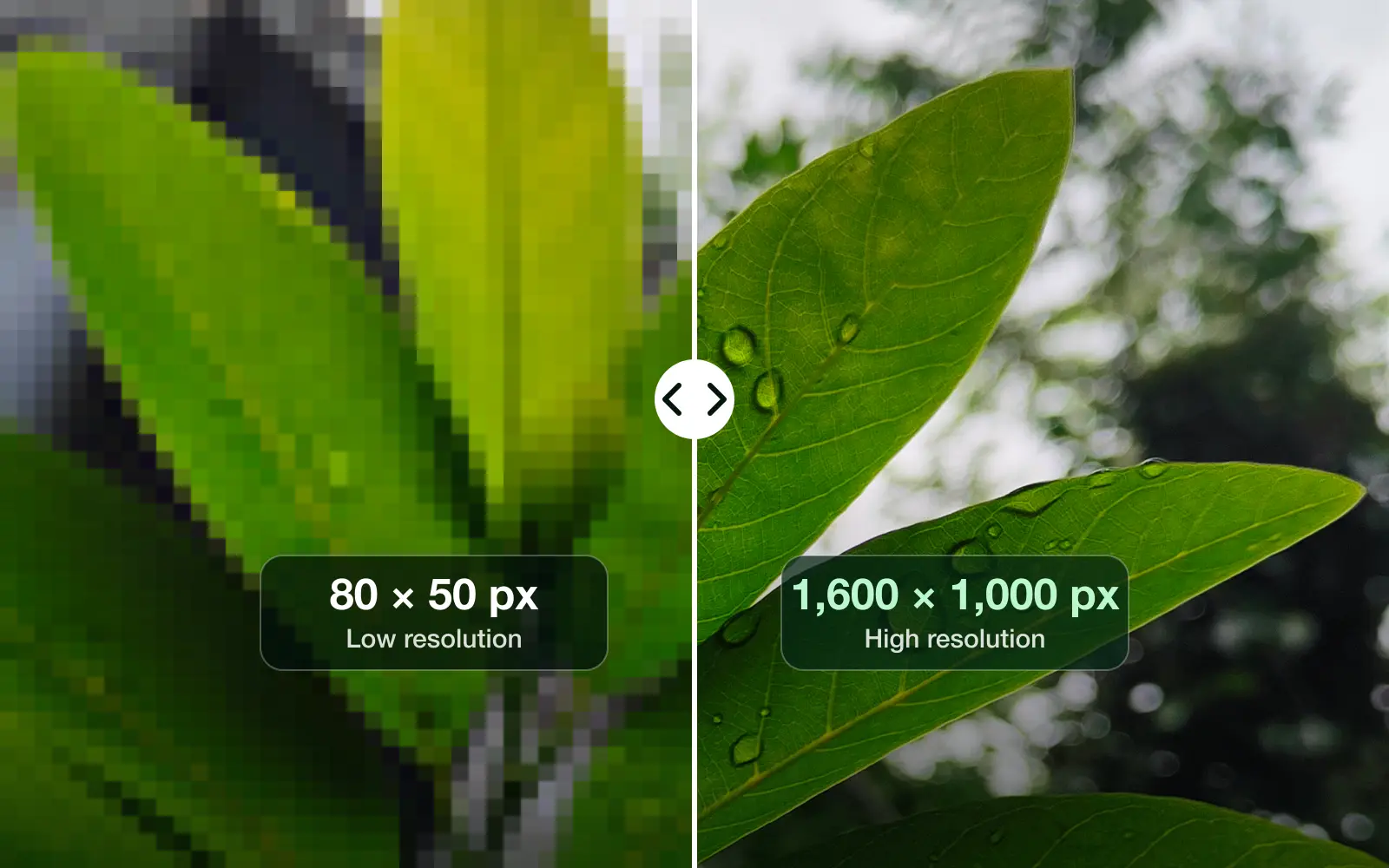
- GuidesResolution, Pixels, PPIHow to change the resolution of a picture (any device)To change the resolution of a picture, resize its width and height in pixels: Paint on Windows, Preview on a Mac or iPhone, Gallery on Samsung, or an image resizer in any browser. Lowering it is safe. Raising it adds pixels, not detail.Sahadat Husain
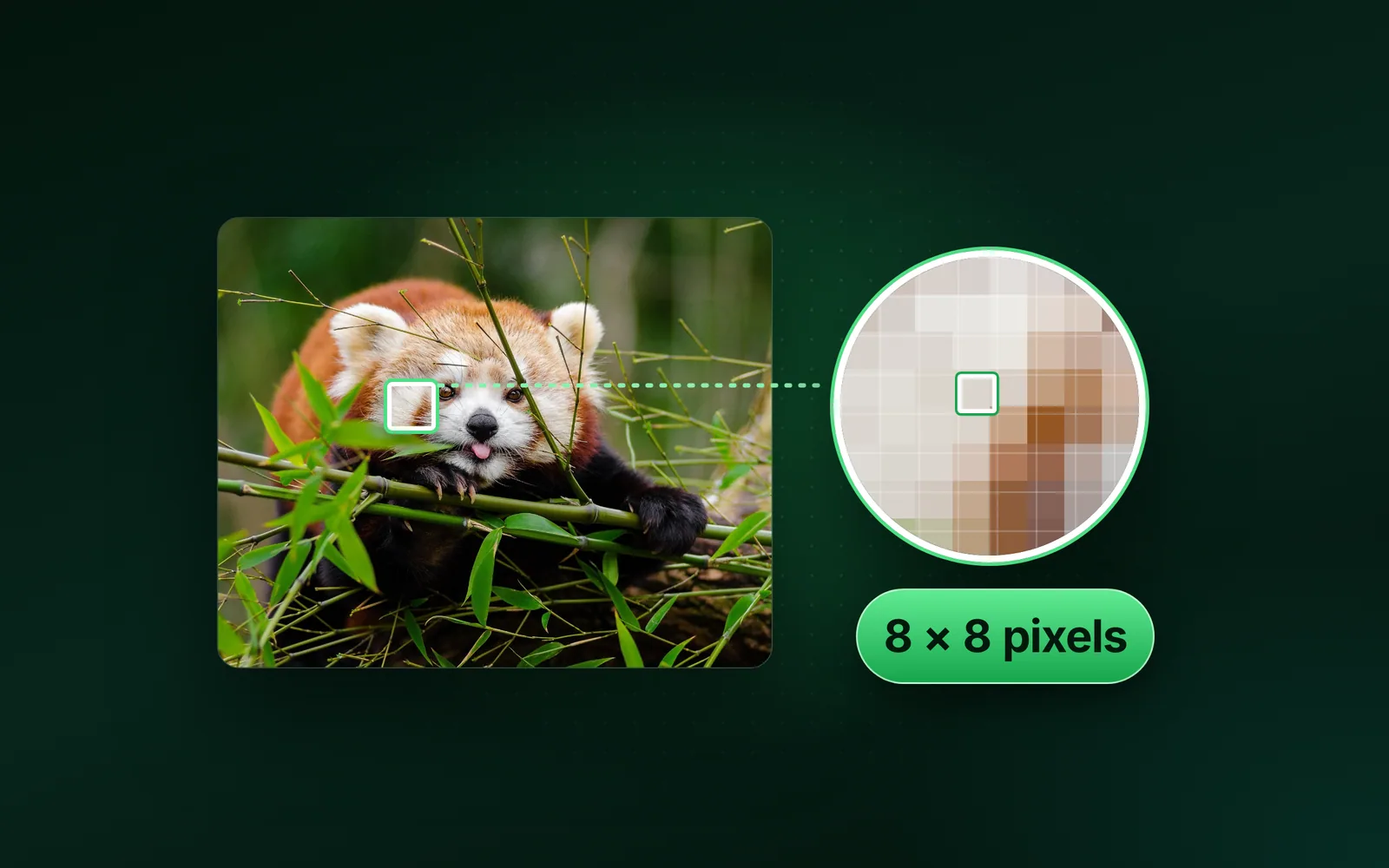
- GuidesPixel, Resolution, MegapixelWhat is a pixel? A real photo, measured pixel by pixelA pixel is the smallest dot of colour in a digital image. It is one square of a grid, stored as three numbers for red, green and blue. We read one pixel of a real photo, saved its 13,809,848 pixels six ways and counted what a pixel costs in bytes and on a screen.Sahadat Husain
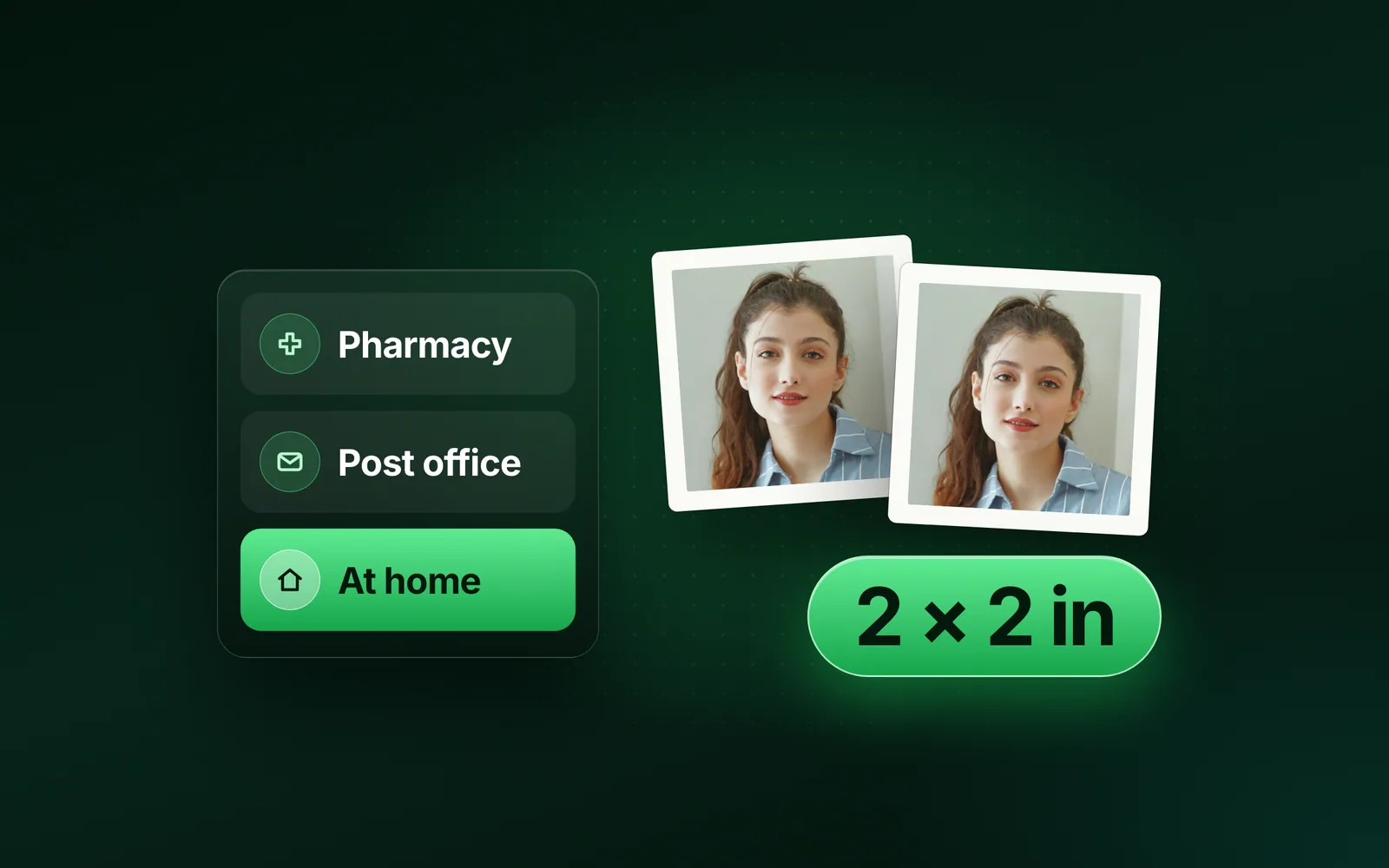
- SizesUS passport, Passport photo, WalgreensDoes Walgreens do passport photos? Where to get oneYes. Walgreens takes passport photos at most of its stores, with no appointment: two 2 × 2 prints for $16.99 and a free copy by email. Here is what CVS, the Post Office, Walmart, FedEx Office, The UPS Store and AAA charge, each read from its own page on 6 October 2026, and the 3-cent route you print yourself.Sahadat Husain
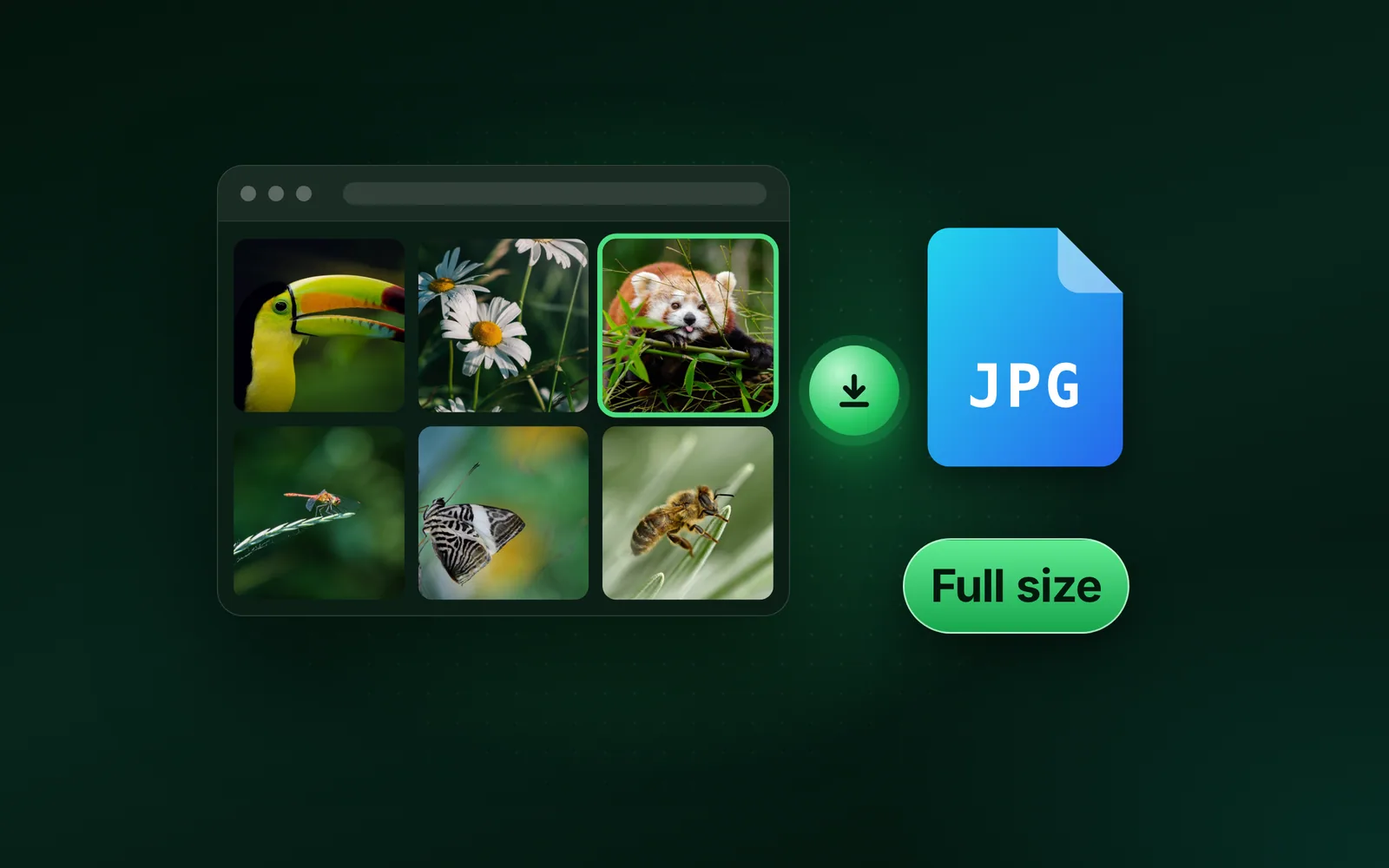
- GuidesGoogle Images, Download, WebP to JPGHow to download an image from Google, full size and as a JPGTo download an image from Google, click the picture, then right-click the large preview and choose Save image as. On a phone, touch and hold the preview instead. Save the preview, not the grid thumbnail, and check the extension: a .webp file converts to a real JPG.Sahadat Husain
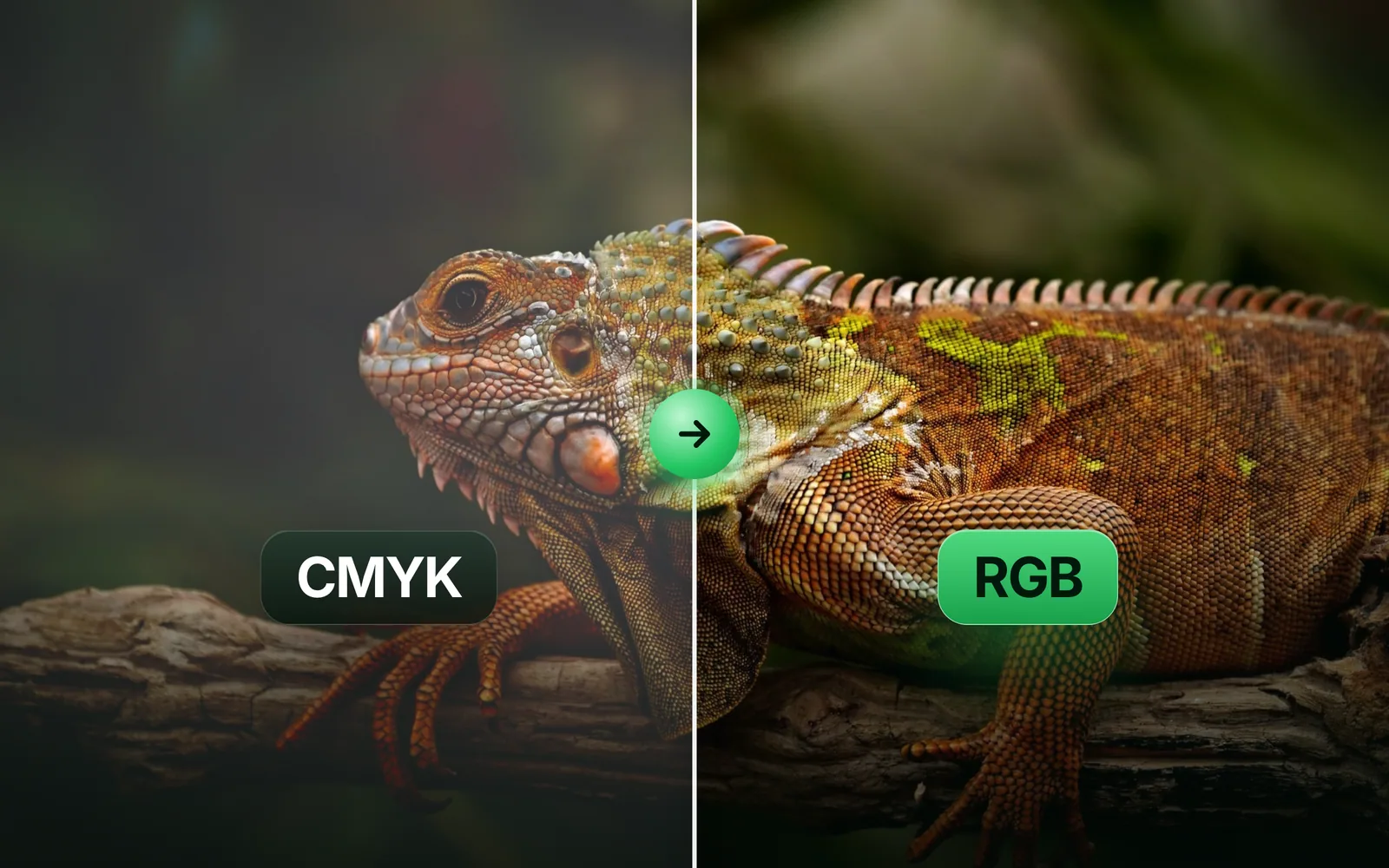
- FormatsCMYK, RGB, ICC profileCMYK to RGB: how to convert a print file for screensTo convert CMYK to RGB, run the file's numbers through its ICC profile, not a formula. We took one photo to print CMYK and back 7 ways, and measured how far each one drifts on 2,457,600 pixels.Sahadat Husain
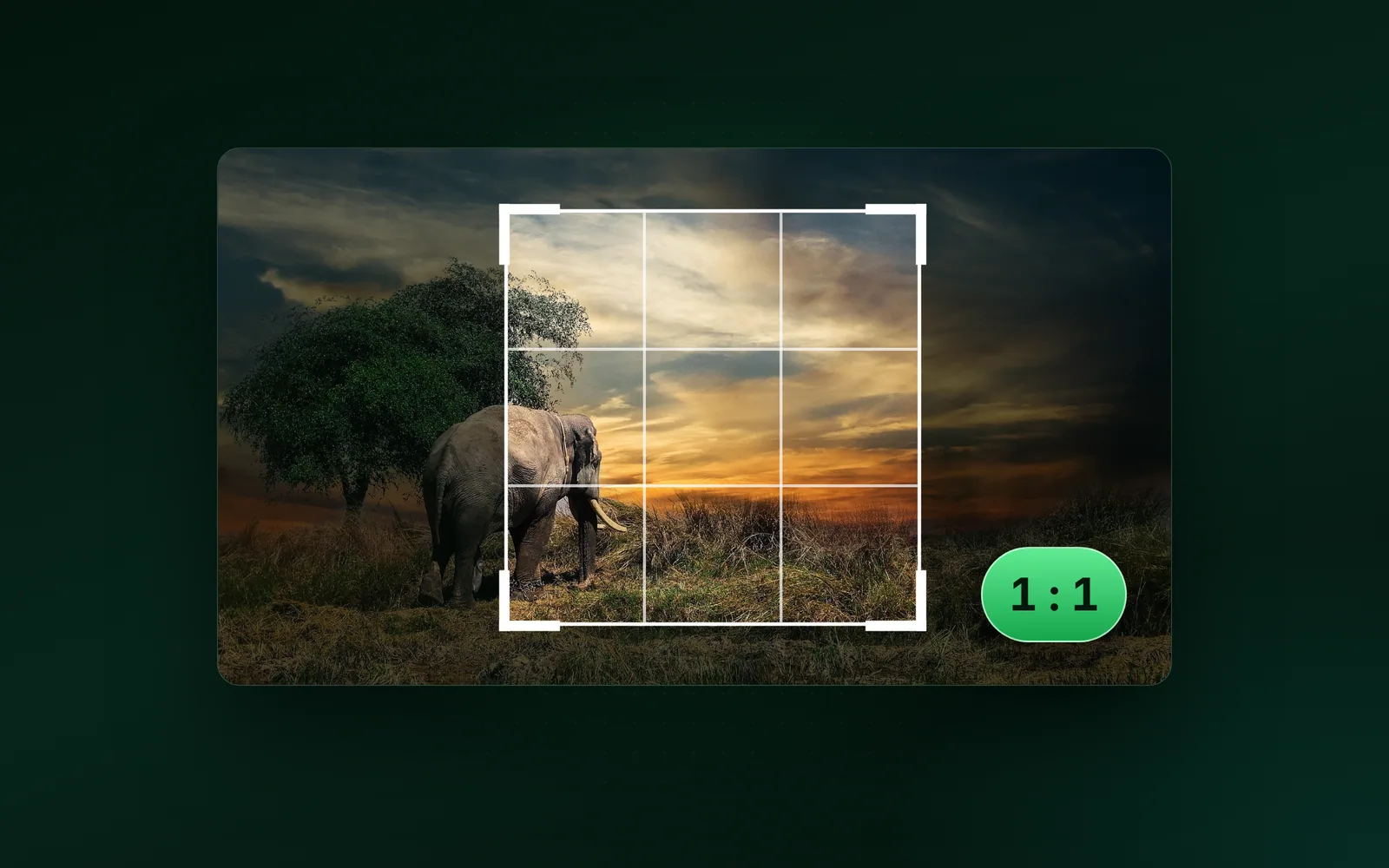
- GuidesPhotoshop, Crop, Aspect ratioHow to crop an image in Photoshop 2026, step by stepTo crop an image in Photoshop, press C, pick a ratio on the options bar, drag the handles and press Enter. We cut every preset from our 9.8 MB camera photo and measured what each one keeps.Sahadat Husain
- EngineeringFavicon, ICO, PNGWhat is a favicon? Size, formats and how to make oneA favicon is the small square icon that marks a website in browser tabs, bookmarks and search results. Make it from one simple square mark. Use 32 × 32 pixels for the tab, 180 for Apple and 192 and 512 for a web app. We measured each size in bytes and logged the files headless Chromium 149 requested on five test pages.Sahadat Husain
Blog