
Social media image resizer:
every platform, every post type
A social media image resizer opens your photo on the exact size a platform asks for, so you choose the crop before the upload does. The table below holds the 9 sizes this site resizes to, and every row is a page of the image resizer opened on that exact size, with the platform's own rule beside it. Every placement, safe zone and upload limit is in our guide to social media image sizes. Free, no signup, and we keep no images.
Social media image and banner size chart
Width × height in pixels, the ratio, and the page that opens the resizer on it.
| Platform | Size | Ratio | The page |
|---|---|---|---|
| 1080 × 1350 px | 4:5 | Resize an image for Instagram without cropping | |
| WhatsApp DP | 640 × 640 px | 1:1 | Resize an image for a WhatsApp DP |
| YouTube banner | 2560 × 1440 px | 16:9 | Resize an image for a YouTube banner |
| YouTube thumbnail | 1280 × 720 px | 16:9 | Resize an image for a YouTube thumbnail |
| Facebook cover | 851 × 315 px | 851:315 | Resize an image for a Facebook cover |
| LinkedIn banner | 1584 × 396 px | 4:1 | Resize an image for a LinkedIn banner |
| X header | 1500 × 500 px | 3:1 | Resize an image for an X header |
| Discord PFP | 512 × 512 px | 1:1 | Resize an image for a Discord PFP |
| Resize for TikTok | 1080 × 1080 px | 1:1 | Resize an image to the TikTok profile picture size |
The sizes are the platform pages' presets. Where a platform states no size, or recommends a larger one, the page says so and names its source.
Resize an image for social media: pick the platform
Each card is a page with the resizer preset to that size and the platform's rule beside it.
- Instagram
Resize an image for Instagram and keep the whole photo: the editor opens on 1080 × 1350 with Fit on, the picture inside Instagram's portrait post size on a white fill, nothing cut.
- WhatsApp DP
The editor opens on a safe WhatsApp DP size, a 640 × 640 square with Fit on, so the whole photo shows on a white fill and nothing is cut.
- YouTube banner
The editor opens on 2560 × 1440, the YouTube banner size its help page recommends for channel art, cropped to 16:9.
- YouTube thumbnail
The editor opens on 1280 × 720, the 16:9 YouTube thumbnail size every creator knows, cropped to the shape.
- Facebook cover
The editor opens on 851 × 315, the Facebook cover photo size Meta's help page says loads fastest on a Page, cropped to the shape.
- LinkedIn banner
The editor opens on 1584 × 396, the LinkedIn banner size its help page recommends for the profile background, cropped to 4:1.
- X header
The editor opens on 1500 × 500, the 3:1 Twitter header size X's Help Center recommends and every guide gives, cropped to the strip you choose.
- Discord PFP
The editor opens on our Discord PFP size, a 512 × 512 square with Fit on, so a wide screenshot or a tall drawing fits whole on a white fill.
- Resize for TikTok
TikTok's help page states one TikTok profile picture size, a minimum of 20 × 20 pixels, and no recommended one.
The four network banners it crops to
A banner is a fixed frame, so these pages crop to it instead of fitting.
The resizer opens on YouTube channel art at 2560 × 1440, a Facebook cover at 851 × 315, a LinkedIn banner at 1584 × 396 and an X header at 1500 × 500. Ads, emails and websites take banners of other sizes. Our guide to banner sizes lists them and measures one banner at each.
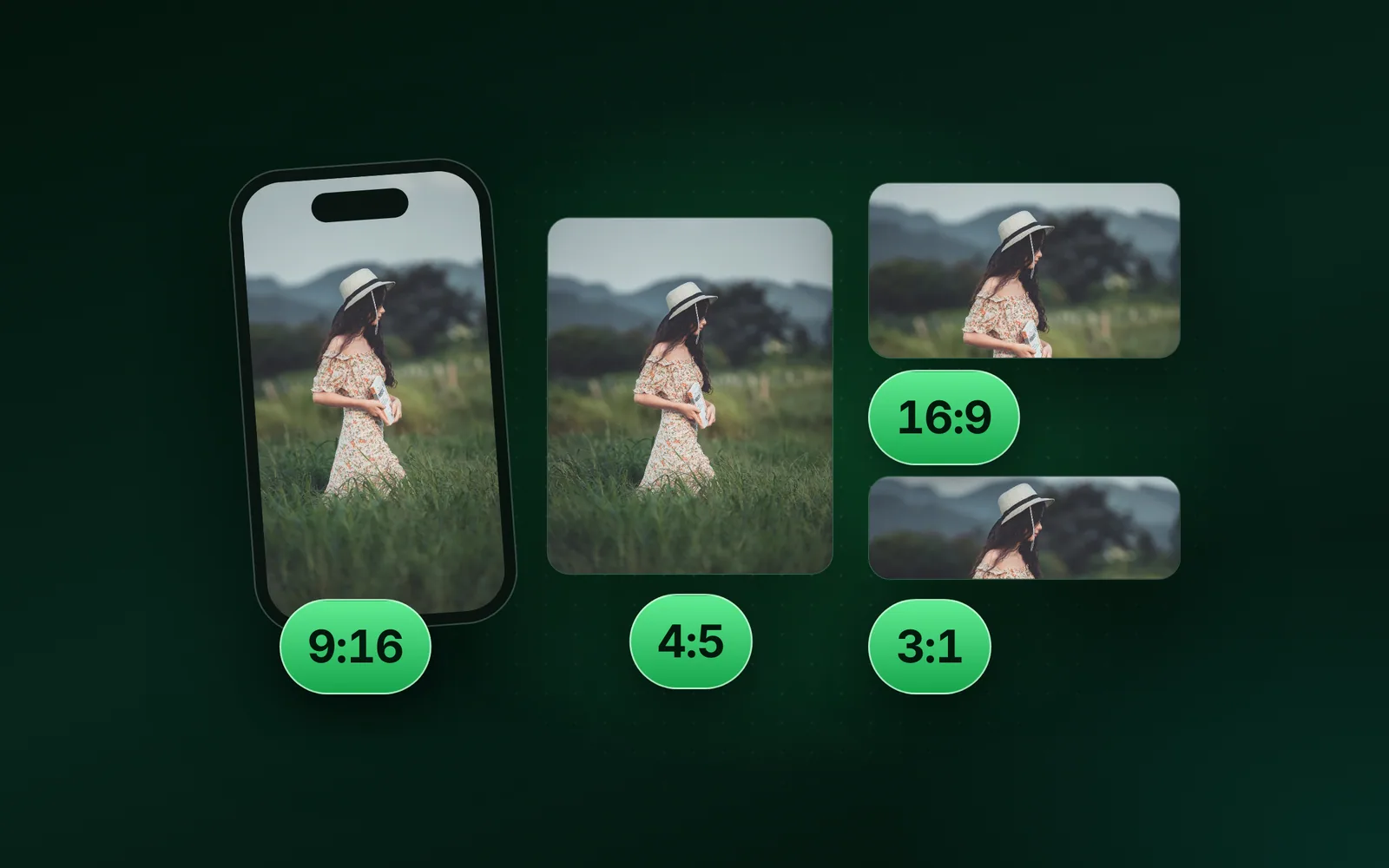
The ratios: 1:1, 4:5, 9:16 and 16:9
The shapes behind the sizes, and the tool that changes a picture to one.
1:1 is a square (1080 × 1080), 4:5 the portrait post (1080 × 1350), 9:16 the vertical story or reel (1080 × 1920), 16:9 the landscape video frame (1280 × 720, 1920 × 1080). Change the aspect ratio of an image to any of them, or crop an image to a square for the 1:1 case, without stretching the picture.
Questions, answered
Short answers about the sizes as a set; each platform page answers its own.
Which platform sizes does the social media image resizer cover?
Which social media profile picture sizes should I use?
What does a 4:5, 9:16 or 1:1 image mean?
Should I post a 9:16 image or use the 4:5 ratio on Instagram?
Does the resizer crop my photo to the platform size?
Still have a question?
Ask us. A person reads it.
Page updated
Guides
The longer answers, with the same measured numbers, on the blog.
- SizesSocial media image sizes cheat sheet: ratios, safe zones and limitsThis social media image sizes cheat sheet lists every placement nine networks size on their own pages, read on 2 October 2026.
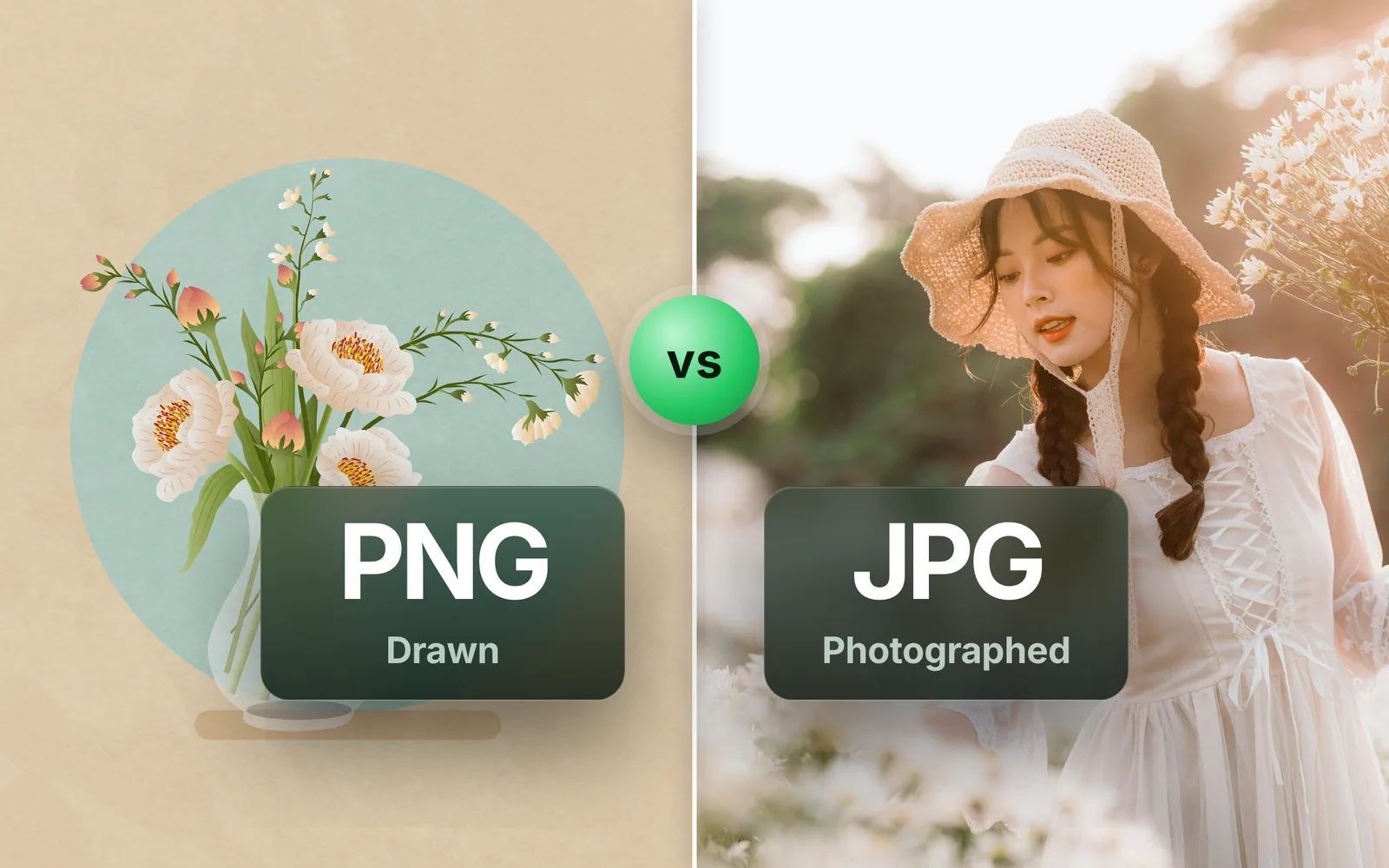
- FormatsPNG vs JPG: which is better for photos, screenshots and logosPNG vs JPG comes down to one rule: PNG for anything drawn, JPG for anything photographed.
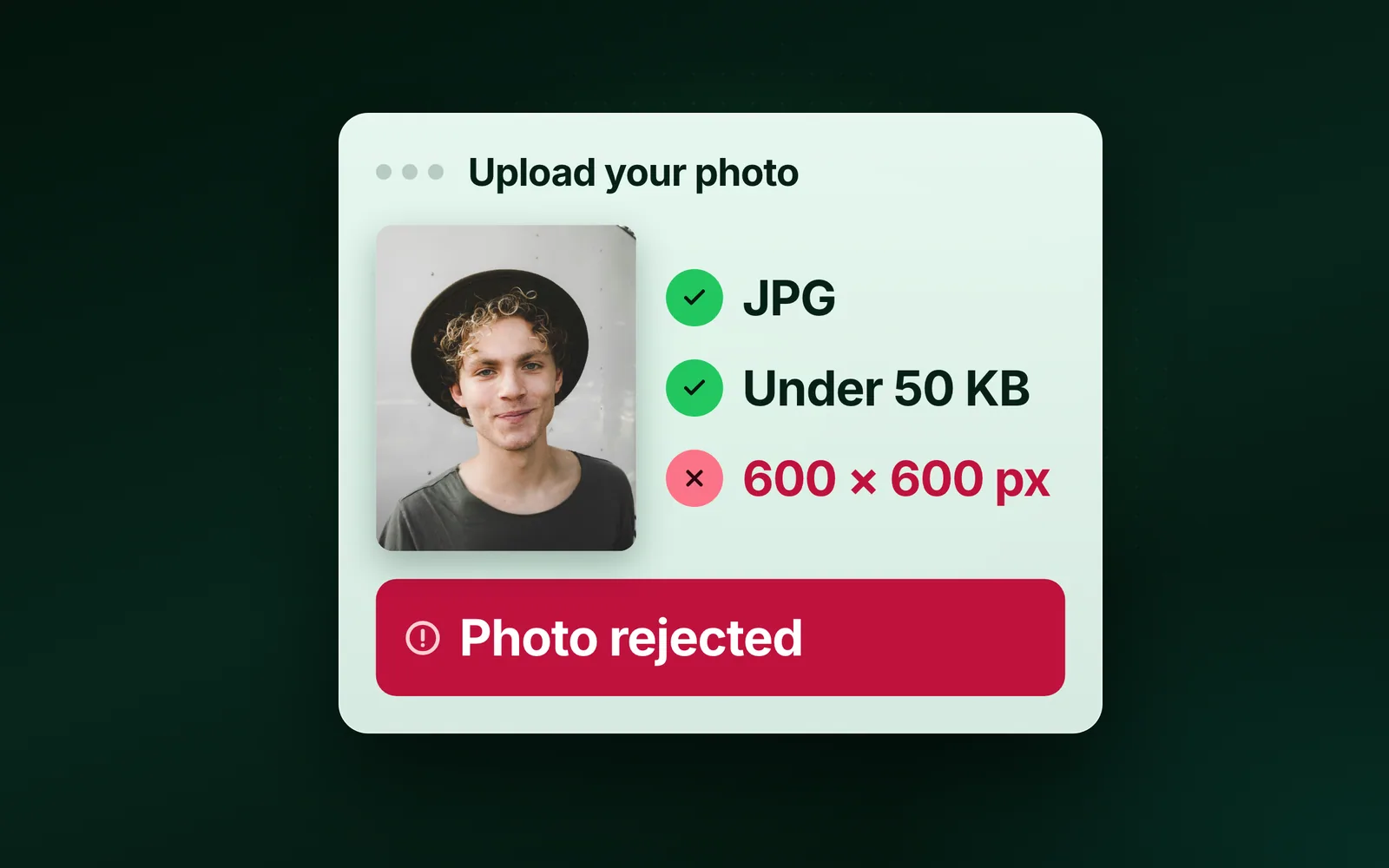
- GuidesPhoto not uploading in online form? Why a 50 KB file still failsYour photo is not uploading in the online form, and it is already under the cap?
Go further with Pro
Ad-free, files up to 90 MB, the faster lane and 1,500 API credits a month, from $2.5 a month. The free tool stays free.
Get Pro