Photo not uploading in online form? Why a 50 KB file still fails
Your photo is not uploading in the online form, and it is already under the cap? The byte cap is only one of the checks. The pixels, a minimum size, the format and the picture itself are the others. Here is how to pass each one, with the numbers from our own files. Part of the image resizer.
By Sahadat HusainUpdated 11 min readGuides

Why your photo is not uploading in the online form
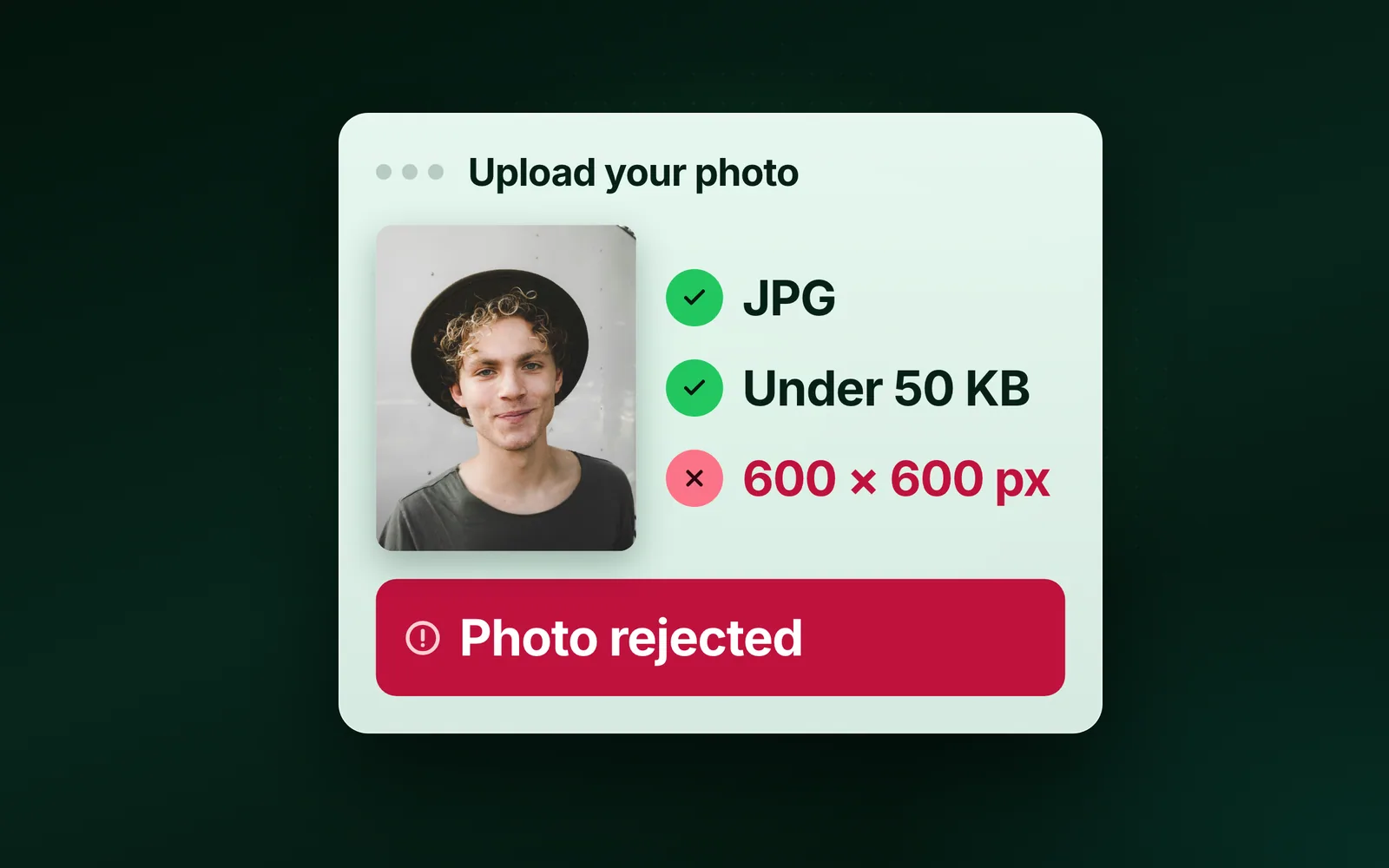
Because the byte cap is only one of four checks. Read them all off the notice before you compress anything: the largest size, the smallest size, the pixel dimensions and the format. A file under the cap can still fail any of the others.
- The pixels are wrong. A form that says 200 × 230 pixels, or 3.5 × 4.5 cm, refuses a 4000 × 3000 photo however small its bytes. Cut it to the stated size first with the image resizer.
- The file is too small. Many portals set a floor as well as a ceiling. A file squeezed to 8 KB is refused for being under the floor, however good it looks.
- The format is wrong. Most forms take JPG only. An iPhone’s HEIC and a scanner’s PNG or PDF are refused before the size is even read.
- The picture is wrong. A background that is not white enough, a face not centred, a signature scanned small and blurred, or a photo that is not recent. No compressor fixes these; retake or rescan.
Photo size for online application forms
| Upload | Bytes | Pixels | Format |
|---|---|---|---|
| IBPS and SBI photo (India) | 20 to 50 KB | 200 × 230 px | JPG |
| IBPS and SBI signature (India) | 10 to 20 KB | 140 × 60 px | JPG |
| US visa DS-160 photo | about 54 to 240 KB at 600 × 600; about 216 to 240 KB at 1200 × 1200 | 600 × 600 to 1200 × 1200 px, square | JPEG |
A notice changes between years, so the form’s own page wins over this table. SSC has moved to taking the photo live during the application in recent cycles, so read its notice before you prepare a file at all.
The US visa form is the opposite case. It takes a large file but insists on a square JPEG, and the State Department’s photo rules also cap compression at 20:1. For a 600 × 600 colour photo that works out to about 54 KB at the least, so a DS-160 photo squeezed to 50 KB can be refused; at that size, anything from about 54 KB to 240 KB passes both rules. At 1200 × 1200 the least is about 216 KB. Our 9.8 MB camera photo, cropped square and scaled to 600 × 600, came to 35.0 KB as a JPEG at Auto, under the 54 KB floor. With Min file size at 54 KB, the engine raised the quality and saved it at 59.2 KB.
What photo size 20 KB to 50 KB means
Both ends are checked: the file must be at least 20 KB and at most 50 KB. A photo under 20 KB is refused as surely as one over 50 KB, which is why squeezing a file as small as possible is the wrong instinct. A size target lands just under the cap, at the best picture the range allows. Where the cap itself is the small number, the compress image to 20 KB page is the same target at that size.
Under the floor, go the other way. Start again from the original photo at the pixel size the form states: detail is what lifts a file over a floor, and enlarging a tiny compressed copy only adds blur. Blinkimg’s Advanced settings take both ends: Max file size for the cap and Min file size for the floor. Under the floor, the engine raises the quality rather than padding the file, and when the picture cannot reach it, it refuses and says what would work.
Resize to the form's pixel size first, then compress
Quality alone runs out. Below a point the encoder throws away edges and a photo starts to smear. Then the honest lever is size. Our reference photo, from its 4,096.3 KB PNG copy, saved as a JPG at Auto is 273.9 KB at its full 1920 pixels wide, and 18.3 KB resized to 400 pixels wide, 93% smaller. At 400 pixels wide it keeps about one pixel in 23, and a form photo rarely needs more.
The form states pixels and a cap: resize, then cap
Cut the image to the stated size, then run the size target on the result. Capping first can leave the file smaller than the floor at the wrong dimensions.
The form states a cap alone: cap first
Run the size target on the original. It searches the JPG quality for the highest that fits, and reduces the pixels only when no quality fits.
The form states a floor: check the result against it
A target just under the cap usually clears a floor too, but not always. Set the floor in Min file size, so the engine raises the quality to reach it. If you resized far below the pixel size, resize to the stated size, not smaller.
Hit the 50 KB cap in one step, and stay above the floor
Use a size target, not a quality slider. A slider makes you guess, download, check the size and try again. A target takes the number the form gave you and hands back the best file under it. The compress image to 50 KB page is that target with the cap already set; it works in the browser on a phone as well as a computer, and it takes JPEG, PNG, WebP, AVIF and an iPhone’s HEIC.
A 50 KB cap holds more than the number suggests. Our reference photo, one of our photographs, is 1920 × 1280 pixels and 576.8 KB. Capped at 50 KB it came out at 48.7 KB, still 1920 × 1280: nothing was resized, and the quality alone did the work. The same cap on the same photo saved as a 4,096.3 KB PNG landed at 48.7 KB.
Drop the original, not a copy
The photo from the camera, the scan from the scanner. A copy that was already compressed starts with less to give.
Check the result in the before-and-after view
A face at 50 KB is fine. A scan of a document may lose the small text; that is the moment to resize instead, above.
Download the JPG and upload it
The result sits just under 50 KB, not far under it, so the form gets the best picture the cap allows.
What the size target does that a slider cannot
The quality ladder on our 576.8 KB reference photo: at JPG quality 95 the re-save came out larger than the original, so the engine kept the 576.8 KB file as it was; quality 85 is 339.6 KB, quality 75 is 253.3 KB and quality 65 is 203.7 KB. Bytes fall fast at the top and slowly at the bottom, which is why a slider set by eye lands either far under the cap, with quality thrown away for nothing, or just over it. The target finds the highest quality that fits.
- Quality 95, original kept576.8 KB
- Quality 85339.6 KB
- Quality 75253.3 KB
- Quality 65203.7 KB
- 50 KB target48.7 KB
| Cap | Result | Pixels |
|---|---|---|
| 20 KB | 18.3 KB | 576 × 384 |
| 50 KB | 48.7 KB | 1920 × 1280 |
| 100 KB | 99.7 KB | 1920 × 1280 |
| 200 KB | 199.2 KB | 1920 × 1280 |
Which format the form accepts: JPG, not HEIC or PNG
JPG, every time: every upload in the table takes it. It is not the smallest: from the 576.8 KB JPG of our reference photo, AVIF came out at 123.9 KB against 273.9 KB for JPG at Auto, but none of the forms in the table takes AVIF. An iPhone’s photo goes through HEIC to JPG first. PNG cannot get a photo there: it keeps every pixel’s detail, and the same photo compressed as PNG is 994.3 KB. Keep PNG for screenshots and for a signature on a plain white sheet, when the form allows it.
Does compressing a photo twice reduce quality?
Not at the same quality. Our reference photo saved once at quality 75 is 253.3 KB; saved three times it is 251.9 KB; ten times, 251.9 KB. JPG settles. What hurts is dropping the quality a notch each time, and starting from a copy that was already small. So keep the original, and compress from it every time the form changes its mind.
Read the full guide: How to reduce image file size on any device.
Questions
- Why is my photo not uploading in the online form?
- Usually one of the checks besides the byte cap: the pixel dimensions are wrong, the file is under the minimum size, or the format is not JPG. Read the cap, the floor and the pixels off the notice, resize to the pixels first, then compress to just under the cap, and upload a JPG.
- What does photo size 20 KB to 50 KB mean?
- Both ends are checked: the file must be at least 20 KB and at most 50 KB. A photo squeezed under 20 KB is refused as surely as one over 50 KB. Resize to the stated pixels, then compress to just under 50 KB, which keeps the file inside the range.
- How do I increase my photo size to 20 KB?
- Start again from the original photo at the pixel size the form states. In Blinkimg, type 20 into Min file size in Advanced settings: the engine raises the quality until the file reaches 20 KB, never padding it. Enlarging a tiny compressed copy only adds blur, so never upscale a thumbnail to pass.
- Why is my signature not uploading?
- Check the three signature rules: the format, the KB range and the pixel size. In recent IBPS notices that is a JPG of 10 to 20 KB at 140 × 60 pixels. Sign on plain white paper in dark ink, crop close, resize to the stated size, then save as JPG.
- Do the pixels matter if the KB size is right?
- Yes. Portals check the dimensions separately from the bytes, so a 45 KB photo at 4000 × 3000 pixels can be refused where a 200 × 230 photo passes. Resize to the stated pixel size first, then compress; resizing also makes the byte cap far easier to meet.
- My photo is already a JPG, so why is it refused?
- Check that it really is one. A HEIC renamed to .jpg is still a HEIC inside, and portals read the file, not its name. Convert it properly, then check the other rules: the pixel size, the minimum and maximum KB, and whether the photo itself meets the notice.
- Can I upload a 50 KB photo for the DS-160?
- Usually not at 600 × 600. The State Department caps compression at 20:1, which for a 600 × 600 colour photo means about 54 KB at the least, and the file may be up to 240 KB. Save a square JPEG between those two sizes rather than squeezing it to 50 KB.
- Does compressing a photo reduce quality?
- A little, once. JPG is lossy, but at the same quality it settles: our quality-75 JPG was 253.3 KB after one save and 251.9 KB after ten. What hurts is lowering the quality each time, or starting from a copy a messaging app already shrank.
- How do I convert a photo to JPG for an online form?
- Use a converter that re-encodes the file rather than renaming it. An iPhone HEIC, a PNG or a WebP converts to JPG online; then resize it to the pixels the form states and compress it under the cap. IBPS, SBI and the US visa form all ask for a JPG.