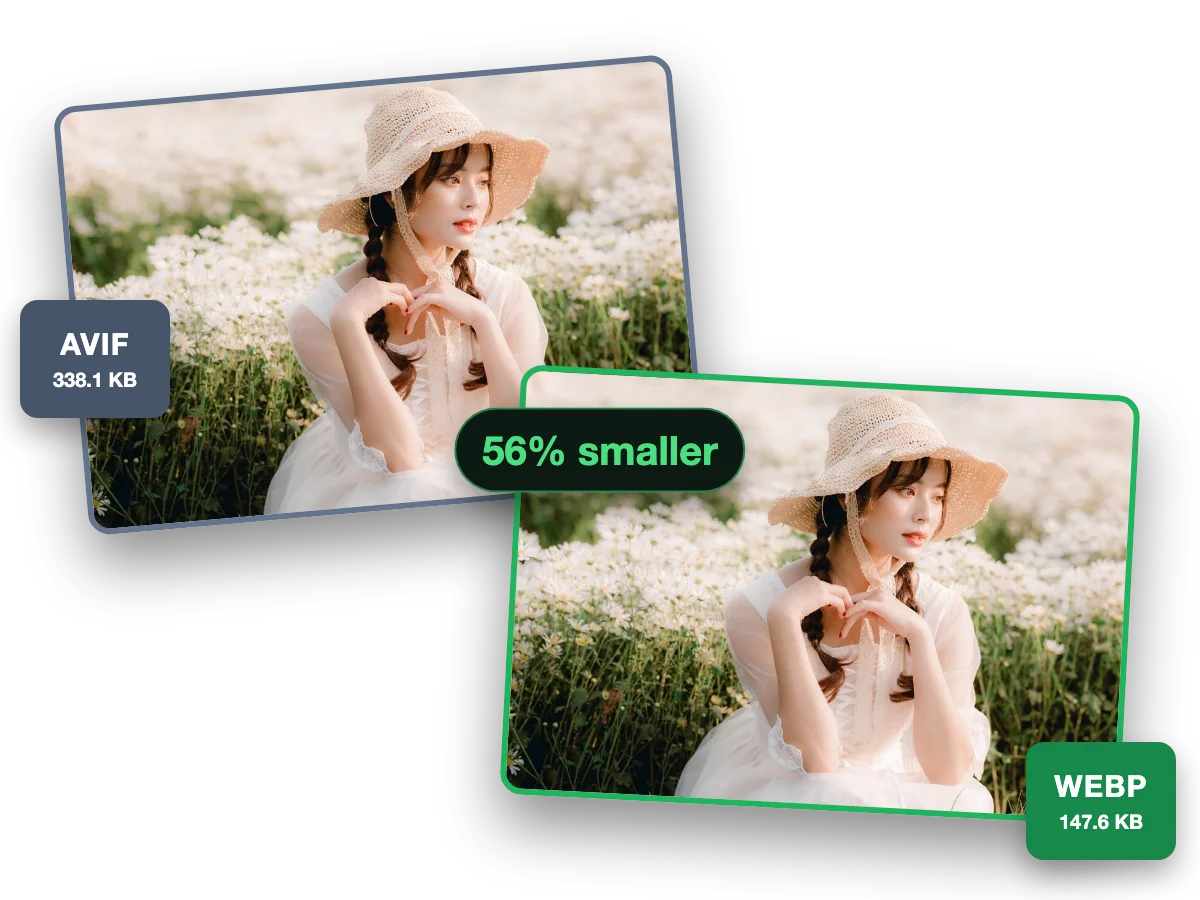
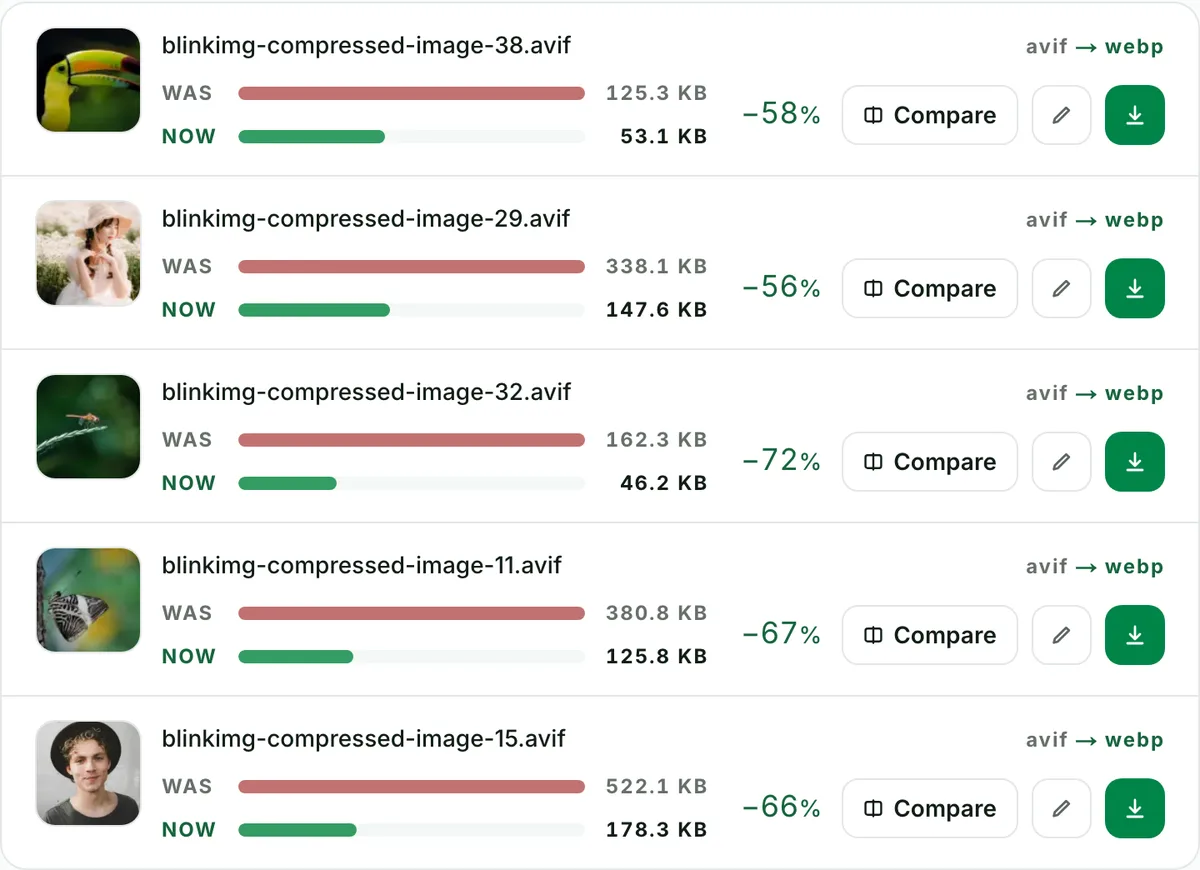
Convert AVIF images to WebP for broader browser support while keeping transparency. Free and online, up to 10 at once; animated files are declined rather than flattened. Part of the image converter.
– / –
Drop images or browse
JPEG · PNG · WEBP · AVIF · HEIC · up to 50 at once · max 30 MB each
Because platforms lag codecs. The documented offenders that make this page necessary: WordPress before 6.5 rejects AVIF uploads outright ("Sorry, you are not allowed to upload this file type"); strict upload whitelists on marketplaces, forums and legacy CMSs accept only JPG/PNG/WebP; image pipelines in some tools re-encode AVIF badly or refuse it. WebP is the graceful step down: still a modern codec, still small, alpha preserved, ~97% browser support. You lose one codec generation instead of falling back twenty years to JPG.
AVIF to WebP: what the WebP weighs
Reference file363 KBphoto.avif
Output
Relative to source
Size
vs AVIF
WebP (Auto)Our default
216.8 KB
-40%
JPG (quality 85)
340.4 KB
-6%
PNG (lossless at quality 100)No saving
972.6 KB
+168%
Source: photo.avif, 363 KB, a reference saved well above the quality Auto picks, which is why the Auto outputs land under it. At each format's default, AVIF made the smaller file of every photo we measured; WebP's extra bytes are the cost of compatibility, and still far cheaper than PNG.
Every byte count is the size of the actual file our engine produced from the named source, the same bytes you would download, not an estimate. The reference photo is one of our own photographs, an iguana on a branch, and the camera photo is a real one too. Drop your own file into the tool above to rerun any of them. How we measure names the sources and the settings.
Two lossy formats in a row: how bad is it?
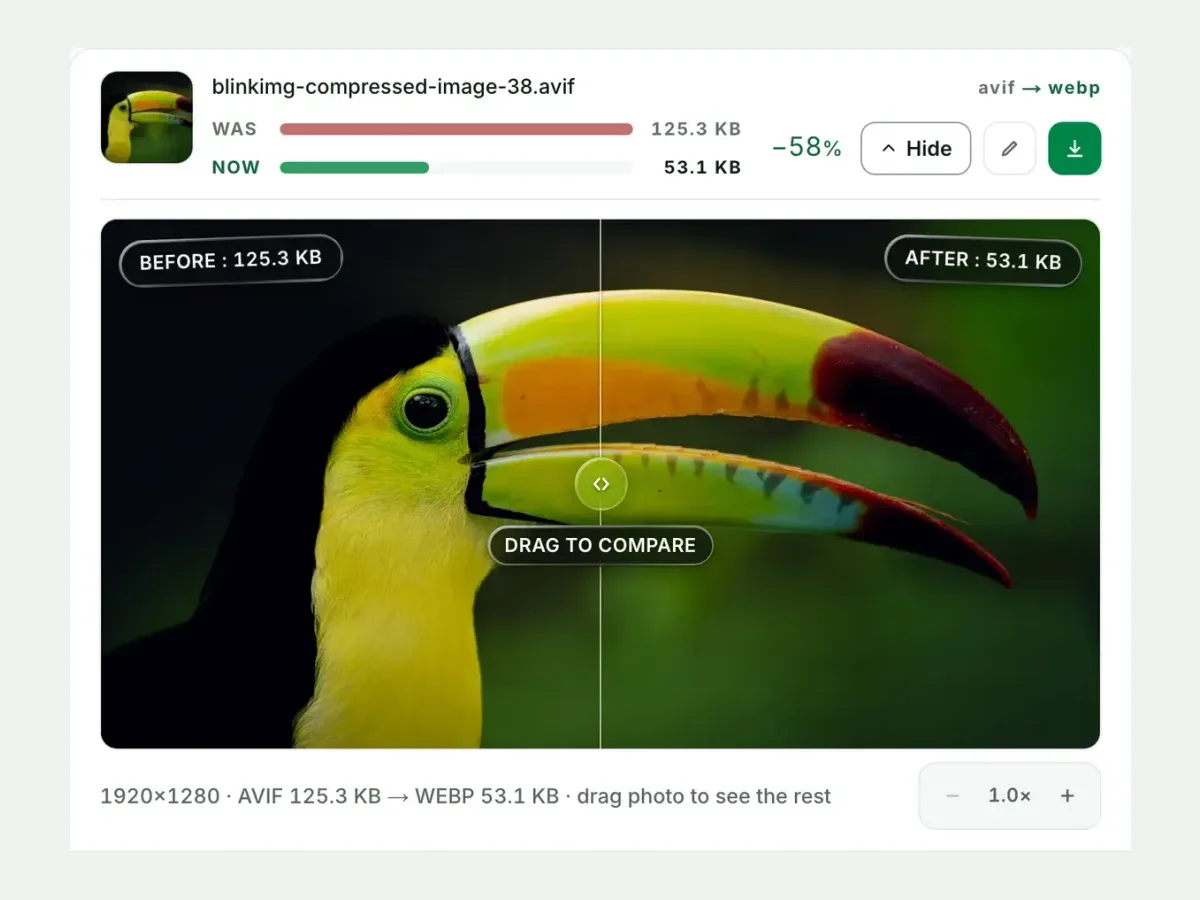
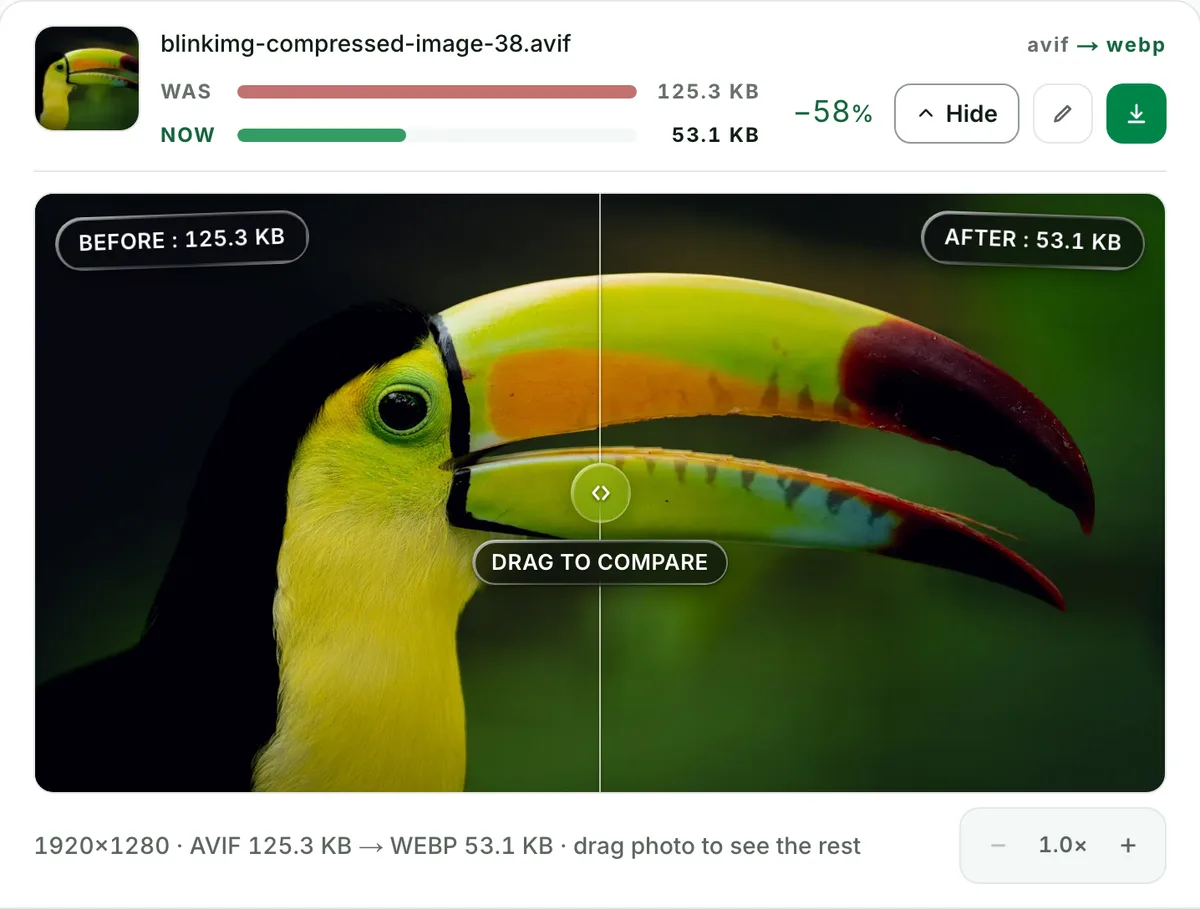
Honestly: measurable, rarely visible. Your AVIF already discarded detail once; encoding it as WebP discards a little more. One careful pass at Auto quality stays clean. Verify it yourself in the compare slider at 100%, watching fine texture and smooth gradients, where compounding shows first. The golden rule stands: if the original photo or PNG still exists, make the WebP from that. You get one generation of loss instead of two. This page is for when the AVIF is all you have.
Logos and cutouts: alpha survives
AVIF and WebP both carry full alpha, so transparency converts intact: hard edges, feathered anti-aliasing, and semi-transparent shadows included. The compare view renders against a checkerboard so you can confirm no fringing appeared. This is what makes WebP the right rescue target for transparent assets on AVIF-shy platforms; JPG would flatten them onto white.
When not to make this conversion
Your platform actually supports AVIF?
WordPress 6.5+, Shopify, and every modern browser do. Keep the AVIF. This conversion only pays where AVIF is rejected.
You still have the original source?
Encode WebP from the original photo or PNG instead. One lossy generation beats two. See PNG to WebP.
The file is animated?
We decline animated AVIF rather than flatten it. Re-encode animation from its source, or keep the AVIF.
Going the sensible direction instead? WebP to AVIF is where the savings live.
Questions, answered
Short answers specific to this page. The tool above settles most of them in a second.
Q:Why convert AVIF to WebP instead of the other way around?
Because compatibility gaps still exist in 2026: WordPress before 6.5 rejects AVIF uploads, some CMSs and marketplaces whitelist only JPG/PNG/WebP, and a few image pipelines mangle AVIF. WebP is the closest modern substitute: alpha kept, ~97% browser support, files still small.
Q:Is WebP bigger than AVIF for the same image?
Usually, at each format's default. Our camera photo measured 329 KB as WebP and 288 KB as AVIF, and a real iPhone photo 748.5 KB against 473.7 KB. Those are the defaults, not matched looks. Our 363 KB reference AVIF was saved well above the quality Auto picks, so its Auto WebP still came out at 216.8 KB. Either way the WebP keeps the alpha channel and lands far under a PNG.
Q:Does converting AVIF to WebP lose quality?
A little. Both formats are lossy, so this re-encode compounds two generations. The loss is real, but small at our settings and visible only under scrutiny. If the original photo or PNG still exists, encode the WebP from that instead. Either way, the compare slider shows the result at 100% before you commit.
Q:Does AVIF to WebP preserve transparency?
Yes. Both formats carry a full alpha channel, so logos and cutouts convert with their transparency intact, including semi-transparent shadows and feathered edges. That is the decisive advantage over rescuing to JPG, which would flatten them onto a background.
Q:Does WordPress support AVIF uploads?
Yes, natively since 6.5 (2024). Earlier versions block the upload as an unsupported type, the single most common reason people need this exact conversion. If upgrading isn't on the menu, converting your AVIFs to WebP restores the workflow with minimal size loss.
Q:Does Shopify convert images automatically?
Yes. Shopify's CDN negotiates formats for you: upload high-quality sources and it serves WebP or AVIF per visitor. You rarely need to pre-convert for Shopify itself. Converting to WebP matters more for older WordPress, custom CMSs, and marketplaces with strict upload whitelists.
Q:Can I convert animated AVIF to animated WebP?
No. We decline animated inputs with a clear message rather than silently flattening them to their first frame. Animated WebP is well supported, so if you hold the original animation source, encode animated WebP from that rather than from an animated AVIF.
Q:Is there a lossless AVIF to WebP option?
No. Our WebP output is perceptually lossy, tuned to be visually clean. Lossless WebP from a lossy AVIF would spend bytes faithfully preserving compression artefacts, which serves nobody. For flat graphics where every pixel matters, rescue to PNG instead.
Q:How do I batch convert AVIF to WebP?
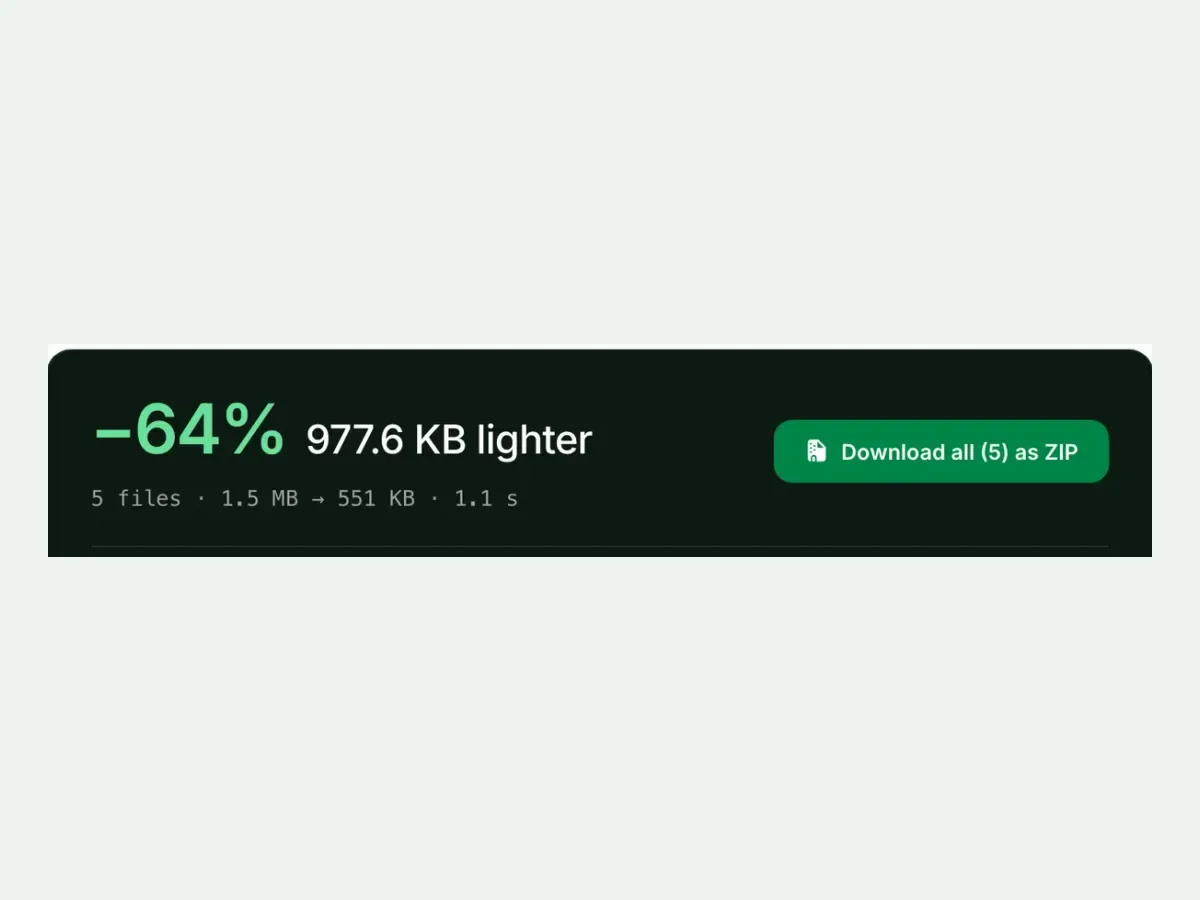
Drop up to 10 files per run and get one ZIP out with filenames preserved. It is free, with no signup and a 300-image daily allowance. Each row reports its measured before/after size, so a bulk migration to an AVIF-shy platform shows its total cost in bytes before you upload anything.
Q:Which is better for my site, AVIF or WebP?
AVIF for size, WebP for reach, and you don't have to choose: serve AVIF first in a picture element with WebP as the fallback. Converting to WebP only matters on the platforms that take the choice away from you by rejecting AVIF at the door.
Q:What happens to my files here?
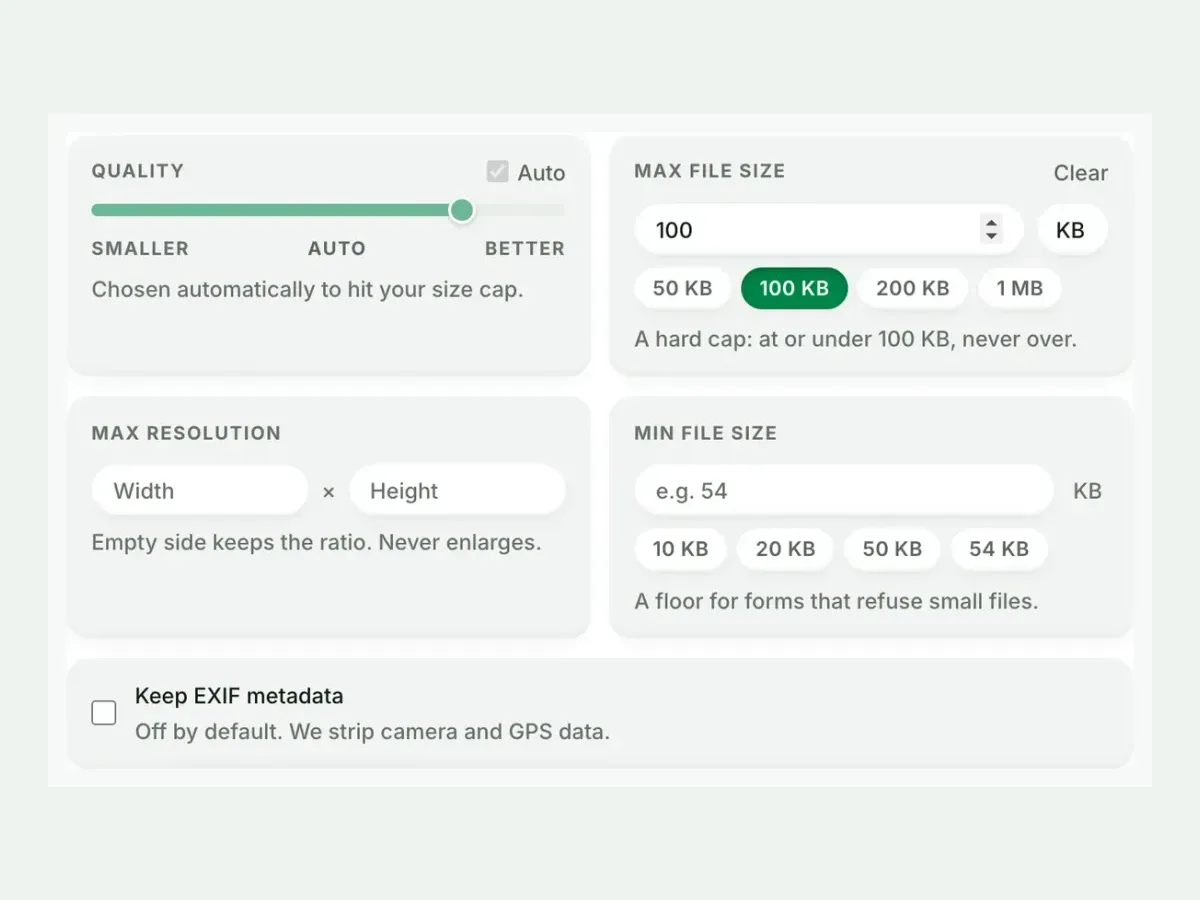
We keep nothing. We process your files, wipe them automatically, and never archive or reuse them for anything. We strip metadata from outputs by default, and no account is required.