Convert PNG images to WebP online. WebP keeps your transparency and is usually smaller than the original PNG, whether it's a logo, screenshot, or photo. Part of the image converter.
– / –
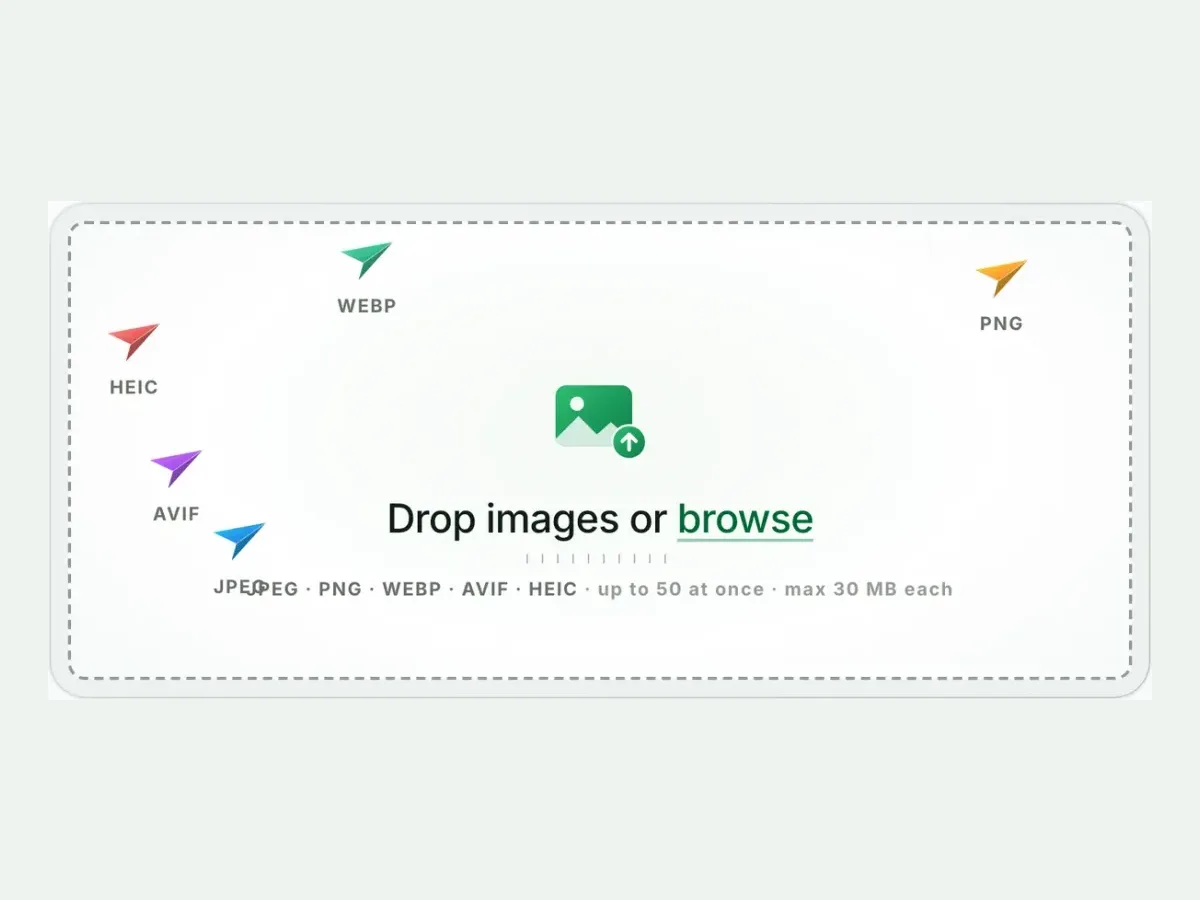
Drop images or browse
JPEG · PNG · WEBP · AVIF · HEIC · up to 50 at once · max 30 MB each
A real result from this exact operation: 1.7 MB in, 61.9 KB out. Drop your own file and the meter reports yours. The left half is a preview render; the byte counts are the real files’.
PNG to WebP converter
How to convert PNG to WebP in 4 steps
Free, in your browser, with no sign-up. Each step below is the real tool on this page.
1
Drop your PNG files
Up to 10 PNG files at once. WebP is already picked.
2
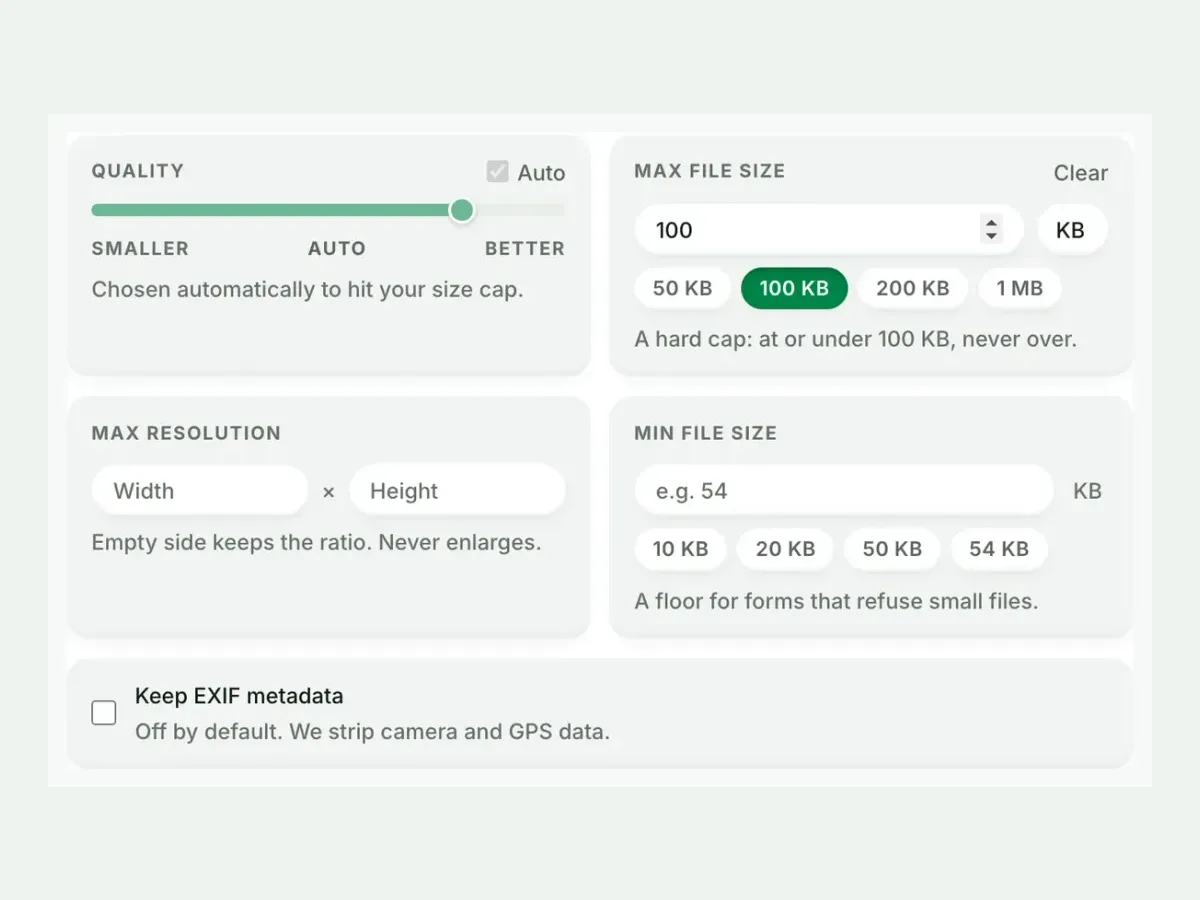
Set a size, or not
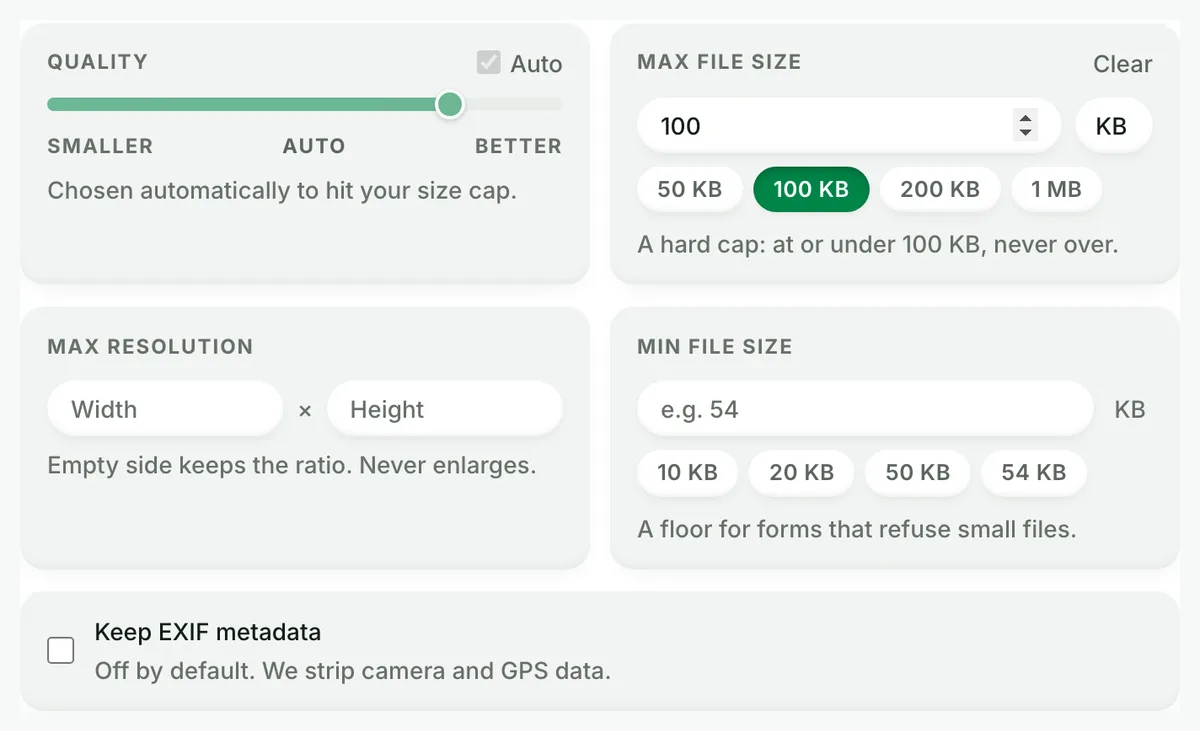
Auto picks the best WebP setting. A size cap is never exceeded.
3
Compare the result
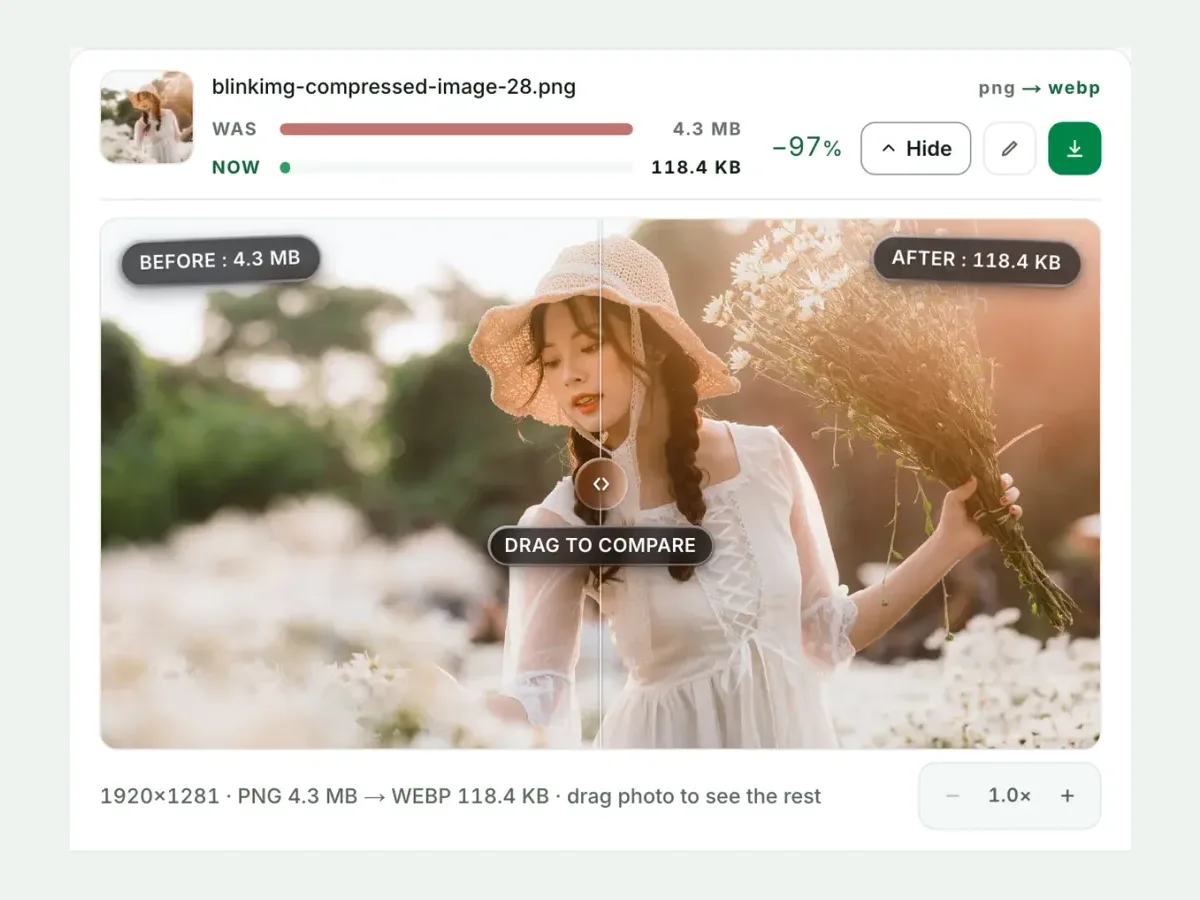
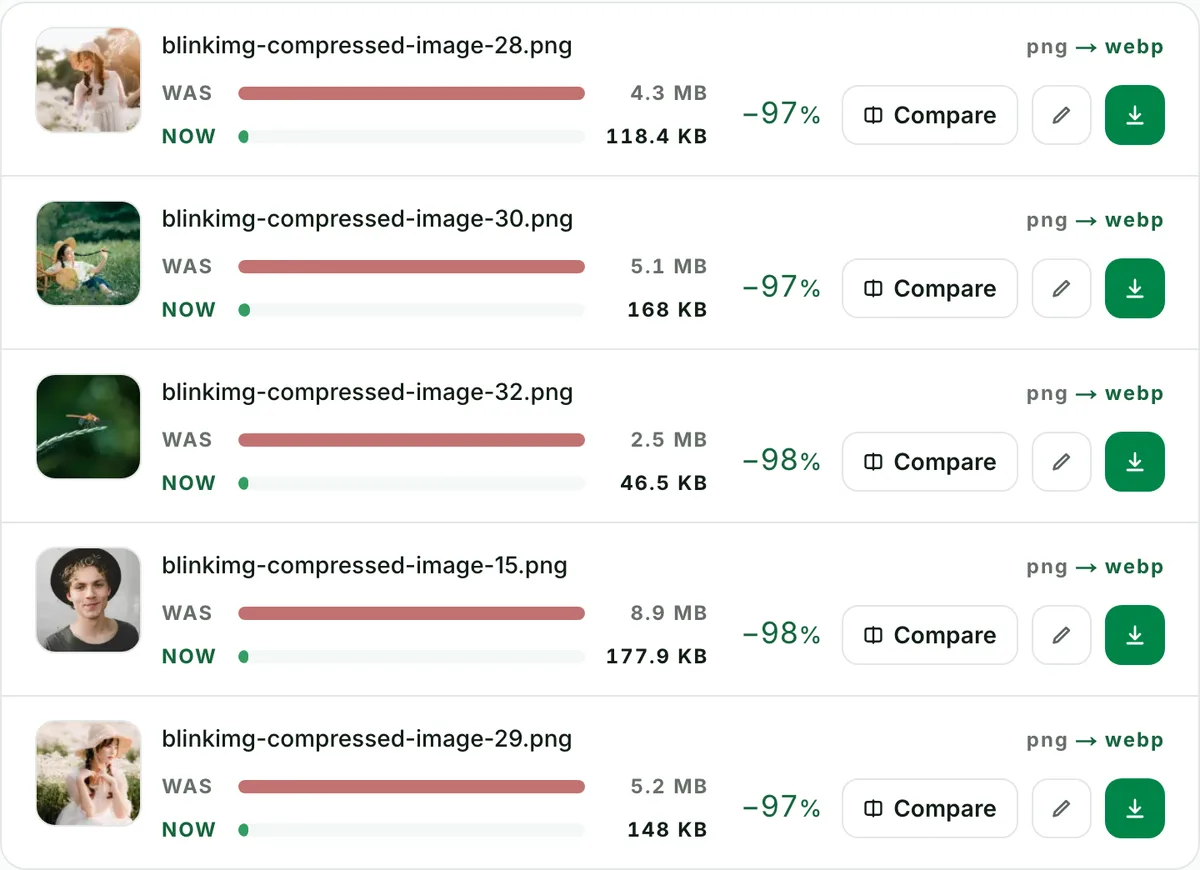
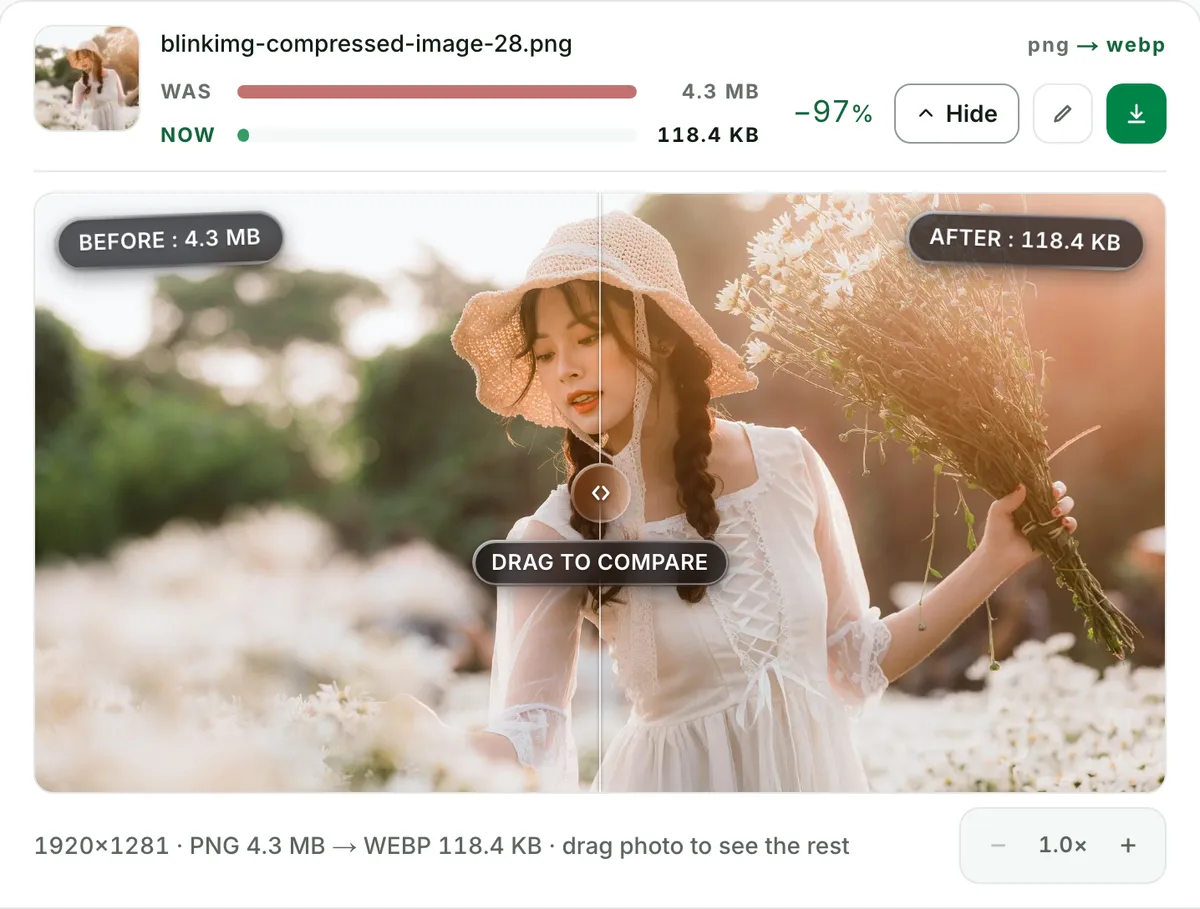
See each measured size, then drag the slider to check the look.
4
Download one ZIP
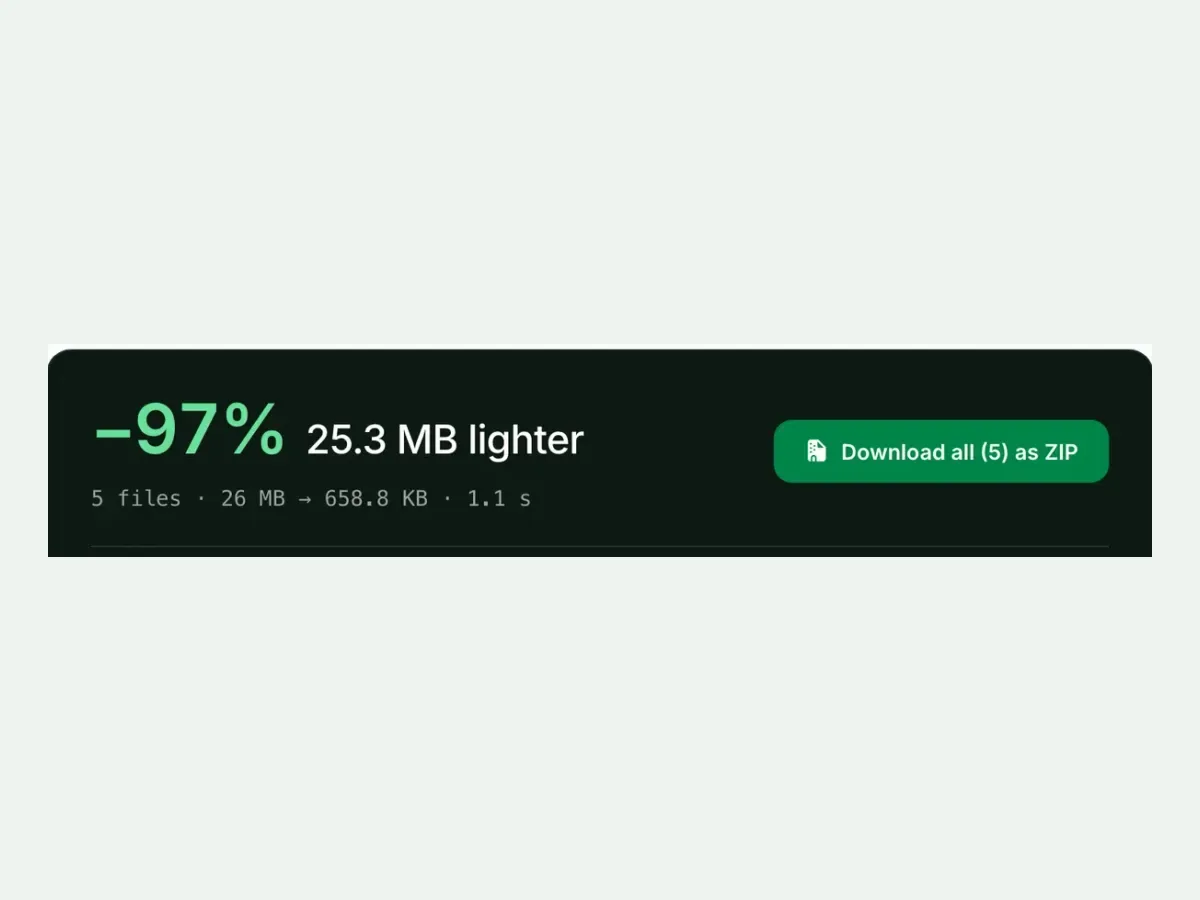
Take each file on its own, or all of them together in one ZIP.
Free, no sign-up
The best PNG to WebP image converter for real photos
Up to 10 PNG files at once, every result measured to the byte, and nothing kept after you leave.
Fast and easy
A fast, easy PNG to WebP converter
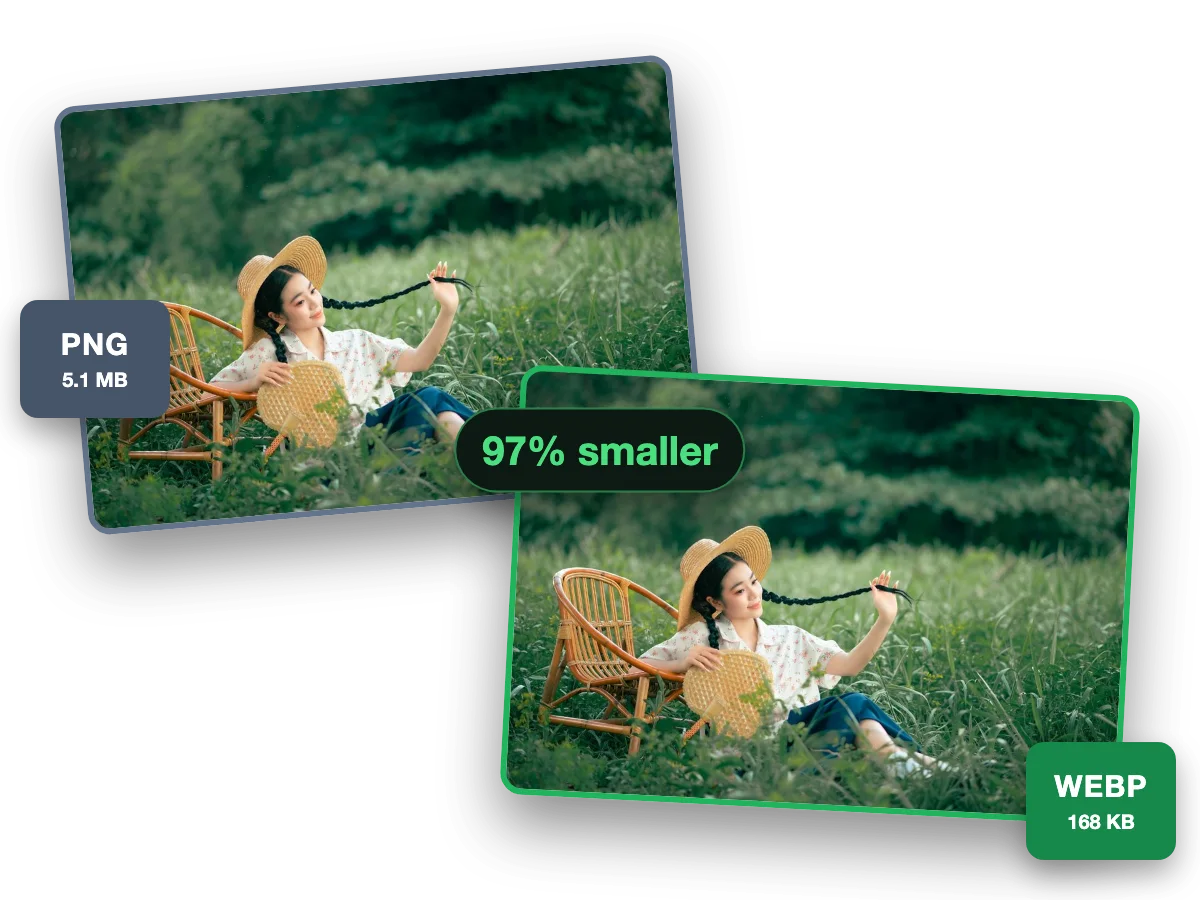
WebP keeps transparency like PNG, in a much smaller file for the web. This photo went from a 5.1 MB PNG to a 168 KB WebP, 97% smaller.
Why this converter
A PNG to WebP converter that shows its work
Every size on this page is a file the engine wrote, measured to the byte.
Batch
Batch convert PNG to WebP, ten at a time
Convert up to 10 PNG files to WebP in one run. Each file shows its own measured size, so you see what changed.
Quality
PNG to WebP converter with no change you can see
This photo went from a 4.3 MB PNG to a 118.4 KB WebP. Check any file at full size before you keep it.
Exact size
Convert PNG to WebP under 100 KB
Set a maximum size and the converter finds the best quality that fits. A hard cap: at or under it, never over.
PNG to WebP, measured by content type, because PNGs differ wildly
Source
PNG
WebP
Saved
AVIF (next rung)
Our reference photo, saved as PNG
4096.3 KB
218.9 KB
−95%
123.9 KB
Screenshot of our pricing page
1121.1 KB
109.6 KB
−90%
72.3 KB
Flat-colour graphic
7.4 KB
1.3 KB
−82%
0.8 KB
Auto quality. The photo saved as PNG shrinks the most, then the screenshot; flat art starts small and still shrinks.
Every byte count is the size of the actual file our engine produced from the named source, the same bytes you would download, not an estimate. The reference photo is one of our own photographs, an iguana on a branch, and the camera photo is a real one too. Drop your own file into the tool above to rerun any of them. How we measure names the sources and the settings.
Transparency survives: here's the proof protocol
WebP speaks PNG's alpha language in both its lossy and lossless modes. Your transparency converts intact: hard edges, feathered anti-aliasing, semi-transparent drop shadows. Don't take that as a slogan. The compare view renders your image over a checkerboard precisely so you can drag the wipe across a logo edge and look for fringing or halos. Finding none is the point. (If a downstream tool later shows white corners, that tool flattened the alpha. The file we produced still carries it.)
The Core Web Vitals case, with real numbers
Google's LCP threshold is 2.5 seconds. On a throttled 4G connection, every 100 KB of hero image costs roughly a quarter second. A 4096.3 KB photo saved as PNG in your critical path is an LCP bug wearing a file extension. The 218.9 KB WebP version of the same image is not. Migrate in the order that pays: the LCP element first, above-the-fold imagery second, gallery grids third. Thumbnails usually never, because their absolute savings are noise. The per-row measured savings in the tool are your triage list.
Photos saved as PNG: the everyday win nobody calculates
A photo saved as PNG keeps every pixel, and pays for it in bytes. Our reference photo as a4096.3 KB PNG became a 218.9 KB WebP, 95% smaller. Screenshots win too: our 1121.1 KB PNG screenshot of our pricing page became a 109.6 KB WebP, 90% smaller. Verify at 100%: fine detail and text are where lossy shows first, so check a screenshot of text closely before you replace its PNG. A folder goes through 10 files a batch here, one ZIP back each time.
When to keep the PNG
Design masters and archival sources?
PNG's lossless guarantee is the point there. Convert the shipping copies, keep the source.
Pixel-art and 1px-line UI specs?
Where individual pixels are data, verify lossy WebP at 100% first, or stay lossless.
A platform that rejects WebP?
A shrinking list, but real. Compress the PNG instead: palette quantization still shrinks it dramatically.
Short answers specific to this page. The tool above settles most of them in a second.
Q:How much smaller is WebP than PNG?
It depends entirely on content. Our reference photo, saved as PNG, dropped from 4096.3 KB to 218.9 KB (−95%). A screenshot of our pricing page went from 1121.1 KB to 109.6 KB. The famous "26% smaller" figure describes lossless WebP on graphics. Photos save far more via lossy.
Q:Does PNG to WebP keep transparency?
Yes, fully. WebP carries the same alpha channel PNG does, in both lossy and lossless modes. Your logos and cutouts convert with soft shadows and anti-aliased edges intact. Verify any edge against the checkerboard in the compare view. Fringing means a tool flattened the alpha. Ours doesn't.
Q:Should I use lossy or lossless WebP?
Lossy, for photographs and screenshots: huge savings, invisible cost at Auto quality. That is what this tool writes, at Auto or the quality you pick. Lossless WebP suits flat art where every pixel is deliberate; we do not write it yet, so keep that art as a PNG at quality 100. The compare slider lets you check with evidence.
Q:Does converting PNG to WebP lose quality?
Lossy WebP trades exactness for bytes, tuned to be invisible at normal viewing. The source PNG's pixels are the baseline, so nothing compounds from earlier compression. Check text edges and gradients at 100% in the slider. Those show loss first if any is visible.
Q:Do all browsers support WebP in 2026?
About 97% do. Safari has supported it since 14 (2020), Chrome and Firefox for a decade, Edge likewise. WordPress has served it natively since 5.8, and Shopify's CDN handles it automatically. WebP is no longer the risky choice. It is the default the web already runs on.
Q:Will converting improve my PageSpeed and LCP?
If heavy PNGs sit in your critical path, dramatically. A hero that was a 4096.3 KB PNG loads as a 218.9 KB WebP. On 4G, that is the difference between a visible wait and an instant paint. Convert the LCP image first, then measure with PageSpeed before and after.
Q:How do I bulk convert PNGs for a site migration?
Drop up to 10 PNGs and download one ZIP. Filenames are preserved so references keep matching, and each row shows the measured saving so you can prove the migration's value. Repeat per folder within the 300-image daily allowance. Ongoing automation is what the API and CMS plugins are for.
Q:Can I keep the WebP under a size limit?
Yes. Set Max file size and the engine guarantees the output lands under it, quality-searched and never overshot. "PNG to WebP under 100 KB" is a real workflow for marketplace and CMS upload limits. No other converter in this SERP can promise the number.
Q:What about animated PNGs (APNG)?
We decline animated inputs with a clear message rather than silently flattening them to one frame. For animation, animated WebP encoded from the original frames is excellent. But converting a flattened still and calling it done would be lying about what survived.
Q:WebP or AVIF for my PNGs?
AVIF is smaller still. The same photo saved as PNG measured 218.9 KB as WebP and 123.9 KB as AVIF. Serve AVIF, then WebP, in a picture element for the best of both. Convert to WebP alone when a platform hasn't caught up to AVIF yet.
Q:What happens to my PNGs after they convert to WebP?
We keep nothing. We process your files and wipe them automatically, never archive them, never use them for anything else. We strip metadata by default. There is no account required, no watermark, and a 300-image daily allowance.