JPG to WebP: the 25 to 34% claim, measured honestly
Everyone quotes Google's range. Nobody shows their own numbers. These are ours, and every byte count below is a real encoded file, not an estimate.
Reference file576.8 KBphoto.jpg
Encode
Relative to source
Size
vs source JPEG
WebP (Auto)Our default
218.9 KB
−62%
WebP (quality 80)
262.3 KB
−55%
WebP (quality 90)
416.5 KB
-28%
AVIF (Auto), for comparisonOther format
123.9 KB
−79%
Source: photo.jpg, 576.8 KB, the reference image. Every row is the file the engine wrote from that one JPEG.
Why quality 90 saves nothing
WebP at JPEG-style high quality can land at or above the source size: from our 576.8 KB JPG, WebP at quality 90 measured 416.5 KB. Each format’s quality scale is its own, so judge the look in the compare slider, not the number.
Why your file will differ
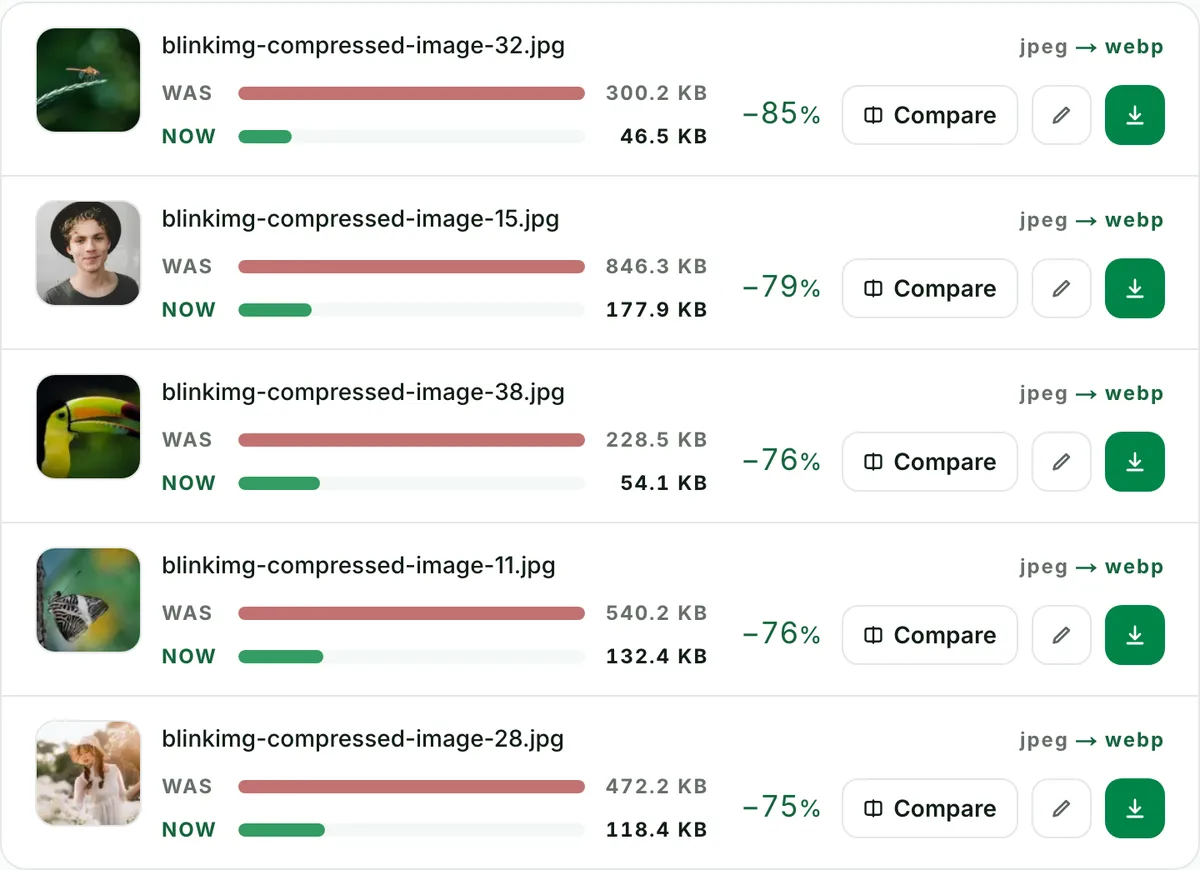
Re-encoding an already-compressed JPEG saves less than a fresh encode from a clean source. The per-file readout in the tool matters more than any published range, ours included.
Every byte count is the size of the actual file our engine produced from the named source, the same bytes you would download, not an estimate. The reference photo is one of our own photographs, an iguana on a branch, and the camera photo is a real one too. Drop your own file into the tool above to rerun any of them. How we measure names the sources and the settings.
One-off migration
The WordPress and Shopify migration, step by step
Three steps, then two decisions. Filenames are preserved through the whole flow, so re-linking is mechanical rather than manual.
1
Batch 10 originals
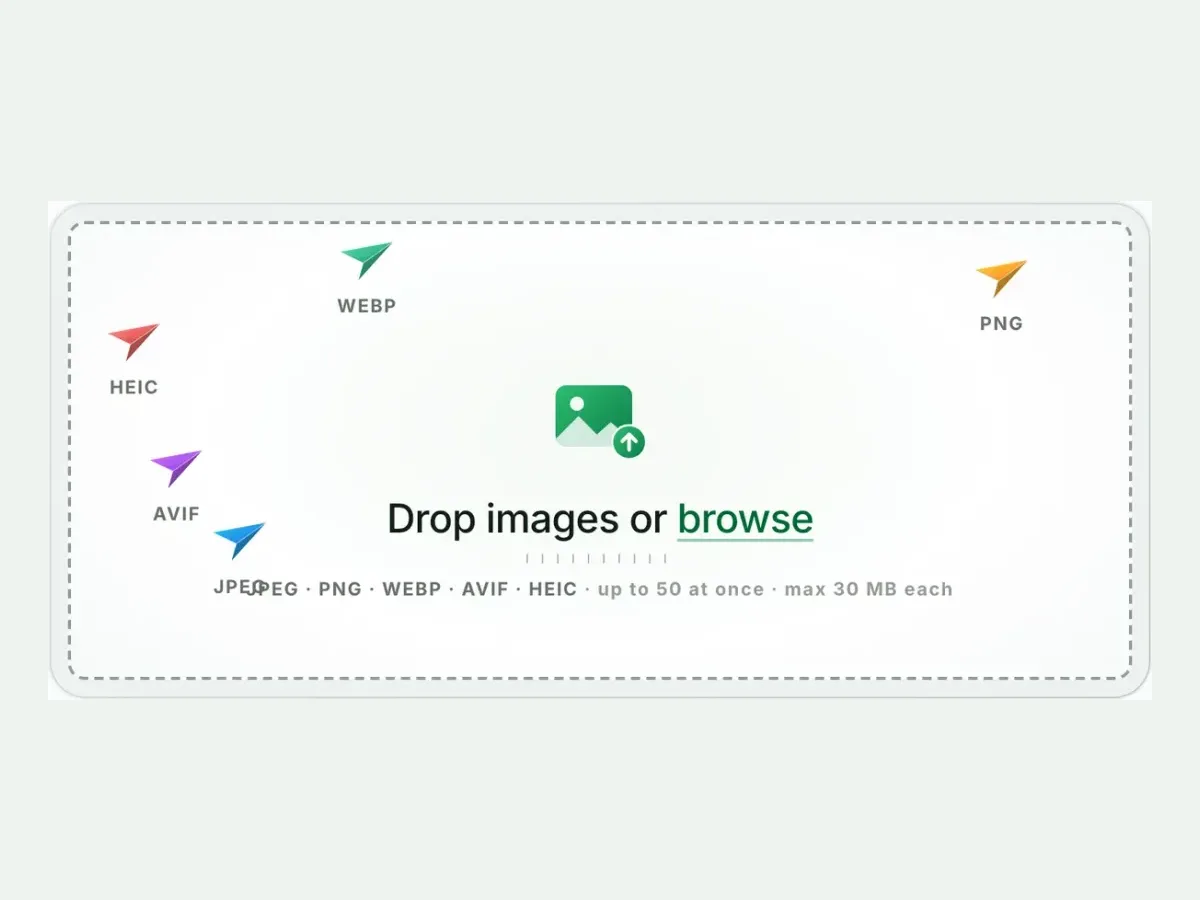
Drop up to 10 files here in one pass. Use the original exports where you still have them.
2
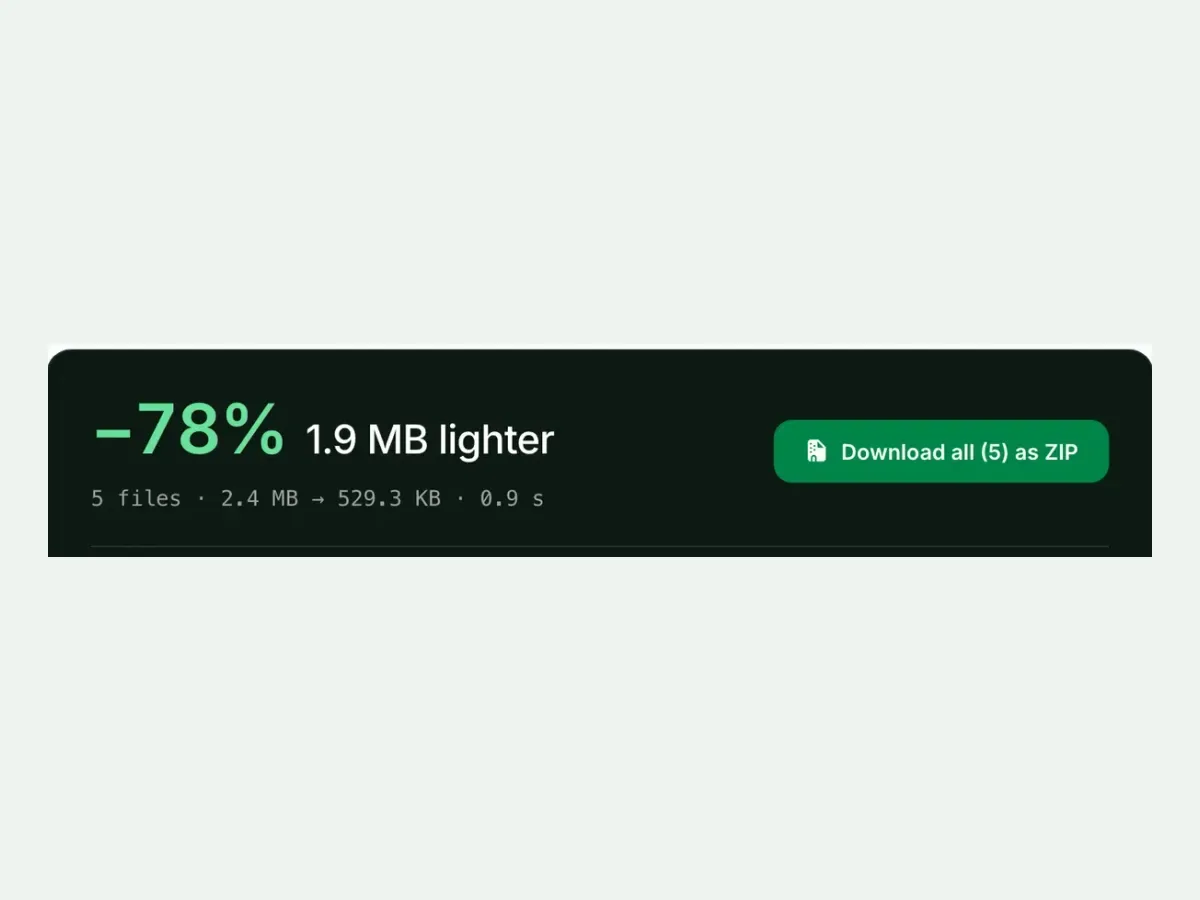
Download one ZIP
Every filename comes back exactly as it went in. Only the extension changes.
3
Upload to the Media Library
WordPress has served WebP natively since 5.8. Shopify accepts it and negotiates via CDN.
Convert in priority order
01Hero and above-the-fold images. The biggest effect on what a visitor waits for.
02Gallery and product pages. Many images, all loaded together.
03Thumbnails, last or never. Already small, so the work rarely pays for itself.
Doing this more than once?
A one-off batch is the wrong tool for a live site. To convert every new upload without thinking about it, use the API today. The WordPress plugin is being built on this exact engine.
The same source file, both formats, measured the same way. AVIF is simply the smaller format now, and support is close enough that you do not have to choose.
AVIFSmaller123.9 KB
−79% vs the 576.8 KB source~95% support
WebPWider support218.9 KB
−62% vs the 576.8 KB source~97% support
Two points of browser support separate them. That gap is exactly what the fallback beside this is for.
The professional answer is both
The browser takes the first source it understands and stops.
Three cases where the honest advice is to leave the file alone.
Keep the JPEG
The saving measured under 10%
The JPEG was already well-compressed. A format change for single-digit savings is not worth the re-encode, the re-linking, or the second lossy generation.
Keep the JPEG
It is going into email, a document or print
Office suites, email clients and print pipelines still expect JPEG. WebP is a web-delivery format, so keep JPEG for interchange.
Convert, but not this file
The original export still exists
Encode WebP from the original, not from the JPEG. That is one lossy generation instead of two, and the saving is usually larger.
Quick router
Need smaller but must stay JPG?
Compress JPEG shrinks the file and keeps the format every app opens: same engine, same caps.
Want the smallest file there is?
JPG to AVIF goes further than WebP, often well under half the JPG, for the same look.
Got a WebP that will not open?
WebP to JPG turns it back into a file that every editor, email and phone accepts.
Questions, answered
Short answers specific to this page. The tool above settles most of them in a second.
Q:How much smaller is WebP than JPEG in practice?
Google's figure is 25 to 34% at equal quality. That holds for fresh encodes from clean sources. Re-encoding an already-compressed JPEG yields less, sometimes nothing. Our tool shows the measured result per file, so you convert where it pays and skip where it doesn't.
Q:Does converting JPG to WebP lose quality?
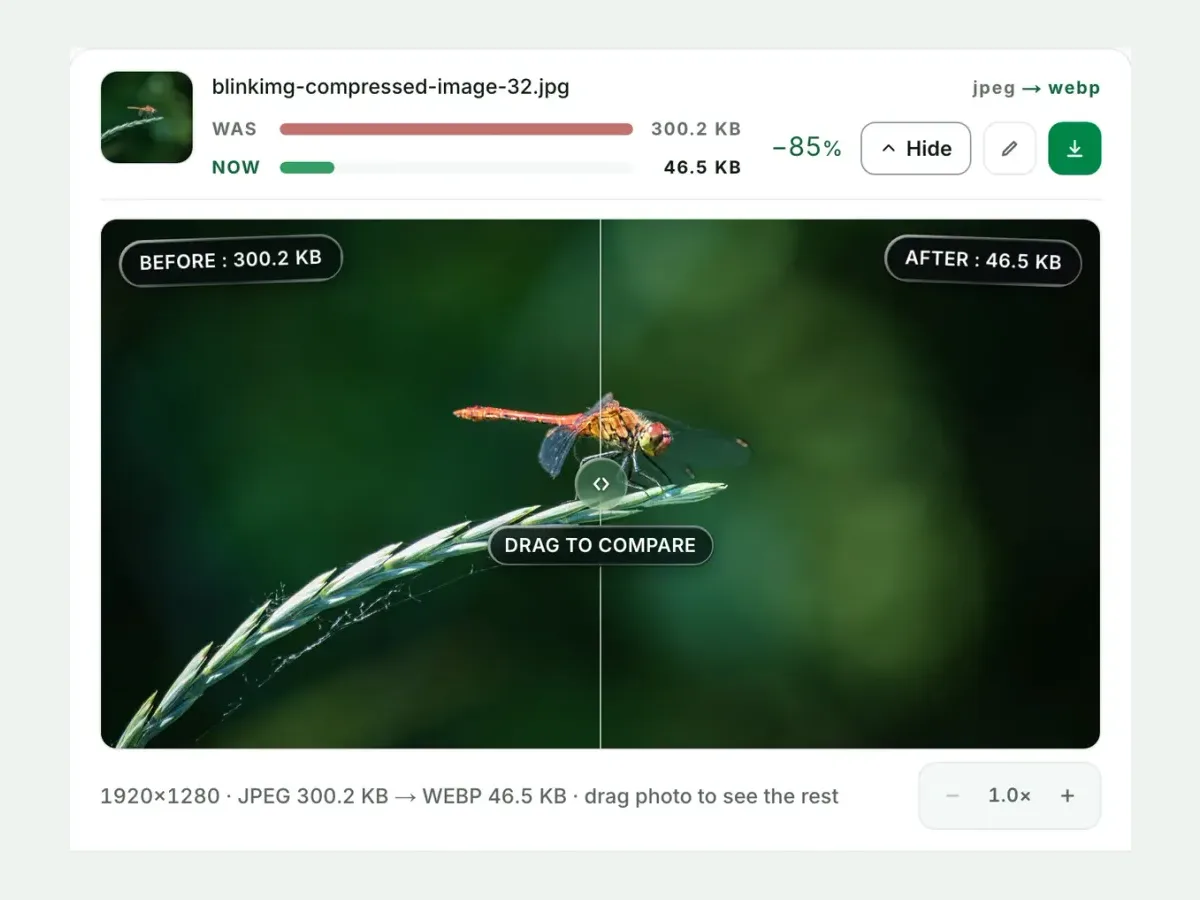
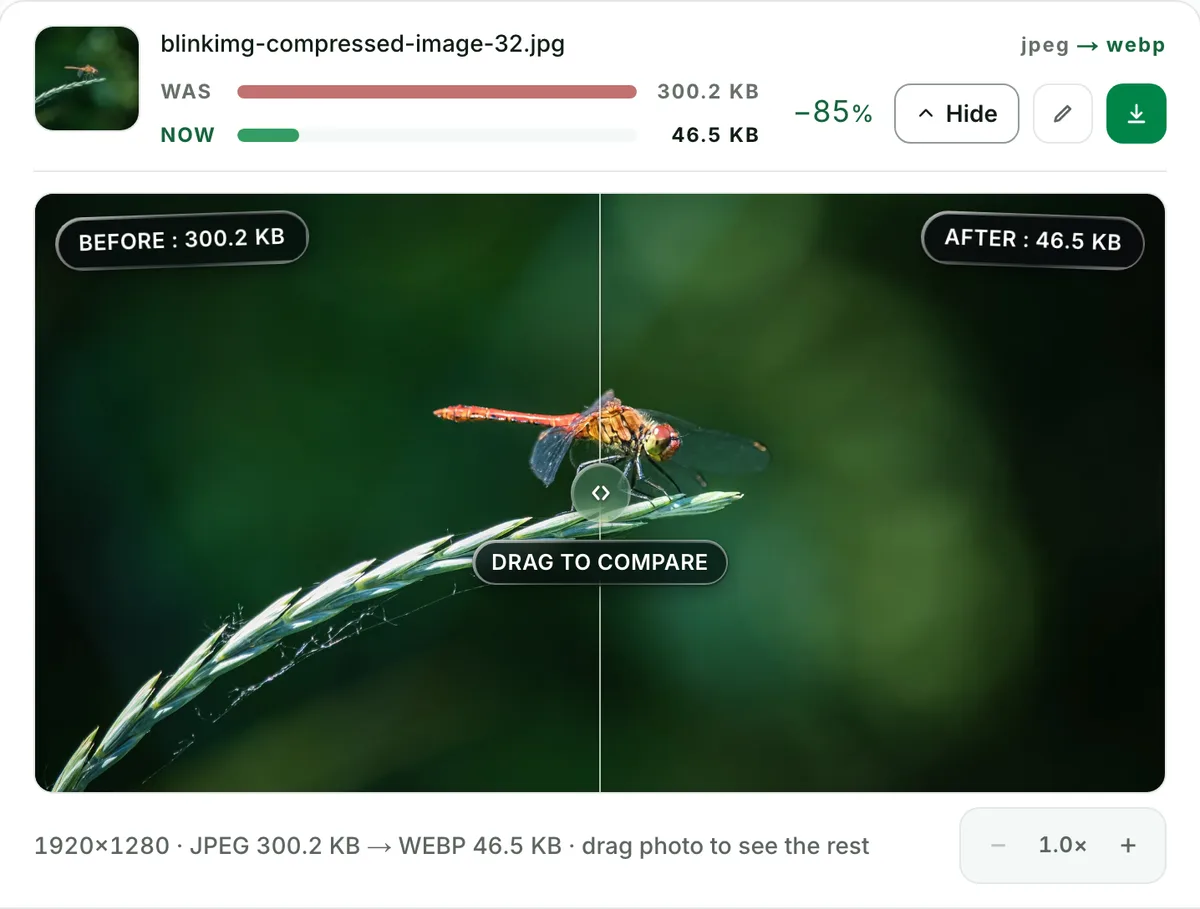
Any lossy re-encode costs a generation. The cost is small at sensible settings and invisible in normal viewing. The compare slider shows your file at 100% zoom before you commit. When the original photo or export exists, encode WebP from that instead of from the JPEG.
Q:What WebP quality setting should I use for photos?
75 to 85 is the photographic sweet spot, and Auto picks within it per image. Beware the cross-format trap: WebP at 90 often lands near the source JPEG's size. Our reference measured 416.5 KB at q90 versus 218.9 KB on Auto. Higher numbers mostly buy bytes.
Q:Do all browsers support WebP in 2026, including Safari?
Effectively all: about 97% globally. Safari has decoded WebP since 14 (2020), Chrome and Firefox for over a decade, Edge likewise. The stragglers are museum-grade browsers and a few embedded webviews. An img fallback covers them if you care.
Q:Should I use WebP or AVIF for my website now?
Serve both in one picture element: AVIF first, WebP as the fallback. AVIF is smaller. Our reference image measured 123.9 KB as AVIF versus 218.9 KB as WebP. If you must pick one, WebP's extra reach edges it for long-tail audiences, while AVIF wins on pure bytes.
Q:How do I bulk convert JPGs to WebP for WordPress?
Drop up to 10 JPGs, download one ZIP with filenames preserved, and upload to the Media Library. WordPress has served WebP natively since 5.8. For ongoing automation rather than one-off migration, that is exactly what our API is for.
Q:Can I upload WebP product images to Shopify?
Yes. Shopify accepts WebP uploads, and its CDN negotiates formats per visitor anyway. For product photography, the bigger wins are consistent dimensions and sensible quality. Batch-convert your masters here at one setting and every listing stays uniform.
Q:How do I convert JPG to WebP under 100 KB?
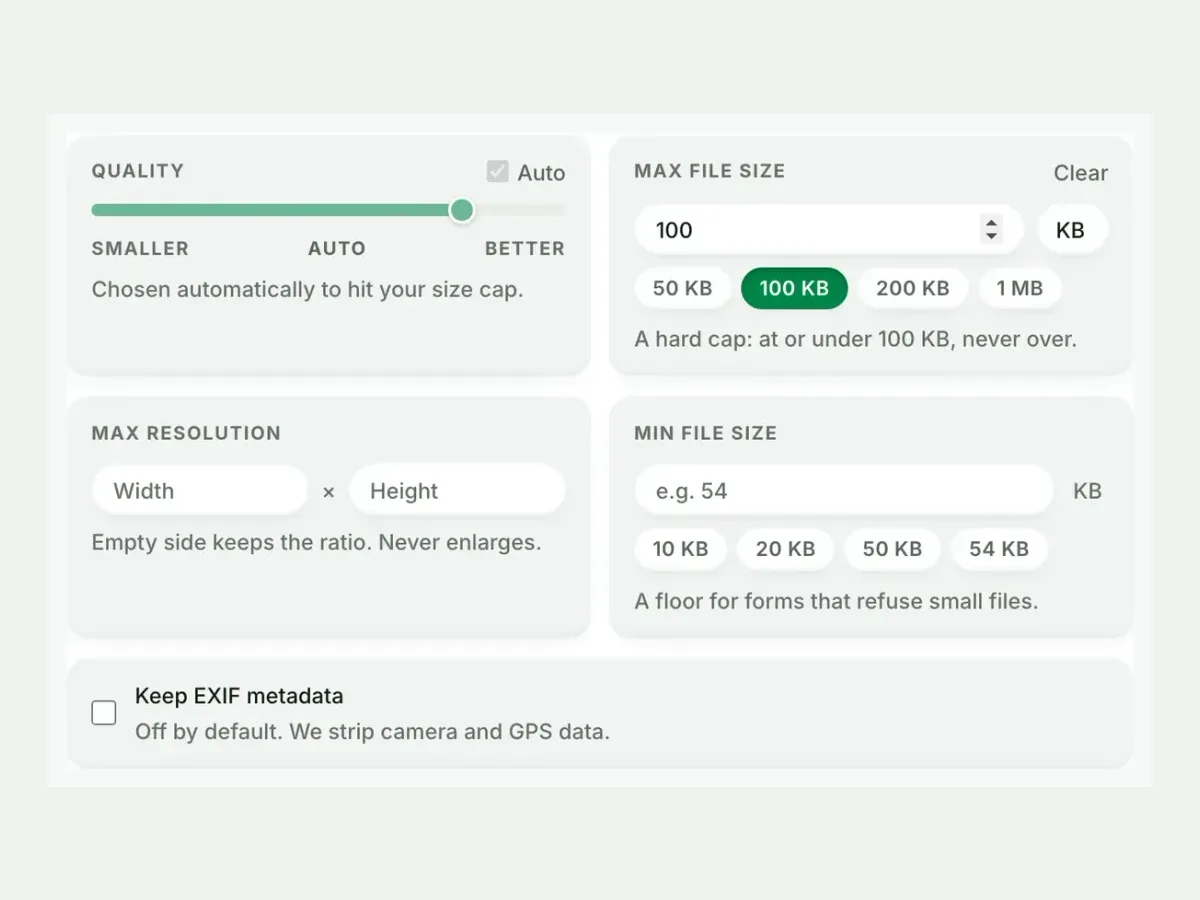
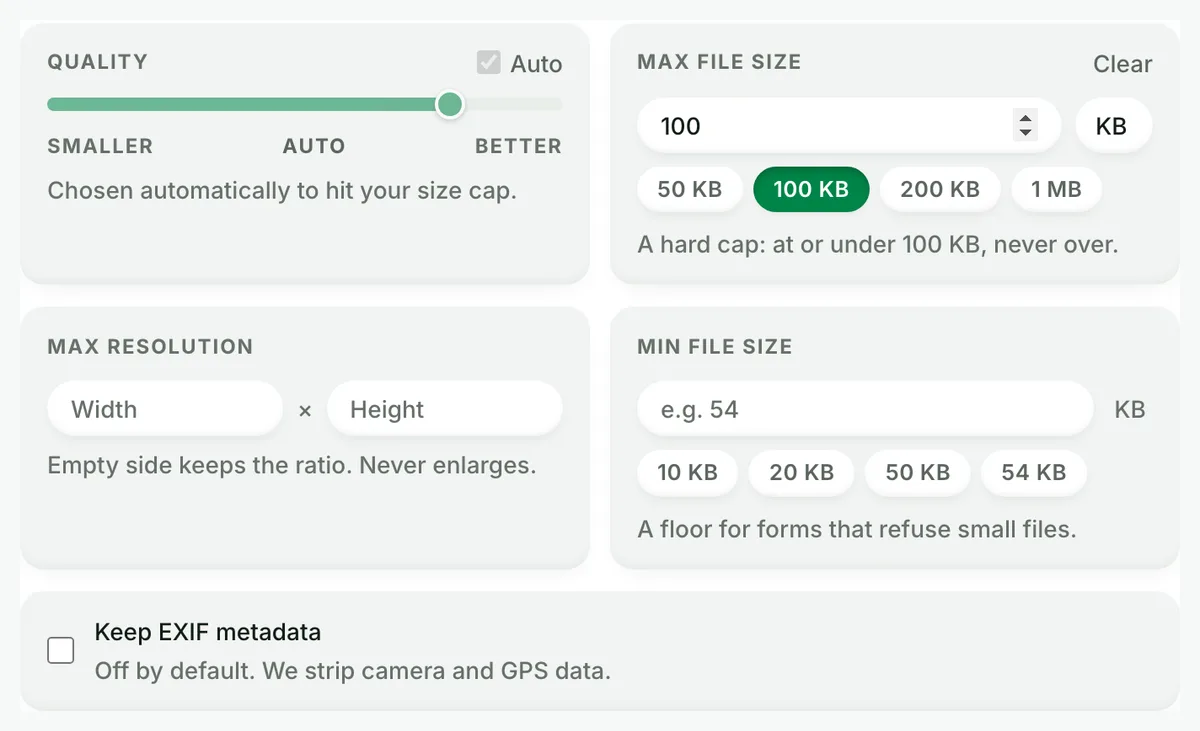
Set Max file size to 100 KB in Advanced settings before converting. That is a hard cap, met by quality search and never overshot. It turns the converter into a compressor at the same time, which no other converter in this space offers.
Q:Does WebP support transparency and animation?
Both. WebP carries alpha transparency, which matters when you convert from PNG rather than JPG, since JPG has none to preserve. It also carries animation as the modern GIF replacement. Converting a JPG produces a standard still WebP that every browser and CMS handles.
Q:Will switching to WebP improve my Core Web Vitals?
If images dominate your LCP, yes. A hero that drops from 400 KB to 250 KB loads visibly earlier on slow connections. Convert the images in your critical path first. The per-file measured savings in the tool tell you exactly which conversions moved the needle.
Q:How do I convert WebP back to JPG?
Use the reverse pair, WebP to JPG. It exists precisely because sharing WebP outside browsers still stings, and it converts singles or batches back to the format everything opens. Round-tripping costs a generation each way, so keep originals when you can.
Q:What happens to my JPGs after the WebP conversion?
We keep nothing. We process your files and wipe them automatically, never archive them, never reuse them. We strip EXIF from outputs by default, and one checkbox keeps it. No account is required.