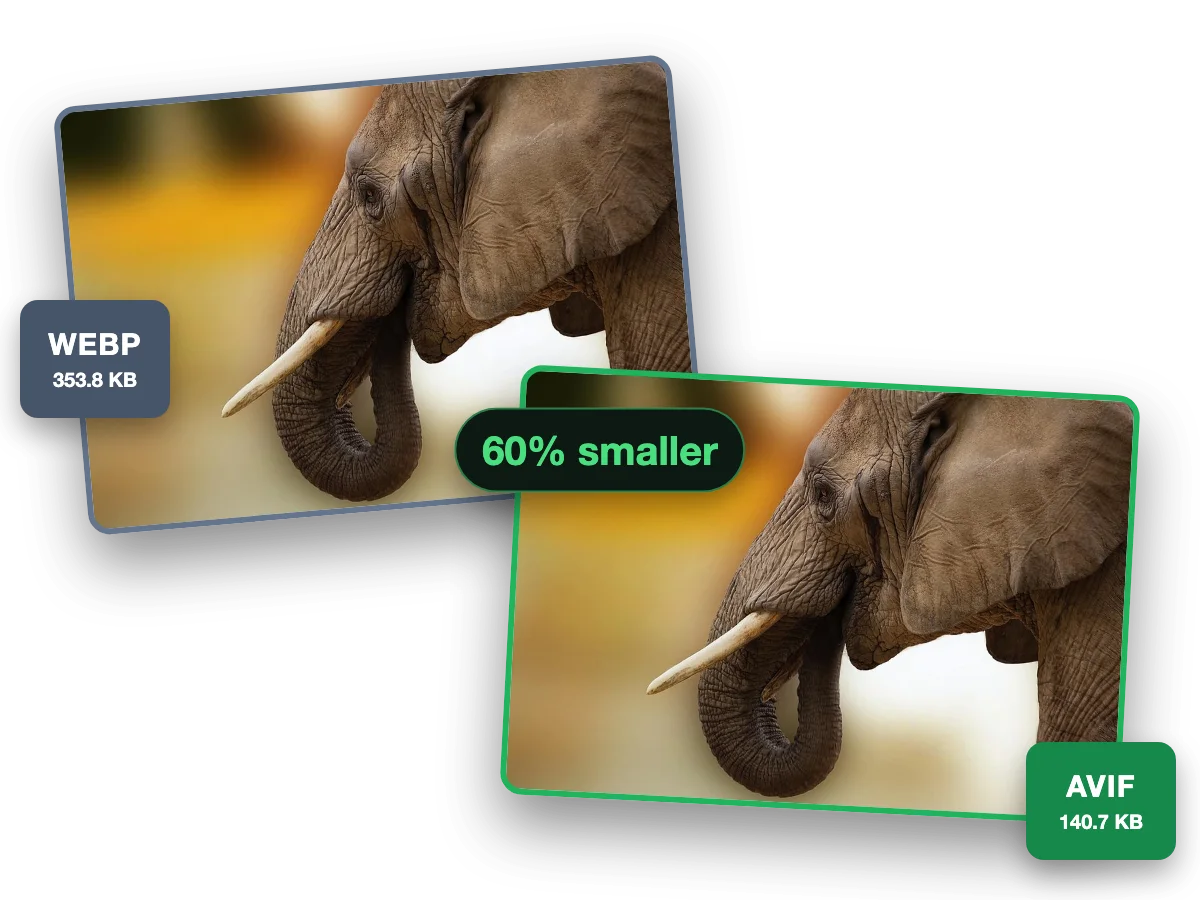
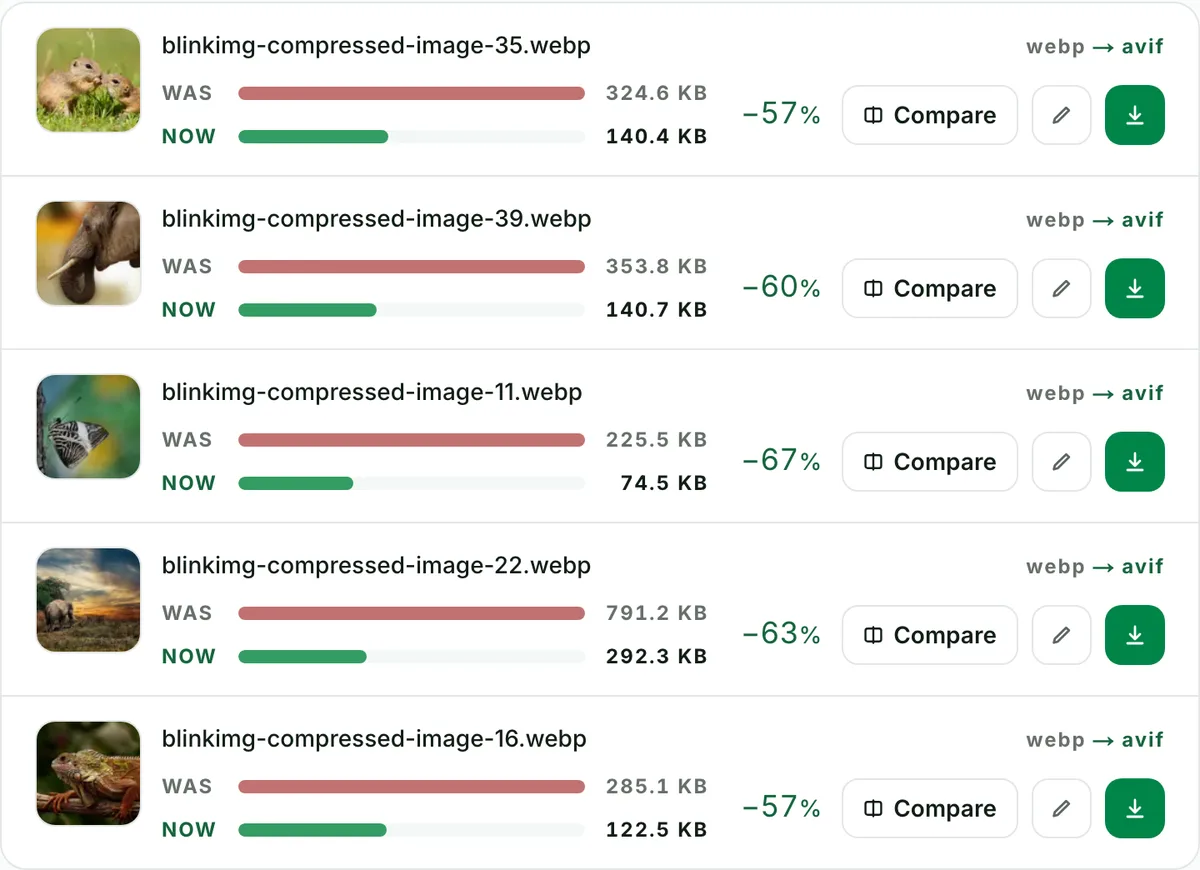
Convert WebP to AVIF to squeeze web images down further. At each format's default, AVIF made the smallest file of every photo we measured, and transparency carries over. Animated WebP is declined rather than flattened to one frame. Part of the image converter.
– / –
Drop images or browse
JPEG · PNG · WEBP · AVIF · HEIC · up to 50 at once · max 30 MB each
Because AVIF is the same idea, one codec generation later: typically 15–40% smaller at equal visual quality. If WebP was your site's big win in 2020, AVIF is the same win again in 2026. Same images, same one-line fallback pattern. The pages that repay it first are the ones in your Largest Contentful Paint path: heroes, galleries, product photography.
WebP to AVIF, the saving measured: not "up to"
Reference file611.2 KBphoto.webp
Encode
Relative to source
Size
vs source WebP
AVIF (Auto)Our default
123.9 KB
−80%
AVIF (quality 45)
103.5 KB
−83%
Source: photo.webp, 611.2 KB. The equivalence row explains the trap of re-encoding at too-high quality.
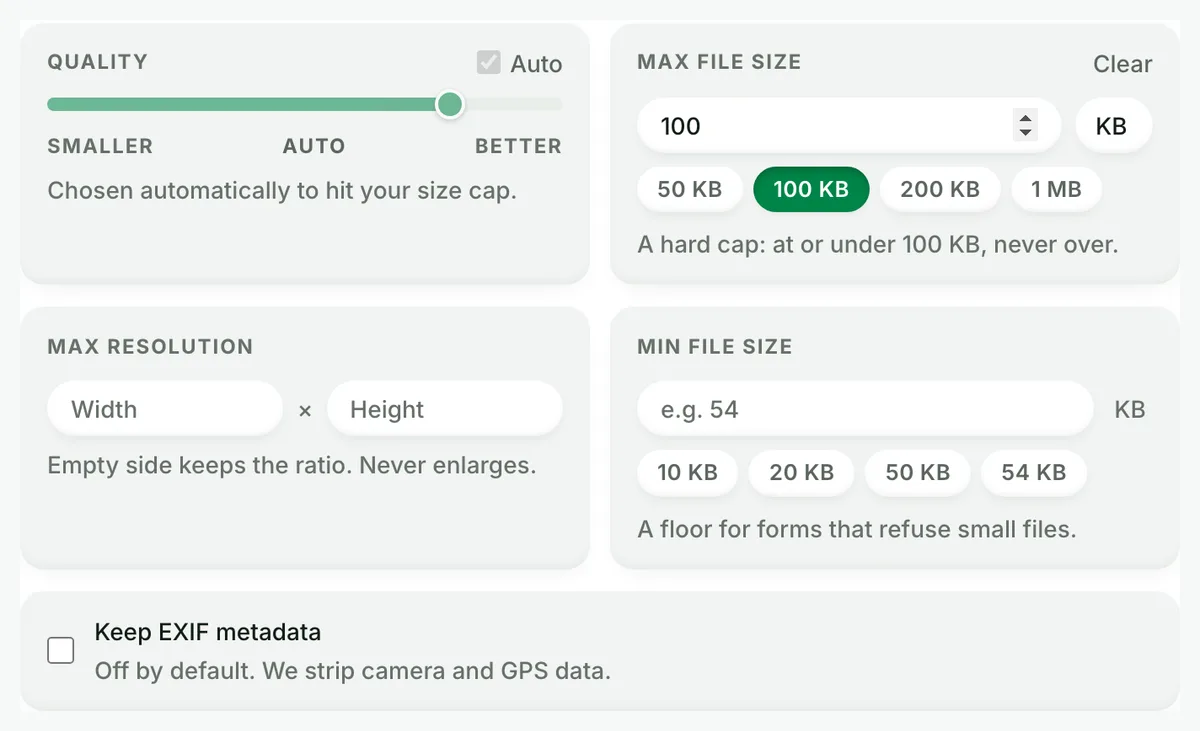
One quality-scale warning that explains most "AVIF made my file bigger" complaints: the scales are not aligned across formats. On the same image, AVIF at quality 60 measured 178.3 KB while AVIF at quality 80 measured 337.3 KB. That is 89% more bytes. Encode AVIF in the 50–65 band (Auto uses 50 for a photo), not at the 80–90 numbers you learned from JPEG.
Every byte count is the size of the actual file our engine produced from the named source, the same bytes you would download, not an estimate. The reference photo is one of our own photographs, an iguana on a branch, and the camera photo is a real one too. Drop your own file into the tool above to rerun any of them. How we measure names the sources and the settings.
Is re-encoding an already-lossy WebP safe?
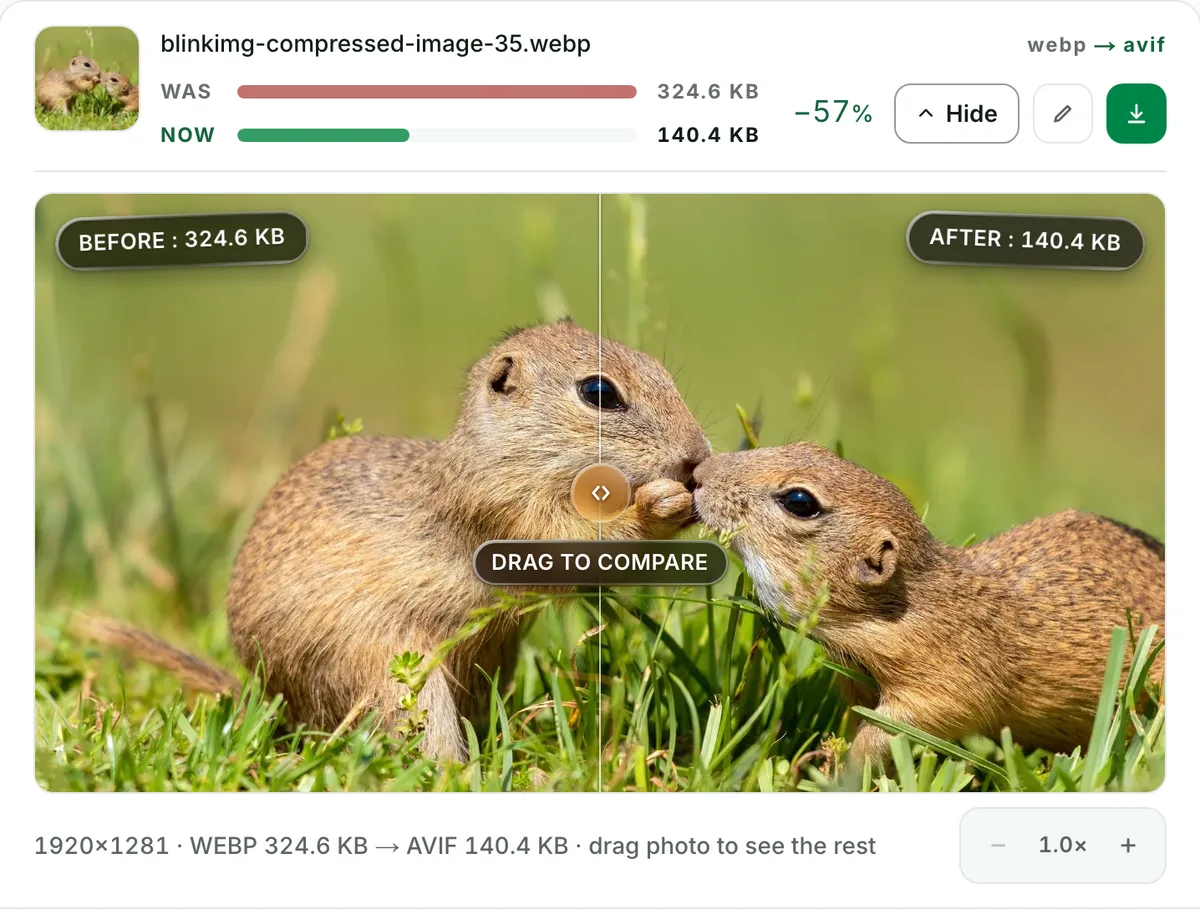
It compounds two generations of loss. That is real, and nobody ranking for this query says so. In practice, one careful re-encode at Auto quality is visually clean. What degrades images is repeated cycling through formats and qualities. Two honest rules: if the original PNG or camera file still exists, encode the AVIF from that (one generation instead of two), and verify the result in the compare slider at 100% before replacing anything. Fine texture and skin gradients show compounding first.
About 95% of visitors receive the AVIF. The rest fall through to WebP (~97% support) or the JPG. WordPress 6.5+ and Shopify's CDN both handle AVIF natively. No plugin gymnastics required anymore.
When to leave it as WebP
Animated WebP?
Keep it. Animated WebP support is excellent, and we decline animated inputs rather than flatten them.
Small thumbnails and icons?
The absolute saving is a few KB, so the effort outweighs the benefit. Spend the migration on your LCP images.
A platform that rejects AVIF uploads?
Older CMS versions and some marketplaces still do. WebP stays the right delivery format there. Revisit after their next upgrade.
Coming the other way? AVIF to WebP exists for exactly those platforms.
Questions, answered
Short answers specific to this page. The tool above settles most of them in a second.
Q:How much smaller does a WebP get as AVIF?
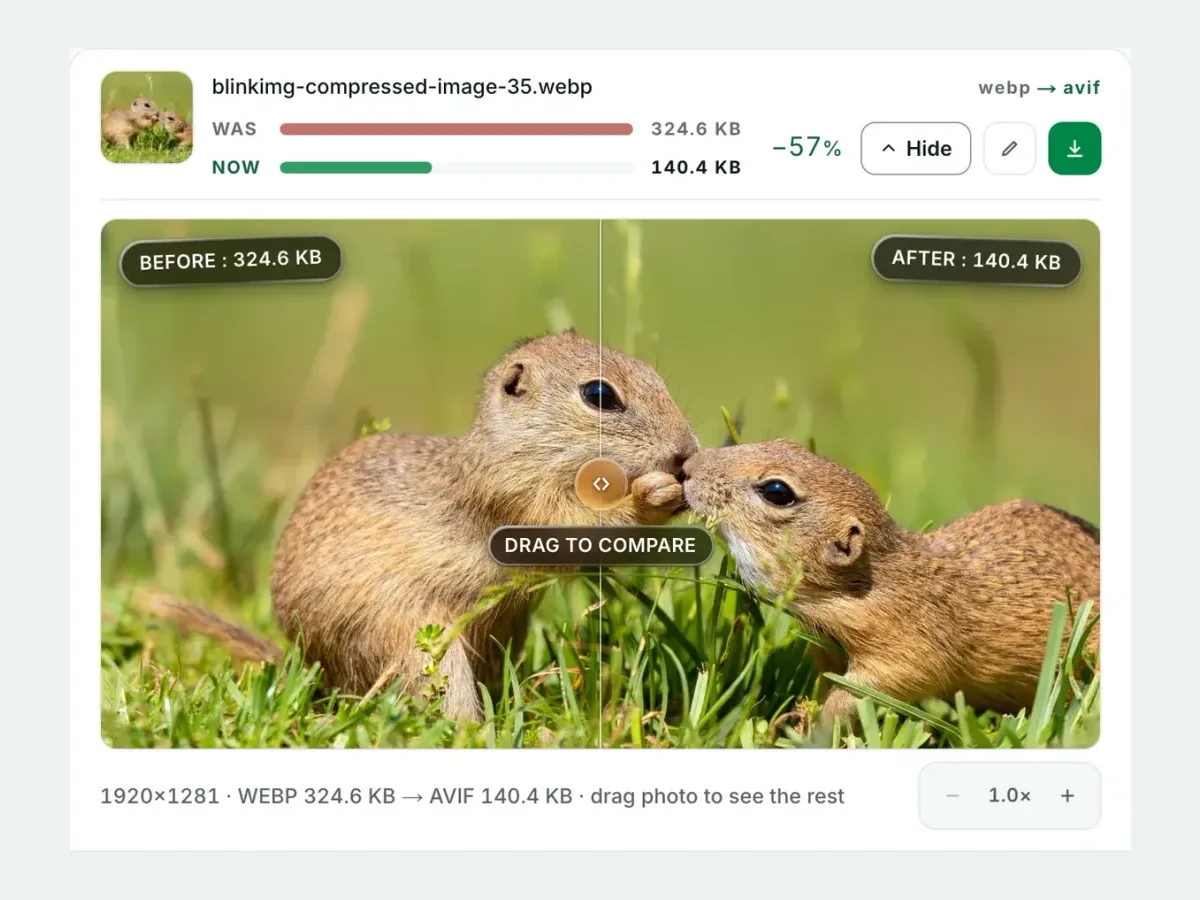
Typically 15–40% smaller at equal visual quality, and often more when the WebP was encoded conservatively. Measured here: our 611.2 KB reference WebP became a 123.9 KB AVIF on Auto (−80%). Your own file's number appears in the tool the moment you convert.
Q:Should I convert my website’s WebP images to AVIF?
For file size, yes. At each format's default AVIF made the smaller file of every photo we measured: our camera photo was 288 KB as AVIF against 329 KB as WebP. That is why it sits first in the picture-element fallback chain. WebP retains two advantages: near-universal support since 2020 and faster encoding. Serve AVIF first, WebP second, and both audiences win.
Q:Does converting WebP to AVIF lose quality?
A little, and that is unavoidable physics: both formats are lossy, so re-encoding compounds two generations of loss. At Auto quality the result is visually clean, and the compare slider lets you verify at 100% zoom. When you still have the original PNG or photo, encode AVIF from that instead.
Q:Which browsers support AVIF in 2026?
About 95% globally: Chrome 85+, Firefox 93+, Safari 16.1+, Edge 121+. WebP sits near 97%. The safe pattern is a picture element with AVIF first and WebP second. Every visitor gets the smallest format their browser can render, and nobody gets a broken image.
Q:Why is AVIF encoding slower than WebP?
AV1 encoding is roughly an order of magnitude more work than WebP encoding. That extra search is exactly where the smaller files come from. Here it costs a couple of seconds per photo, paid once on our servers. Batches run in parallel, so 10 files stay quick.
Q:How do I bulk convert WebP to AVIF?
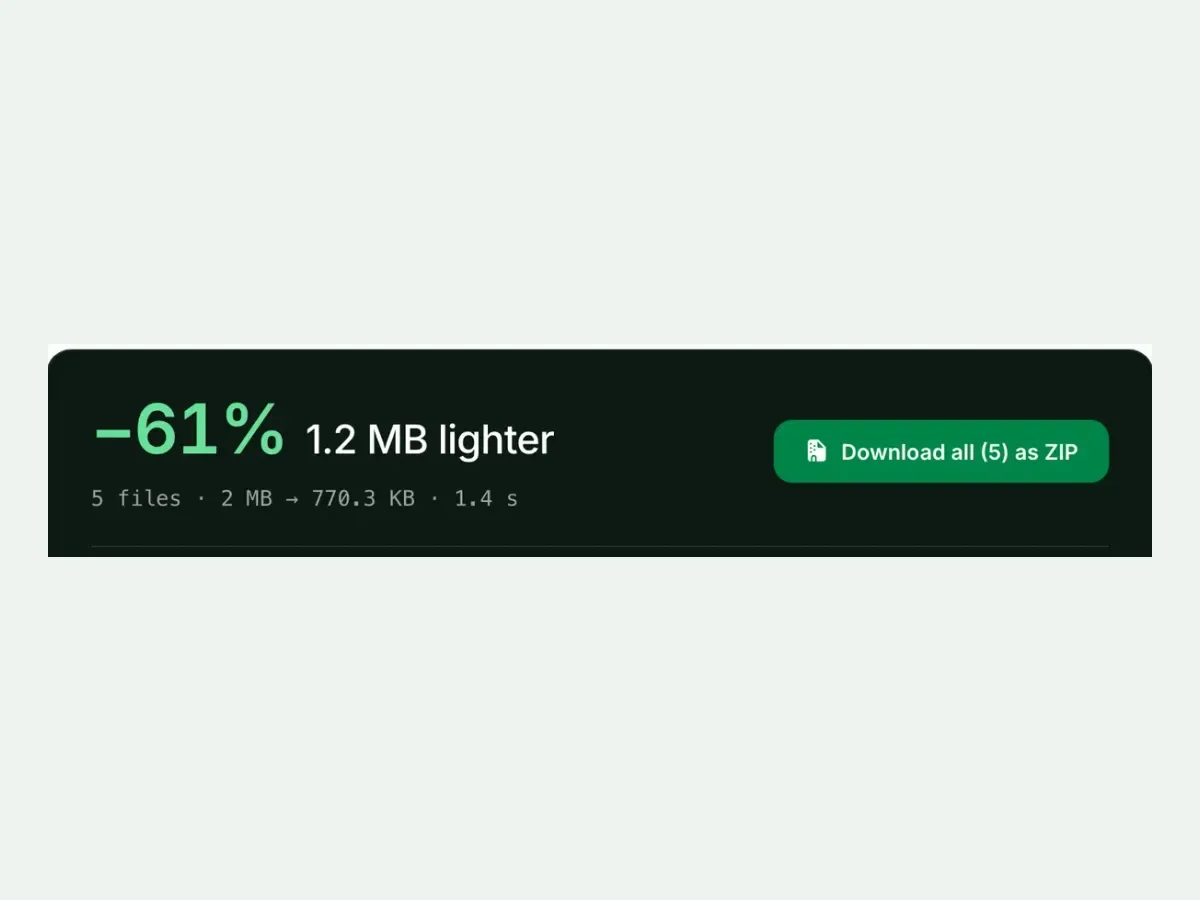
Drop up to 10 WebP files into the tool: one run, one ZIP out, filenames preserved, no signup, and a 300-image daily allowance. Every row reports its measured before/after size. A site-wide migration shows you exactly which images repaid the conversion, and by how much.
Q:Can I convert animated WebP to AVIF?
No. We decline animated inputs rather than silently flatten them to their first frame, which is the honest failure. For animations, keep animated WebP (excellent support) or use a video format. For stills, this converter is the right tool.
Q:How do I serve AVIF with a WebP fallback?
Use a picture element with two sources: AVIF first, WebP second, and an img tag as the final fallback. Browsers pick the first type they support. Most CDNs and image services can automate the negotiation. Written by hand, the markup takes four lines.
Q:Does WordPress support AVIF uploads?
Yes, natively since WordPress 6.5 (2024). Earlier versions reject the upload with a security error unless a plugin adds the MIME type. Shopify serves AVIF through its CDN automatically. If your stack still refuses AVIF, keep WebP and revisit in a version or two.
Q:Should I re-encode every WebP on my site?
No. Convert where the bytes matter: hero images, galleries, anything above the fold in your LCP path. A 40 KB thumbnail saves little. Our 611.2 KB reference saved 487 KB. The per-file measured table in the tool makes the triage obvious.
Q:What happens to my files after converting?
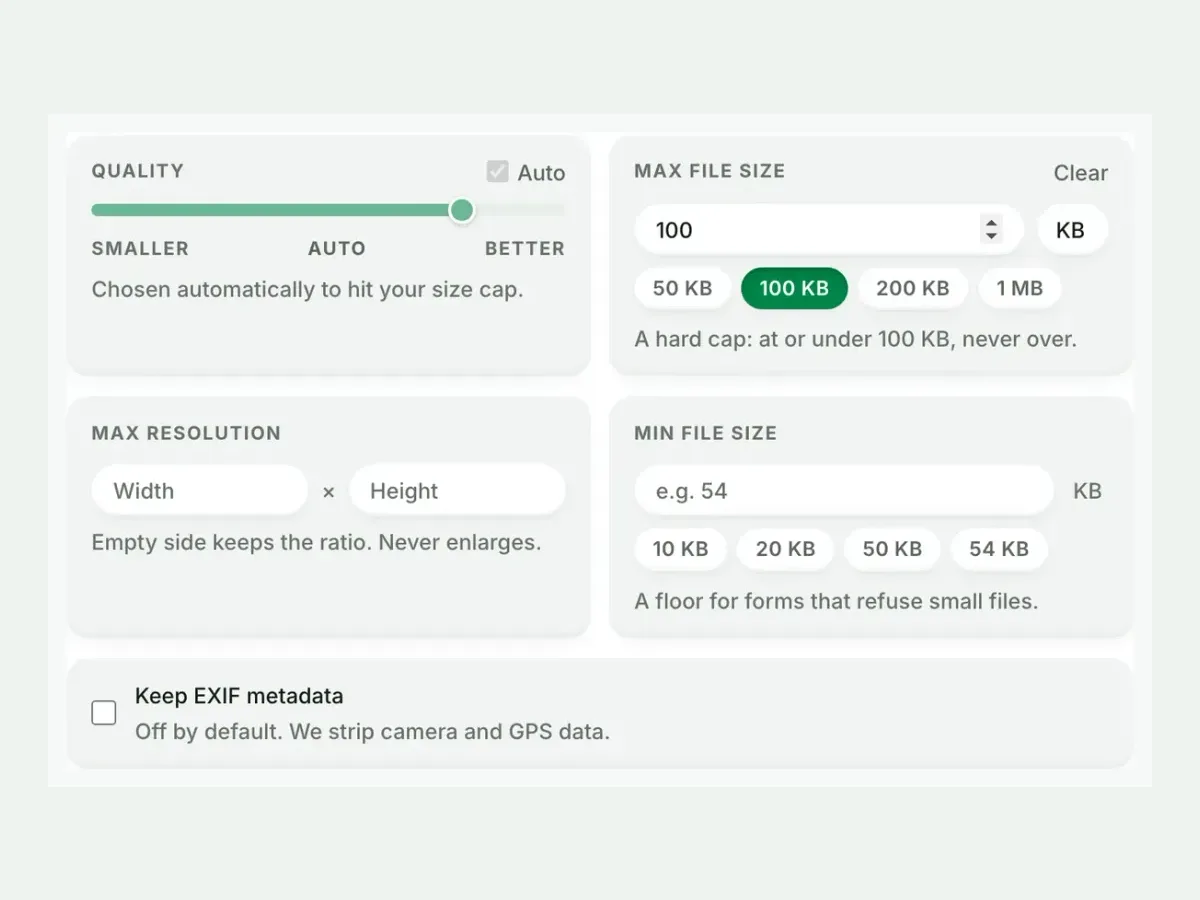
We keep nothing. We process your files and wipe them automatically, never archive them, never reuse them. We strip metadata from outputs by default, and you need no account. The free allowance is 300 images a day, counted live beside the tool.