Convert HEIC to AVIF for the smallest files Blinkimg can make. At each format's default, AVIF made the smallest file of every photo we measured. It's the format Blinkimg reaches for first. Part of the image converter.
– / –
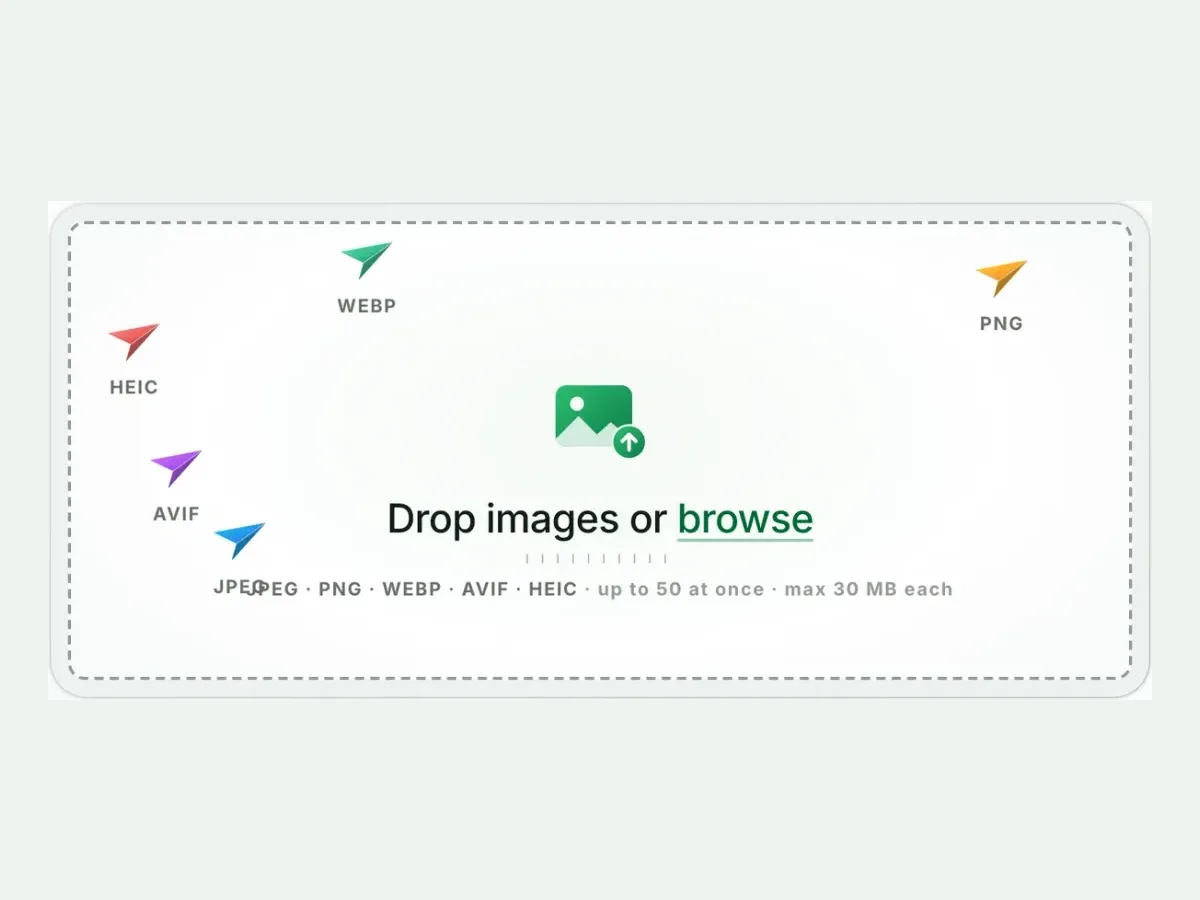
Drop images or browse
JPEG · PNG · WEBP · AVIF · HEIC · up to 50 at once · max 30 MB each
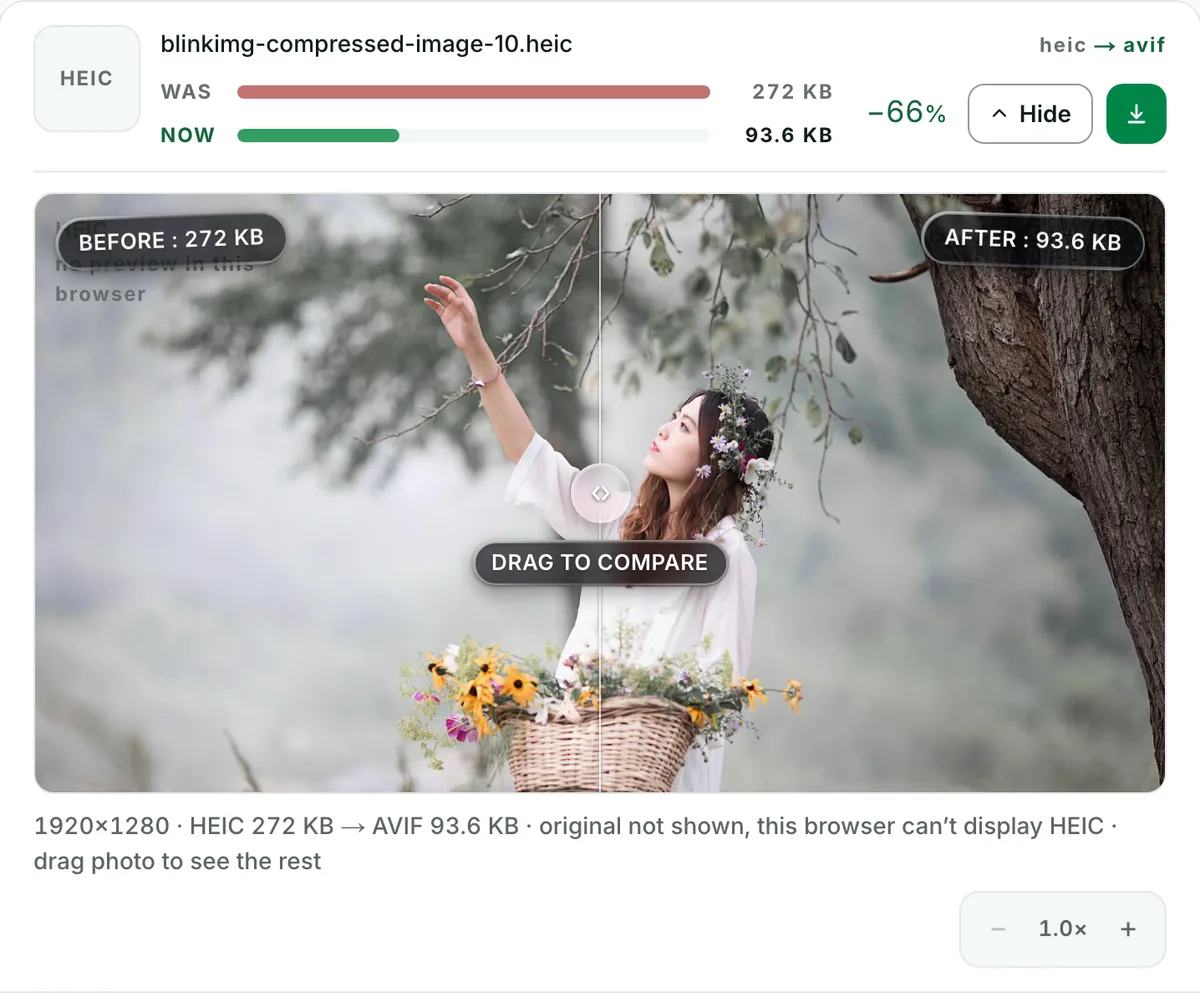
A real result from this exact operation: 343 KB in, 121.9 KB out. Drop your own file and the meter reports yours. The left half is a preview render; the byte counts are the real files’.
HEIC to AVIF converter
How to convert HEIC to AVIF in 4 steps
Free, in your browser, with no sign-up. Each step below is the real tool on this page.
1
Drop your HEIC files
Up to 10 HEIC files at once. AVIF is already picked.
2
Set a size, or not
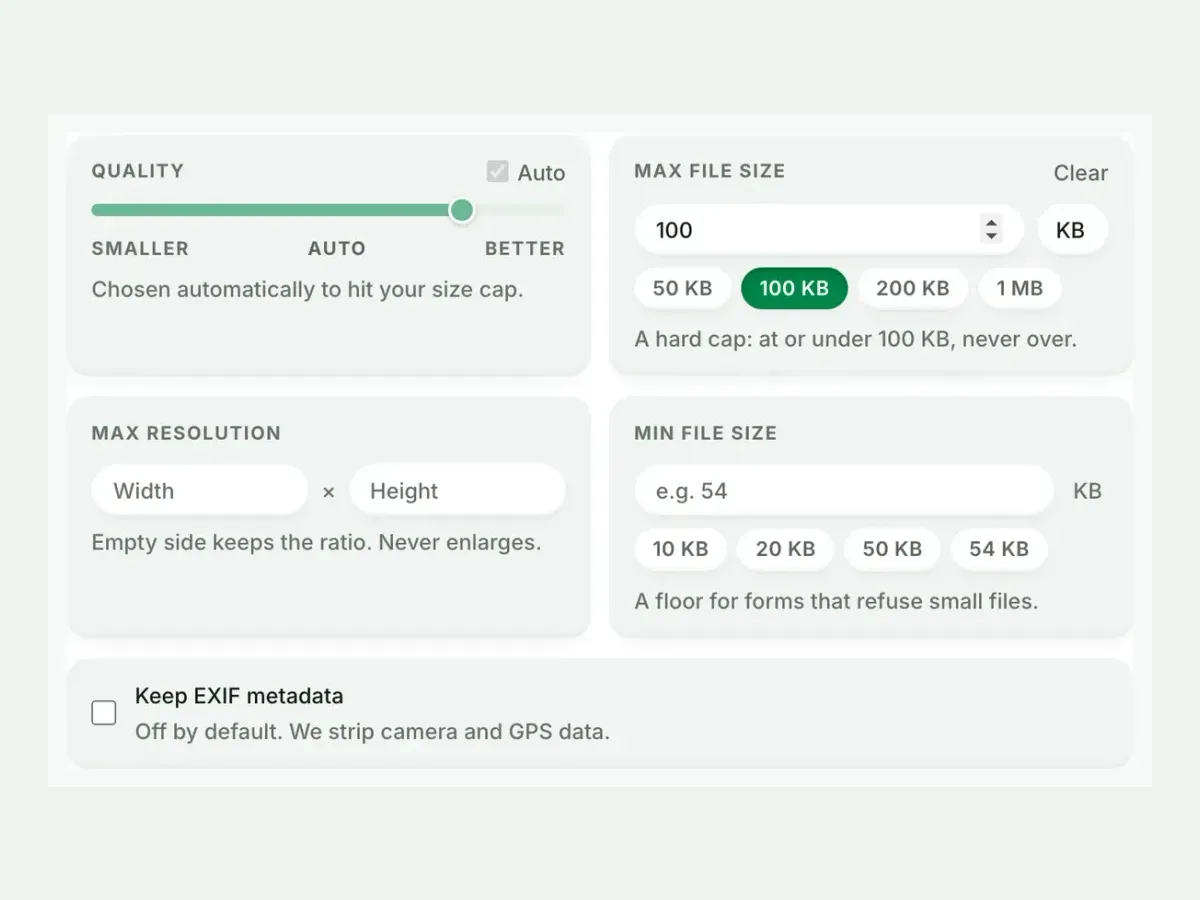
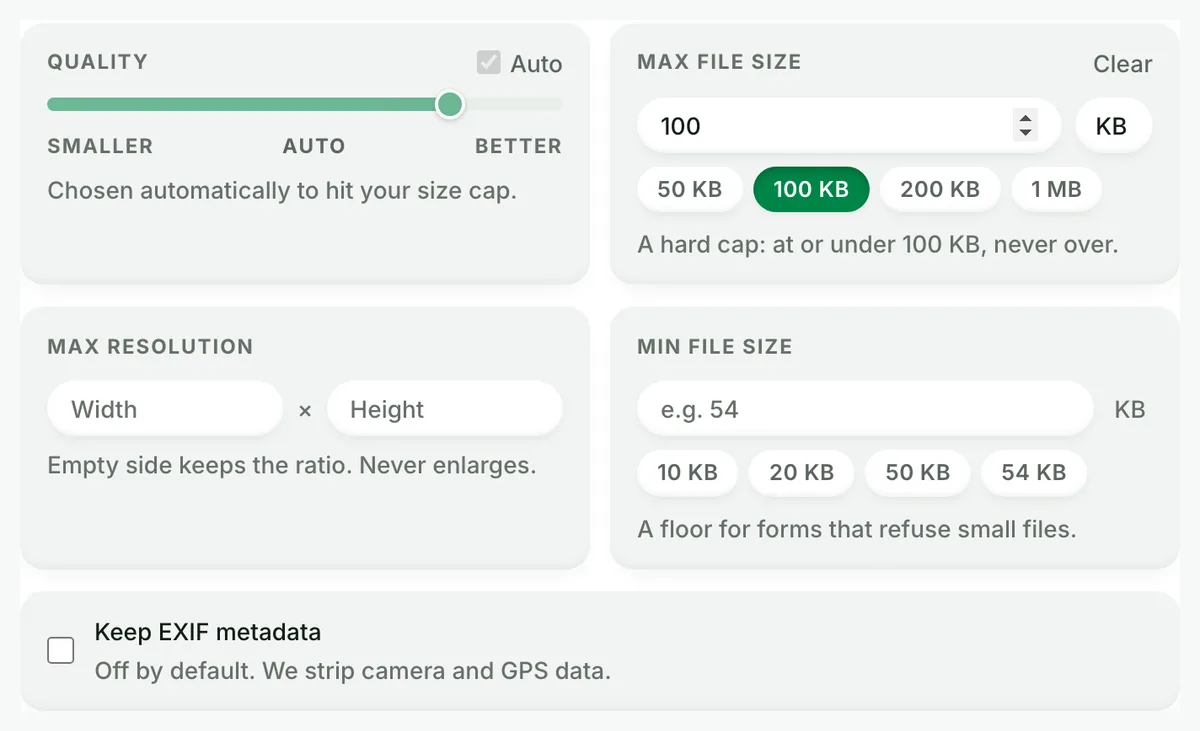
Auto picks the best AVIF setting. A size cap is never exceeded.
3
Compare the result
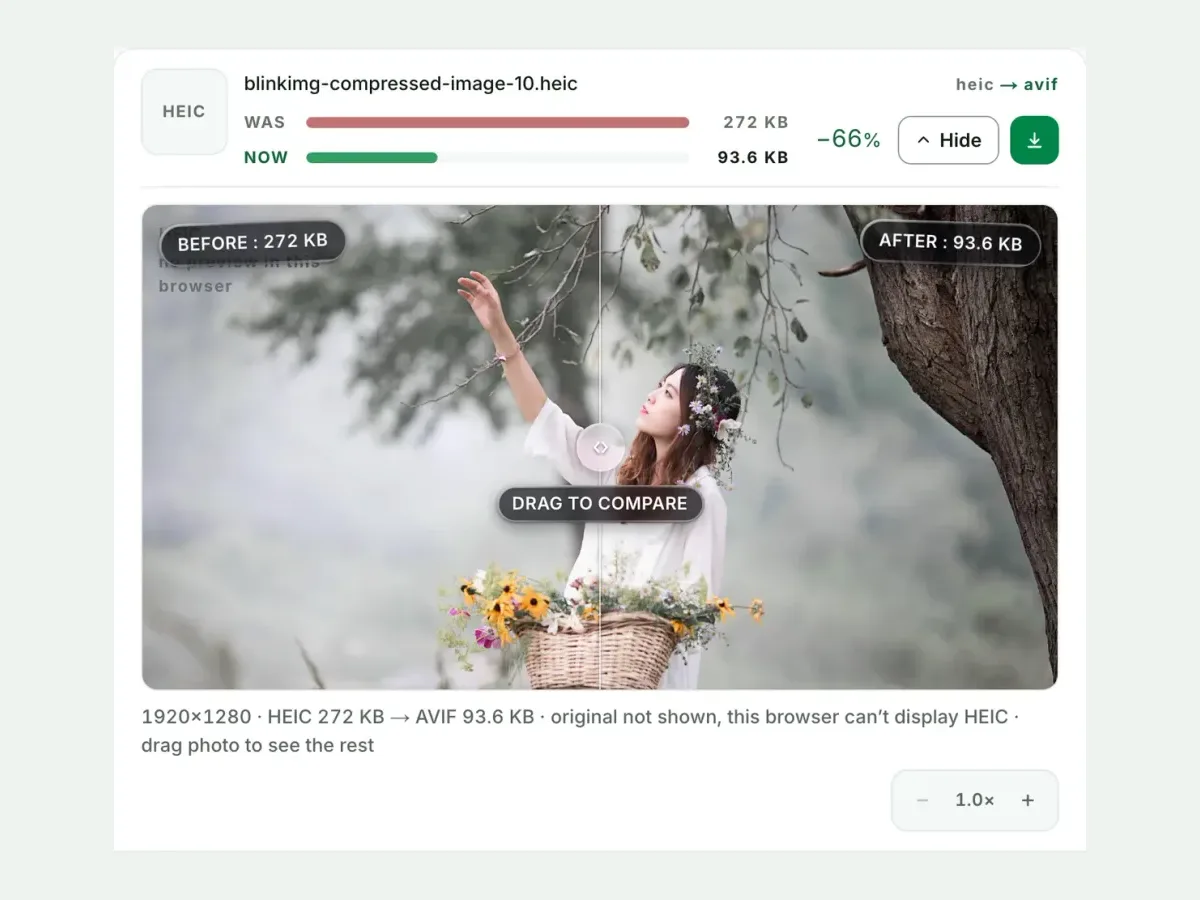
See each measured size, then drag the slider to check the look.
4
Download one ZIP
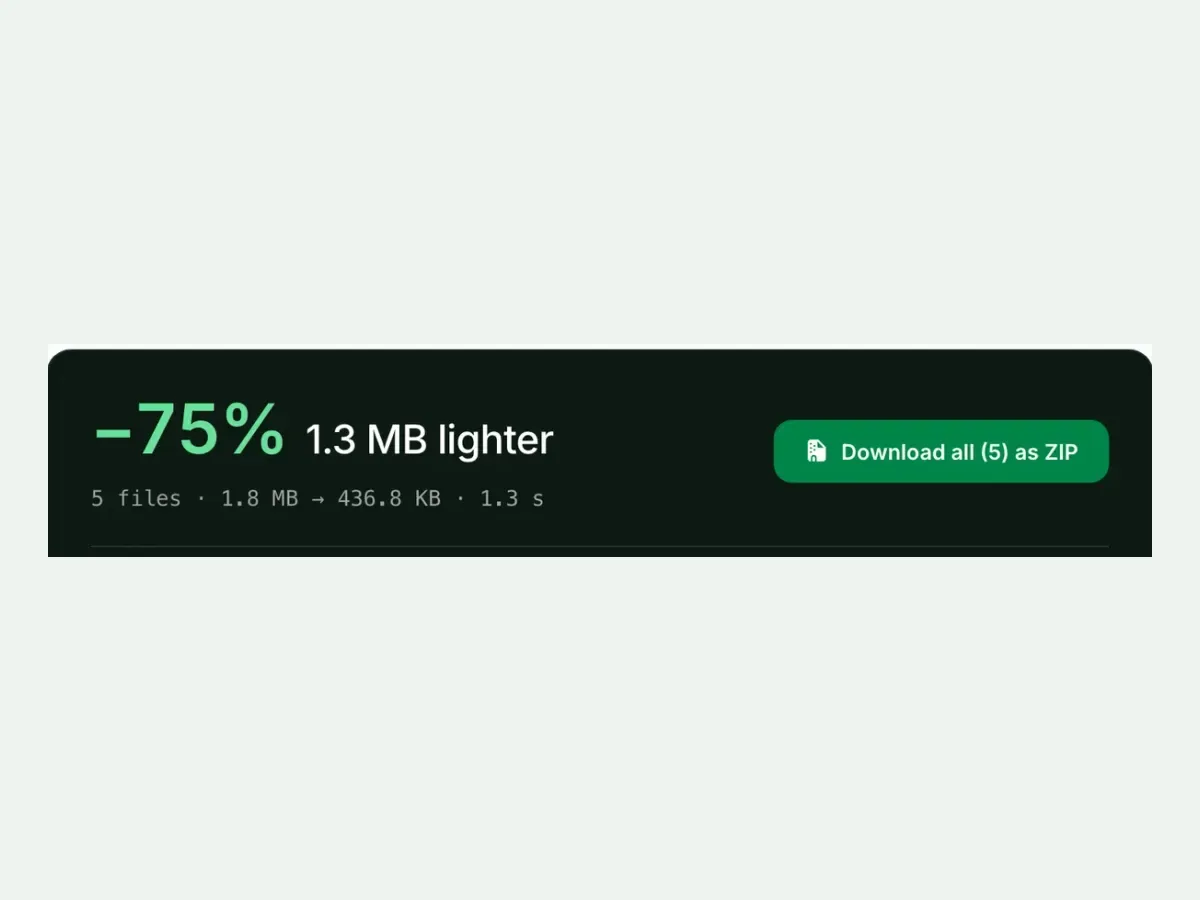
Take each file on its own, or all of them together in one ZIP.
Free, no sign-up
The best HEIC to AVIF image converter for real photos
Up to 10 HEIC files at once, every result measured to the byte, and nothing kept after you leave.
Fast and easy
A fast, easy HEIC to AVIF converter
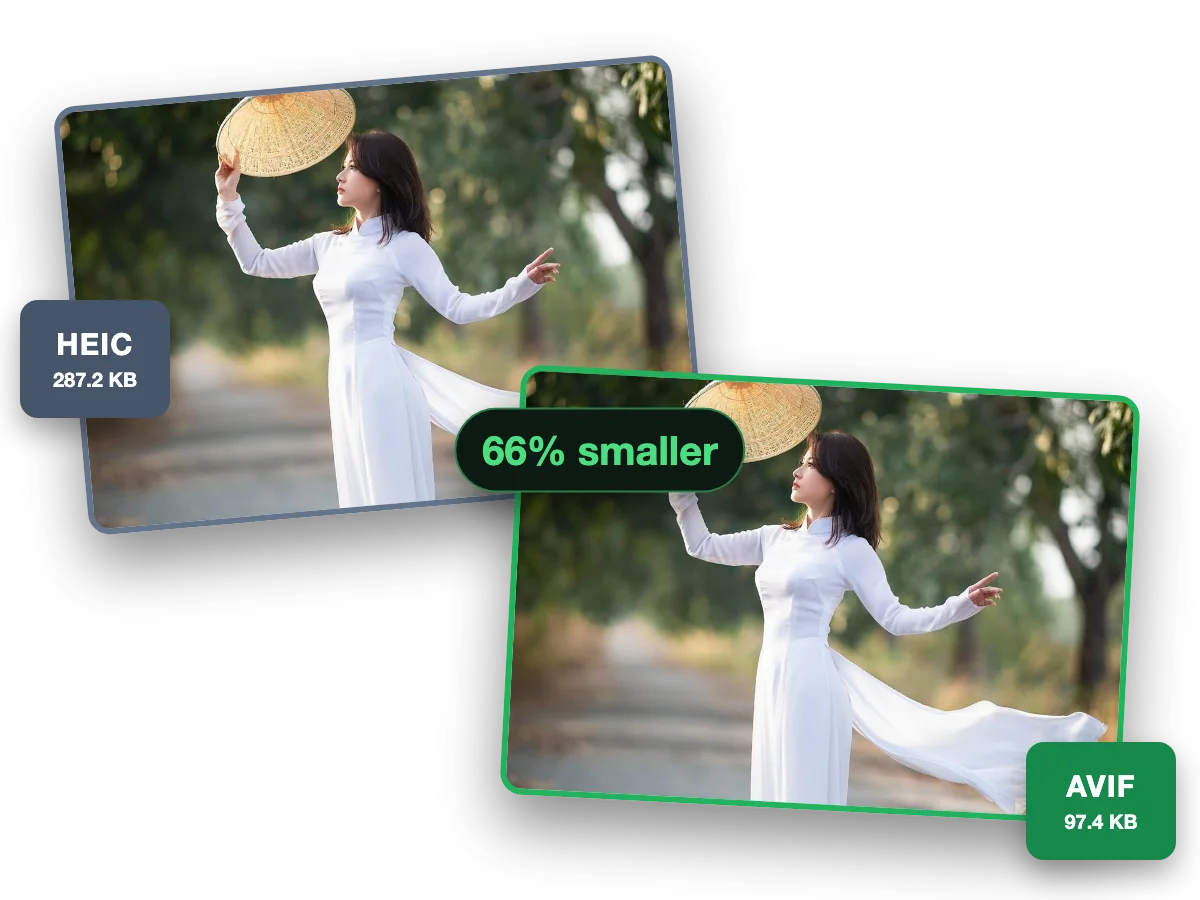
AVIF makes an iPhone photo web-ready in the smallest file there is. This photo went from a 287.2 KB HEIC to a 97.4 KB AVIF, 66% smaller.
Why this converter
A HEIC to AVIF converter that shows its work
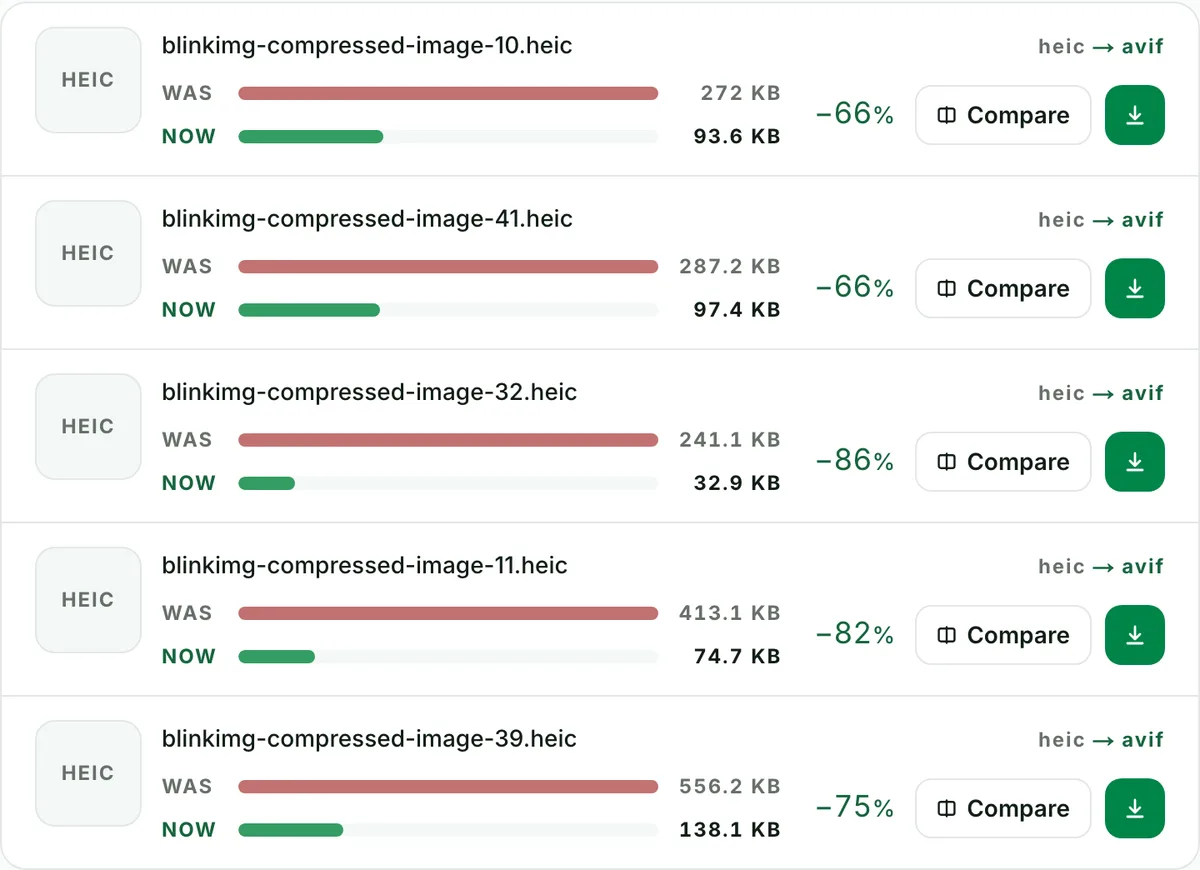
Every size on this page is a file the engine wrote, measured to the byte.
Batch
Batch convert HEIC to AVIF, ten at a time
Convert up to 10 HEIC files to AVIF in one run. Each file shows its own measured size, so you see what changed.
Quality
HEIC to AVIF converter with no change you can see
This photo went from a 272 KB HEIC to a 93.6 KB AVIF. Check any file at full size before you keep it.
Exact size
Convert HEIC to AVIF under 100 KB
Set a maximum size and the converter finds the best quality that fits. A hard cap: at or under it, never over.
Because it is the upgrade, not a sidegrade. HEIC decodes in roughly a fifth of browsers (Safari, in practice). AVIF renders in about 95%: Chrome 85+, Firefox 93+, Safari 16.1+, Edge 121+. Both formats share the same modern-codec efficiency class. So you keep the small files that made your iPhone choose HEIC, and you gain a format the web can actually display. About to convert to JPG "for compatibility"? This path gets you compatibility and a quarter of the HEIC's bytes.
HEIC vs AVIF vs the alternatives, measured
Reference file343 KBphoto.heic
Output
Relative to source
Size
vs HEIC
AVIF (Auto)Our default
121.9 KB
−64%
AVIF (quality 50)
121.9 KB
−64%
AVIF (quality 65)
200.8 KB
−41%
WebP (quality 80)
253 KB
−26%
JPG (Auto)Our default
267.4 KB
−22%
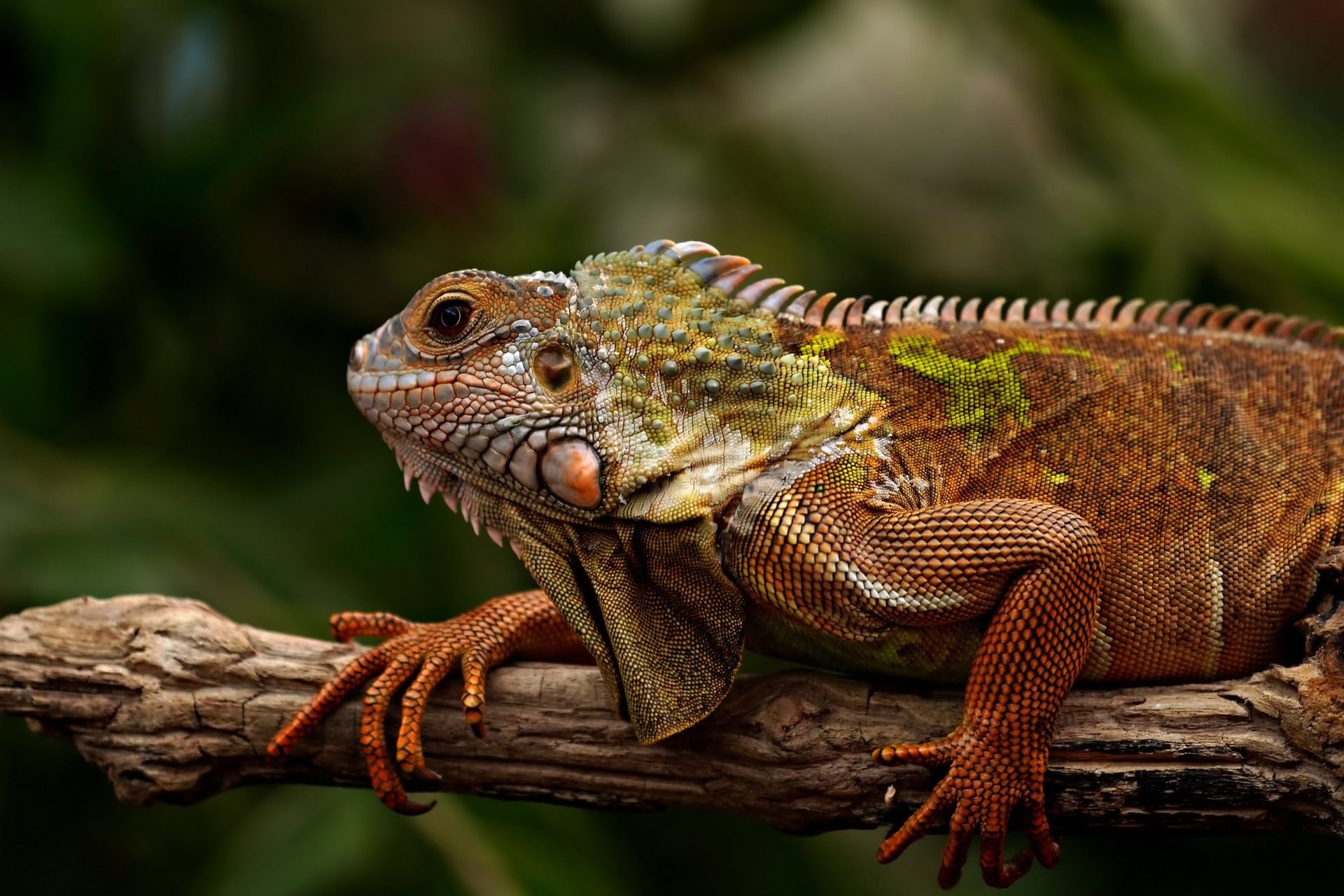
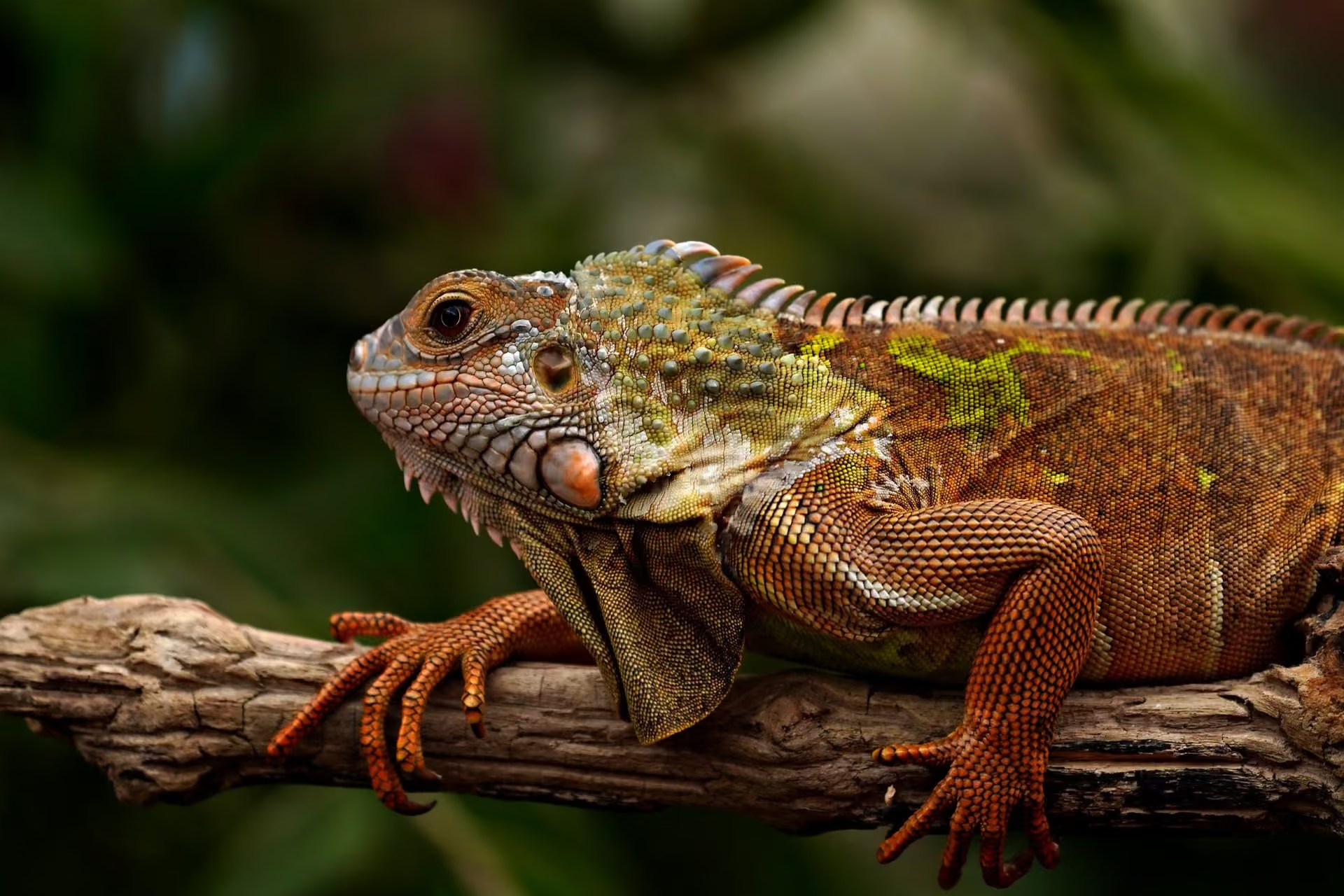
Source: photo.heic, 343 KB, 1920×1280, our reference photo of an iguana on a branch, saved as HEIC on a Mac. Auto quality unless stated.
Every byte count is the size of the actual file our engine produced from the named source, the same bytes you would download, not an estimate. The reference photo is one of our own photographs, an iguana on a branch, and the camera photo is a real one too. Drop your own file into the tool above to rerun any of them. How we measure names the sources and the settings.
Which AVIF quality should I pick?
Pick 50–65 for photographs. AVIF's quality scale is its own: our Auto uses 50 for a photo, where JPEG gets 78, so 50–65 is the photographic sweet spot. Encoding at 85–90 mostly buys file size. The measured jump on our reference photo: quality 50 → 121.9 KB, quality 65 → 200.8 KB, 65% more bytes. Auto stays in the sweet spot. The compare slider is there so your eyes make the decision, not a number.
Why is the conversion slower than JPG? (And why that's fine)
AV1 encoding spends real compute hunting for redundancy: a couple of seconds per photo instead of a fraction of one. That work is exactly where the extra savings come from, and you pay it once. Every later page load, upload, and backup moves a file a quarter of the size. A 10-photo batch runs the encodes in parallel on our servers, so the wall-clock cost stays boring.
Using AVIF on a website: the two-line fallback
Wrap the image in a <picture> element: AVIF source first, WebP second, JPG in the final <img>. Every browser picks the best format it supports. Converting a folder of iPhone originals for a site is the exact workflow this page's batch mode exists for. Pair it with HEIC to WebP for the middle rung of the fallback chain.
When AVIF is the wrong target
Uploading to a form, portal or marketplace?
Many still accept only JPG or PNG. Convert to JPG instead, with a size cap if the form demands one.
Emailing or printing?
Email clients and print pipelines lag browsers by years. JPG remains the safe interchange format there.
Sending to someone on very old hardware?
Pre-2021 browsers and OS image viewers may not decode AVIF. When in doubt about the recipient, JPG opens everywhere.
Questions, answered
Short answers specific to this page. The tool above settles most of them in a second.
Q:Is AVIF smaller than HEIC?
Usually, once you encode for the web. Both use modern video codecs (HEIC uses HEVC, AVIF uses AV1) and land in the same efficiency class. At web-appropriate quality, our reference photo, a 343 KB HEIC, became a 121.9 KB AVIF, 36% of the original's bytes.
Q:Is AVIF supported in all browsers in 2026?
Effectively yes: around 95% globally. Chrome 85+, Firefox 93+, Safari 16.1+, and Edge 121+ all render AVIF natively. HEIC is the opposite story. It decodes only in Safari, roughly a fifth of browsers by usage. That is why iPhone photos break on the web.
Q:Should I convert iPhone photos to AVIF or WebP?
AVIF, if your platform accepts it. AVIF is measurably smaller: our reference photo came out 121.9 KB as AVIF against 211.4 KB as WebP, both at Auto. Choose WebP only when a CMS or marketplace still rejects AVIF uploads. Both formats keep transparency.
Q:Does converting HEIC to AVIF lose quality?
Technically yes, but not visibly. Both formats are lossy, so a re-encode always costs something. At our Auto setting the difference is invisible in normal viewing. Judge it yourself: the compare slider shows your own photo before and after at 100% zoom, with the measured sizes pinned to each side.
Q:Can AVIF keep HDR and 10-bit colour from my iPhone photo?
The format can. AVIF is the one mainstream web format designed for it, and the AV1 codec carries 10-bit depth and wide colour gamuts. Our pipeline outputs standard 8-bit sRGB for maximum compatibility. Extremely saturated highlights may flatten slightly, exactly as they would in JPG or WebP.
Q:Why does AVIF conversion take longer than JPG?
AV1 encoding does more work searching for savings. That work is where the smaller files come from. Expect a couple of seconds per photo rather than a fraction of one. It is a one-time cost: the photo is then smaller on every load, forever.
Q:What quality setting should I use for AVIF?
Use 50–65 for photographs; our Auto uses 50 for a photo. AVIF's quality scale is its own, so a number from JPEG does not carry over. Measured on our reference photo: quality 50 produced 121.9 KB, quality 65 produced 200.8 KB. Going higher mostly buys bytes, so compare the result at 100% in the slider first.
Q:Can I batch convert HEIC to AVIF for free?
Yes. Convert up to 10 photos per run, 30 MB each, with one ZIP download and filenames preserved. No signup, no watermark, a 300-image daily allowance. The current top-ranking converters for this pair process one file at a time. A camera-roll dump is exactly what this tool is built for.
Q:Does AVIF support transparency?
Yes. AVIF carries full alpha-channel transparency, like PNG and WebP, at a fraction of the size. iPhone photos rarely carry alpha, but stickers and cutouts saved as HEIC convert with their transparency intact. JPG, by contrast, would flatten transparent pixels onto a background.
Q:How do I use AVIF images on my website with a fallback?
Wrap them in a picture element: an AVIF source first, a WebP source second, and an img tag with a JPG as the final fallback. Browsers pick the first format they support, so the 95% get AVIF and nobody gets a broken image. Most CMSs and CDNs can now do this automatically.
Q:Is it safe to upload my photos here?
Yes. We keep nothing: we process files and wipe them automatically, never archive them, never use them for anything else. We strip EXIF metadata (GPS location, capture time, device model) from every output by default, and you need no account to use the converter.