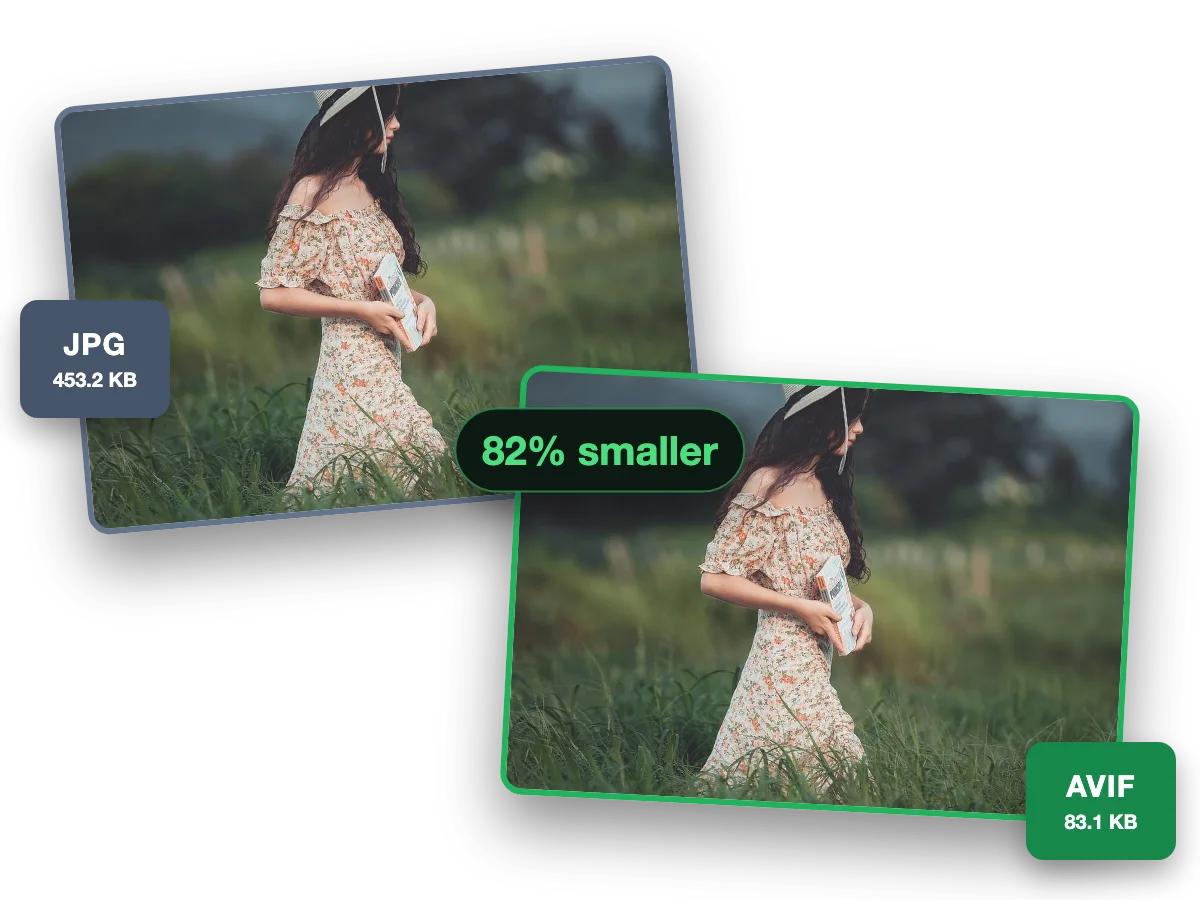
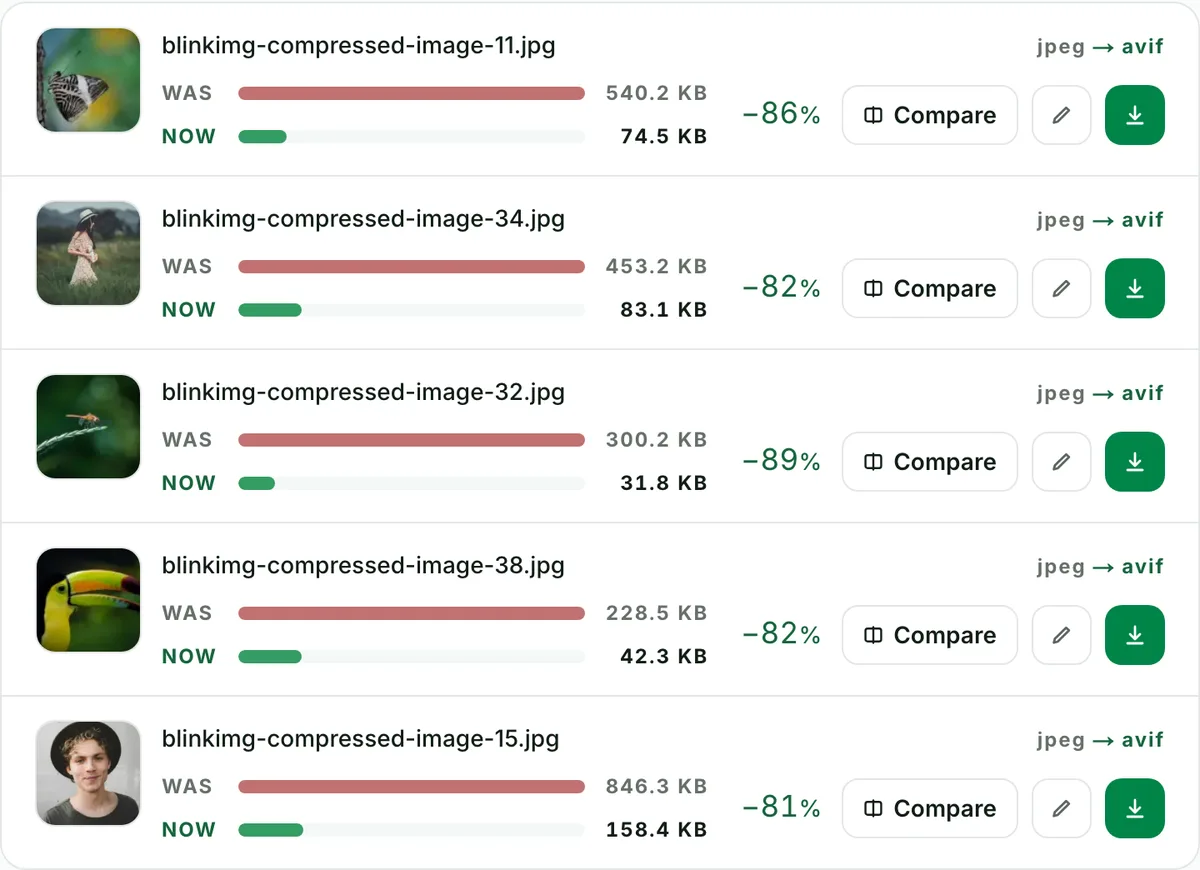
Convert a JPG to AVIF for a smaller file. At each format's default, AVIF made the smallest file of every photo we measured. Blinkimg is AVIF-first: drop the JPG here and the AVIF comes back from our servers. Part of the image converter.
– / –
Drop images or browse
JPEG · PNG · WEBP · AVIF · HEIC · up to 50 at once · max 30 MB each
Because AVIF is the smallest of the web formats, and JPG is the largest. AVIF is built on the AV1 video codec, the same generation of compression that streams video today; JPEG is a 1992 design. On our reference image the same picture is 123.9 KB as AVIF and 576.8 KB as JPG, with WebP in between at 218.9 KB. A page that serves AVIF loads faster on every visit, and the format renders in about 95% of browsers, so the JPG only needs to stay on as the fallback.
JPG to AVIF, measured: the same image at every setting
Reference file576.8 KBphoto.jpg
Output
Relative to source
Size
vs the JPG
AVIF, AutoOur default
123.9 KB
−79%
AVIF, quality 50
123.9 KB
−79%
AVIF, quality 60
178.3 KB
−69%
AVIF, quality 65
203.9 KB
−65%
AVIF, quality 80
337.3 KB
−42%
WebP, Auto (for comparison)Other format
218.9 KB
−62%
Source: photo.jpg, 576.8 KB, 1920×1280. Every row is the file the engine wrote from that one JPG.
Every byte count is the size of the actual file our engine produced from the named source, the same bytes you would download, not an estimate. The reference photo is one of our own photographs, an iguana on a branch, and the camera photo is a real one too. Drop your own file into the tool above to rerun any of them. How we measure names the sources and the settings.
Which AVIF quality should I pick for a JPG?
Pick 50 to 65 for photographs, or leave Auto on. AVIF's quality scale is its own: our Auto uses 50 for a photo, where JPEG gets 78, so a number carried over from a JPG mostly buys bytes. Quality 80 here costs 337.3 KB against 203.9 KB at 65 and 123.9 KB at 50. JPEG's own quality 80 is 293.6 KB, which is why the two numbers should never be compared as numbers. The compare slider is there so your eyes decide.
Who can open an AVIF in 2026, and who cannot
Browsers can: Chrome 85+, Firefox 93+, Safari 16.1+, Edge 121+, about 95% of what visits a page. Serve the AVIF in a <picture> element with the JPG as the final <img> and nobody gets a broken image. Where AVIF still fails is outside the browser: email clients, most upload forms and portals, older photo viewers and print pipelines. For those, keep the JPG, or make it smaller with the JPG compressor.
Converting to AVIF under a size limit
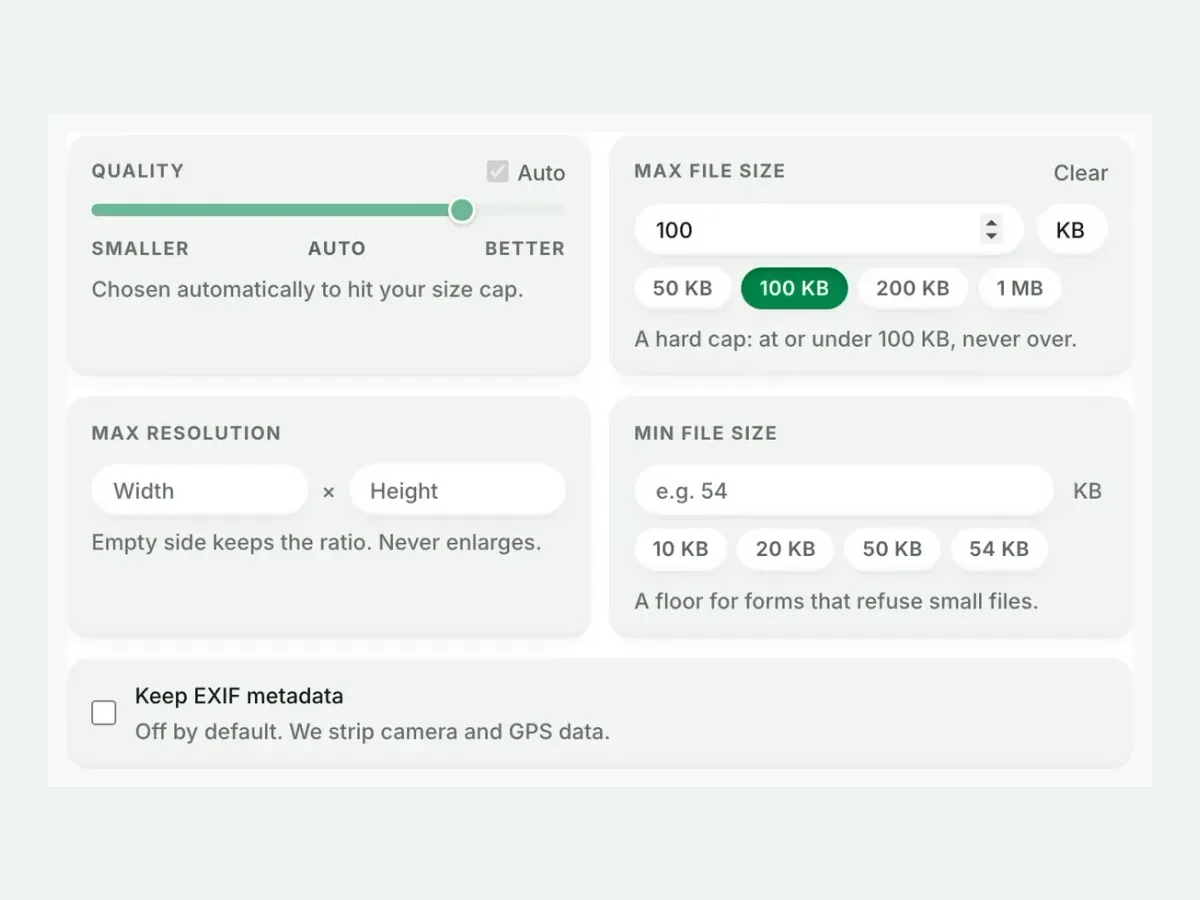
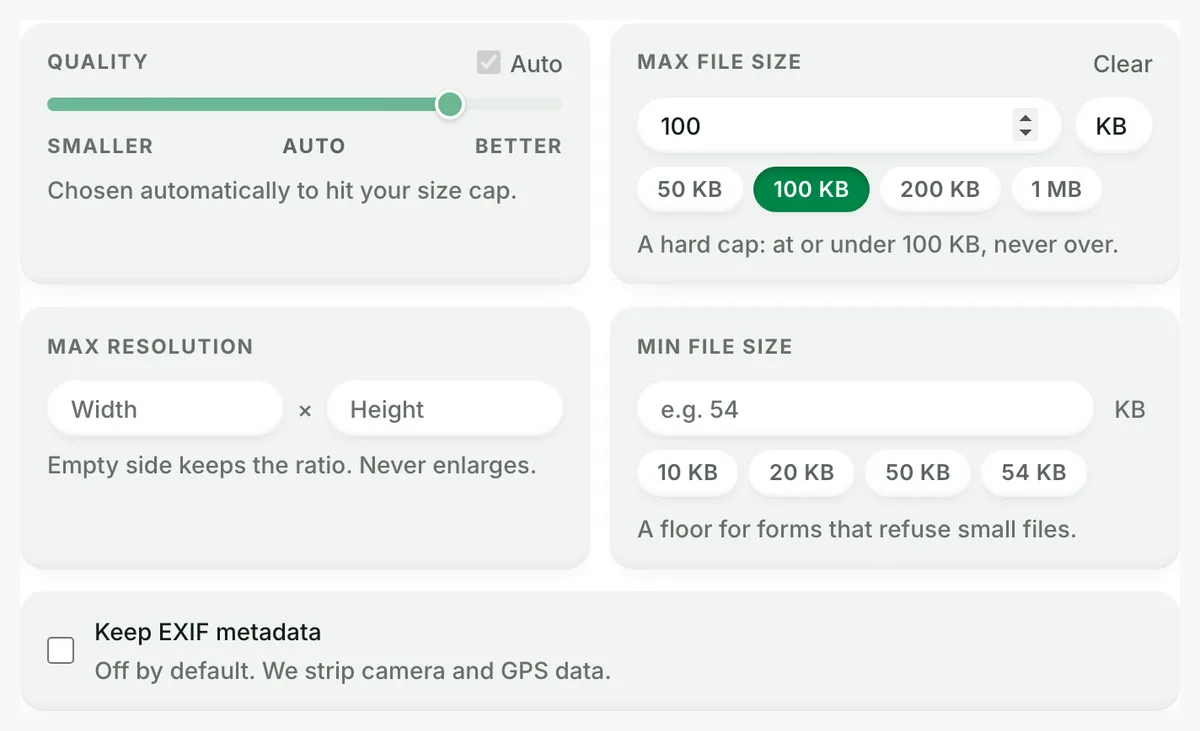
Set Max file size in Advanced settings and the encoder finds the highest AVIF quality that fits under the number, never over. AVIF's efficiency changes what a cap means: a 100 KB limit that forces a JPG to quality 75 leaves an AVIF at 123.9 KB with room to spare. The same cap works on JPG to WebP when the destination wants WebP instead.
When AVIF is the wrong target
Uploading to a form, portal or marketplace?
Most still accept only JPG or PNG. Keep the JPG and compress it, with a size cap if the form states one.
Emailing or printing?
Email clients and print pipelines lag browsers by years. JPG remains the safe interchange format there.
The JPG is already tiny?
A file under 20 KB gains little from any re-encode, and the JPG opens everywhere. Leave it.
Questions, answered
Short answers specific to this page. The tool above settles most of them in a second.
Q:How much smaller is AVIF than JPG?
On our reference image, a lot: the 576.8 KB JPG became a 123.9 KB AVIF at Auto quality, −79%. WebP from the same JPG was 218.9 KB. The saving depends on the picture (smooth photographs compress best), but a JPG at quality 80 or above almost always loses more than half its bytes.
Q:Is JPEG to AVIF the same as JPG to AVIF?
Yes. JPG and JPEG are one format with two spellings. A .jpeg file and a .jpg file go through the same decoder and come out as the same AVIF. Drop either into the tool.
Q:Does converting JPG to AVIF lose quality?
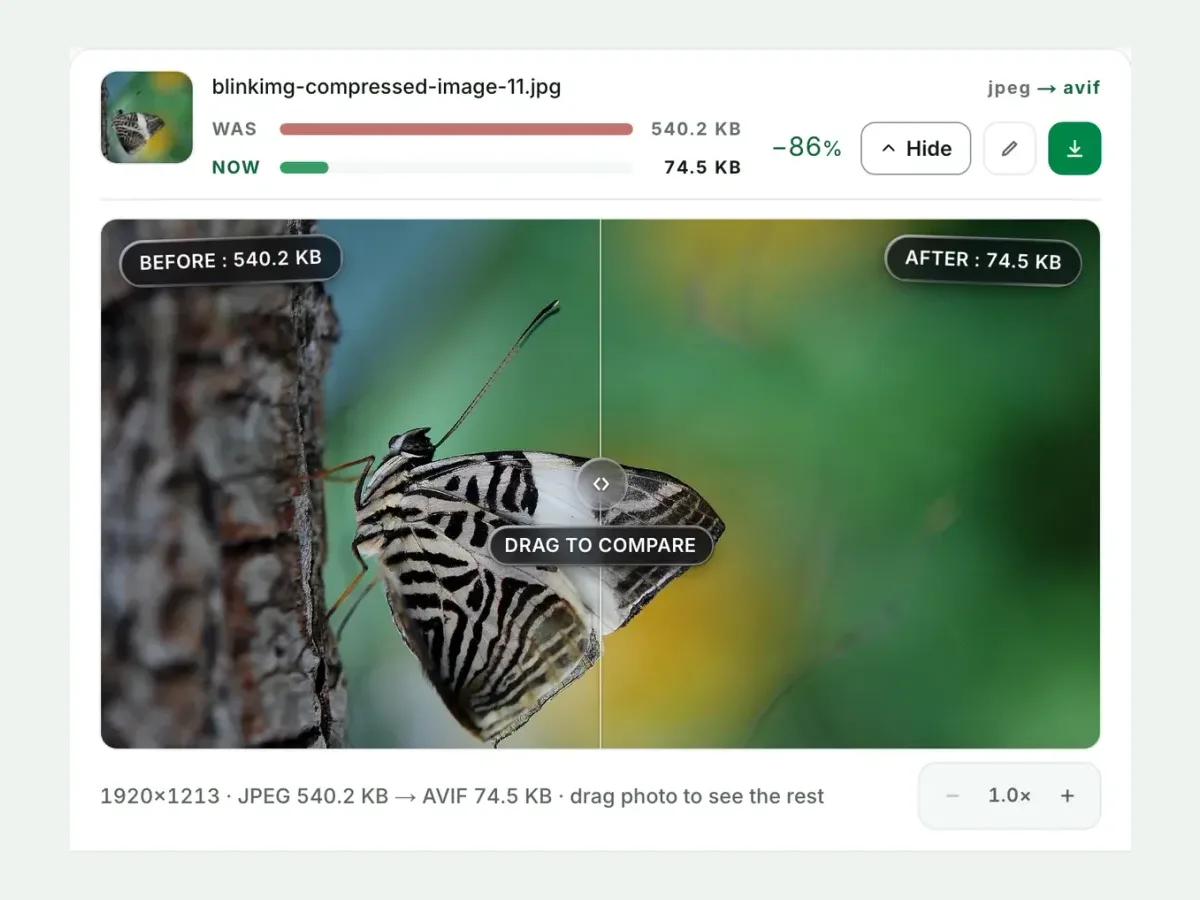
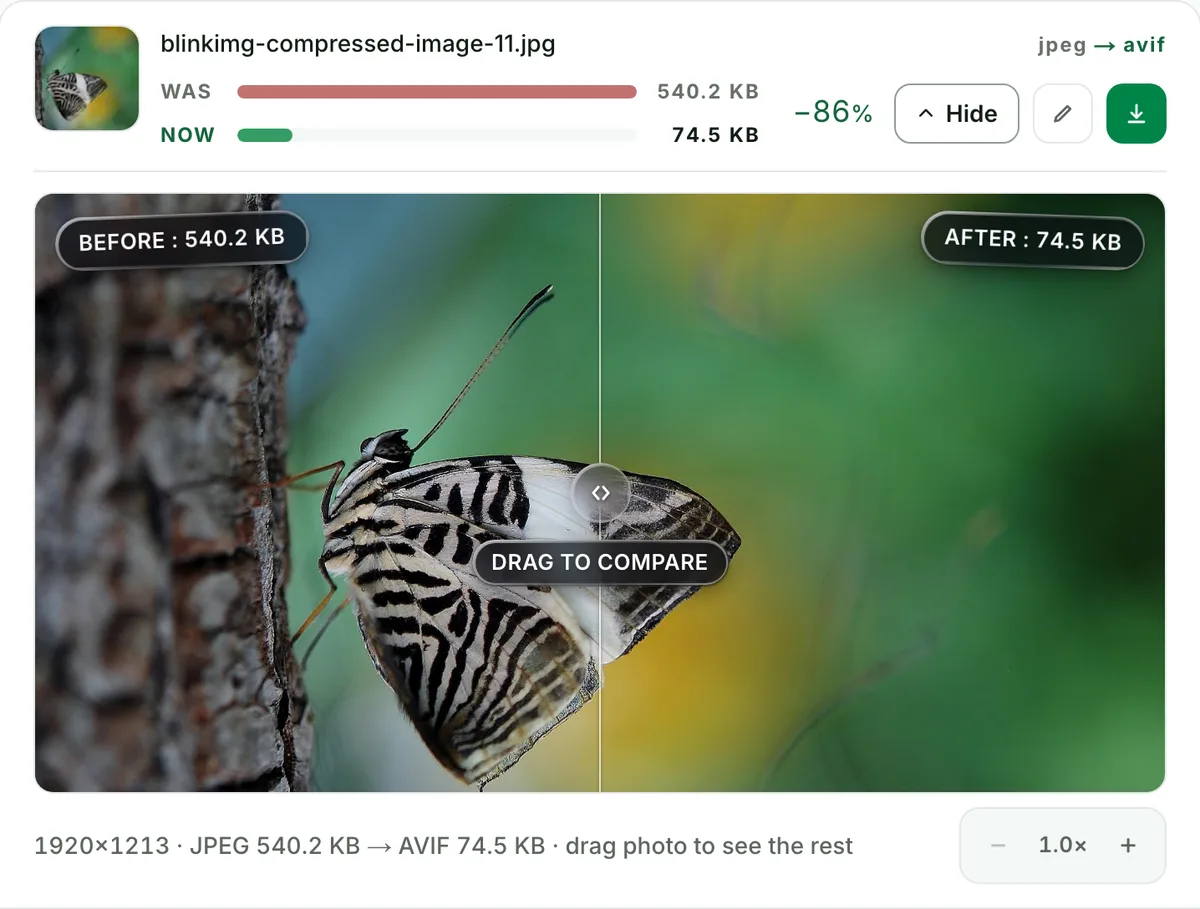
Both formats are lossy, so a re-encode always costs something in theory. In practice, at Auto quality the difference is invisible at normal viewing size, and the compare slider shows your own photo before and after at 100% zoom so you judge it yourself. What you cannot do is get back detail the JPG already discarded.
Q:What AVIF quality should I use for a JPG?
50 to 65 for photographs; our Auto uses 50. AVIF's quality scale is its own, so a number from JPEG does not carry over. Measured here: quality 50 produced 123.9 KB, quality 65 produced 203.9 KB, and quality 80 produced 337.3 KB, about three times the size of quality 50. Compare the result at 100% in the slider before you go higher.
Q:Do all browsers support AVIF in 2026?
About 95% of them: Chrome 85+, Firefox 93+, Safari 16.1+ and Edge 121+ render AVIF natively. For the rest, serve the JPG as a fallback in a picture element. Email clients and many upload forms still do not accept AVIF, which is why JPG keeps its place.
Q:Should I convert JPG to AVIF or to WebP?
AVIF where the destination accepts it: it is smaller (123.9 KB against 218.9 KB for WebP on our reference image) and the browser gap is now two points (95% against 97%). Choose WebP when a CMS, a marketplace or an older CDN rejects AVIF uploads.
Q:Will the AVIF look the same as the JPG at the same quality number?
No, and that is the trap. AVIF quality 80 and JPEG quality 80 are different scales. Measured on the same image, JPEG 80 is 293.6 KB, AVIF 60 is 178.3 KB and AVIF 80 is 337.3 KB. No metric matched their looks, so use the compare slider, not the number, to decide.
Q:Can I keep the AVIF under a size limit?
Yes. Set Max file size in Advanced settings and the encoder searches for the highest quality that fits under the cap; it never overshoots. Because AVIF is so efficient, caps that force a blurry JPG (50 KB, 100 KB) often leave an AVIF looking untouched.
Q:Can I convert many JPGs to AVIF at once?
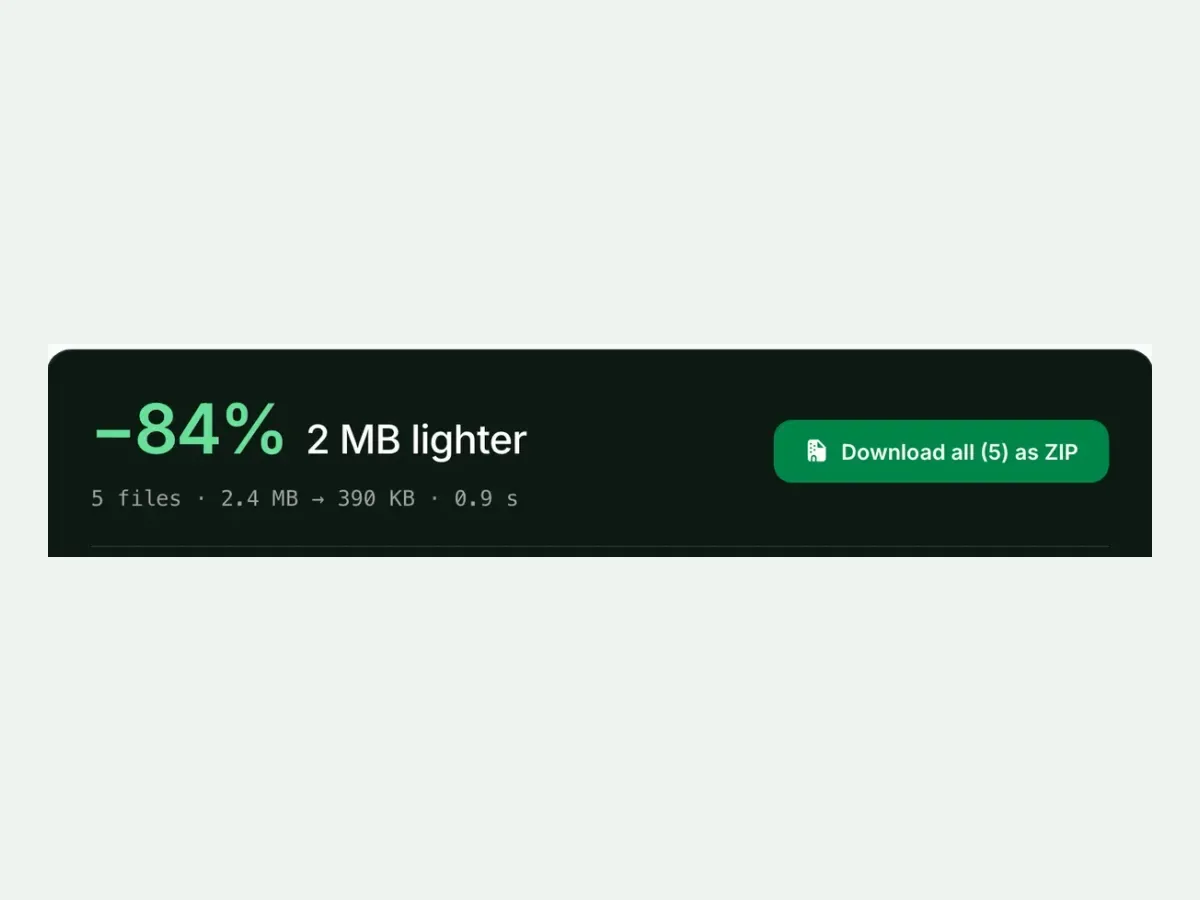
Yes. Up to 10 files a batch, 30 MB each, one ZIP with the filenames kept, no signup and a 300-image daily allowance. AVIF encoding takes a couple of seconds a photo; the batch runs in parallel on our servers.
Q:Does the AVIF keep the EXIF data of the JPG?
Not by default. We strip camera model, capture time and GPS location from every output, which protects you when the file is posted and saves a few kilobytes. Tick "Keep EXIF metadata" in Advanced settings if you need it kept.
Q:Why does the AVIF conversion take longer than JPG or WebP?
The AV1 encoder does more work searching for savings; that work is where the small files come from. It is a one-time cost of a couple of seconds a photo, paid once, and every later page load moves a quarter of the bytes.
Q:Is it safe to upload my JPGs to this AVIF converter?
Yes. We keep nothing: files are processed and wiped automatically, never archived, never shared, never used to train anything. No account is needed, and the metadata that could identify you is stripped from every output by default.