How to convert HEIC to JPG on Windows, Mac and iPhone: every free way
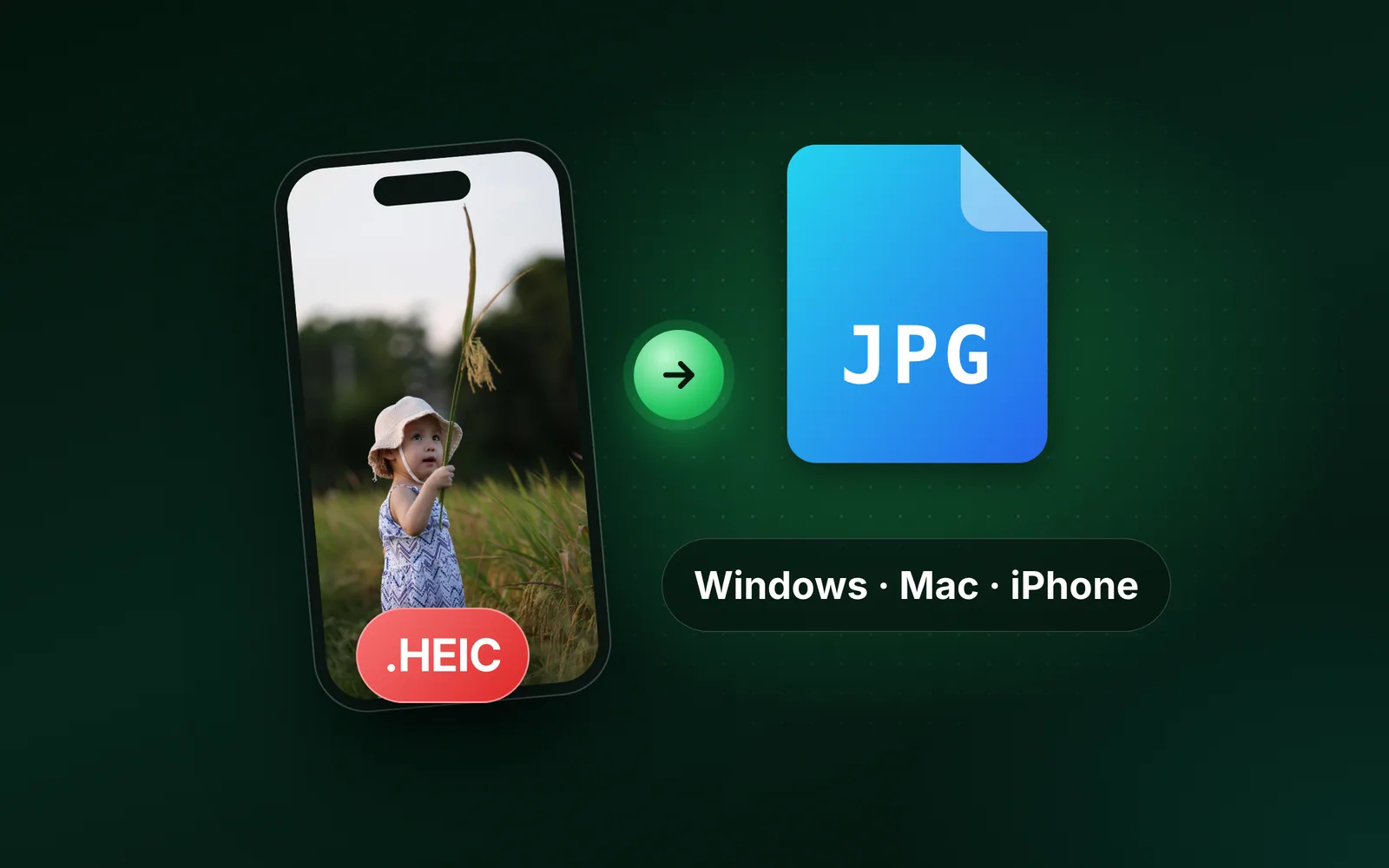
How to convert HEIC to JPG: on any device, drop the photos into a browser converter; on Windows, the Photos app once two codecs are installed; on a Mac, the Finder's Convert Image; on an iPhone, one setting stops the problem at the source. Here is each route, step by step, with our 1920 × 1280 reference photo, saved as HEIC, measured in every format. Part of the image converter.
By Sahadat HusainUpdated 10 min readGuides

How to change HEIC to JPG on any device
The browser route works everywhere: iPhone, Android, Chromebook, Windows or Mac, with nothing installed and a whole camera roll at once. It is one of the pairs in our image converter. Open the HEIC to JPG converter, drop the photos, download the JPGs. Up to 10 files a run without an account, one ZIP at the end, each file keeping its name with the new extension so your library stays in order.
Get the photos onto the device with the browser
On the iPhone itself, open the converter in Safari and pick the photos from the picker. On a PC or Mac, copy them over by cable, AirDrop or the cloud first.
Drop the files, or press the zone to browse
Up to 10 at once, 30 MB each. A whole folder can go in one drop on a computer.
Download one JPG or the ZIP
Each result has a before-and-after view. The ZIP holds every JPG with the original filenames.
How to convert HEIC to JPG on Windows 11 and Windows 10
A HEIC holds a picture compressed with HEVC, the video codec behind 4K video. It is patented, so Windows ships without it, and this is where most guides skip a step: there are two extensions, not one. HEIF Image Extension is free in the Microsoft Store and teaches Windows the container. Every iPhone HEIC also needs HEVC Video Extensions for the picture inside, which costs $0.99 in the US Store, unless your laptop came with the “from Device Manufacturer” version preinstalled. Install the first alone and Photos still shows a broken thumbnail.
With the Photos app
Open the Microsoft Store and search for HEIF Image Extension
Install it, then add HEVC Video Extensions, which an iPhone HEIC needs as well, unless the free manufacturer version is already on the machine.
Open the photo in Photos
Double-click the file. Once the codecs are in, it opens like any JPG.
Save as, then choose JPG
Click the three dots in the top bar, choose Save as, set the file type to .jpg and save. The HEIC stays where it was.
With Paint
Paint opens a HEIC too, with the same codecs installed. Open the file, choose File, then Save as, then JPEG picture. It is the same one-at-a-time work in a different window.
Convert multiple HEIC files to JPG on Windows
Windows has no built-in batch conversion. For a folder, the browser converter above takes runs of 10. If you would rather stay offline, iMazing HEIC Converter is a free desktop app for Windows and Mac that takes a folder and writes JPGs beside it, with a quality setting and the option to keep the metadata.
How to convert HEIC to JPG on a Mac
A Mac reads HEIC without help, so this is quick, and there are three built-in ways.
Save a HEIC as JPG in Preview
For one photo, open it in Preview, choose File, then Export, set the format to JPEG, pick a quality and save. The HEIC stays where it was.
One photo from the Finder: Convert Image
Control-click the HEIC photo, then choose Quick Actions
Convert Image is built into the Finder from macOS Monterey. If it is not listed, choose Customize to add it.
Choose Convert Image, then JPEG and a size
On macOS 27, click More first. Apple does not state the sizes in pixels or where the copy is saved.
Many HEIC photos at once: Preview’s sidebar
Open the photos in one Preview window
They line up in the window’s sidebar.
Select them all in the sidebar
Apple’s Preview guide gives these steps for several files at once.
Choose File, then Export, and pick JPEG
Choose where to save the copies. The HEIC originals stay as they were.
Export from the Photos app
If the pictures live in the Photos library rather than in a folder, select them, choose File, then Export, then Export Photos, set Photo Kind to JPEG and export. The library keeps its HEICs.
How to convert HEIC to JPG on iPhone
Since iOS 11 in 2017, an iPhone saves every photo as HEIC unless you tell it not to. The phone can convert what you already have, stop new photos arriving as HEIC, or send JPGs to a PC while keeping HEIC for itself. The settings below are the ones in Apple’s support note.
Save existing photos as JPG
Copy a photo in the Photos app and paste it into the Files app: Files saves it as a JPEG. Handy for one photo, not for a hundred; for many, open the browser converter above in Safari and pick them from the library. Sharing by AirDrop, Messages or Mail sends a JPEG only when the device at the other end cannot read HEIC, so do not count on it.
Stop your iPhone taking HEIC photos
Open Settings, Camera, Formats and choose Most Compatible. The camera saves JPEG from then on, at more bytes per photo. Photos already taken stay HEIC; convert those with any method on this page. Choose this if you send photos to Windows users every week.
Send JPGs to a PC, keep HEIC
Open Settings, Apps, Photos and, under Transfer to Mac or PC, choose Automatic. Photos stay HEIC on the phone and become JPEG when you copy them by cable to a computer that cannot read HEIC. You keep the small files and the PC gets the compatible ones. Choose this if storage on the phone matters.
What you lose when you convert HEIC to JPG
Less than the format war suggests. HEVC is the better compressor, so a HEIC takes less space than a JPEG of the same picture at the same quality. The trade is compatibility: JPG opens on everything made in the last thirty years. What does not survive the conversion is the extra colour depth a HEIC can hold and the depth map behind a Portrait photo. On a screen at normal size you will not see the first; the second means you can no longer re-edit the blur of a Portrait shot once it is a JPG.
We ran our reference photo, one of our photographs, saved as a 1920 × 1280 HEIC of 343.0 KB by the Mac’s sips at its default quality, through the same engine in every format. At Auto the JPG came out at 267.4 KB, 22% smaller than the HEIC itself. Ask for more and it grows: 330.0 KB at quality 85, just under the HEIC’s 343.0 KB, and 532.1 KB at quality 90, over it.
- PNG, automatic997.2 KB
- JPG, quality 90532.1 KB
- HEIC, the original343.0 KB
- JPG, quality 85330.0 KB
- JPG, automatic267.4 KB
- WebP211.4 KB
- AVIF121.9 KB
| Output | Size | Opens where |
|---|---|---|
| JPG, automatic quality | 267.4 KB | Everywhere |
| JPG, quality 85 | 330.0 KB | Everywhere |
| JPG, quality 90 | 532.1 KB | Everywhere |
| WebP | 211.4 KB | Every current browser |
| AVIF | 121.9 KB | Current browsers; not old mail clients |
| PNG, automatic quality | 997.2 KB | Everywhere, at 2.9 times the HEIC |
Which format to convert HEIC to
- JPG for a person, a form or a print shop. It opens everywhere and it is small.
- WebP or AVIF for your own website. 211.4 KB and 121.9 KB on our 1920 × 1280 HEIC photo against 267.4 KB for the JPG, and every current browser reads WebP. Keep a JPG fallback for old mail clients.
- PDF for a form that asks for one. Put the photos into a single file with image to PDF after converting them.
- PNG only for a screenshot, flat art or transparency. A lossless PNG keeps every pixel exactly: our 1920 × 1280 HEIC photo became a 2,896.1 KB PNG at quality 100 through HEIC to PNG. Even the Auto PNG, cut to 256 colours, was 997.2 KB, 2.9 times the HEIC. Never for a photo.
If a form states a byte cap, use the size target instead of guessing a quality. The same HEIC capped at 240 KB came out at 234.1 KB: under the cap, with the pixels kept.
Read the full guide: How to reduce image file size on any device.
Questions
- How do I convert HEIC to JPG on Windows 11 for free?
- Open a browser converter, drop the files and download the JPGs; nothing is installed. Or install HEIF Image Extension from the Microsoft Store, open the photo in Photos and use Save as. Every iPhone HEIC also needs HEVC Video Extensions, which costs $0.99 in the US Store unless preinstalled.
- Why won’t Windows open a HEIC after I installed HEIF Image Extension?
- Because HEIC needs two codecs. HEIF Image Extension handles the container; the picture inside is HEVC, which needs HEVC Video Extensions as well. Install the second, or convert the photo in a browser, which needs neither and works on Windows 10 too.
- How do I change HEIC to JPG on a Mac?
- Control-click the photo in the Finder, choose Quick Actions, then Convert Image, and pick JPEG; on macOS 27, click More first. Or open it in Preview and choose File, then Export, with JPEG as the format. For many photos, open them in one Preview window, select them all in the sidebar and export.
- How do I save a HEIC as a JPG on iPhone?
- Copy the photo in the Photos app and paste it into the Files app: Files saves a JPEG. For many photos, open a browser converter in Safari and pick them from the library. To stop new photos arriving as HEIC, set Settings, Camera, Formats to Most Compatible.
- How do I turn off HEIC on my iPhone?
- Open Settings, Camera, Formats and choose Most Compatible. New photos save as JPEG at a larger size; photos already taken stay HEIC. To keep HEIC on the phone and still get JPEGs on a PC, set Settings, Apps, Photos, Transfer to Mac or PC to Automatic instead.
- How do I convert HEIC to JPG on Android?
- Use a browser converter: open it in Chrome, pick the photos and download the JPGs, with nothing installed. Recent Android versions can show HEIC in the gallery, but many upload forms and websites still cannot read it, so convert before you upload.
- Does converting HEIC to JPG reduce quality?
- A little, since both formats are lossy and the picture is re-encoded. At the automatic quality the file is smaller: 343.0 KB in, 267.4 KB out on our 1920 × 1280 HEIC photo. Convert from the original HEIC, never from an earlier JPG.
- Should I convert HEIC to JPG or PNG?
- JPG for a photo. A lossless PNG keeps every pixel exactly, so our 343.0 KB HEIC photo became a 2,896.1 KB PNG at quality 100, and 997.2 KB even at Auto, against a 267.4 KB JPG. PNG only makes sense for screenshots, flat art or an image with a transparent background.