
Guides
Guides to get an image to the file size, the format or the shape you need, step by step on phone and computer, with the numbers we measured on real files.
Guides, newest first
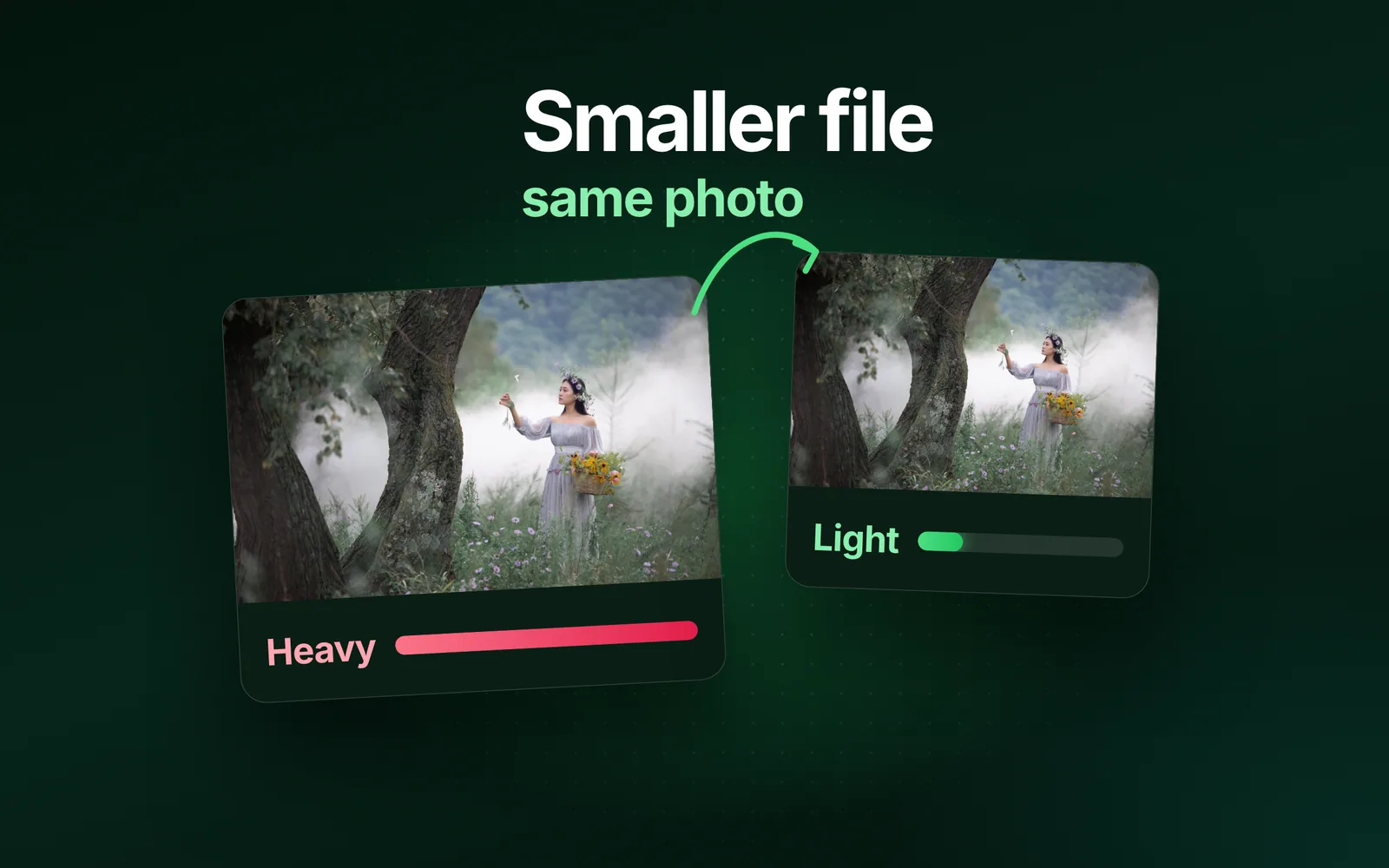
- GuidesFile size, iPhone, AndroidHow to reduce image file size on any deviceHow to reduce image file size: give the image fewer pixels, save it at a lower quality, or save it in a newer format. Every phone and computer has a built-in way to do each, and this guide gives each maker's own steps. The sizes are our engine's, measured on our 9.8 MB camera photo, our 1920 × 1280 reference photo and a real iPhone 12 Pro HEIC.Sahadat Husain
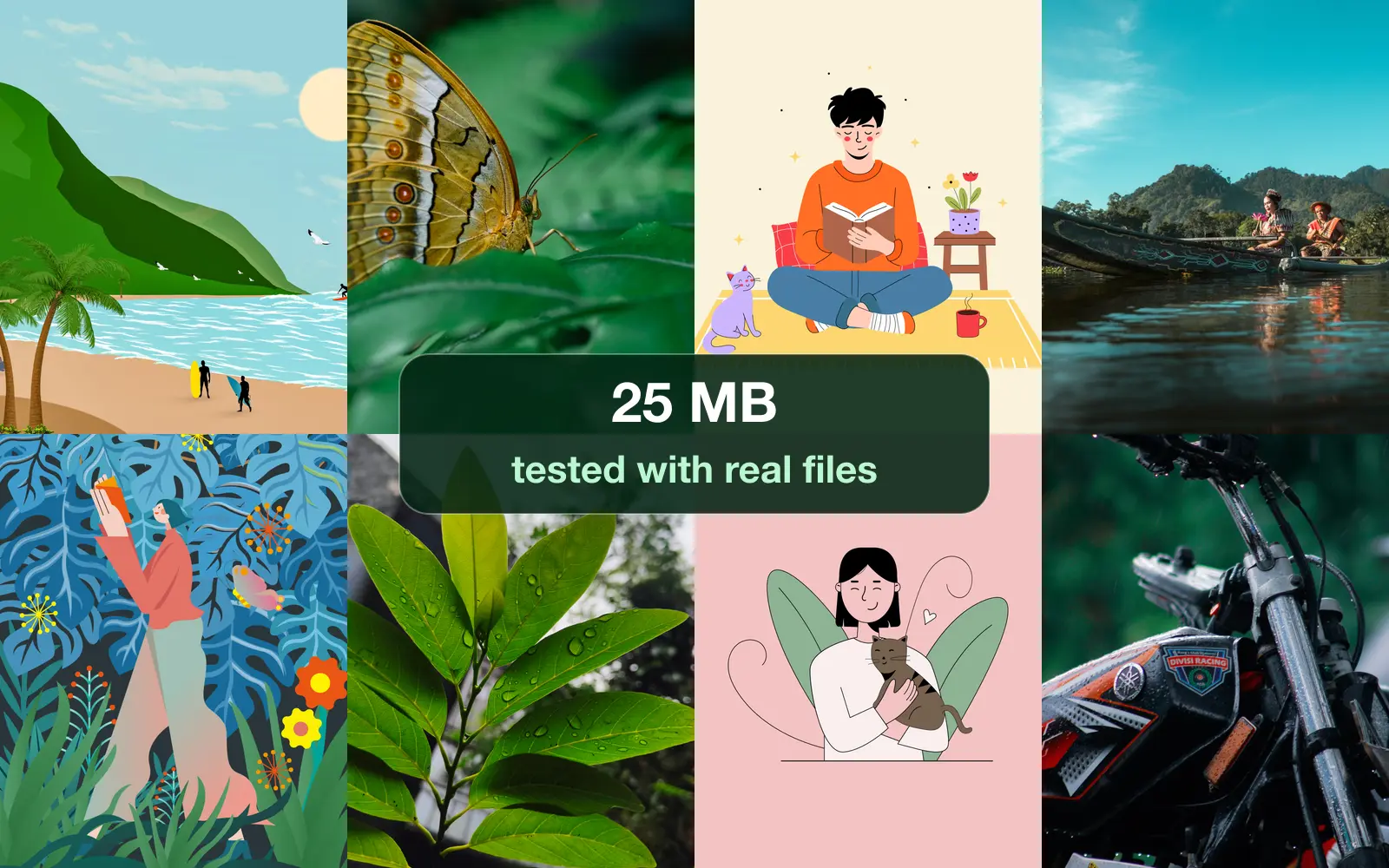
- GuidesGmail, Attachments, Google DriveGmail attachment size limit: we tested where 25 MB endsThe Gmail attachment size limit is 25 MB for a personal account, across all files in one email. We tested it with real photos: Gmail counted the files, not the email, and its 25 MB means 26,214,400 bytes.Sahadat Husain
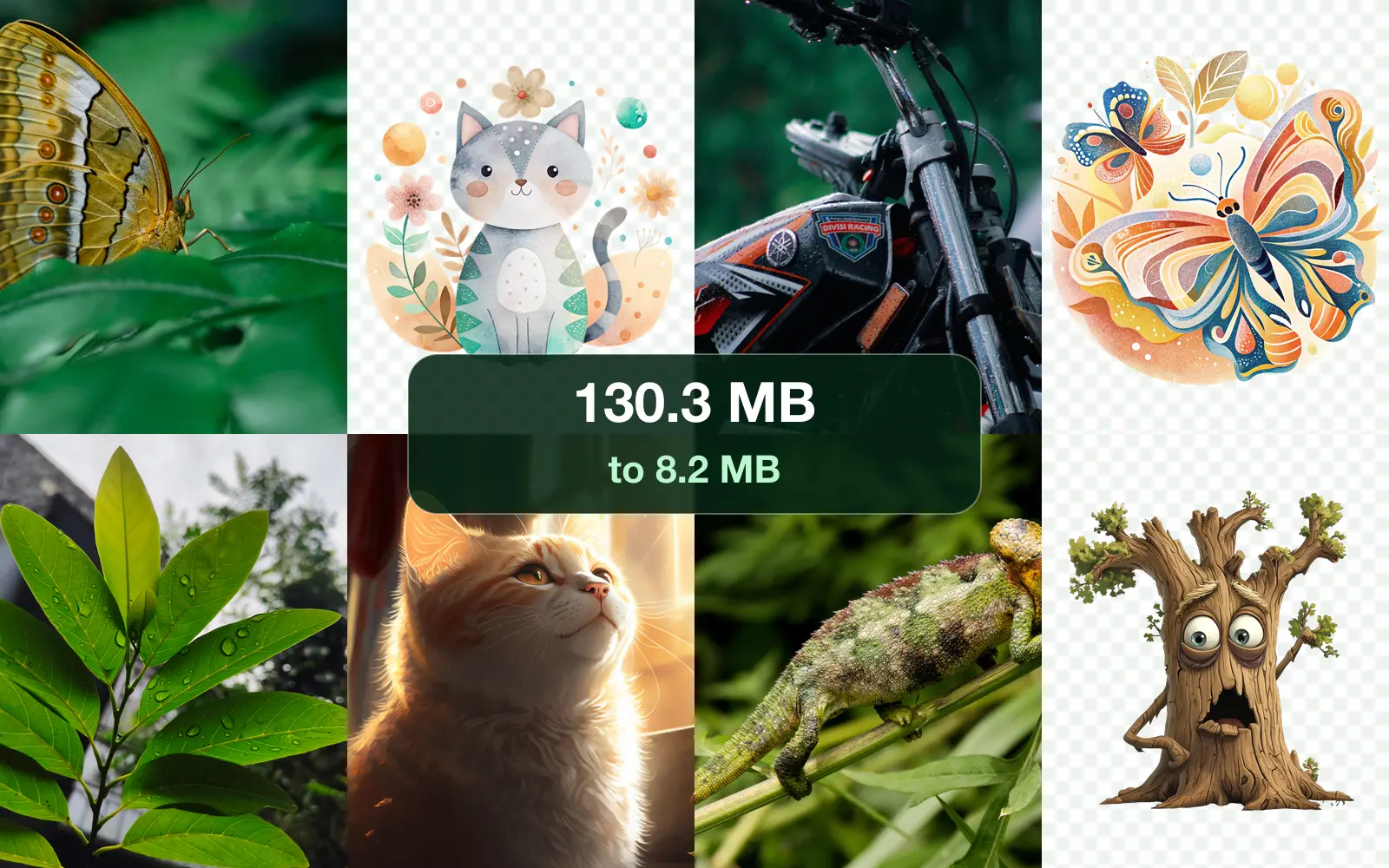
- GuidesEmail, Compress, GmailHow to compress photos for email: 20 images, measuredTo compress photos for email, resize them to about 1920 pixels on the long side and save them as JPG. We tried it on 20 real images: the email went from 130.3 MB to 8.2 MB, under every provider's limit.Sahadat Husain
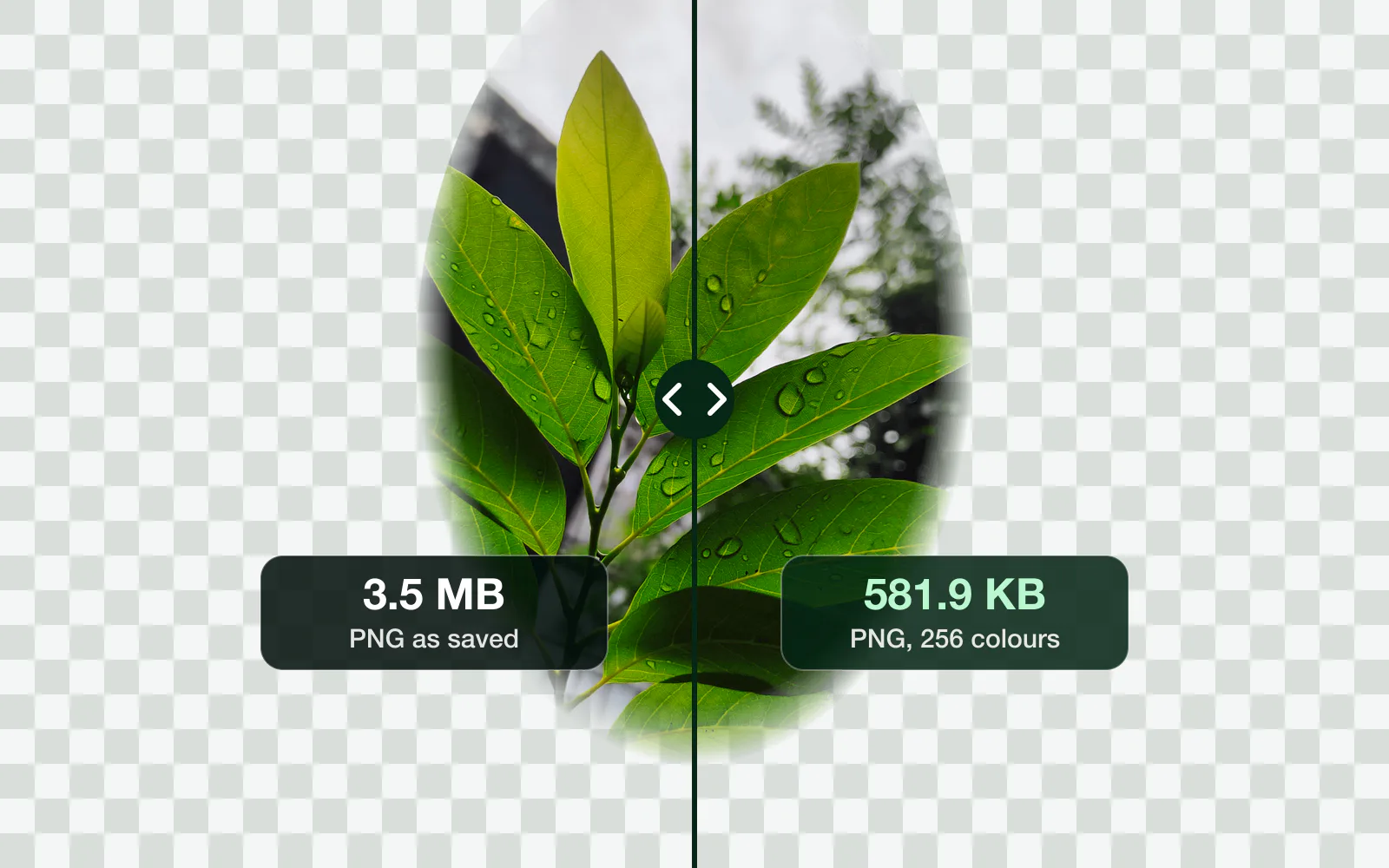
- GuidesPNG, Compress, File sizeHow to make a PNG file smaller: 5 fixes, measuredTo make a PNG file smaller, cut it to 256 colours, shrink its pixels, or save a photo as JPG, WebP or AVIF. Which fix wins depends on what is in it: we measured all five on a photo, a screenshot and a cutout.Sahadat Husain
- GuidesResolution, Pixels, PPIHow to change the resolution of a picture (any device)To change the resolution of a picture, resize its width and height in pixels: Paint on Windows, Preview on a Mac or iPhone, Gallery on Samsung, or an image resizer in any browser. Lowering it is safe. Raising it adds pixels, not detail.Sahadat Husain
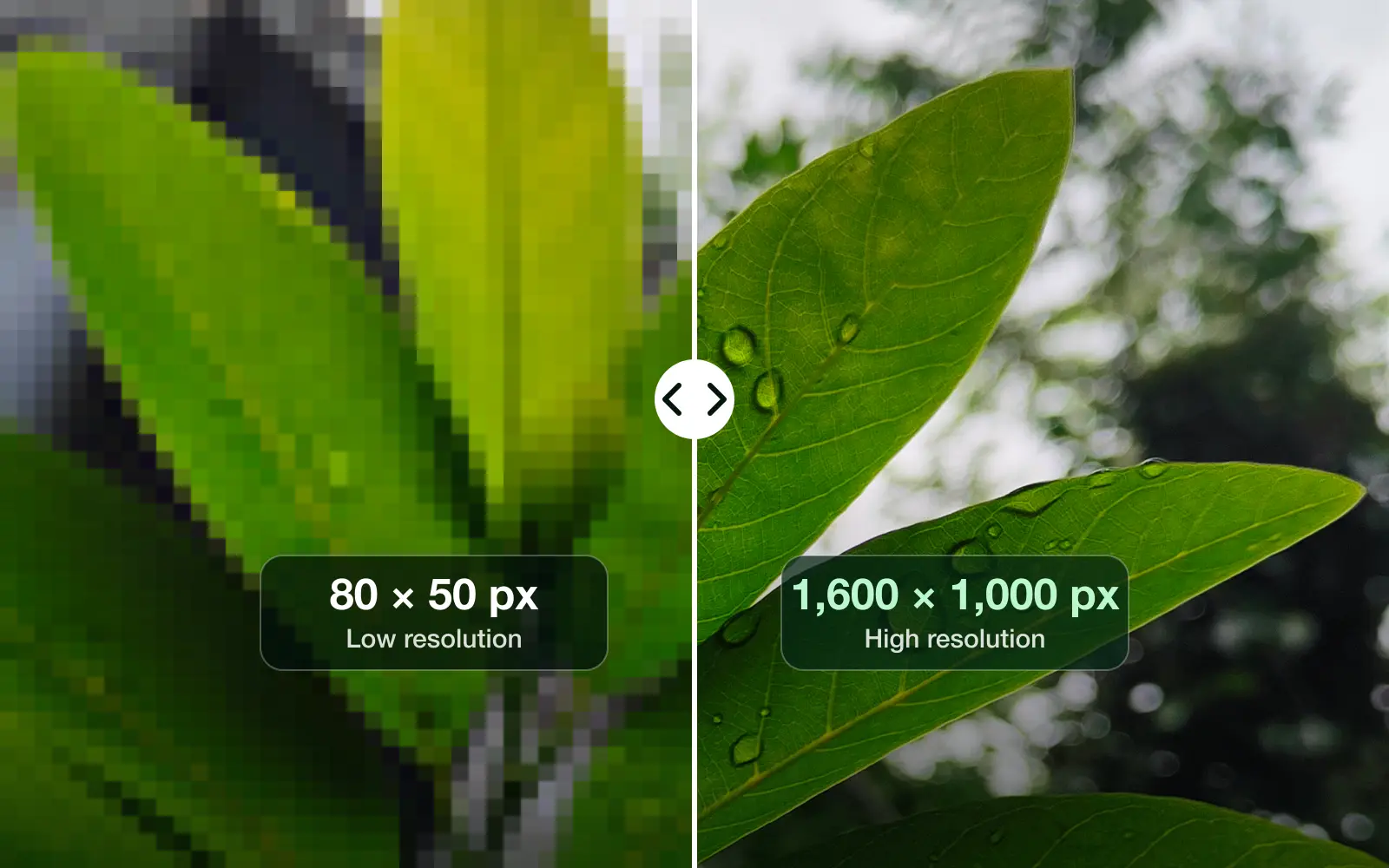
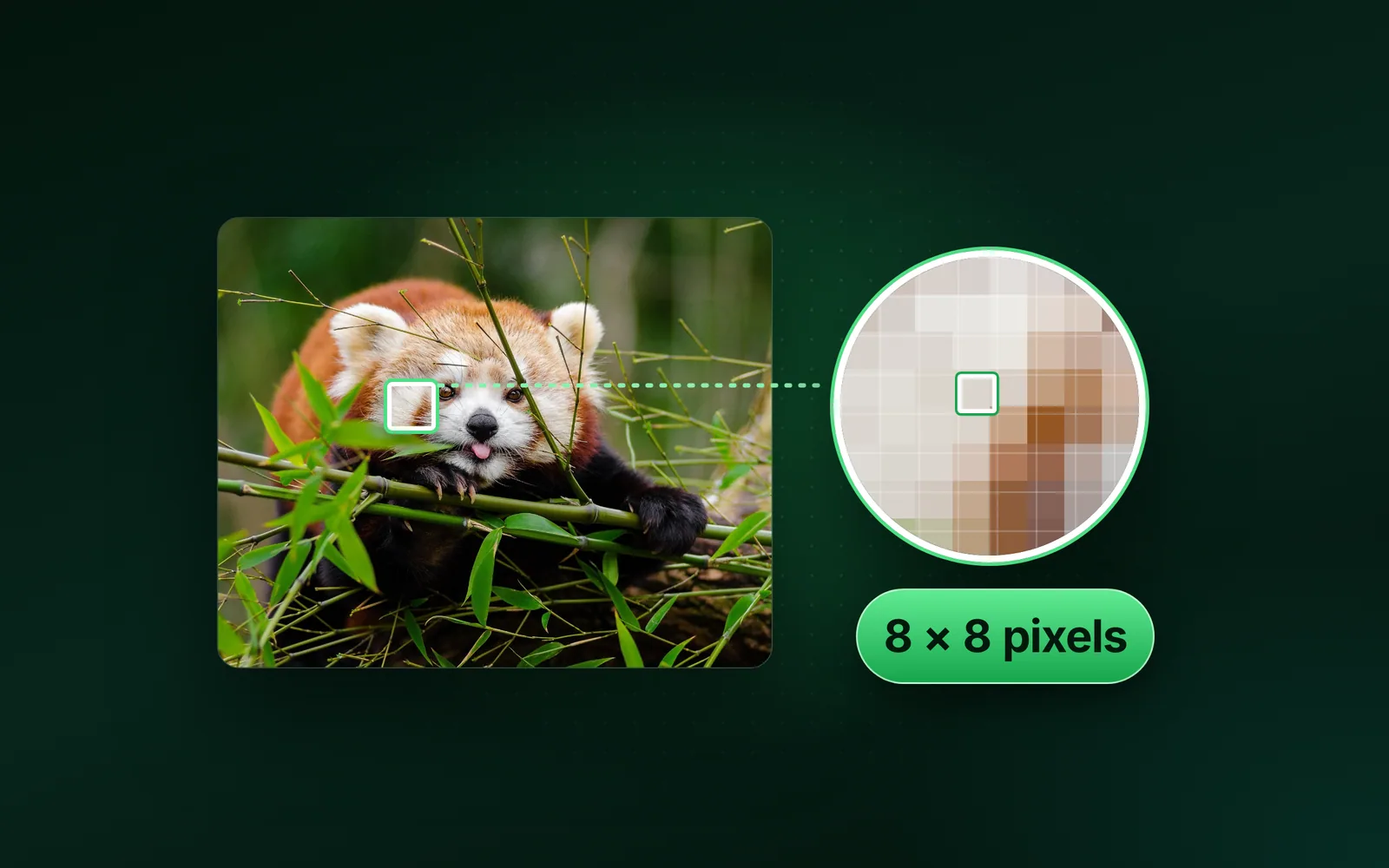
- GuidesPixel, Resolution, MegapixelWhat is a pixel? A real photo, measured pixel by pixelA pixel is the smallest dot of colour in a digital image. It is one square of a grid, stored as three numbers for red, green and blue. We read one pixel of a real photo, saved its 13,809,848 pixels six ways and counted what a pixel costs in bytes and on a screen.Sahadat Husain
- GuidesGoogle Images, Download, WebP to JPGHow to download an image from Google, full size and as a JPGTo download an image from Google, click the picture, then right-click the large preview and choose Save image as. On a phone, touch and hold the preview instead. Save the preview, not the grid thumbnail, and check the extension: a .webp file converts to a real JPG.Sahadat Husain
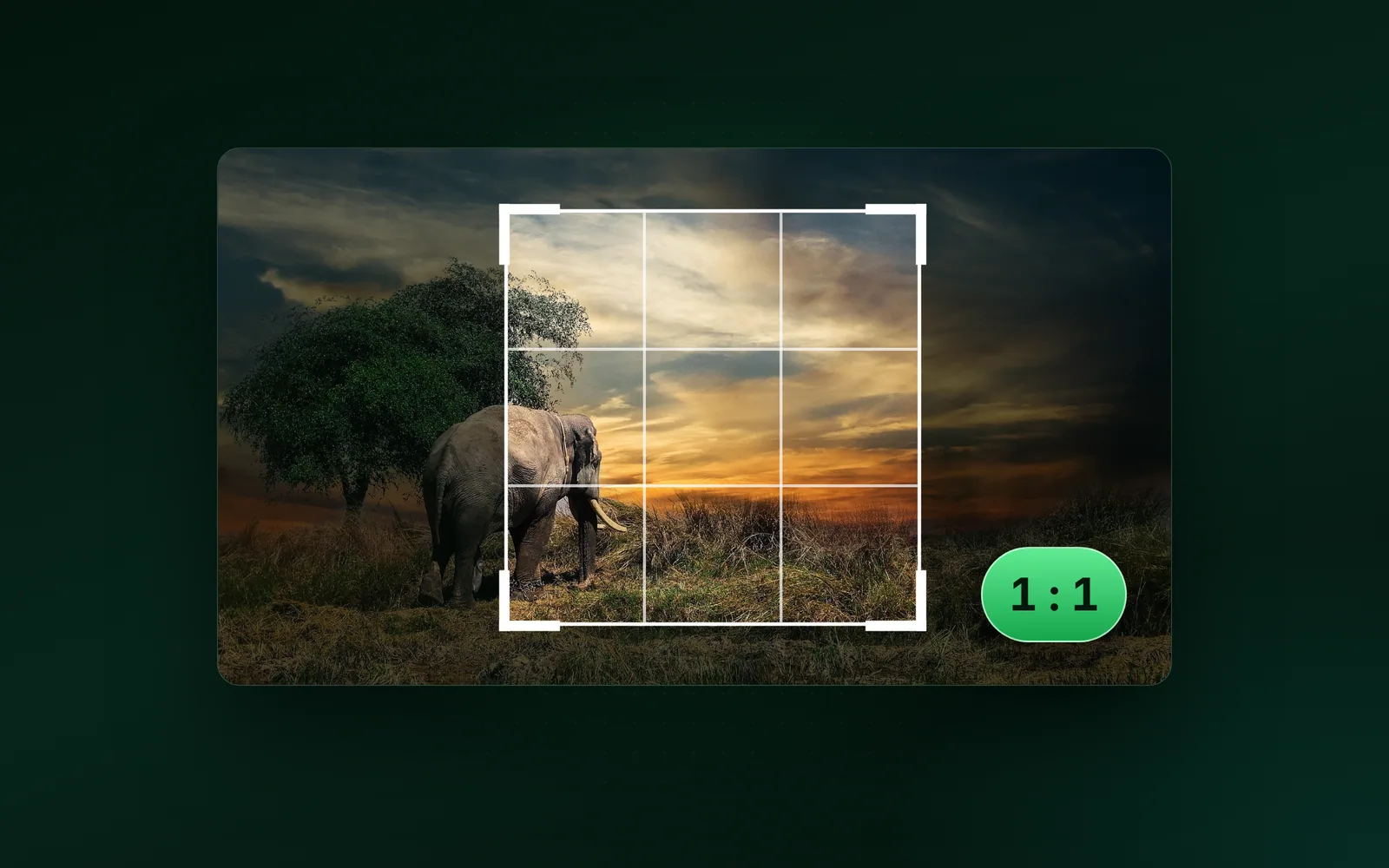
- GuidesPhotoshop, Crop, Aspect ratioHow to crop an image in Photoshop 2026, step by stepTo crop an image in Photoshop, press C, pick a ratio on the options bar, drag the handles and press Enter. We cut every preset from our 9.8 MB camera photo and measured what each one keeps.Sahadat Husain
- GuidesFile size, Max file size, Max resolutionImage still too big after compressing? Set a size capCompressing at Auto aims at a quality, not at your limit, so a big photo can stay too big. We measured each cause on one photo.Sahadat Husain

Guides