Turn a JPG into a PNG online. At quality 100 it keeps every pixel, so you can edit or layer it without stacking on more compression. Part of the image converter.
– / –
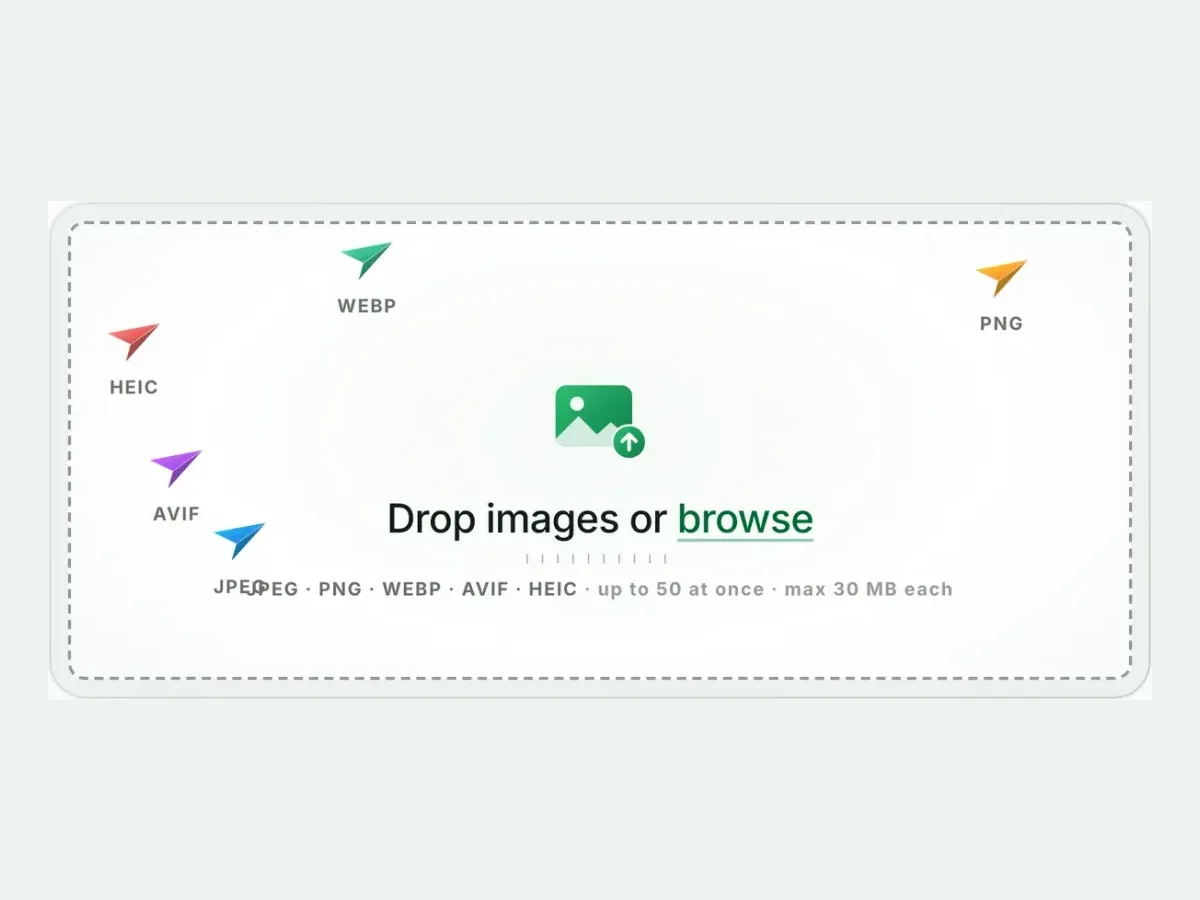
Drop images or browse
JPEG · PNG · WEBP · AVIF · HEIC · up to 50 at once · max 30 MB each
A real result from this exact operation: 197.7 KB in, 322.6 KB out. Drop your own file and the meter reports yours.
JPG to PNG converter
How to convert JPG to PNG in 4 steps
Free, in your browser, with no sign-up. Each step below is the real tool on this page.
1
Drop your JPG files
Up to 10 JPG files at once. PNG is already picked.
2
Set a size, or not
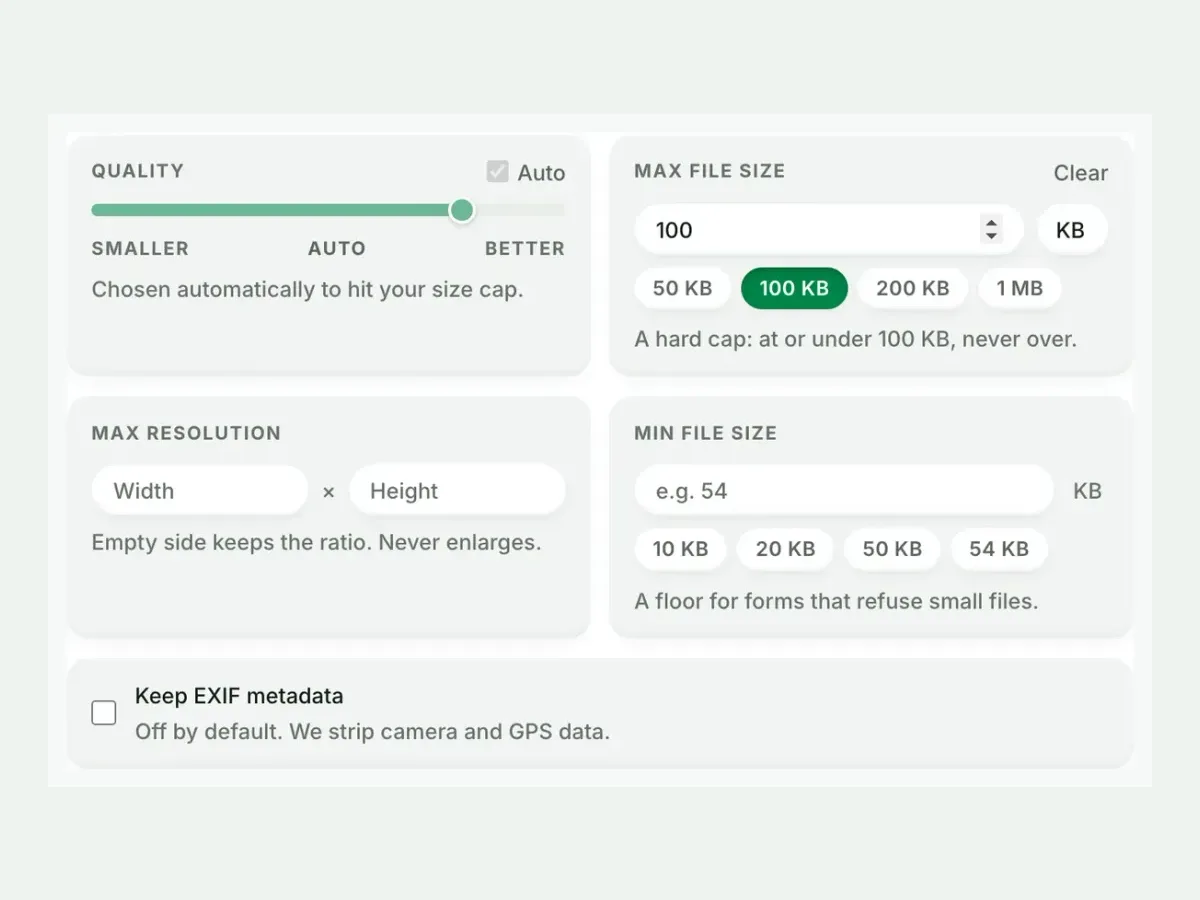
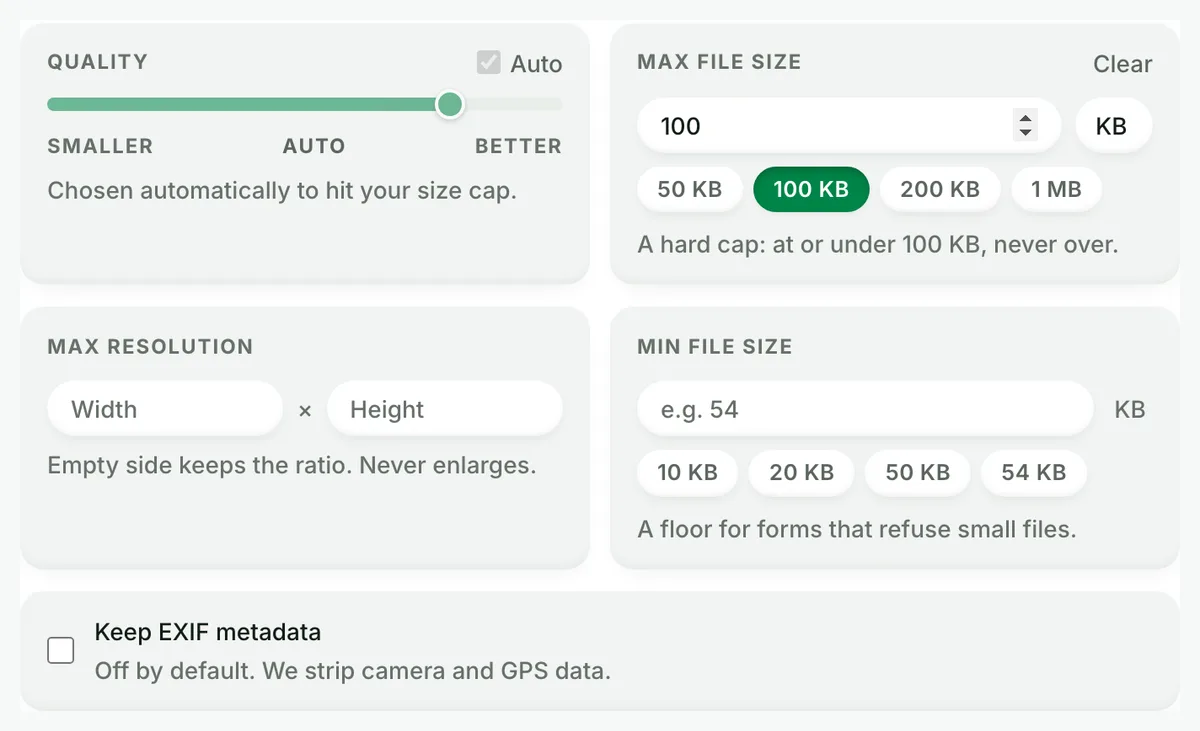
Auto picks the best PNG setting. A size cap is never exceeded.
3
Compare the result
See each measured size, then drag the slider to check the look.
4
Download one ZIP
Take each file on its own, or all of them together in one ZIP.
Free, no sign-up
The best JPG to PNG image converter for real photos
Up to 10 JPG files at once, every result measured to the byte, and nothing kept after you leave.
Fast and easy
A fast, easy JPG to PNG converter
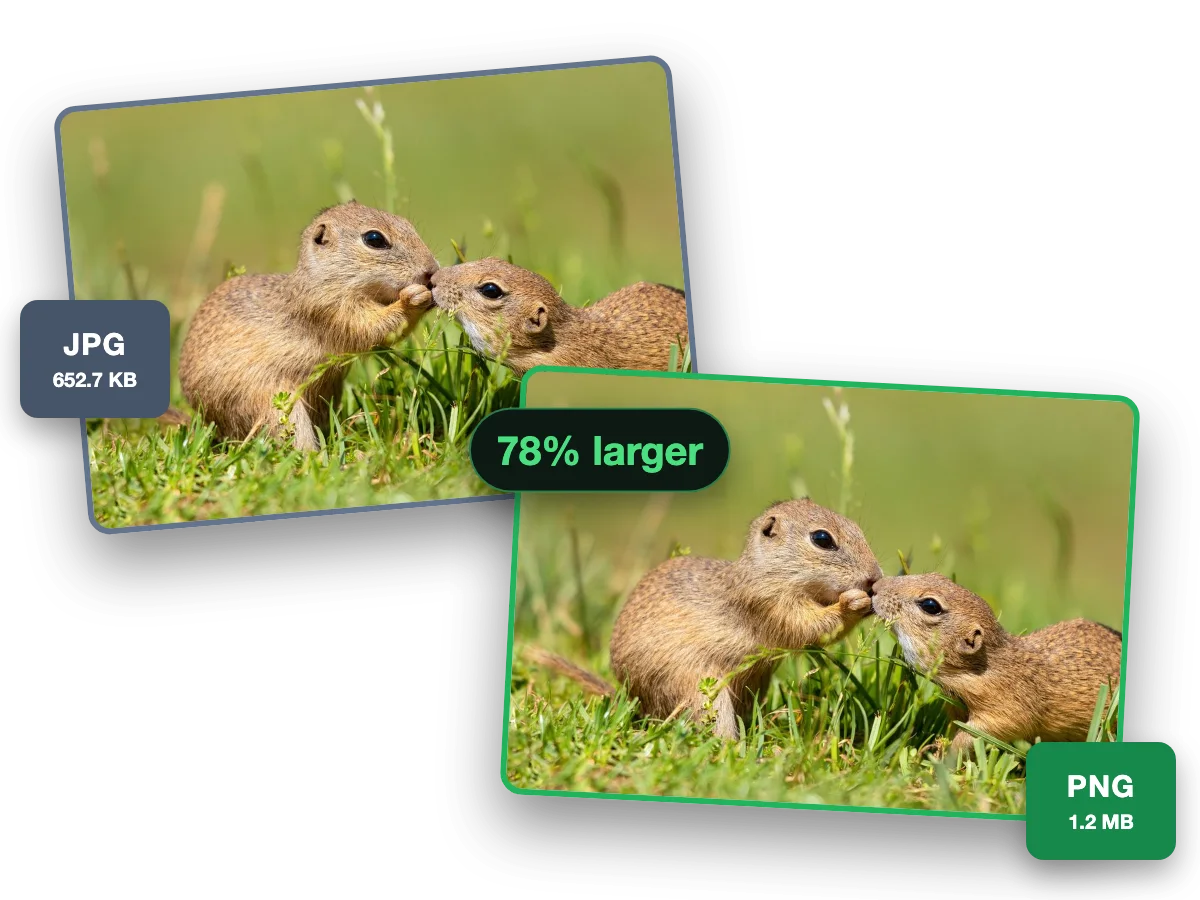
PNG stores every pixel exactly, so edits and re-saves never add new blur. This photo went from a 652.7 KB JPG to a 1.2 MB PNG, 78% larger.
Why this converter
A JPG to PNG converter that shows its work
Every size on this page is a file the engine wrote, measured to the byte.
Batch
Batch convert JPG to PNG, ten at a time
Convert up to 10 JPG files to PNG in one run. Each file shows its own measured size, so you see what changed.
Quality
JPEG to PNG, every pixel kept
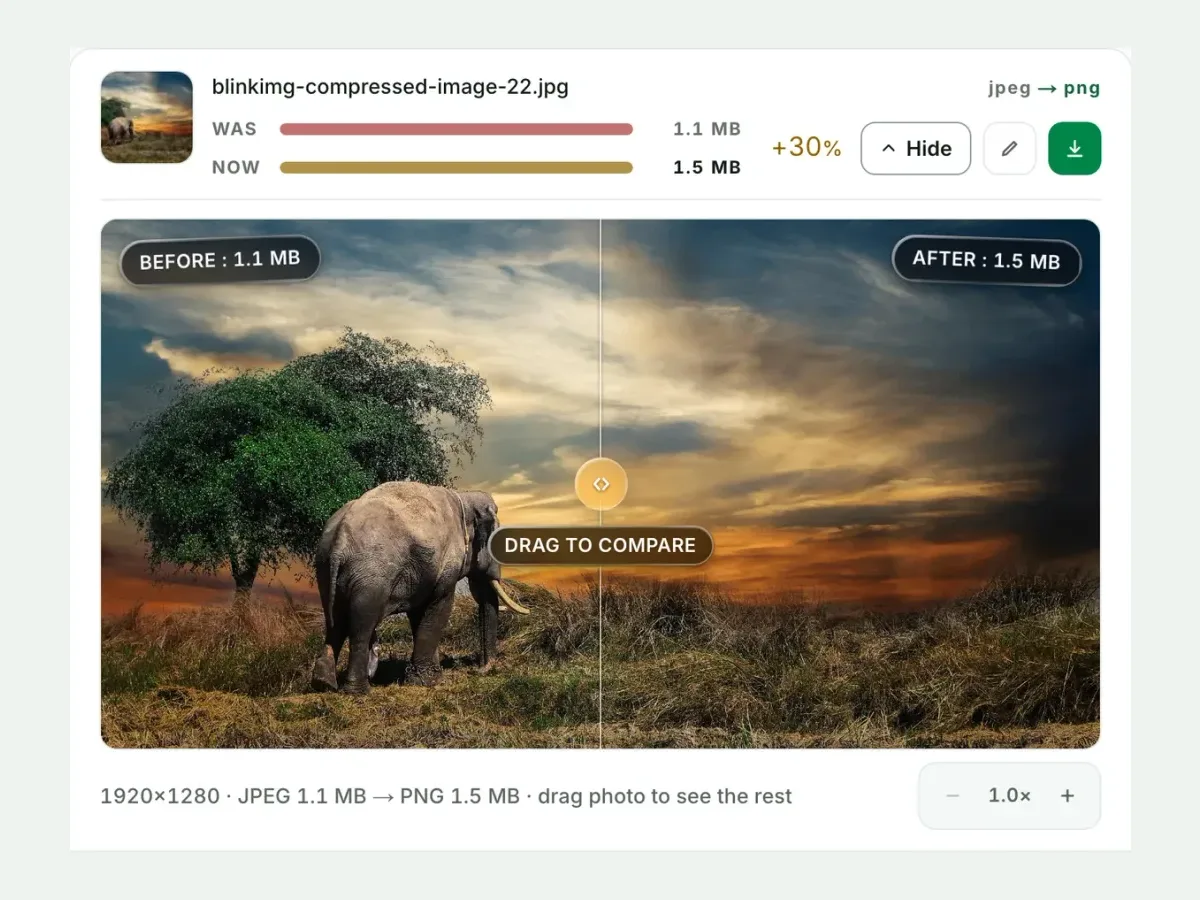
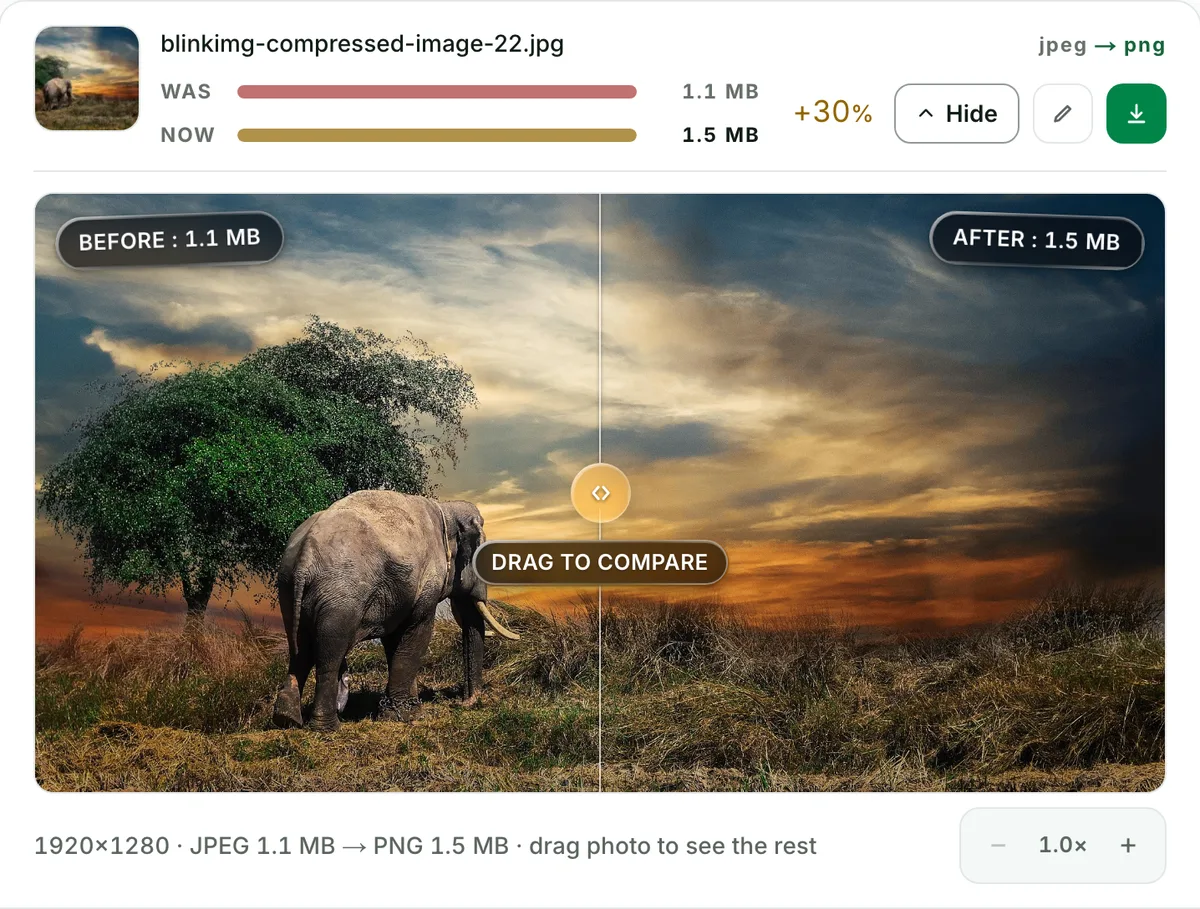
This photo went from a 1.1 MB JPG to a 1.5 MB PNG. Larger, but nothing more is lost when you edit and save again.
Private
JPG to PNG without camera and GPS data
Camera, place and date data are stripped from every file by default. One checkbox keeps them.
What does converting a JPG to PNG do?
A JPG to PNG converter decodes the JPG's pixels and writes them into a PNG file. At quality 100 nothing more is thrown away from that point; Auto gives a photo 256 colours for a smaller file. Either way the file opens everywhere a PNG is asked for. It is not an upgrade: the PNG cannot hold detail the JPG already lost, and it cannot make a background transparent, because the JPG never had one. What it gives you is a stable, editable file. A .jpeg file converts the same way: JPEG is the format’s other name.
JPG to PNG, measured: the file gets bigger, and here is by how much
Reference file576.8 KBphoto.jpg
Output
Relative to source
Size
vs the JPG
PNG, Auto (256-colour palette)No saving
994.3 KB
172%
PNG, quality 100 (truecolour, lossless)No saving
2866.3 KB
497%
WebP, Auto (for comparison)Other format
218.9 KB
38%
AVIF, Auto (for comparison)Other format
123.9 KB
21%
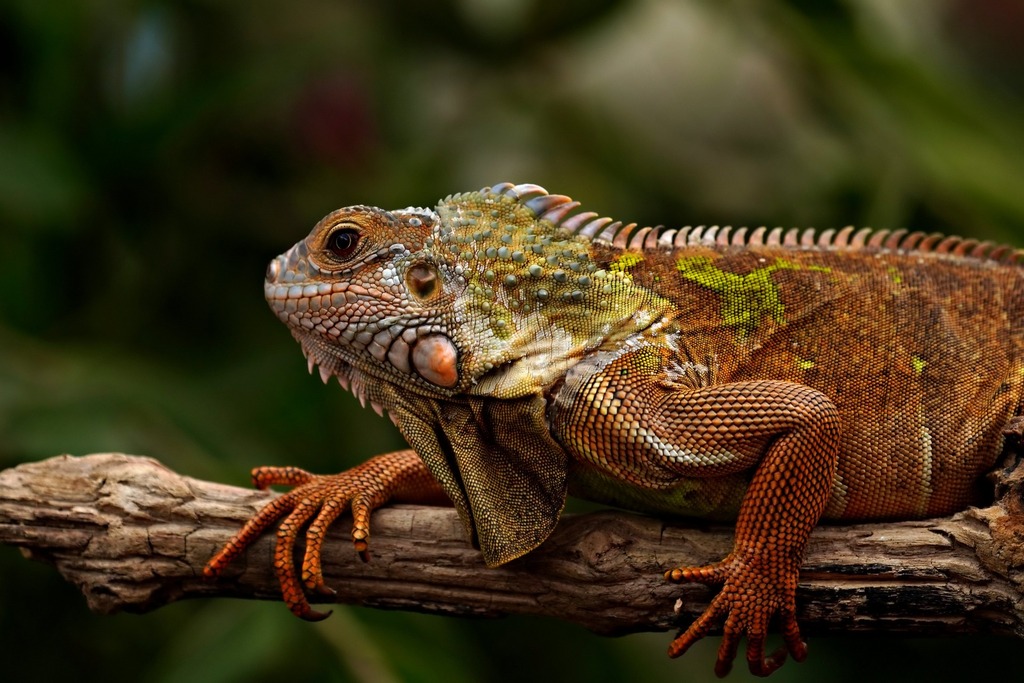
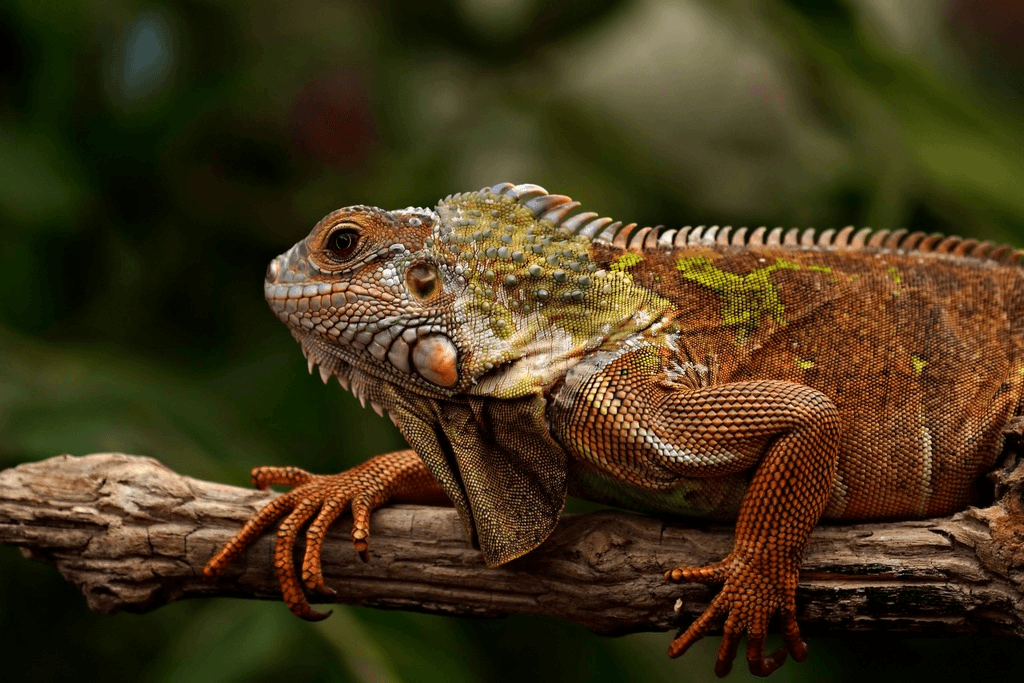
Source: photo.jpg, 576.8 KB, 1920×1280, our reference photo of an iguana on a branch, as supplied. A palette PNG keeps 256 colours; a truecolour PNG keeps them all.
Every byte count is the size of the actual file our engine produced from the named source, the same bytes you would download, not an estimate. The reference photo is one of our own photographs, an iguana on a branch, and the camera photo is a real one too. Drop your own file into the tool above to rerun any of them. How we measure names the sources and the settings.
Will the PNG have a transparent background?
No. This is the question most people are really asking, so it gets a plain answer: a JPG has no alpha channel, so the converted PNG carries the JPG's solid background exactly as it was. PNG can store transparency, which is why a logo or a sticker should be a PNG from the start, but conversion does not create it. Cutting a background out is an edit done in an editor, before or after the conversion.
When JPG to PNG is right: a screenshot or a logo saved as JPG, not a photo
Text, lines and flat colour are what JPEG handles worst and PNG handles best. So a screenshot, a chart or a logo saved as JPG by mistake belongs in PNG: the ringing already there stays, and what stops is the next round of loss. We saved a 1121.1 KB PNG screenshot of our pricing page as a quality-85 JPG: 193.2 KB. Converted back to PNG it is 243.1 KB, 1.3 times the JPG. A photo is the other case: our reference photo grew from 576.8 KB to 994.3 KB as a PNG, with nothing restored. If you still hold the original PNG, use that instead of the round trip.
Auto or quality 100: which PNG to choose
Auto writes a palette PNG: 256 colours chosen for the picture, 994.3 KB on our photograph, invisible on a screenshot or a chart and visible as banding on a smooth sky. Quality 100 writes a truecolour PNG, 2866.3 KB here, every pixel the JPG decoded to, the honest size of "lossless". Choose Auto for flat art and anything that will be viewed rather than edited; choose quality 100 for a photograph that goes into an editor or a print pipeline. The compare slider shows the difference at 100% zoom.
How to convert JPG to PNG: three steps, no software
Drop the JPG (or up to 10 of them) into the tool at the top. PNG is already the output; pick Auto or quality 100. Download one file or the ZIP. That is the whole of it, on a phone, a Mac or a PC, with no account and no watermark. The same converter handles PNG to JPG in the other direction, and JPG to WebP when the goal is a smaller file rather than a lossless one.
When JPG to PNG is the wrong conversion
You want a smaller file?
A PNG of a photograph is bigger, not smaller (2866.3 KB from 576.8 KB on our reference photo). Compress the JPG, or convert it to WebP or AVIF.
You want a transparent background?
Conversion cannot add one. Remove the background in an editor first; the PNG will then keep the transparency.
You hope to recover detail?
The JPG already discarded it. A PNG stores the JPG faithfully, artefacts included. Only the original, pre-JPG file has the detail.
Questions, answered
Short answers specific to this page. The tool above settles most of them in a second.
Q:Is JPEG to PNG the same as JPG to PNG?
Yes. JPG and JPEG are one format with two spellings; the three-letter one exists because old Windows systems needed three-letter extensions. A JPEG to PNG converter and a JPG to PNG converter do the same job. Drop a .jpeg or a .jpg here and the result is the same PNG.
Q:Will my JPG have a transparent background after converting to PNG?
No. A JPG cannot store transparency, so there is nothing to carry over. PNG can hold an alpha channel, but the converted file keeps the solid background the JPG had. Removing a background is an edit, not a conversion, and it happens before or after this step.
Q:Why is the PNG larger than my JPG?
Because a truecolour PNG stores every pixel exactly and JPG discards detail you cannot see. Our 576.8 KB reference photo became a 2866.3 KB truecolour PNG, 497% of the JPG's bytes. The Auto setting writes a palette PNG instead, 994.3 KB here, which is smaller because it keeps 256 colours rather than millions.
Q:Does converting JPG to PNG lose quality?
Not at quality 100: a truecolour PNG holds the decoded JPG pixel for pixel, so nothing further is lost. It cannot restore the detail the JPG already threw away, either. The Auto setting quantises to 256 colours, which is invisible on flat art and screenshots and visible as banding on a smooth sky.
Q:When does converting a JPG to PNG make sense?
When the file goes somewhere that demands PNG (a form, a CMS field, a print pipeline), when you will edit it further and want no more JPEG rounds, or when it is a screenshot, a logo or a chart that should never have been a JPG. For a photograph that stays a photograph, keep the JPG or convert it to WebP or AVIF instead.
Q:How do I convert a JPG to PNG for free?
Drop the JPG into the tool above, keep PNG as the output and download. No signup, no watermark, up to 10 files a batch at 30 MB each, with a 300-image daily allowance. The result is a real PNG your editor, your browser and your form will open.
Q:Which PNG do I get: 8-bit or 24-bit?
Auto writes an 8-bit palette PNG (256 colours) when that keeps the picture and a smaller file; quality 100 writes a 24-bit truecolour PNG that keeps every colour the JPG decoded to. On our reference photo that is 994.3 KB against 2866.3 KB. Pick quality 100 when the image is a smooth photograph or will be edited again.
Q:Can I convert many JPGs to PNG at once?
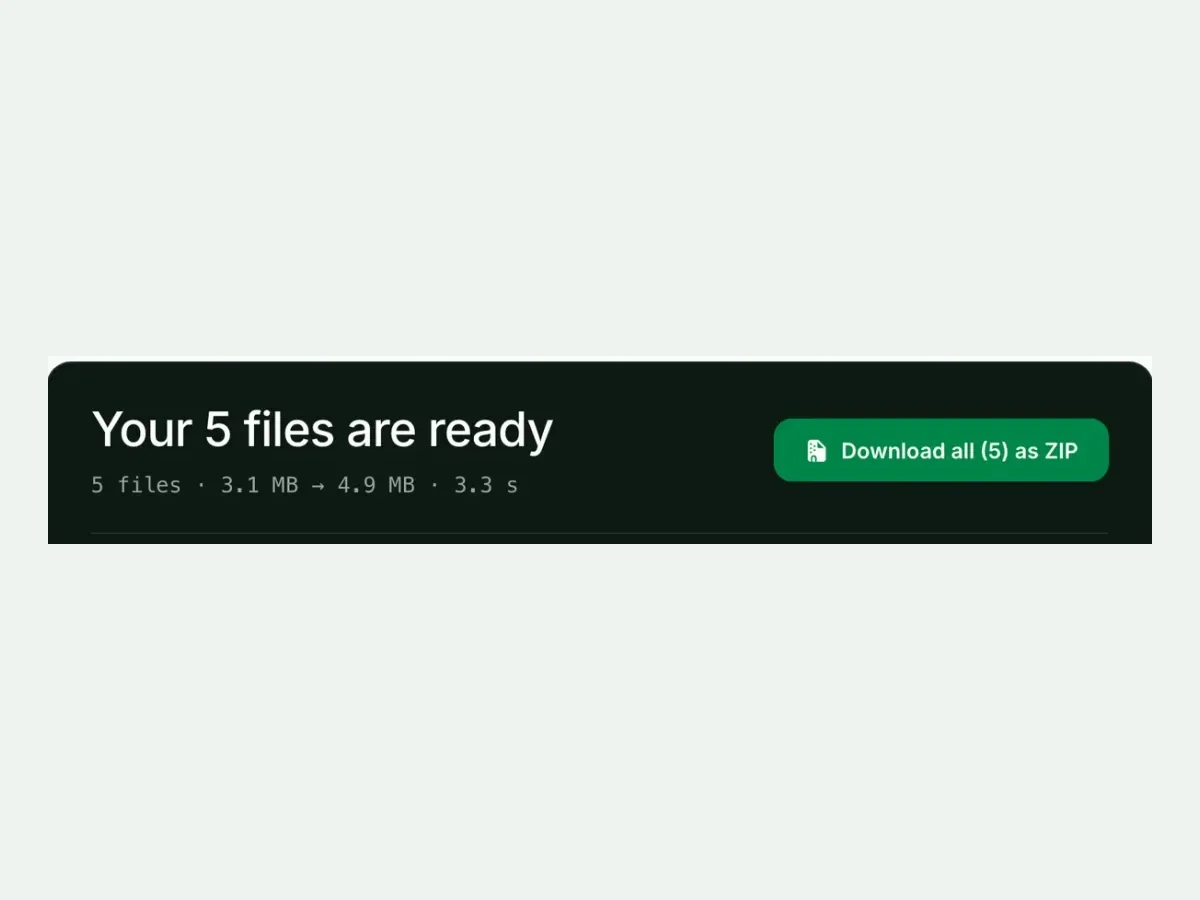
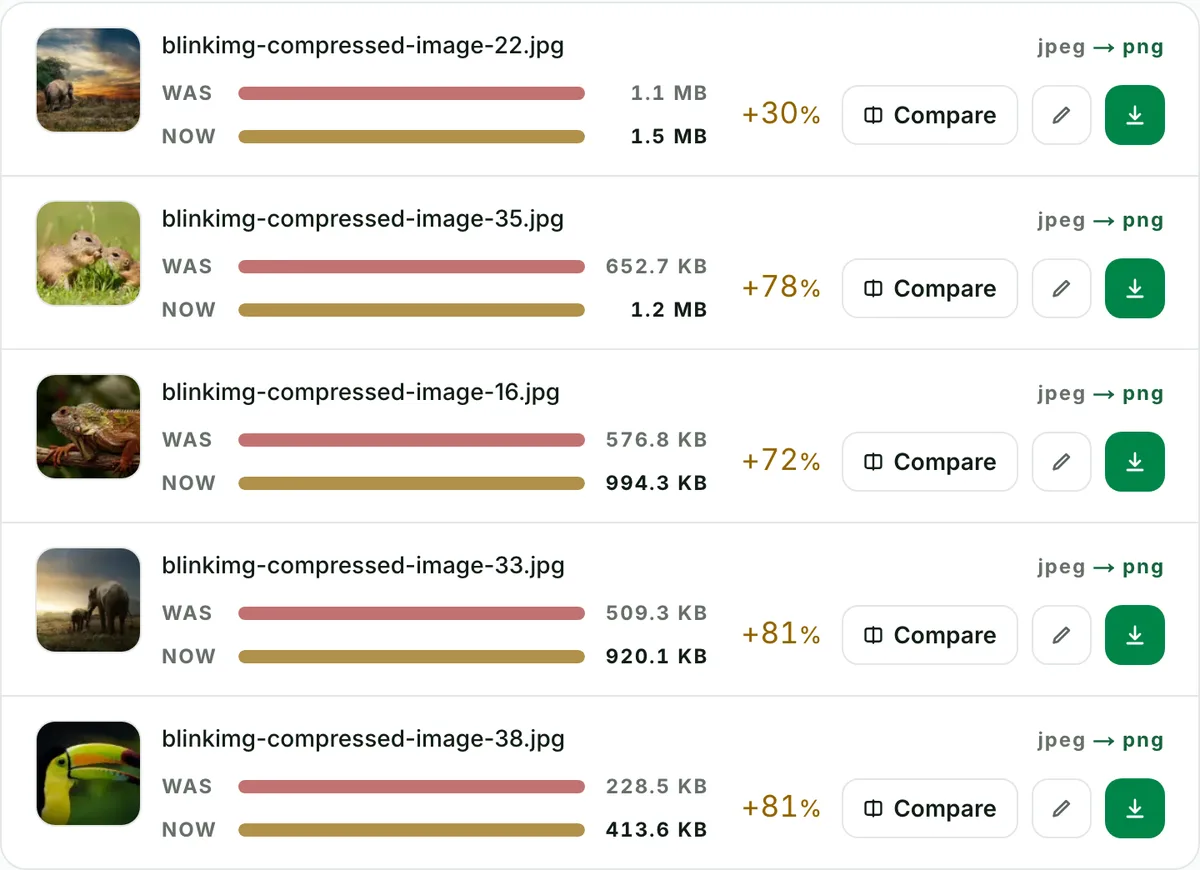
Yes. Up to 10 files a batch, 30 MB each, one ZIP with the filenames kept. Each row shows its own before and after size, so you see which files grew the most; a photograph grows far more than a screenshot does.
Q:Will a PNG made from a JPG show JPEG artefacts?
Yes, if the JPG had them. The PNG is a faithful copy of the JPG as it is, blocks and ringing included. What it does is stop them getting worse: every later save as a quality-100 PNG keeps every pixel. To hide artefacts you would need the original before it was saved as JPG.
Q:Does the converted PNG keep EXIF data?
No. We strip camera metadata, GPS location and capture time from every output by default, which also saves a few kilobytes. Tick "Keep EXIF metadata" in Advanced settings if you need it kept.
Q:Is JPG to PNG the right conversion for a screenshot saved as JPG?
Yes for a screenshot of text, a chart or a logo: JPEG handles text and flat colour worst, and a PNG stops the next round of loss. Our pricing page screenshot went from 193.2 KB as a JPG to 243.1 KB as a PNG. For a photo, no: our reference photo grew from 576.8 KB to 994.3 KB.
Q:Is it safe to upload my JPGs to this PNG converter?
Yes. We keep nothing: files are processed and wiped automatically, never archived, never shared, never used to train anything. No account is needed, and the metadata that could identify you (GPS, camera, time) is stripped from every output by default.