Turn PNG images into JPG files online. JPG is lossy and has no transparency, so it's the right pick when your image is a photo and you want a smaller file. Part of the image converter.
– / –
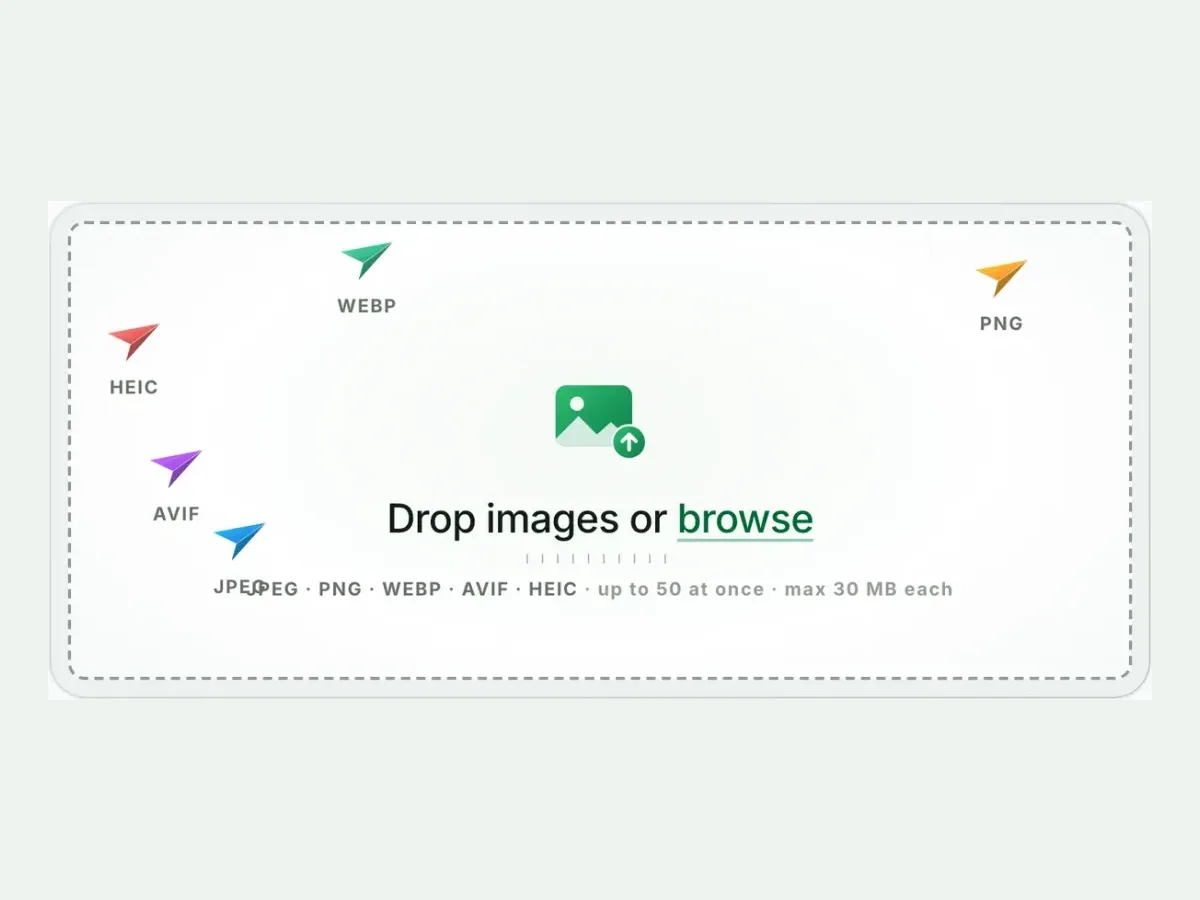
Drop images or browse
JPEG · PNG · WEBP · AVIF · HEIC · up to 50 at once · max 30 MB each
A real result from this exact operation: 1.5 MB in, 64.2 KB out. Drop your own file and the meter reports yours. The left half is a preview render; the byte counts are the real files’.
PNG to JPG converter
How to convert PNG to JPG in 4 steps
Free, in your browser, with no sign-up. Each step below is the real tool on this page.
1
Drop your PNG files
Up to 10 PNG files at once. JPG is already picked.
2
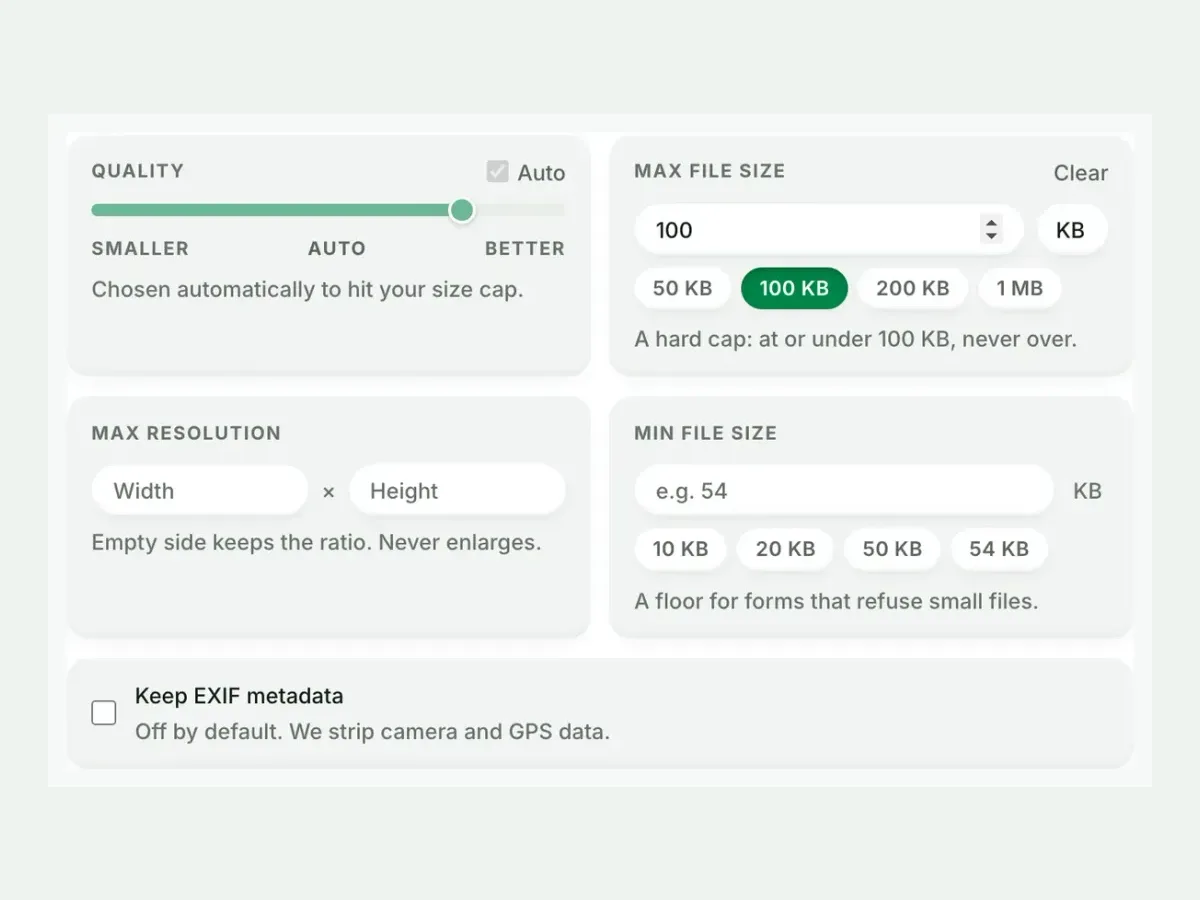
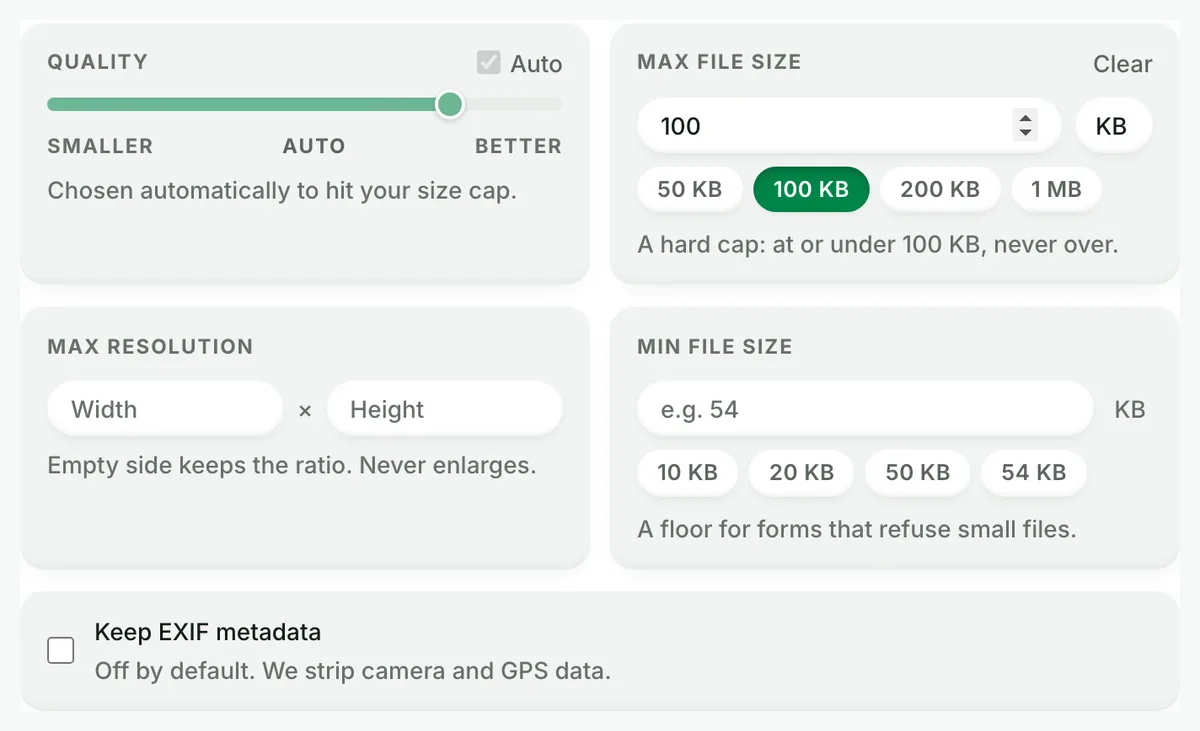
Set a size, or not
Auto picks the best JPG setting. A size cap is never exceeded.
3
Compare the result
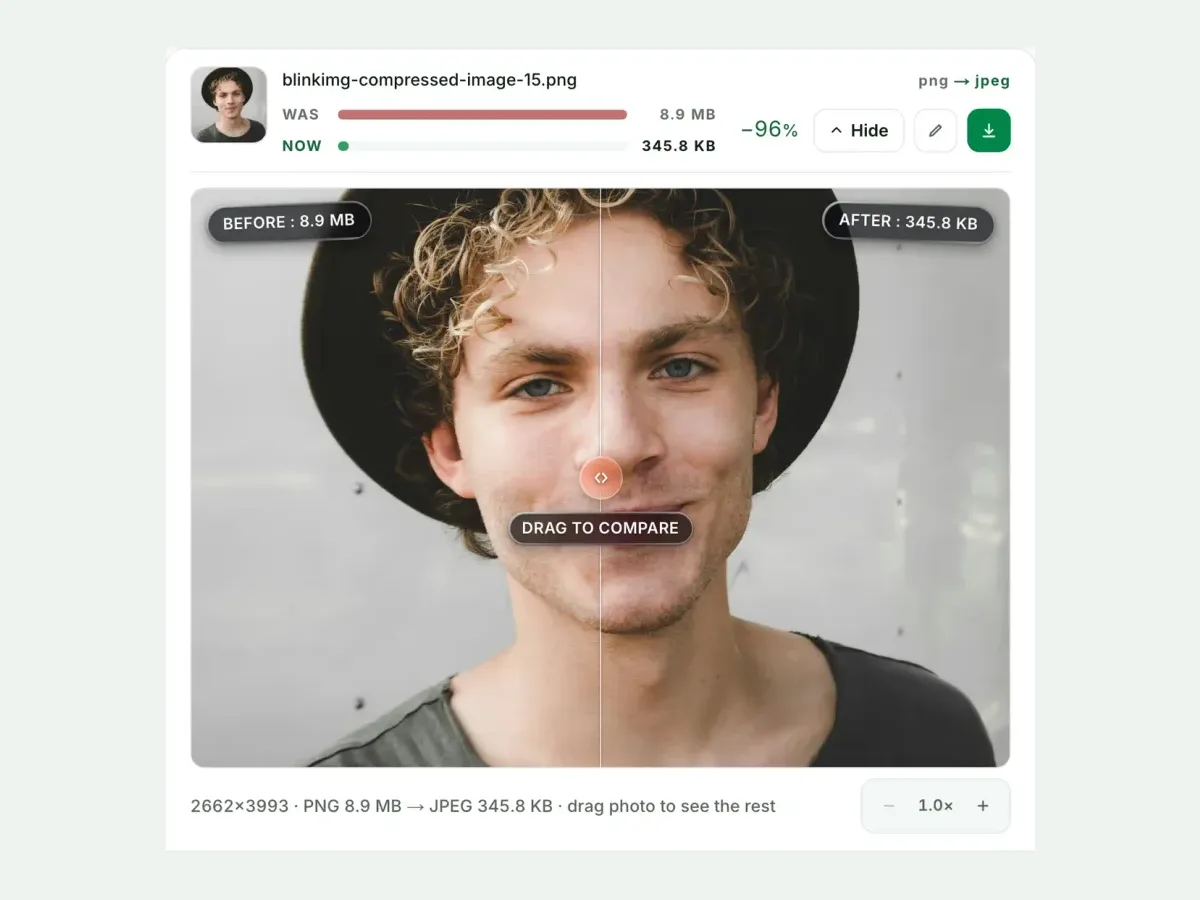
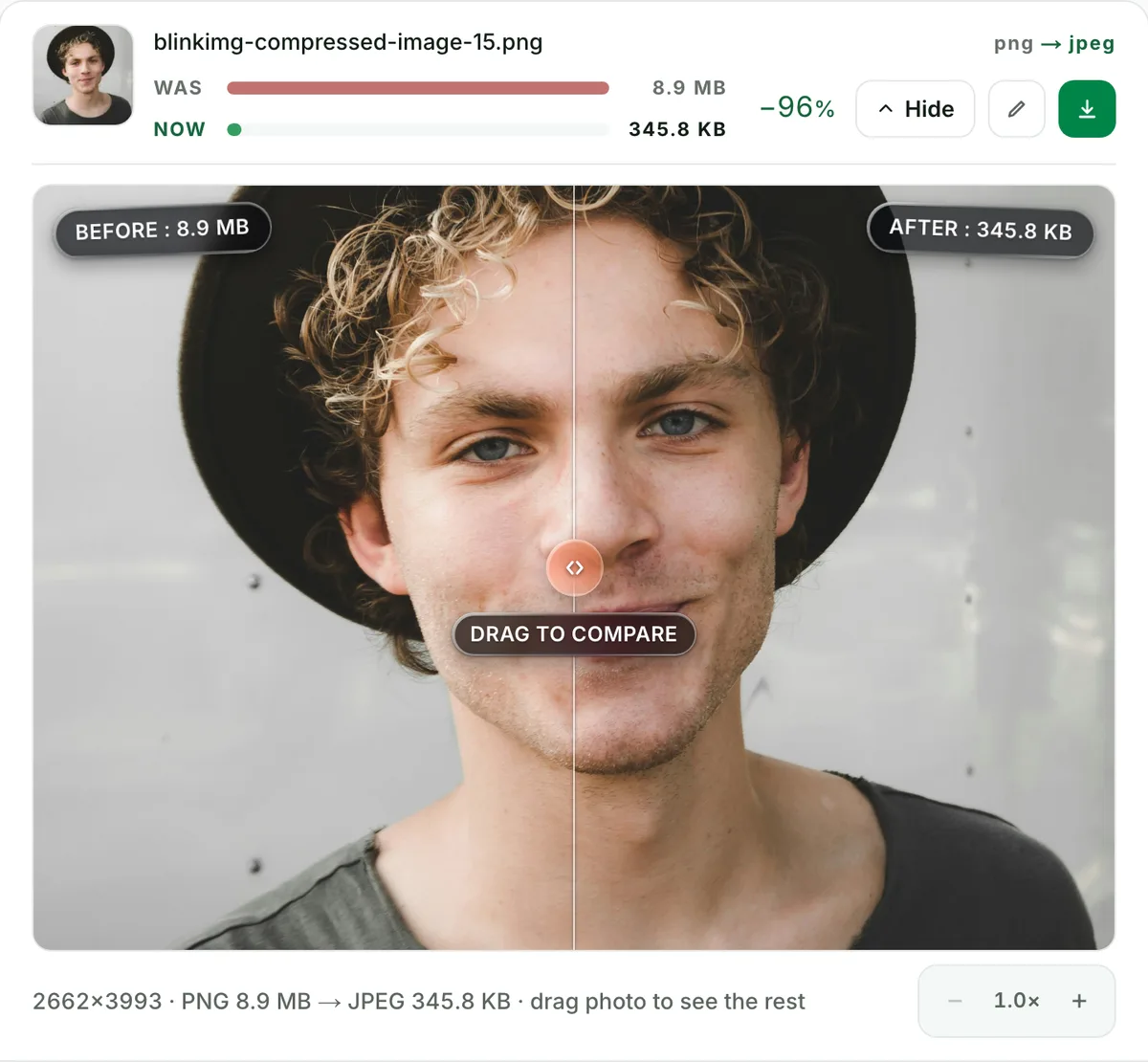
See each measured size, then drag the slider to check the look.
4
Download one ZIP
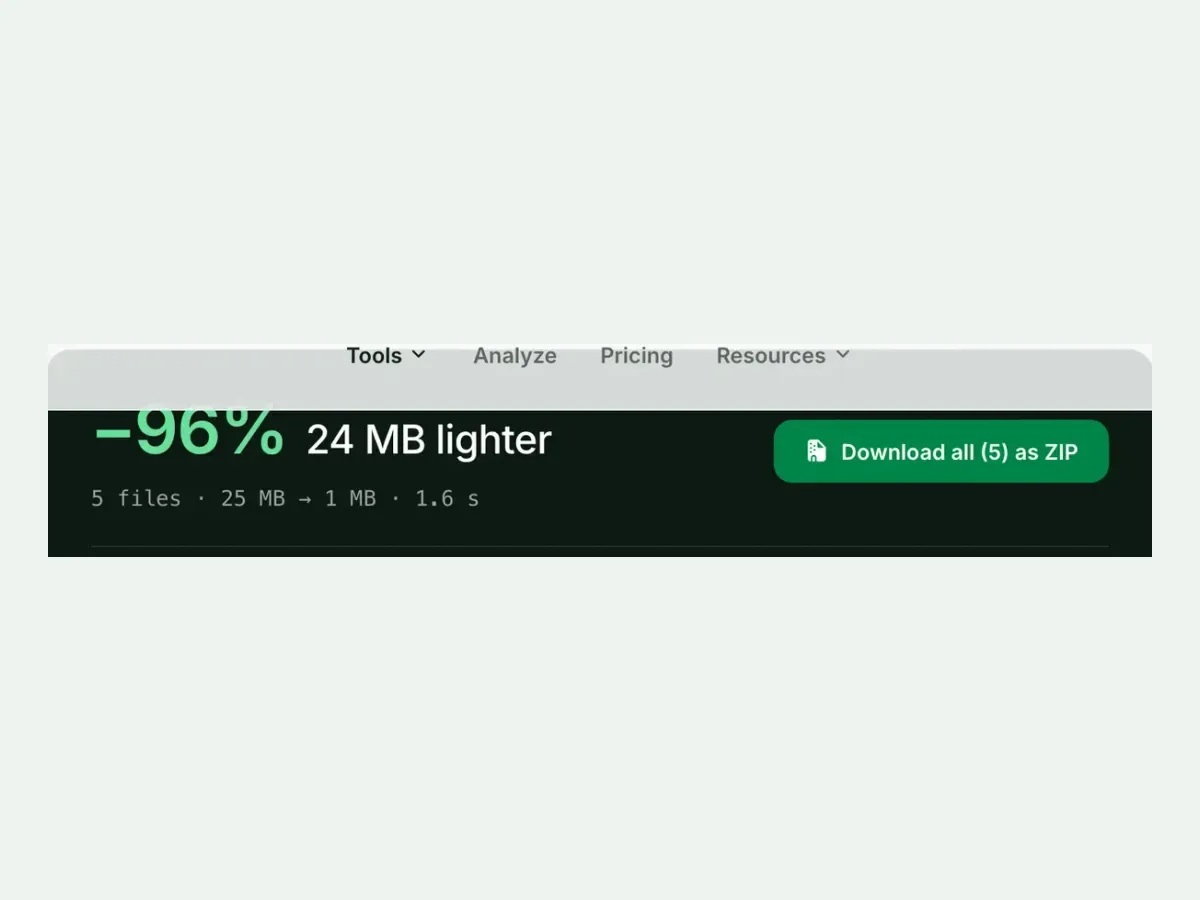
Take each file on its own, or all of them together in one ZIP.
Free, no sign-up
The best PNG to JPG image converter for real photos
Up to 10 PNG files at once, every result measured to the byte, and nothing kept after you leave.
Fast and easy
A fast, easy PNG to JPG converter
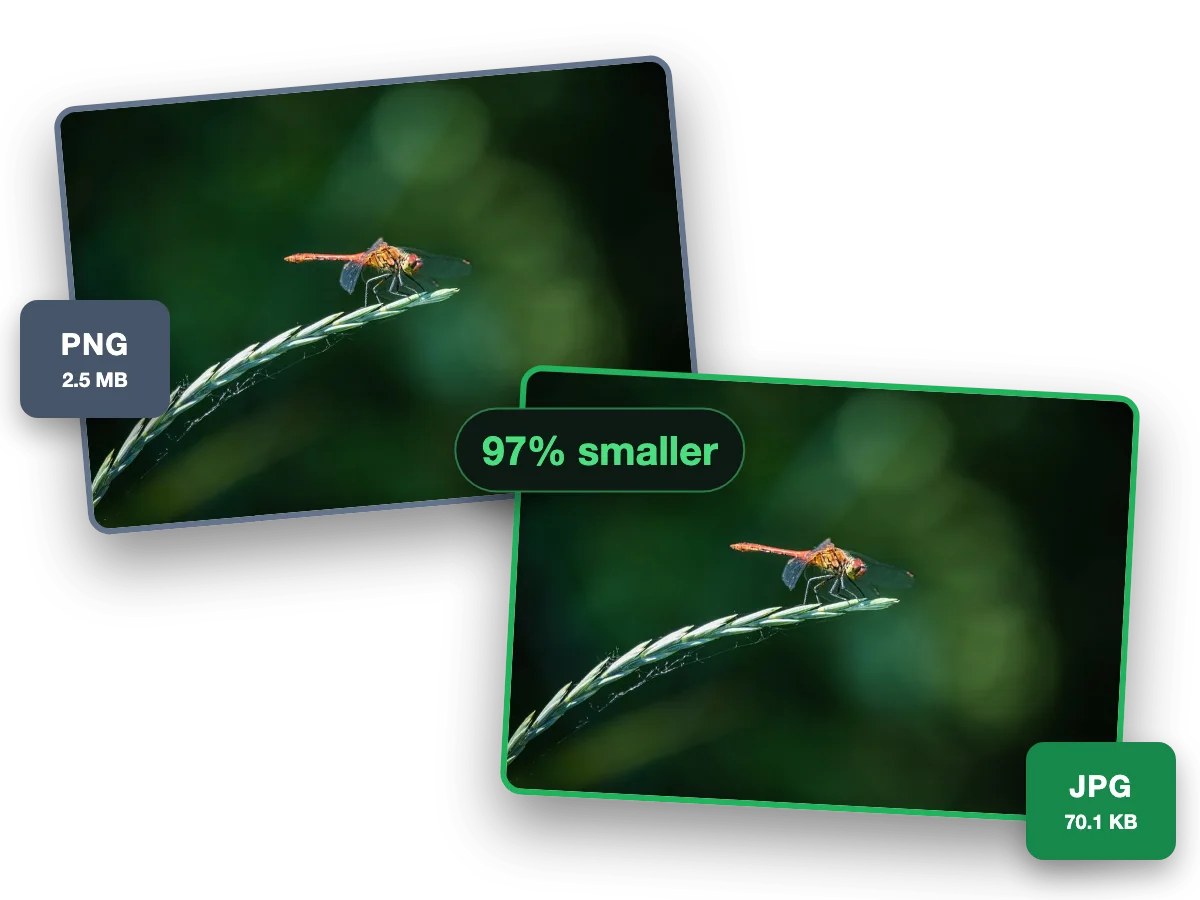
A photo saved as PNG is huge; as JPG it opens everywhere at a fraction of the size. This photo went from a 2.5 MB PNG to a 70.1 KB JPG, 97% smaller.
Why this converter
A PNG to JPG converter that shows its work
Every size on this page is a file the engine wrote, measured to the byte.
Batch
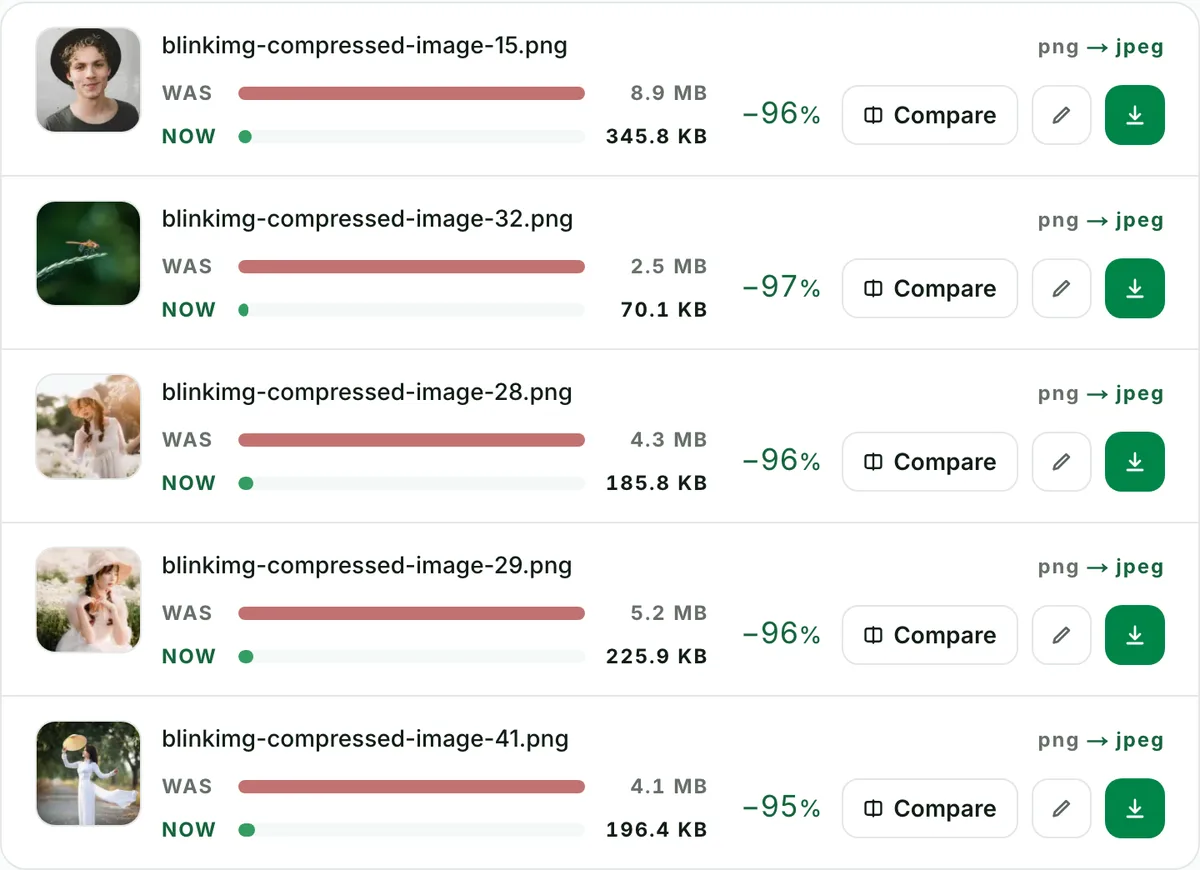
Batch convert PNG to JPG, ten at a time
Convert up to 10 PNG files to JPG in one run. Each file shows its own measured size, so you see what changed.
Quality
PNG to JPEG with no change you can see
This photo went from a 8.9 MB PNG to a 345.8 KB JPG. Check any file at full size before you keep it.
Exact size
Convert PNG to JPG under 100 KB
Set a maximum size and the converter finds the best quality that fits. A hard cap: at or under it, never over.
Why did my transparent PNG turn white? (The #1 surprise, defused)
JPEG cannot represent transparency. Every pixel must be a colour, so converting a transparent PNG forces a background fill. Most converters fill white silently. That is how a white logo on transparency becomes an apparently blank file, and a designer loses an afternoon. Here the fill is white: stated, not sprung. The result preview shows exactly what the transparent regions became before you download, so nothing blank ships unnoticed. Need the transparency to survive? That is a different conversion. PNG to WebP or PNG to AVIF keep alpha at a fraction of the size.
PNG to JPG: the saving, measured, and the quality ladder
Encode
Relative to source
Size
vs PNG
JPG (Auto)Our default
273.9 KB
−93%
JPG (quality 85)
339.6 KB
−92%
Under a 50 KB cap
48.7 KB
guaranteed fit
Source: our reference photo of an iguana on a branch, saved as PNG, 4096.3 KB. Screenshots and flat art behave differently. See the honest guidance below.
Every byte count is the size of the actual file our engine produced from the named source, the same bytes you would download, not an estimate. The reference photo is one of our own photographs, an iguana on a branch, and the camera photo is a real one too. Drop your own file into the tool above to rerun any of them. How we measure names the sources and the settings.
The exam-form workflow: exact KB, exact format, one pass
The highest-intent version of this conversion is a portal somewhere insisting on "JPG only, maximum 50 KB": exam applications, bank KYC, visa systems, marketplace listings. The recipe: drop the PNG, set Max file size to the portal's number (presets for 50, 100 and 200 KB and 1 MB), convert. The cap is a guarantee, not a target. We search quality for the best fit under it, never over. Photos for ID portals also want plain sRGB output, which is exactly what we produce. Pair with the image cropper's document presets when the portal dictates dimensions too. A portal that says JPEG takes the .jpg this saves: JPG and JPEG are one format with two endings.
The files you should NOT convert to JPG
Other converters omit this guidance because it costs them a conversion. Screenshots and UI captures: JPEG visibly smears text edges, so WebP or staying PNG serves them better. Logos and line art: hard edges ring and shimmer in JPEG at any reasonable quality. Anything needing transparency: converting flattens it, by definition. Print masters: keep the lossless original and export per print job. JPG's home turf is photographic content headed to forms, email, documents and legacy systems. On that turf it is still unbeatable.
Quick router
Need smaller but must stay PNG?
Compress PNG quantizes the palette and keeps alpha, often −60% or better on graphics.
Web-bound photo?
PNG to AVIF or WebP beats JPG on size at the same quality, transparency included.
Already have JPGs that are too big?
Compress JPEG handles those directly: same engine, same caps.
Questions, answered
Short answers specific to this page. The tool above settles most of them in a second.
Q:Why did my transparent PNG turn white (or black) after converting?
JPEG has no transparency, so every transparent pixel must become a colour. Many tools fill silently: white in most pipelines, black in the careless ones. We fill with white and say so up front. The result preview shows exactly what you'll download, so a white logo on transparency gets caught before it surprises you.
Q:How much smaller will my PNG get as a JPG?
For photographic content, the saving is enormous: our reference photo, saved as a 4096.3 KB PNG, became a 273.9 KB JPG on Auto. That is 93% smaller. Screenshots and flat art save less and pay a visible cost in edge sharpness. They usually belong in PNG or WebP instead.
Q:Does converting PNG to JPG lose quality?
Yes. JPEG is lossy, and hard edges like text and line art show it most. For photographs at quality 85+ the loss is invisible in normal viewing. The compare slider at 100% zoom is the honest referee. Check a text edge before you commit a screenshot to JPEG.
Q:Is png to jpg the same as png to jpeg?
Yes, identical. JPG and JPEG are one format. The three-letter spelling is a relic of old Windows extension limits. Both spellings of this conversion produce the same file, and renaming an extension never converts anything. We cover both searches on purpose.
Q:How do I convert PNG to JPG at 20/50/100/200 KB for a form?
Set Max file size in Advanced settings to the portal's cap before converting. The output always lands at or under it. Exam portals, bank KYC and visa systems typically cap between 20 and 240 KB. One pass satisfies the format rule and the size rule together.
Q:Can I convert many PNGs at once?
Yes, up to 10 per batch. You get one ZIP with filenames preserved, and the same quality and white fill apply to every file. It is free, with no signup and a 300-image daily allowance. Measured before/after sizes on each row show which files the conversion actually helped.
Q:What quality setting should I use?
Use 85 for sharing (our reference: 339.6 KB) and Auto for the web (273.9 KB, content-tuned). Quality 95+ is for print masters and costs the most bytes. If a form gives you a KB number, skip the slider and use the size cap instead.
Q:Should screenshots be converted to JPG?
Usually no. JPEG smears the hard edges of text and UI lines. The artefacts are visible, and the savings are worse than WebP's. Keep screenshots in PNG or convert them to WebP, and reserve JPG for photographic content. Other converters won't give you this advice.
Q:Does converting remove EXIF and location data?
Yes, by default. PNGs rarely carry EXIF, but when metadata exists we strip it from outputs automatically. That default matters more in the other direction. If you shoot photos and want the metadata kept, tick the Keep EXIF checkbox in Advanced settings.
Q:Why convert PNG to JPG at all in 2026?
Compatibility and upload rules: forms that whitelist only JPG, systems that choke on large PNGs, email that wants small attachments. For the open web, WebP and AVIF beat JPG. But "the portal only accepts JPG under 100 KB" remains the most common image task on earth.
Q:What happens to my PNG after the conversion?
We keep nothing. We process your files, then wipe them automatically. We never archive them or use them for anything else. No account, no watermark, a 300-image daily allowance.