Compress image to 200 KB

The 200 KB cap is already set. Drop your image and it comes back at or under the number, guaranteed, with the most quality the budget allows. Built for marketplace listings, CVs and web uploads. Part of the image compressor, with your number as the hard ceiling.

Output format
– / –

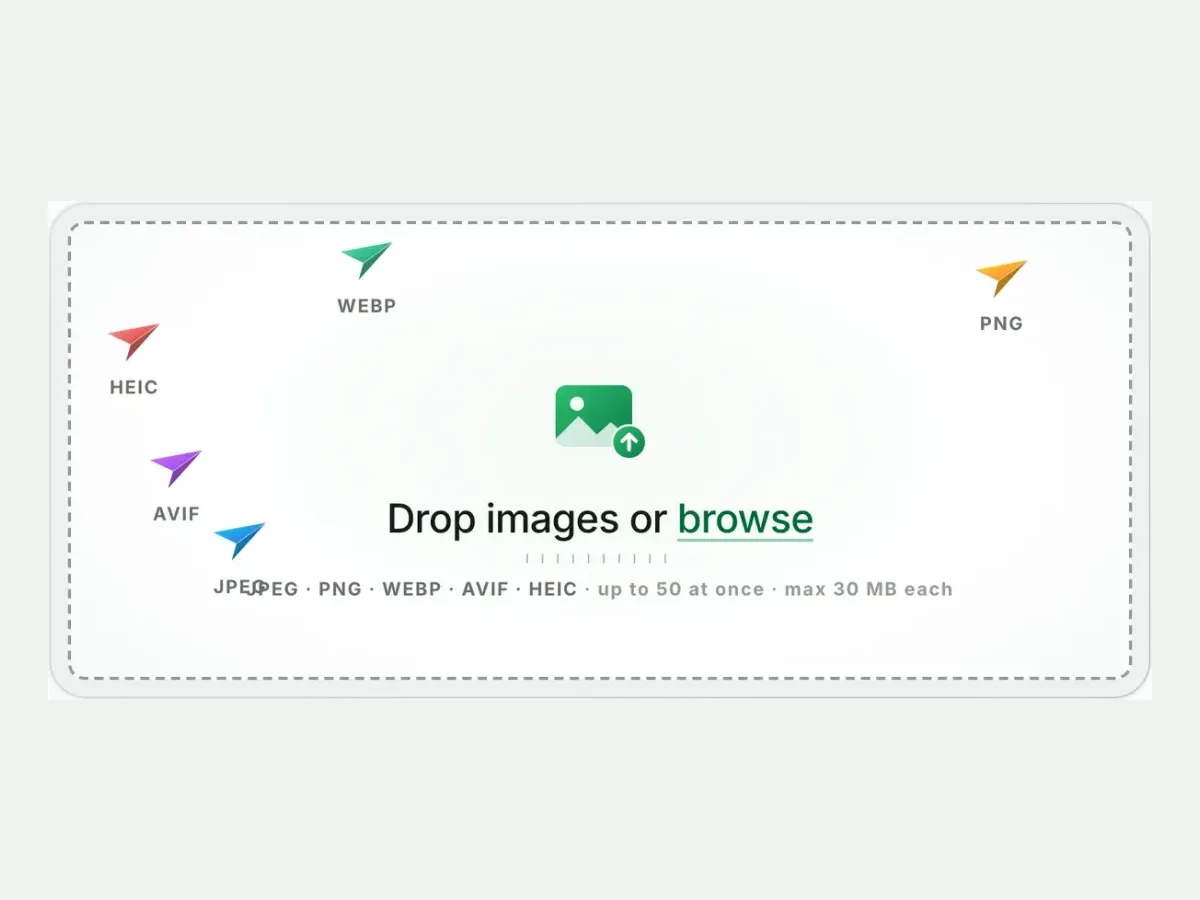
Drop images or browse

JPEG · PNG · WEBP · AVIF · HEIC · up to 50 at once · max 30 MB each

HEIC
PNG
JPEG
AVIF
WEBP
Advanced settings1 on
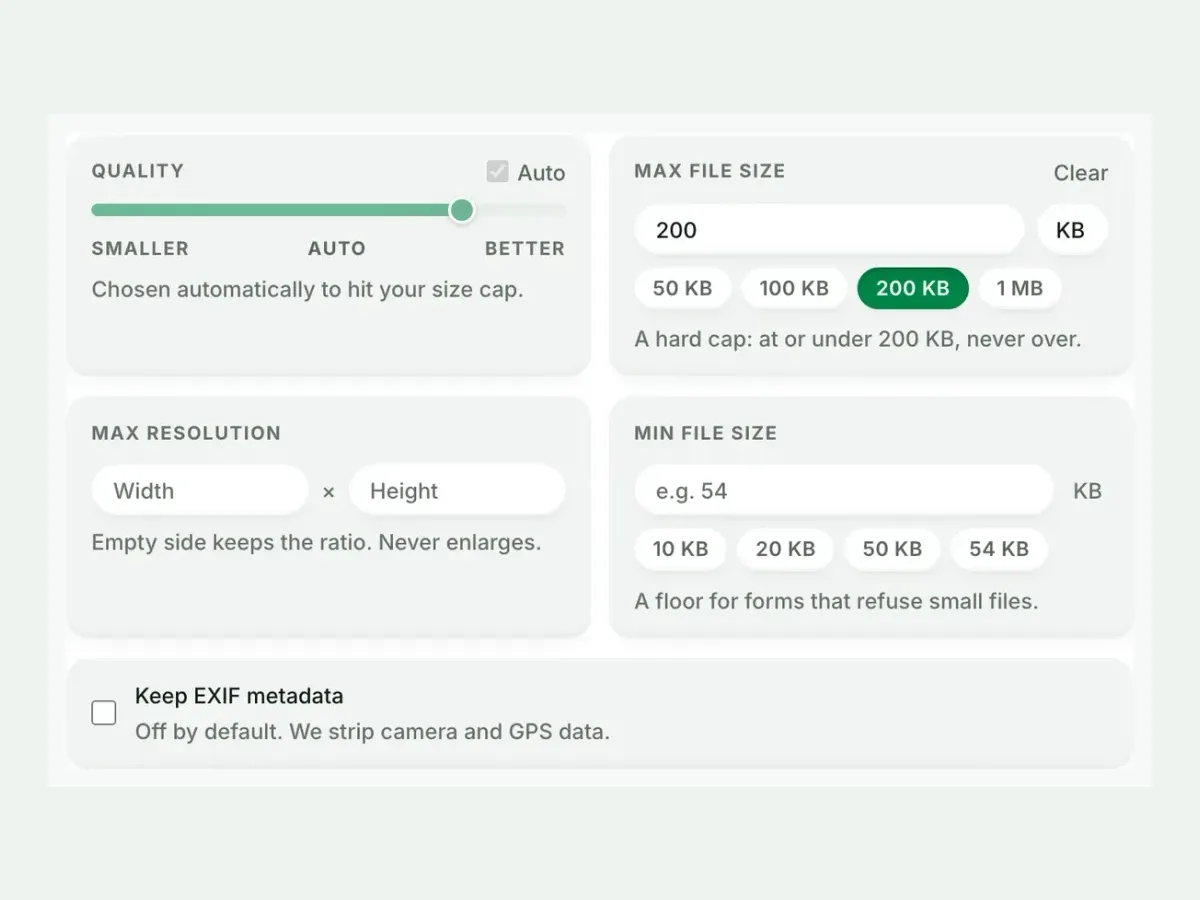
SmallerAutoBetter

Chosen automatically to hit your size cap.

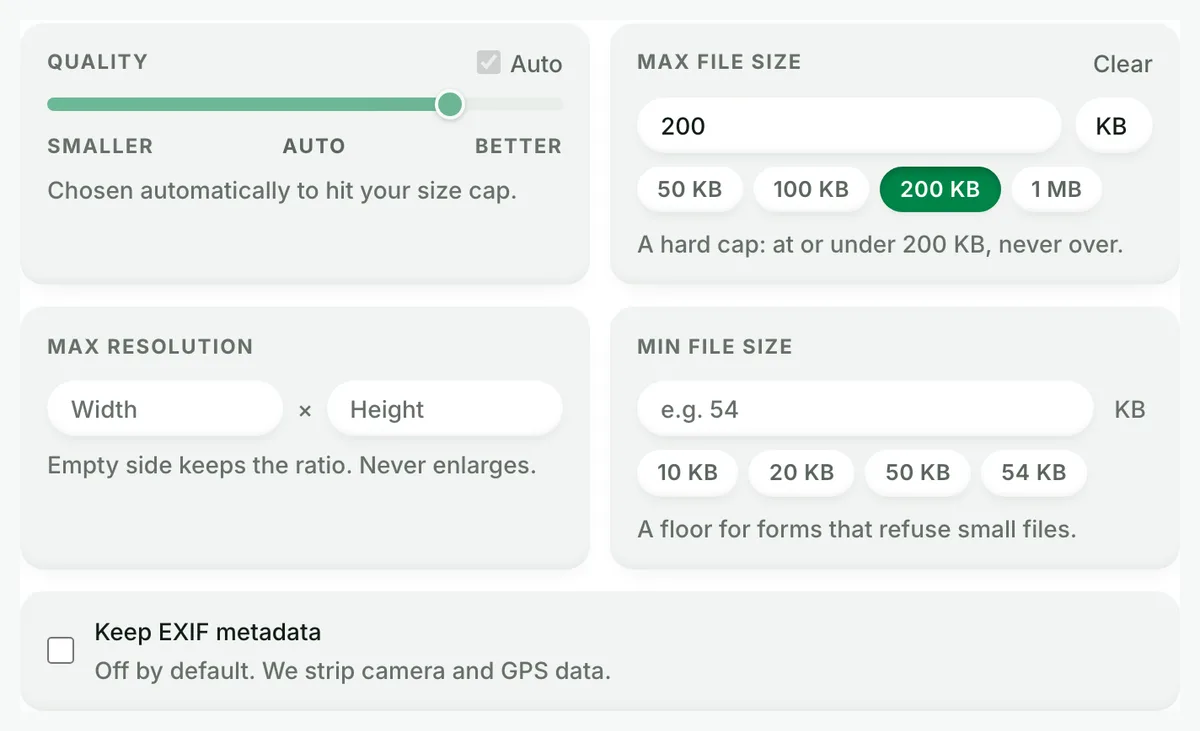
A hard cap: at or under 200 KB, never over.

A floor for forms that refuse small files.

Max resolution

Empty side keeps the ratio. Never enlarges.

Every size target, one guarantee

A page for each number, arriving with the cap already armed. Under it, or a clear error, and never over.

More image tools

Keep working on this image

Browse all image tools
Compress image to 200 KB, before: the original photograph, 9.8 MBOriginal · 9.8 MB
Compress image to 200 KB, after: the same photograph as AVIF, 97.1 KBAVIF · 97.1 KB
−99%
The engine behind the cap, on a real photograph: 9.8 MB in, 97.1 KB out. Your file gets the same treatment with your size limit as the hard ceiling.

Compress to 200 KB

How to compress an image to 200 KB in 4 steps

Free, in your browser, with no sign-up. Each step below is the real tool on this page.

  1. Drop your photos

    Up to 10 JPG, PNG, WebP or HEIC files. The 200 KB cap is set.

    The Blinkimg drop box, ready for photos
  2. Keep the cap, or not

    Every file lands at or under 200 KB. Change the number any time.

    Advanced settings with the maximum file size set to 200 KB
  3. Compare the result

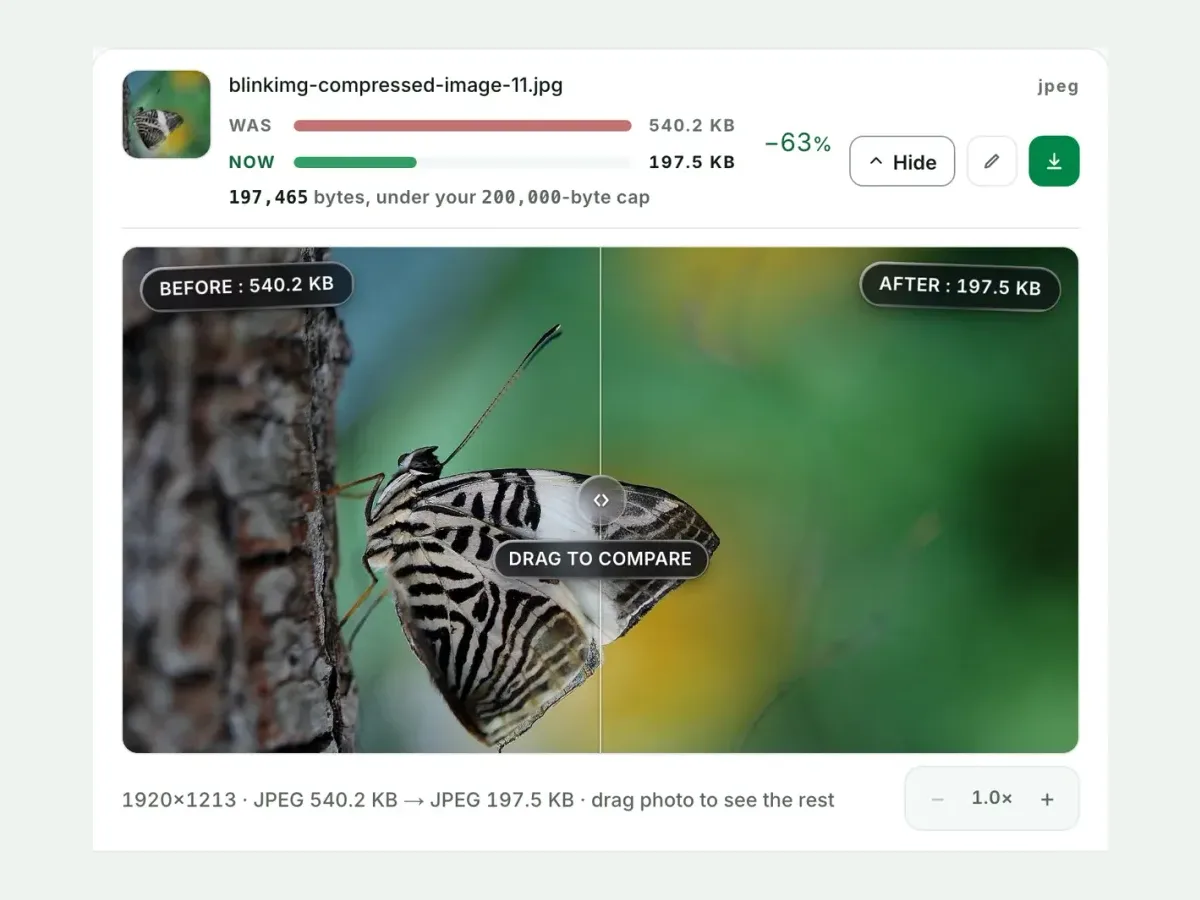
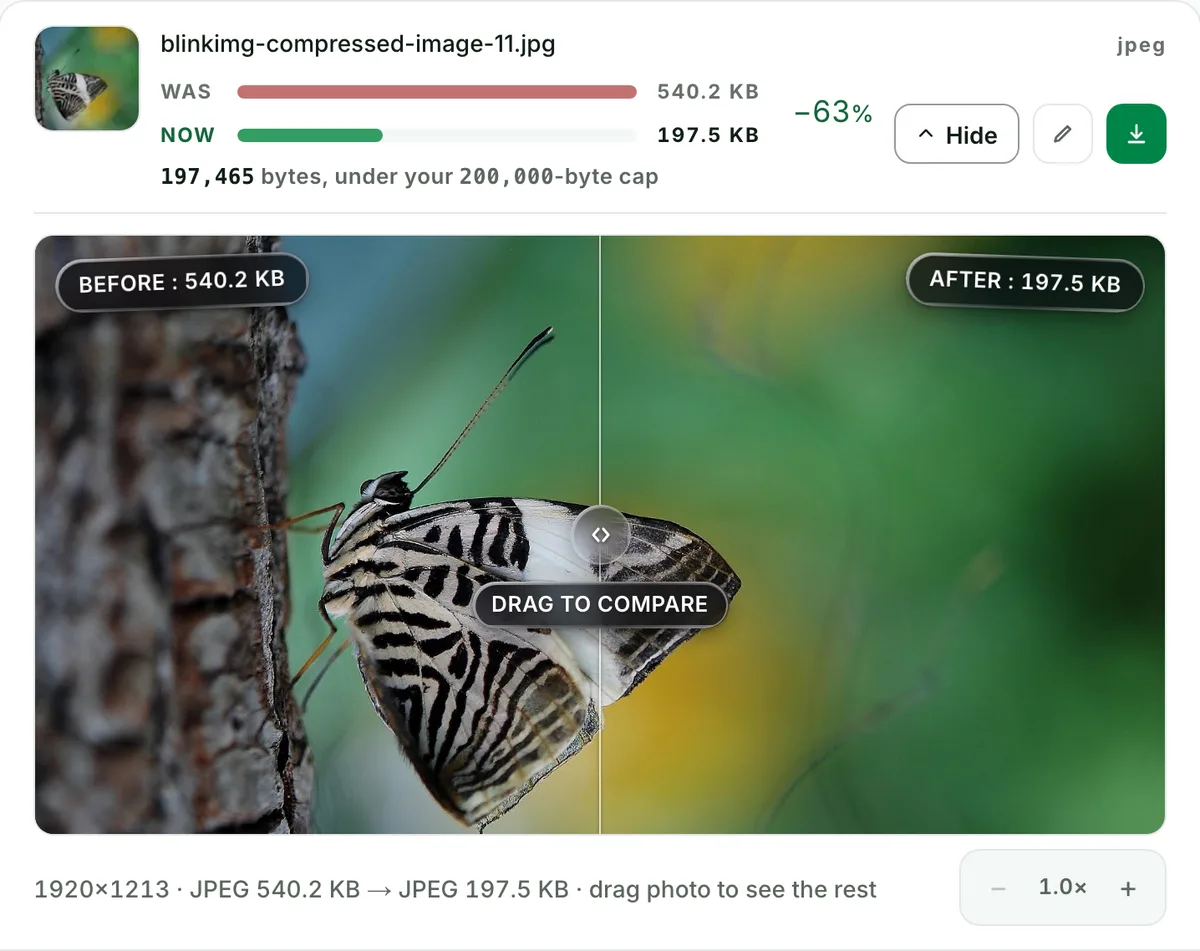
    See each measured size, then drag the slider to check the look.

    A photo before and after in the compare slider, with both sizes
  4. Download one ZIP

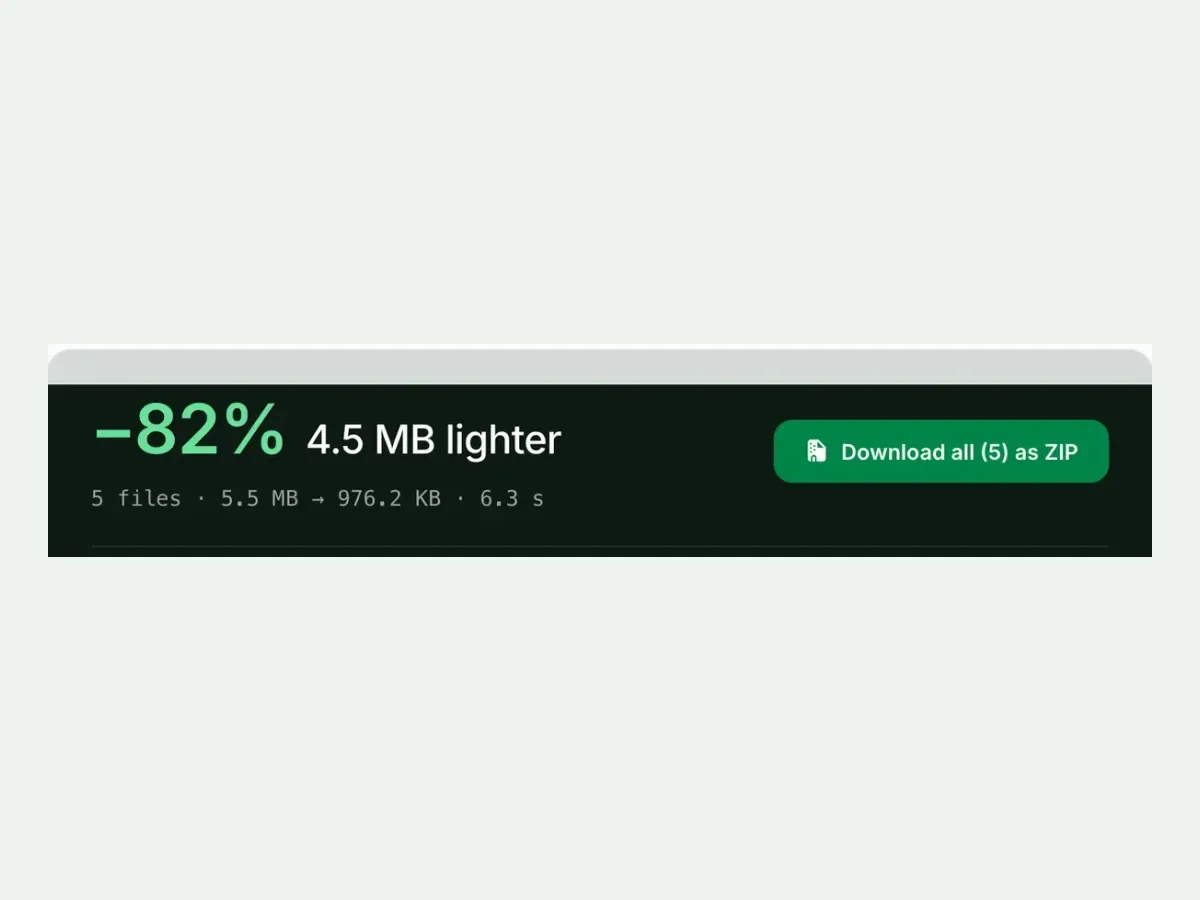
    Take each file on its own, or all of them together in one ZIP.

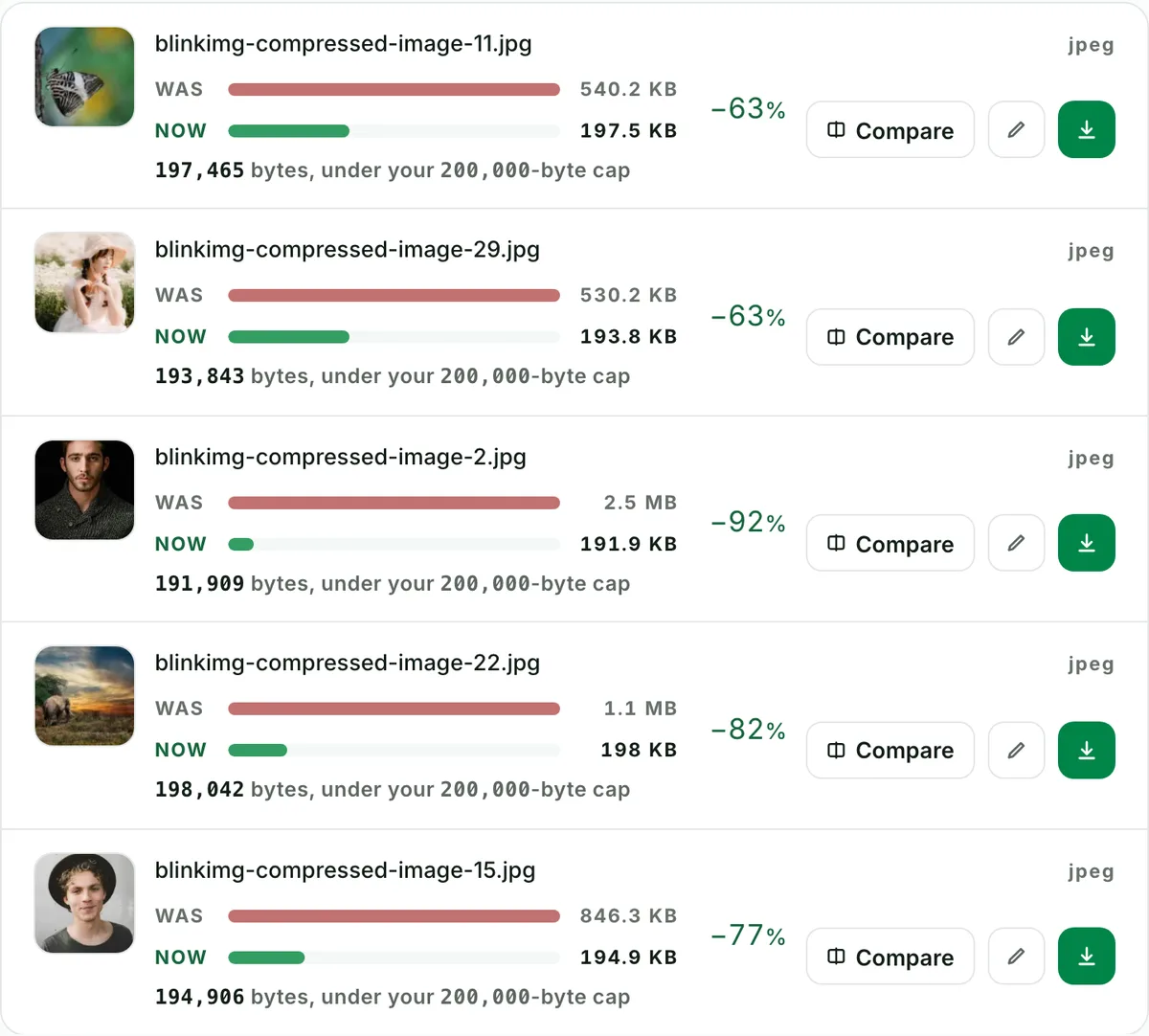
    Five compressed files with a Download all as ZIP button

Free, no sign-up

The best way to compress an image to 200 KB

A hard 200 KB cap, every result measured to the byte, and nothing kept after you leave.

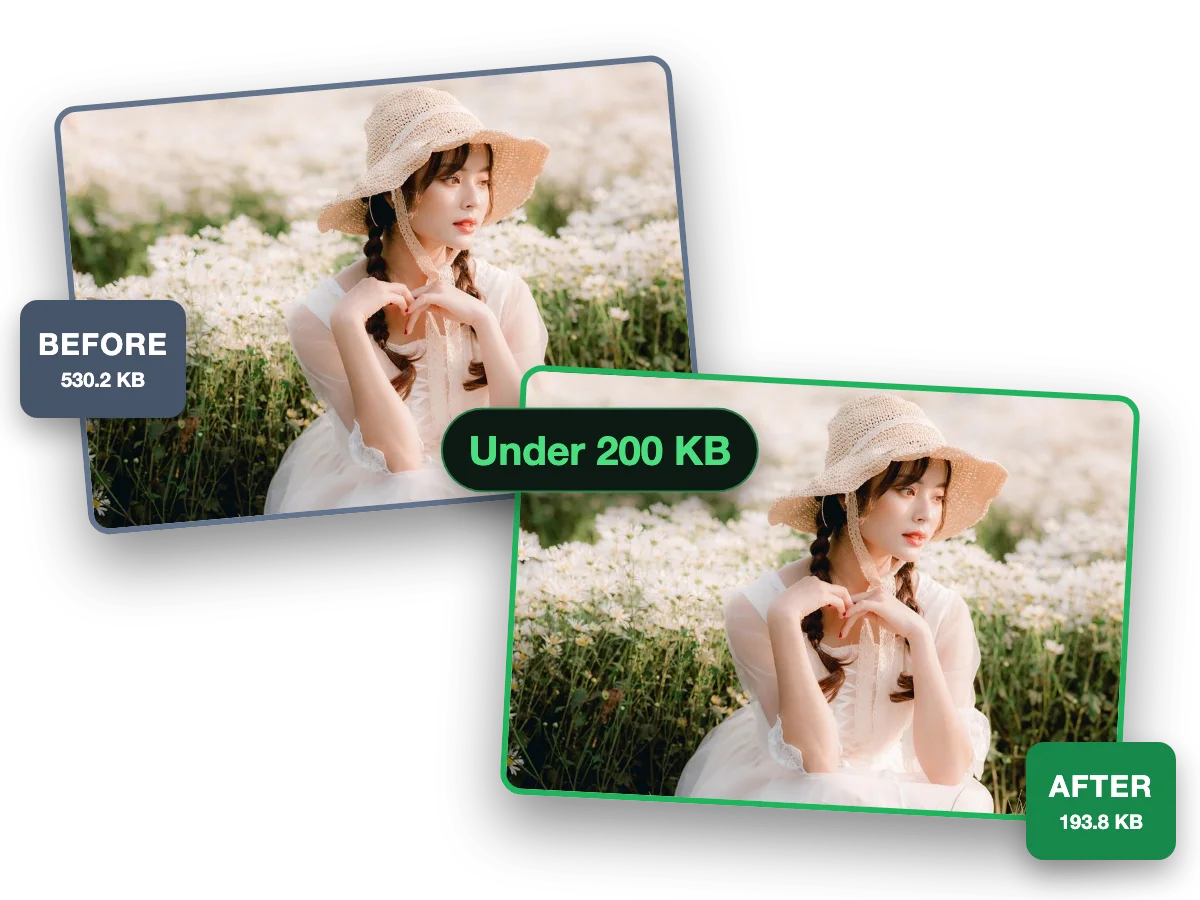
  1. One photo before (530.2 KB) and after (193.8 KB) a 200 KB cap

    Fast and easy

    Compress a photo to 200 KB in seconds

    This photo went from 530.2 KB to 193.8 KB, under 200 KB and still sharp.

Why this tool

Compress image to 200 KB, measured to the byte

Every size on this page is a file the engine wrote.

  1. Compress images to 200 KB, ten at a time: the real tool on this page

    Batch

    Compress images to 200 KB, ten at a time

    Drop up to 10 photos and every one lands at or under 200 KB. Each file shows its own measured size.

  2. Resize an image to 200 KB without visible loss: the real tool on this page

    Quality

    Resize an image to 200 KB without visible loss

    This photo went from 540.2 KB to 197.5 KB. Check any file at full size before you keep it.

  3. At or under 200 KB, never over: the real tool on this page

    Exact size

    At or under 200 KB, never over

    A hard cap: the engine finds the best quality that fits. A floor setting stops files coming out too small.

    Reduce image size in KB

How to compress an image to 200 KB, at or under the number

A 0 to 240 KB scale with the 200 KB cap marked: our 9.8 MB camera photo landed under it at 194.8 KB. The cap is 200,000 bytes, and the result is at or under it, never over.

Drop your image: the 200 KB cap is already armed, and the result comes back at or under 200,000 bytes, never over. EXIF and GPS come off every output, and files are wiped automatically. How the search trades quality against pixels, and the camera photo at every cap, are on the compress image to 50 KB page. Pixels the real problem? Resize image. The portal dictates the crop too? Crop image.

Compress an image under 200 KB: two real files, measured

SourceCapResultDimensionsNote
Reference photo200 KB199.2 KB1920×1280quality search alone
Camera photo200 KB194.8 KB4964×2782quality search alone

Sources: photo.jpg, 576.8 KB at 1920×1280, and source.jpeg, 9.8 MB at 4964×2782.

Every byte count is the size of the actual file our engine produced from the named source, the same bytes you would download, not an estimate. The reference photo is one of our own photographs, an iguana on a branch, and the camera photo is a real one too. Drop your own file into the tool above to rerun any of them. How we measure names the sources and the settings.

The 200 KB jobs: marketplace listings, CV photos, CMS uploads

The 200 KB jobs: marketplace listing photos, CV and profile pictures, forum avatars and CMS uploads. Our 576.8 KB reference photo kept all 1920×1280 pixels at 199.2 KB. An EXIF-free file already under the cap comes back untouched; a file carrying EXIF always gets the stripped re-encode.

Two hundred kilobytes is the cap of commerce: marketplace listing photos, CV and profile pictures, forum avatars, and CMS upload limits. It is generous enough that most phone photos only need a nudge. Our 576.8 KB reference photo kept all 1920×1280 pixels at 199.2 KB. An EXIF-free file already under the cap comes back untouched: the re-encode cannot beat it, so the never-larger guard returns the original. One honest caveat: a file carrying EXIF always gets the stripped re-encode, because privacy outranks the byte count.

Can I compress an image to 250 KB instead?

Yes. Change the number in Max file size to 250, with KB as the unit: the field takes any number from 10 KB up, and the result still lands at or under it. Under this page's 200 KB cap our 9.8 MB camera photo already kept all 4964×2782 pixels at 194.8 KB, so 250 KB only leaves the search more room.

Image compressor to 200 KB, photo compressor to 200 KB, resize image to 200 KB: one page

8 ways forms and searches name one job, from image compressor to 200 KB and photo compressor to 200 KB to JPG 200 KB and less than 200 KB, all arriving at one page: compress to 200 KB, never over.

Image compressor to 200 KB, photo compressor to 200 KB, resize image to 200 KB, 200 KB converter, JPG 200 KB, 200 KB photo size: one job, a file at or under 200 KB. Compress image to, in, under, below or less than 200 KB: this page, with the cap armed.

What does “200 KB photo size” mean?

The file’s weight on disk, not its pixels: a JPG at or under 200 KB. When a portal also rules on pixels, it states them separately, in px or cm, and the crop tool’s presets cover that rule.

Questions, answered

The cap is already armed above. One drop settles most of these.

Will the result be exactly 200 KB, or under it?

At or under, never over: that is the whole guarantee. The search maximises quality within the budget, so a result lands close beneath the cap when the image needs the room and further under when it does not. Under this page's 200 KB cap our 9.8 MB camera photo came back at 194.8 KB and our 576.8 KB reference photo at 199.2 KB. The readout under each result prints the exact bytes.

Does reducing the dimensions help an image compress to 200 KB?

Enormously: pixels are what bytes pay for. Under this 200 KB cap our 9.8 MB camera photo kept all 4964×2782 pixels and landed at 194.8 KB, so quality alone paid for the bytes. For a tight target, set Max resolution in Advanced settings yourself: it gives the quality search far more room to keep the face sharp. The engine shrinks a picture on its own only when the cap demands it.

What do "compress image in 200 KB", "compress image less than 200 KB", "200 KB converter" and "JPG 200 KB" mean?

The same thing portals ask for in their own words: a file that comes out as a JPG at or under 200 KB. This page is that converter. It preselects JPEG output, arms the 200 KB cap, and prints the exact bytes beside the result, so the words on the form and the file you upload finally agree.

My file is already under 200 KB. What happens?

When the re-encode can't beat your original and there's no metadata to strip, the never-larger guard returns your original bytes. Our EXIF-free 576.8 KB reference photo is over this 200 KB cap, so it was re-encoded to 199.2 KB; under the 1 MB cap it came back untouched. Files carrying EXIF get the stripped re-encode of their own.

What size should marketplace listing photos be?

Most marketplaces cap uploads between 200 KB and a few MB, and they re-process what you send. Land under 200 KB yourself and you get faster uploads, no surprise server-side mangling of your product shots, and one photo that fits every platform's limit at once.

Can I compress a whole listing's JPGs to 200 KB at once?

Yes: fifty per batch, with the one cap applied to every file, and the results come back as a single ZIP with filenames preserved. Each row reports its measured output size. You can see which photos needed real compression and which were already fine.

Can I compress an image to 200 KB without losing quality?

Almost: 200 KB is generous for a photograph, so the cost is detail you hunt for with the compare slider. Our 9.8 MB camera photo came back at 194.8 KB with all 4964×2782 pixels kept; the quality search alone found the fit. Our 576.8 KB reference photo kept all 1920×1280 pixels at 199.2 KB. A file already under the cap needs no re-encode and loses nothing at all, which is the never-larger guard at work.

Which exam forms cap the photo at 200 KB?

NTA's NEET (UG) 2026 bulletin wants the photograph as a JPG of 10 to 200 KB, and its UGC-NET June 2026 bulletin says the same for the passport photograph. UPSC's 2026 examination notices put the photograph at 20 to 200 KB. Every one of those is a window: the cap holds the ceiling, and the readout under your result shows the bytes sit above the floor. Crop to the notice's pixel rule first if it states one.

Does a phone JPG compress to 200 KB without losing pixels?

Yes: the bytes change, not the picture. Our 9.8 MB camera photo, 4964×2782 pixels, came out at 194.8 KB under this cap: about 50 times smaller with every pixel kept, because a JPEG at a moderate quality setting needs a fraction of the bytes the camera spent. The frame only shrinks at caps far below this one. For a listing or a profile picture the result is the same size on screen and a fiftieth of the upload.

Still have a question?

Ask us. A person reads it.

Contact us

Page updated

What people say

Every rating counts in the average, low ones too. We remove only spam, abuse and fakes.

Average rating

5.0

15 ratings, 6 written

  • 515
  • 40
  • 30
  • 20
  • 10

How did it go?

One tap. No account needed.

Filter:

Written reviews

    Ready when your 200 KB deadline is

    Drop the file above. The cap is set, the guarantee holds, the portal accepts.

    Compress to 200 KB