
Guides
Guides to get an image to the file size, the format or the shape you need, step by step on phone and computer, with the numbers we measured on real files.
Guides, newest first
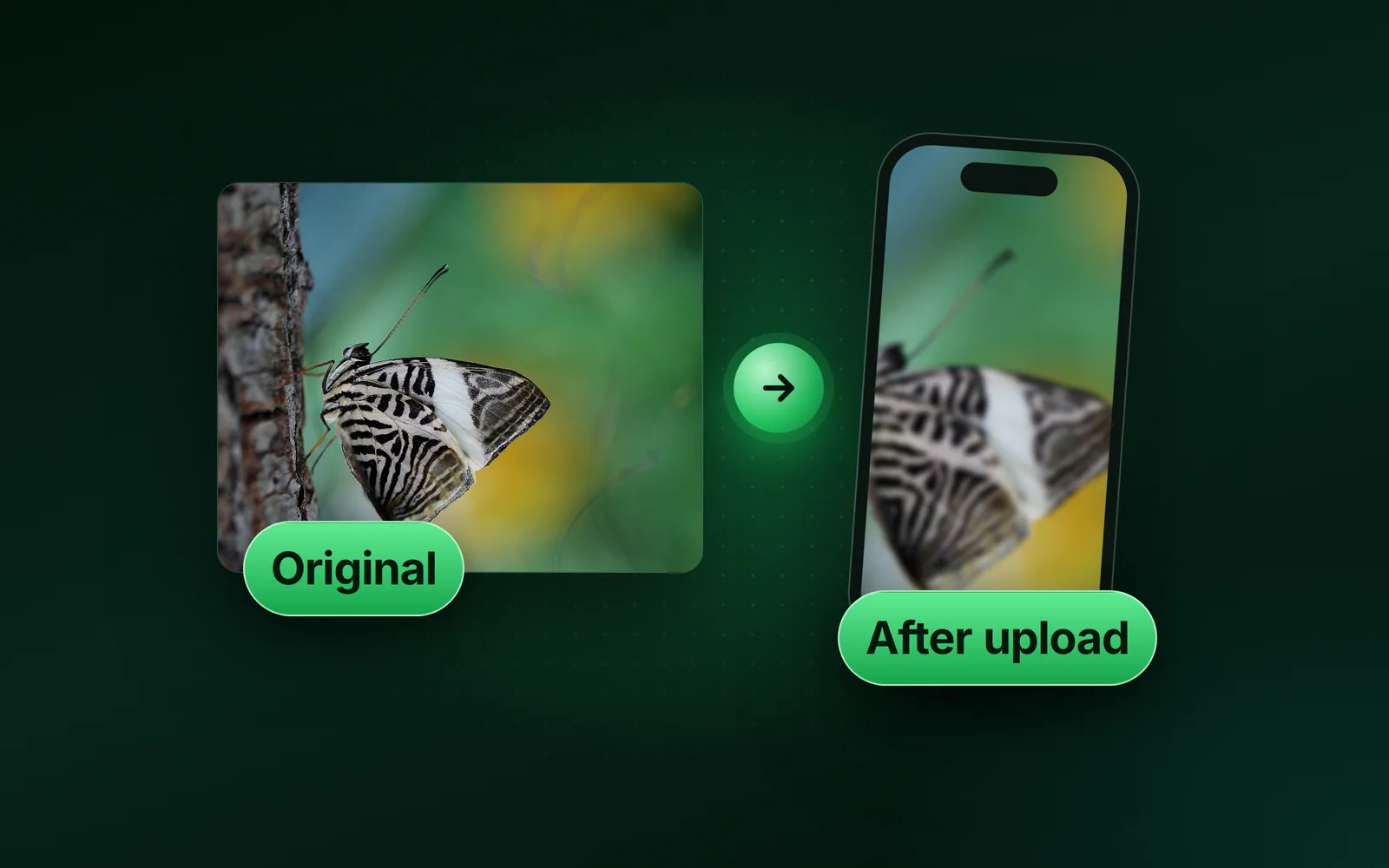
- GuidesUpload quality, Instagram, FacebookWhy are my photos blurry when I upload them?Two things blur an upload: too few pixels and extra lossy saves. We simulated Instagram’s stated resize with our engine and measured both.Sahadat Husain
- GuidesUpload errors, Minimum size, Enlarge imageImage too small to upload? Fix pixels or KBThe error means too few pixels or too few KB. We list each site’s minimum and measure what each fix really adds.Sahadat Husain
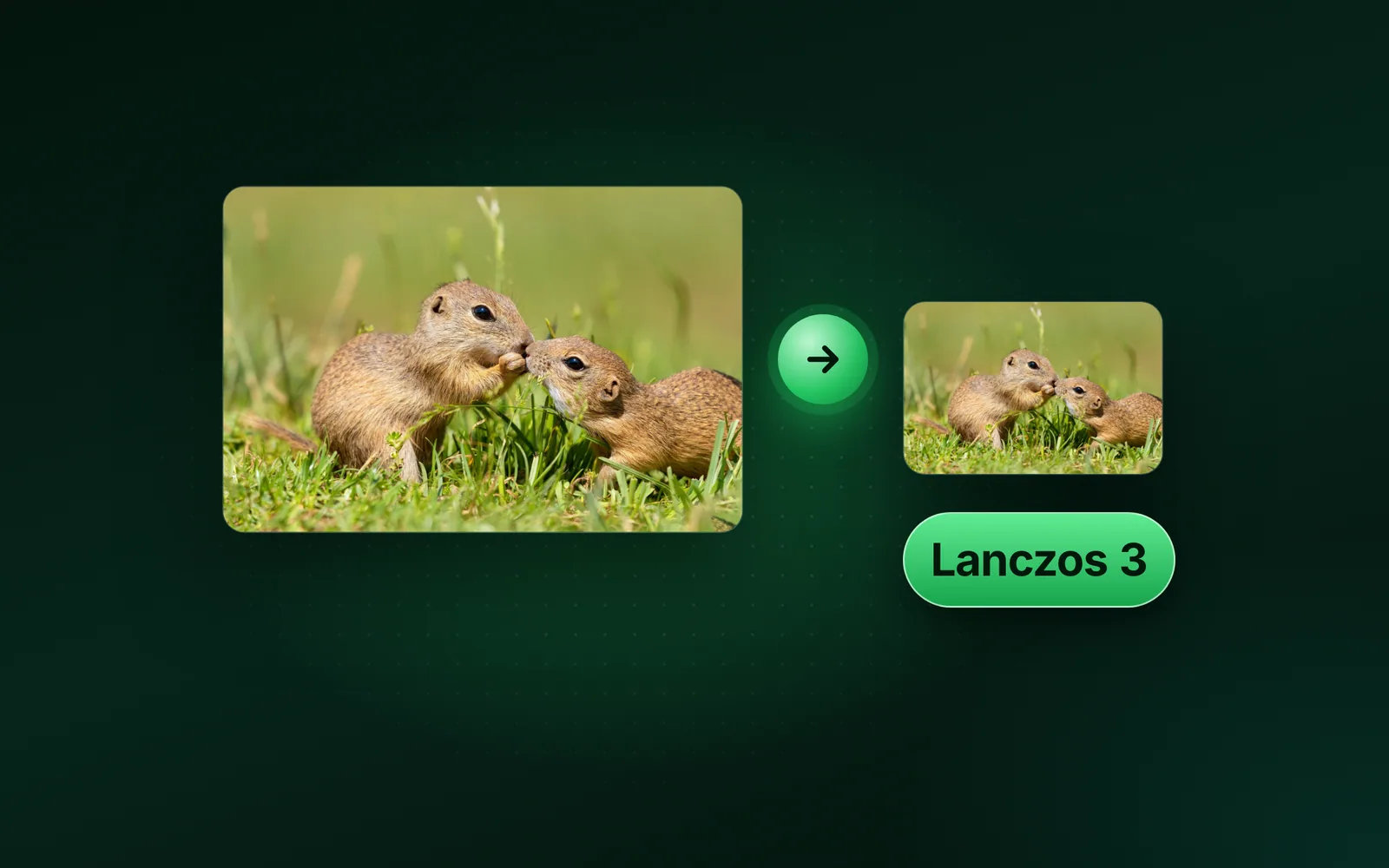
- GuidesResize, Image quality, ResamplingHow to resize an image without losing qualityShrink with a smooth kernel, save once, and keep the original. Enlarging adds pixels but no detail, unless the image is a vector.Sahadat Husain
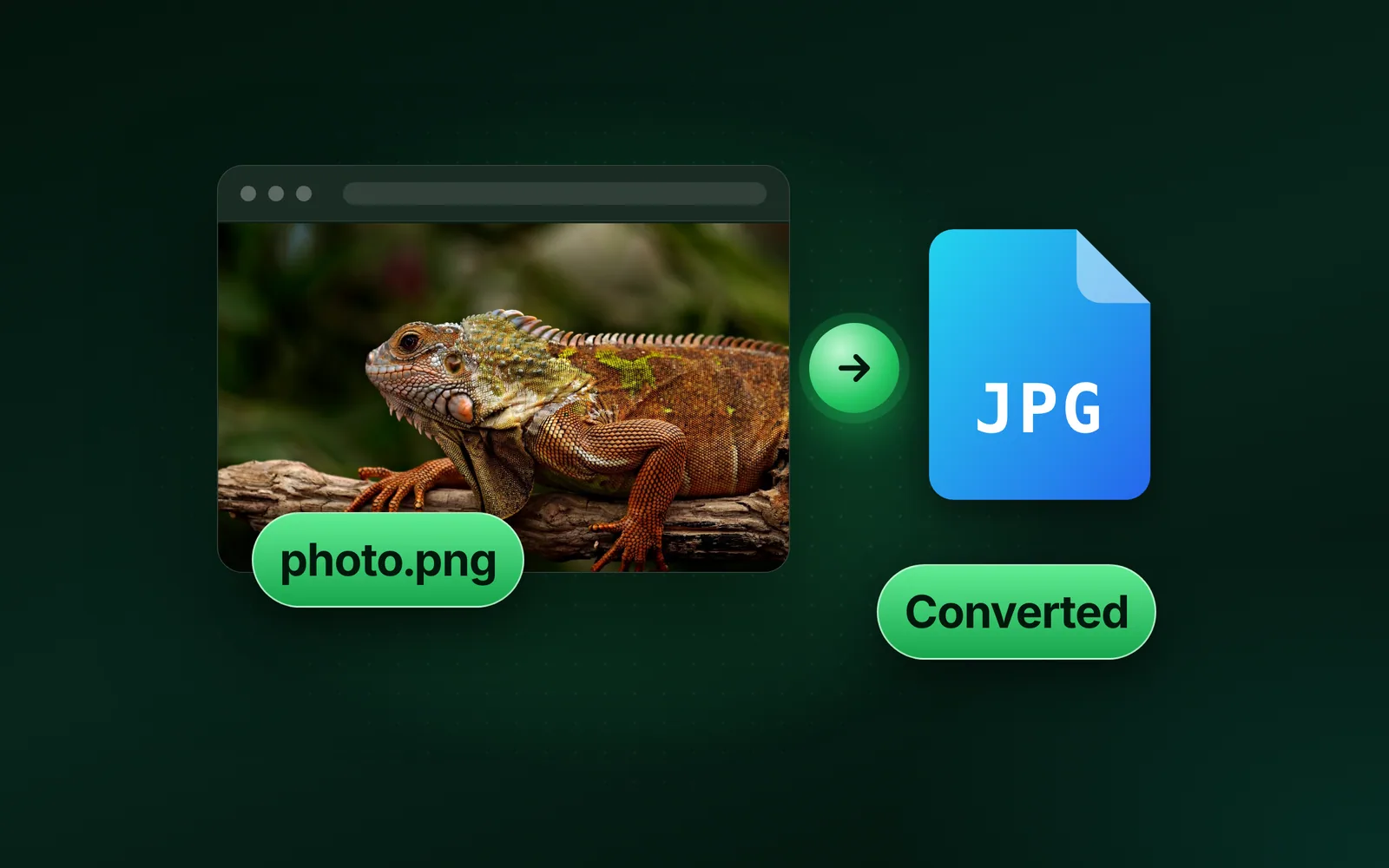
- GuidesFile types, File extensions, PNG to JPGHow to change a file type: convert, don’t renameTo change a file type, open the file and save it in the new format, or use a converter. Renaming the extension changes only the name.Sahadat Husain
- GuidesDiscord, Upload limits, NitroDoes Discord compress images? Limits and file sizesDiscord compresses some images: Data Saving Mode sends smaller ones, and uploads pass a “pre-compression check”. Discord checks the file size before any compression. The free limit is 20 MB per file since August 2026.Sahadat Husain
- GuidesDPI, Print, ResolutionHow to change the DPI of an image for printThe DPI of an image changes in one box: Resolution, in Photoshop's Image Size or Preview's Adjust Size. Turn Resample off, and the pixel count stays; only the print size moves. Our script retagged one 1800 × 1200 JPG at 72 and at 300 DPI. Both weigh 146.6 KB, and no pixel value changed.Sahadat Husain
- GuidesWindows, Paint, ResizeHow to resize an image in Paint on Windows 11 and 10To resize an image in Paint, open it and press Ctrl+W, or click Resize and skew. Choose Pixels or Percentage, keep Maintain aspect ratio on, type the width and click OK. We ran our 9.8 MB camera photo through Blinkimg's engine at each percentage to show what each one weighs.Sahadat Husain
- GuidesMac, Preview, PhotosHow to resize an image on Mac, crop it and compress itHow to resize an image on Mac: open it in Preview and use Tools, Adjust Size for exact pixels. Crop it to keep only the part you want. For a smaller file in MB, use File, Export and its Quality slider. Here are the main built-in routes, in Apple’s own steps. We ran our 9.8 MB photo through sips, the image tool built into every Mac, on macOS 26.5.1.Sahadat Husain
- GuidesiPhone, iOS 27, PreviewHow to resize an image on iPhone (and make it smaller in MB)How to resize an image on iPhone: crop it in Photos to keep fewer pixels, or, on iOS 26 and later, open it in Preview, where Adjust Size sets exact pixels and Export makes a smaller file in MB. Photos itself has no width and height box. Here are Apple’s own steps for each route and what Apple leaves undocumented. The file sizes are our engine’s, run on a Mac on our 9.8 MB camera photo and a real iPhone 12 Pro HEIC, not on an iPhone.Sahadat Husain

Guides