
The Blinkimg blog
Guides, format comparisons and engineering notes, every figure measured on the same engine you use.
Recent articles
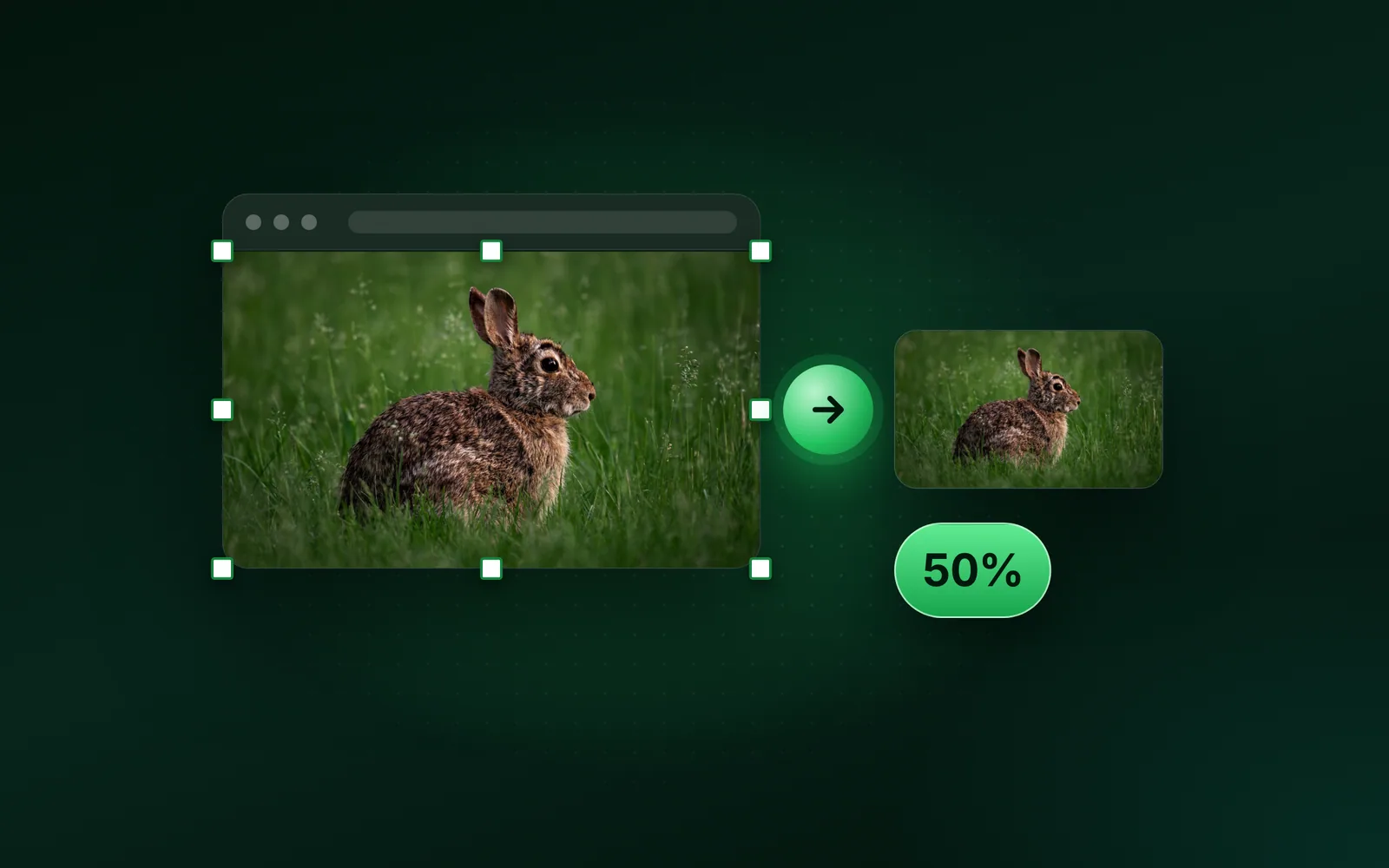
- GuidesWindows, Paint, ResizeHow to resize an image in Paint on Windows 11 and 10To resize an image in Paint, open it and press Ctrl+W, or click Resize and skew. Choose Pixels or Percentage, keep Maintain aspect ratio on, type the width and click OK. We ran our 9.8 MB camera photo through Blinkimg's engine at each percentage to show what each one weighs.Sahadat Husain
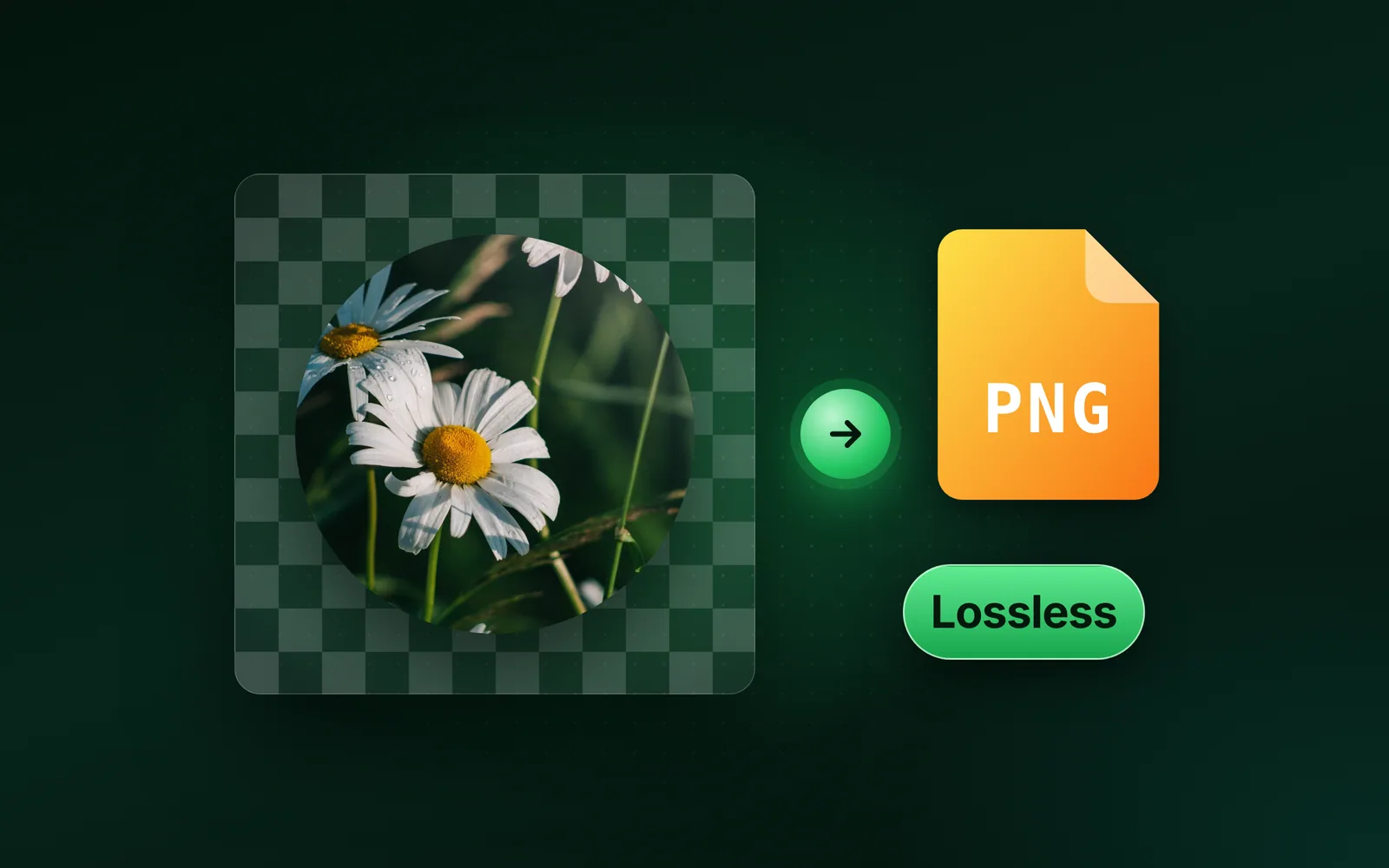
- FormatsPNG, Lossless, TransparencyWhat is a PNG file, and when it beats JPGA PNG file is an image saved without loss, so every pixel comes back exactly as it was stored. A PNG can also be see-through. So PNG beats JPG on logos and flat graphics, and JPG stays smaller for photos.Sahadat Husain
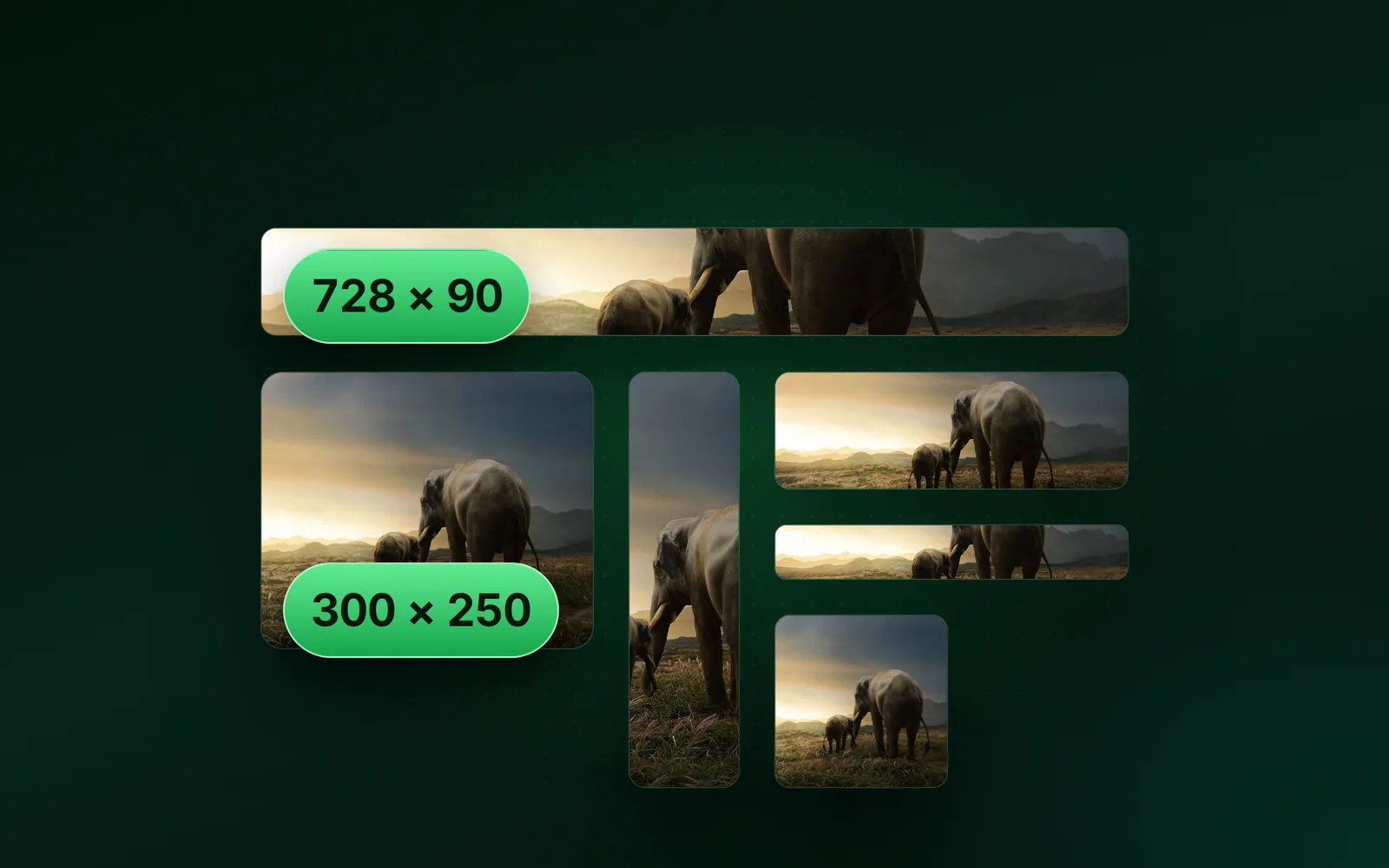
- SizesBanners, Ads, EmailBanner sizes for web, email, ads and every networkThe right banner size depends on where the banner runs. Web ads come in fixed sizes such as 300 × 250 and 728 × 90. An email banner is 600 pixels wide, and a website banner spans your layout. We read Google’s, the IAB’s and Mailchimp’s pages on 4 October 2026, then saved one banner at every size.Sahadat Husain
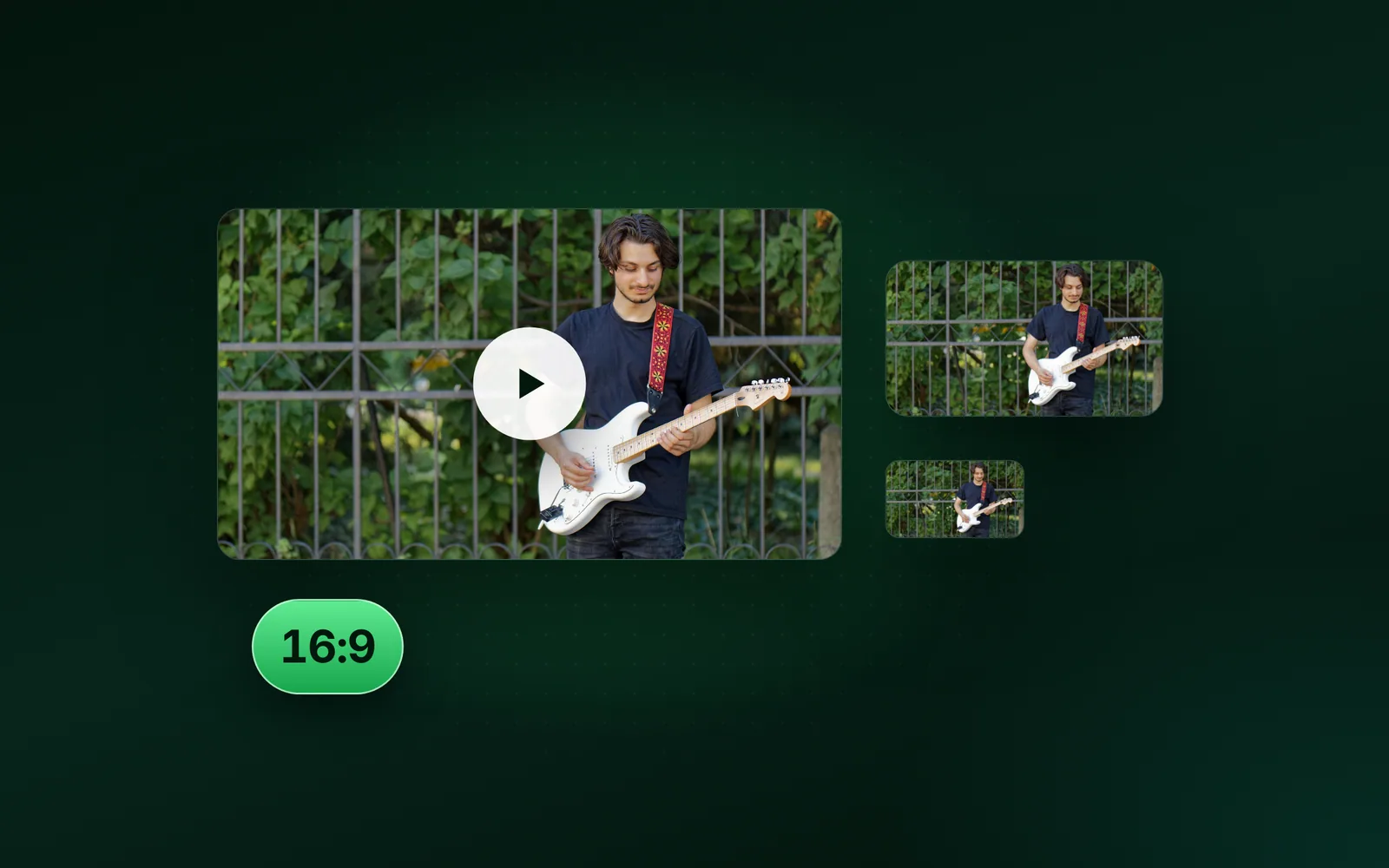
- SizesYouTube, Thumbnails, BannersWhat size is a YouTube thumbnail, and the banner (2026)A YouTube thumbnail should be 3840 × 2160 pixels at 16:9 and at least 640 pixels wide, YouTube’s help page says. The channel banner is 2560 × 1440, with text and logos kept inside a small safe area. We read YouTube’s pages on 4 October 2026, then measured the files.Sahadat Husain
- GuidesMac, Preview, PhotosHow to resize an image on Mac, crop it and compress itHow to resize an image on Mac: open it in Preview and use Tools, Adjust Size for exact pixels. Crop it to keep only the part you want. For a smaller file in MB, use File, Export and its Quality slider. Here are the main built-in routes, in Apple’s own steps. We ran our 9.8 MB photo through sips, the image tool built into every Mac, on macOS 26.5.1.Sahadat Husain
- GuidesiPhone, iOS 27, PreviewHow to resize an image on iPhone (and make it smaller in MB)How to resize an image on iPhone: crop it in Photos to keep fewer pixels, or, on iOS 26 and later, open it in Preview, where Adjust Size sets exact pixels and Export makes a smaller file in MB. Photos itself has no width and height box. Here are Apple’s own steps for each route and what Apple leaves undocumented. The file sizes are our engine’s, run on a Mac on our 9.8 MB camera photo and a real iPhone 12 Pro HEIC, not on an iPhone.Sahadat Husain
- FormatsJPG, JPEG, JFIFIs JPG and JPEG the same? Yes, and here is why both existIs JPG and JPEG the same? Yes. They are two names for one image format, and the file inside is identical: we saved one photo as .jpg and .jpeg and both have the same SHA-256 fingerprint. JPEG is the committee and its standard; .jpg is the three-letter form old PCs needed. Here is where each name comes from, why cameras write .JPG in capitals, and which one to use.Sahadat Husain
- SizesInstagram, Stories, ReelsInstagram story size and profile picture size (2026)The Instagram story size is 1080 × 1920 pixels, a 9:16 frame the shape of a phone screen. That number is Meta’s: its Stories ads help recommends it, and its publishing API recommends 9:16 for story images. Instagram’s own help pages state no story size and no profile picture size. Here is what each Meta page does say, what the guides get wrong, and the files we measured.Sahadat Husain
- FormatsWebP, Chrome, Windows 11What is a WebP file? Why your images save as WebPWhat is a WebP file? An image format Google released in 2010 that stores photos and graphics in fewer bytes than JPG and PNG. Websites send WebP because it is light, so a picture you save can arrive as .webp even when its address ends in .jpg. Here is what the file holds, why it lands on your disk, and how to open or change it.Sahadat Husain


Blog